
Questa pagina non è una pagina ufficiale dell'app o del suo sviluppatore, ma una pubblicazione editoriale indipendente creata a scopo informativo e di commento. Salvo espressa indicazione contraria, né l'app né il suo sviluppatore sono affiliati, approvati, sponsorizzati, autorizzati o altrimenti ufficialmente collegati a MWM, Apple, Google Play, all'editore dell'app o allo sviluppatore dell'app, e nulla in questa pagina implica che l'app sia stata sviluppata utilizzando i servizi di MWM. Tutti i marchi, loghi, screenshot e altri contenuti rimangono di proprietà dei rispettivi proprietari.

PDF to JPEG - Flyingbee
Il ponte definitivo per il tuo flusso di lavoro mobile. Converti istantaneamente PDF in immagini ad alta risoluzione o estrai risorse originali per social media, presentazioni e condivisione professionale.
Download
290K+Valutazione
Valutazioni totali
200Editore
Categoria
BusinessLingue
12Ultima versione
8.8.7Dimensione
79.8 MBData di lancio
22 ott 2011Converti, estrai e condividi con precisione
Il ponte essenziale tra i tuoi documenti professionali e il tuo spazio di lavoro visivo. Trasforma qualsiasi PDF in immagini ad alta risoluzione pronte per i social media, le presentazioni e la comunicazione professionale.
Pronto per i Social Media
Aggira le limitazioni di iOS convertendo PDF in JPEG che puoi condividere direttamente su Instagram, Facebook o LinkedIn senza mai accendere un computer.
Risoluzione di Grado Professionale
Cattura ogni dettaglio con impostazioni di risoluzione regolabili. Estrai elementi di immagini originali di alta qualità dai documenti per l'uso in pitch deck e risorse di marketing.
Gli screenshot e la descrizione seguenti provengono direttamente dall'elenco ufficiale dello store dell'app e sono di proprietà dello sviluppatore.
App Store
Screenshot
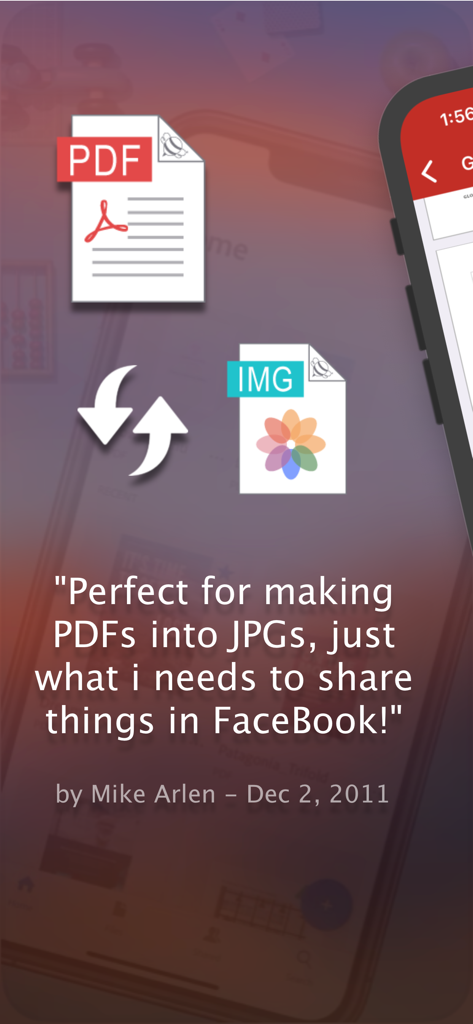
Testimonianza utente per l'app di conversione da PDF a JPEG per la condivisione su Facebook
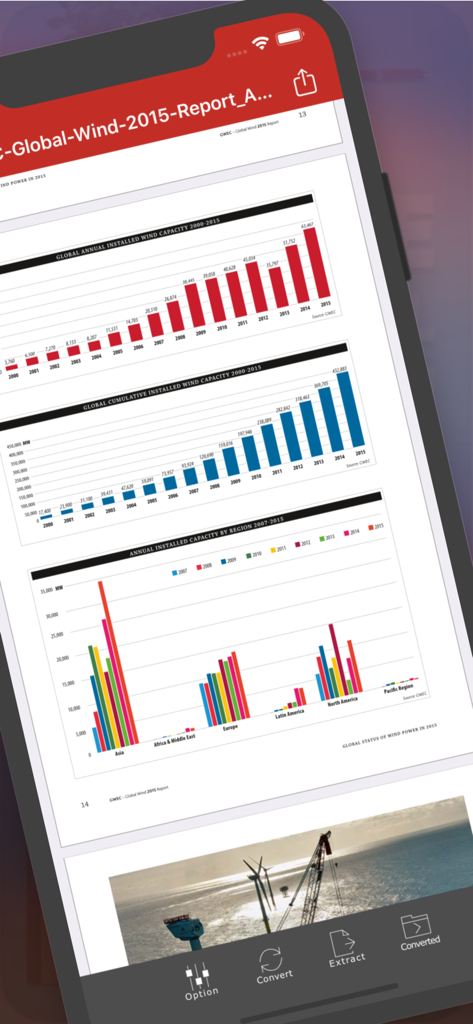
Interfaccia dell'app Flyingbee PDF in JPEG che mostra un report PDF con grafici su uno schermo iPhone
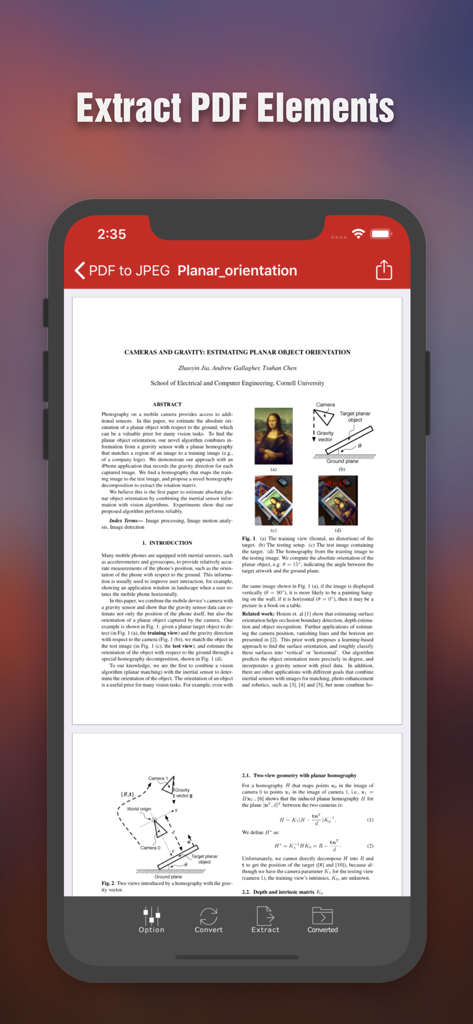
Schermata dell'iPhone che mostra l'interfaccia dell'app Flyingbee PDF in JPEG con un documento scientifico e opzioni per estrarre elementi PDF
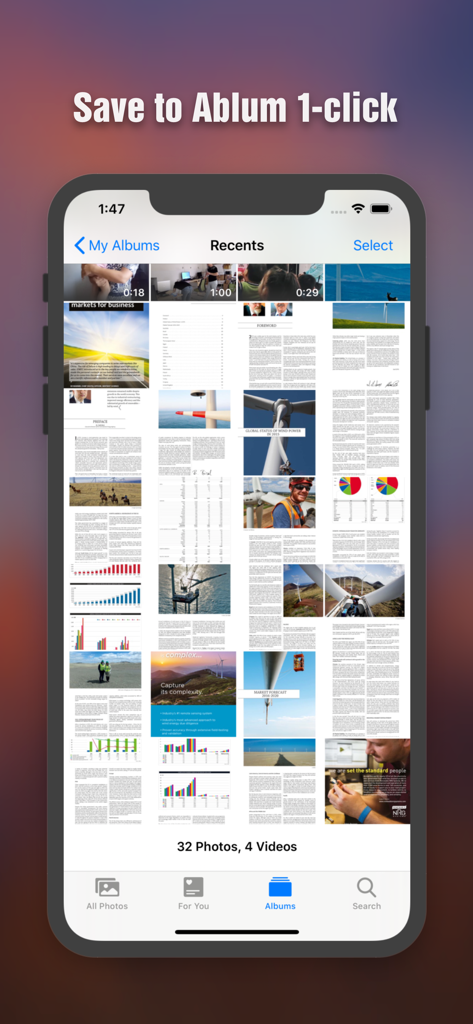
Pagine PDF convertite salvate come immagini nella galleria fotografica dell'iPhone
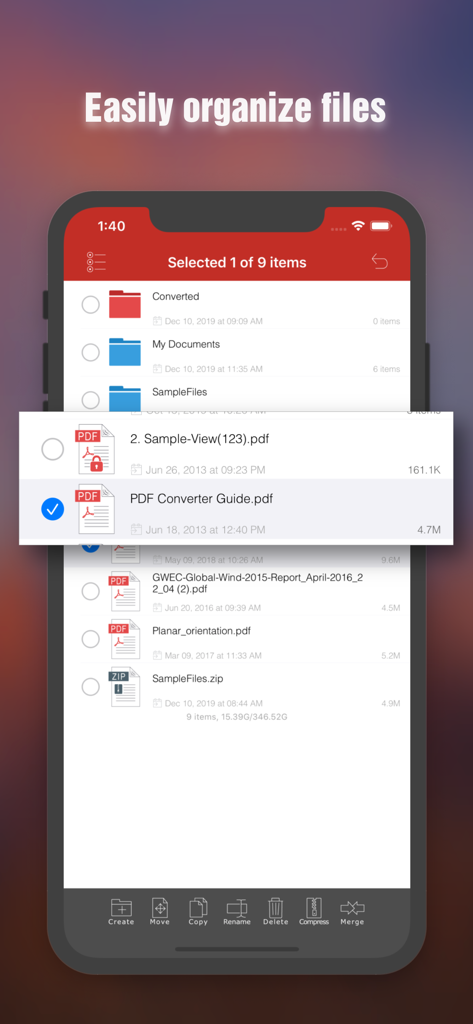
Interfaccia di gestione file nell'app Flyingbee PDF in JPEG che mostra funzionalità di organizzazione documenti su un iPhone
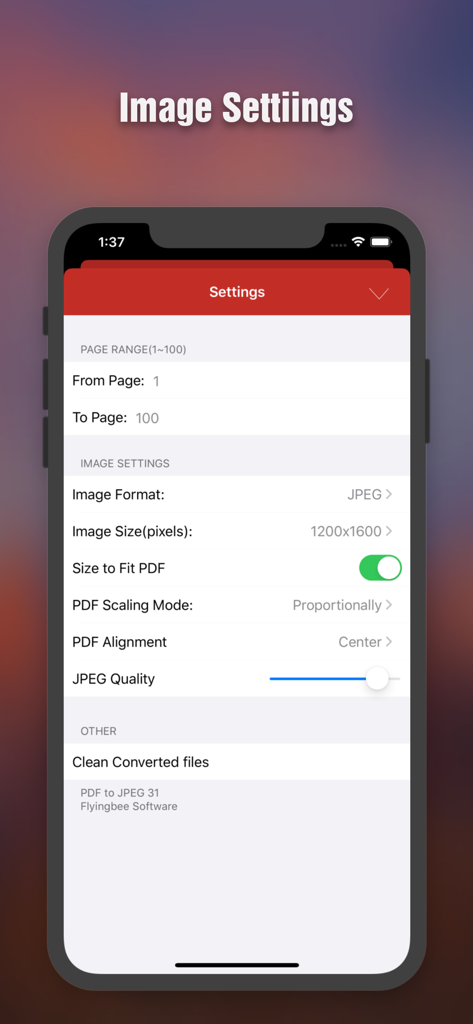
Schermata delle impostazioni di conversione da PDF a JPEG che mostra opzioni per intervallo di pagine, risoluzione immagine e regolazione della qualità
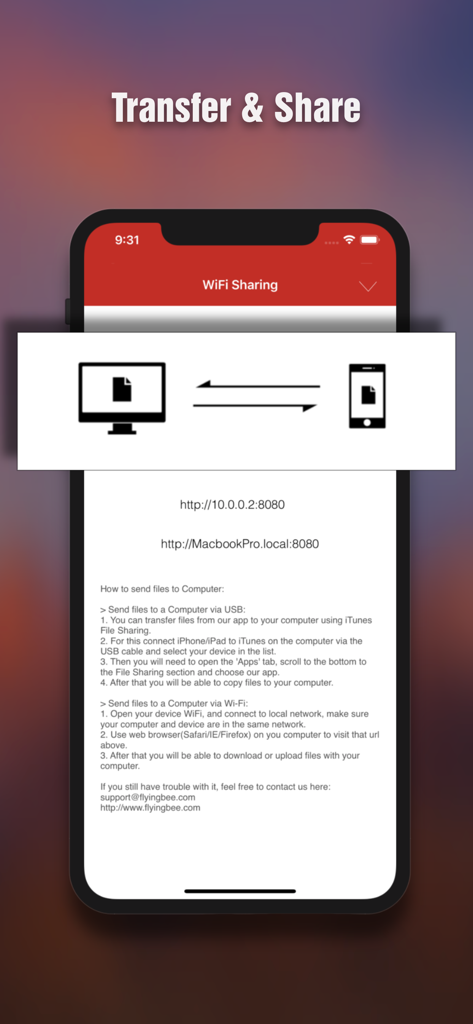
Interfaccia per il trasferimento e la condivisione di file in modalità wireless tra iPhone e computer
Descrizione
Download
App Simili
App con funzionalità ed esperienza simili

iConv - Video & PDF Converter
琛 王

Convert PDF to Word OCR
Tu Phan

PDF Converter – Photos to PDF
SMDA GROUP SP. Z OO

Toolbox by Paperclip
WuHan Paperclip Technology Co., Ltd.

Video Converter and Compressor
Inverse.AI

Video Converter & Compressor
WEBDIA INC.

全能格式转换王-视频音频转换图片文件格式处理
大为 方

PDF Converter: Convert to PDFㅤ
Roberto Hayes

The Document Converter
Float Tech, LLC
Questa pagina non è una pagina ufficiale dell'app o del suo sviluppatore, ma una pubblicazione editoriale indipendente creata a scopo informativo e di commento. Salvo espressa indicazione contraria, né l'app né il suo sviluppatore sono affiliati, approvati, sponsorizzati, autorizzati o altrimenti ufficialmente collegati a MWM, Apple, Google Play, all'editore dell'app o allo sviluppatore dell'app, e nulla in questa pagina implica che l'app sia stata sviluppata utilizzando i servizi di MWM. Tutti i marchi, loghi, screenshot e altri contenuti rimangono di proprietà dei rispettivi proprietari.