
Questa pagina non è una pagina ufficiale dell'app o del suo sviluppatore, ma una pubblicazione editoriale indipendente creata a scopo informativo e di commento. Salvo espressa indicazione contraria, né l'app né il suo sviluppatore sono affiliati, approvati, sponsorizzati, autorizzati o altrimenti ufficialmente collegati a MWM, Apple, Google Play, all'editore dell'app o allo sviluppatore dell'app, e nulla in questa pagina implica che l'app sia stata sviluppata utilizzando i servizi di MWM. Tutti i marchi, loghi, screenshot e altri contenuti rimangono di proprietà dei rispettivi proprietari.

Peak: Health & Fitness Widgets
Trasforma i tuoi dati di Apple Health in una splendida dashboard personalizzata. Costruisci abitudini sostenibili con obiettivi flessibili e privacy al 100%, progettata esclusivamente per il tuo iPhone, Watch e Vision Pro.
Download
8K+Valutazione
Valutazioni totali
100Editore
Categoria
Health & FitnessLingue
3Ultima versione
5.0.4Dimensione
281.3 MBData di lancio
6 lug 2023Padroneggia le Tue Metriche
Trasforma i tuoi dati di Apple Health in una dashboard personalizzata che si adatta al tuo stile di vita. Dai obiettivi flessibili ai widget mozzafiato per la schermata Home, Peak ti aiuta a rimanere al top del tuo fitness senza esaurirti.
Impostazione Obiettivi Sostenibili
Abbandona la pressione delle serie perfette. Imposta obiettivi flessibili 'Presentati' che consentono giorni di riposo mantenendoti in carreggiata a lungo termine.
Dashboard Design-First
Esprimi il tuo stile con oltre 80 temi. Personalizza il tuo iPhone, Apple Watch e Vision Pro con widget tanto belli quanto funzionali.
Gli screenshot e la descrizione seguenti provengono direttamente dall'elenco ufficiale dello store dell'app e sono di proprietà dello sviluppatore.
App Store
Screenshot
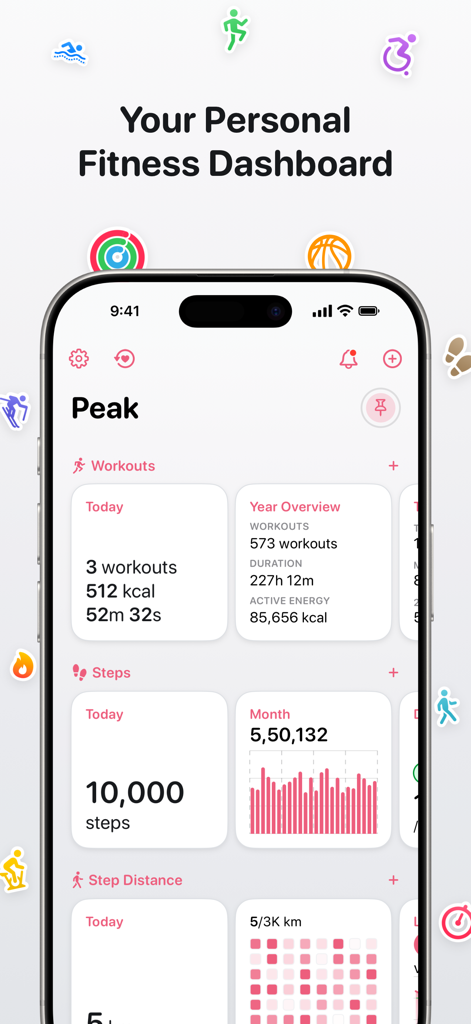
Una dashboard fitness personale su un iPhone che mostra allenamenti giornalieri, conteggio passi e panoramiche annuali con visualizzazioni dati pulite.
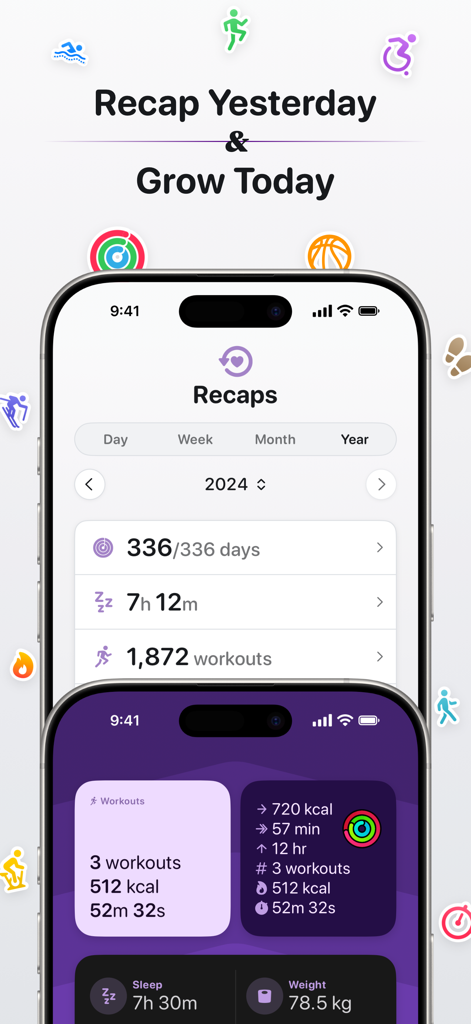
Riepiloghi annuali della salute e widget personalizzabili della dashboard di attività nell'app fitness Peak
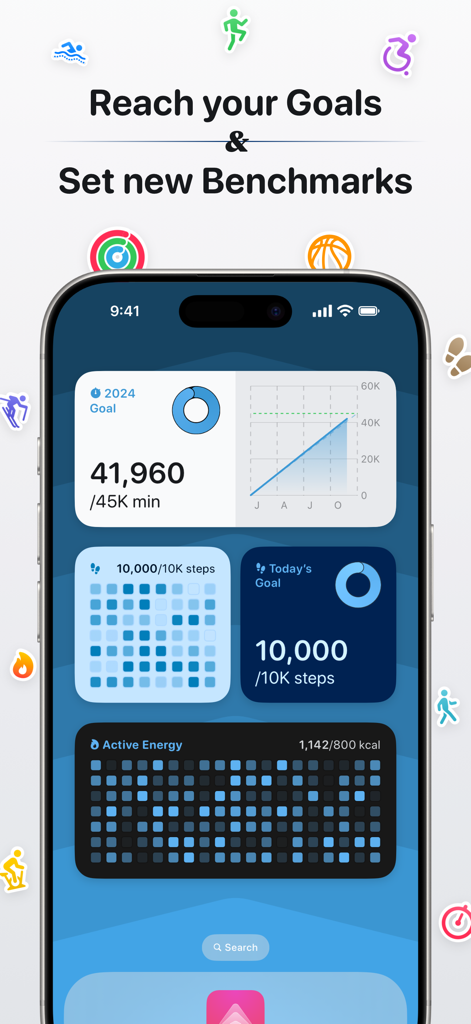
iPhone che mostra la dashboard fitness e salute di Peak con obiettivi e widget di benchmark
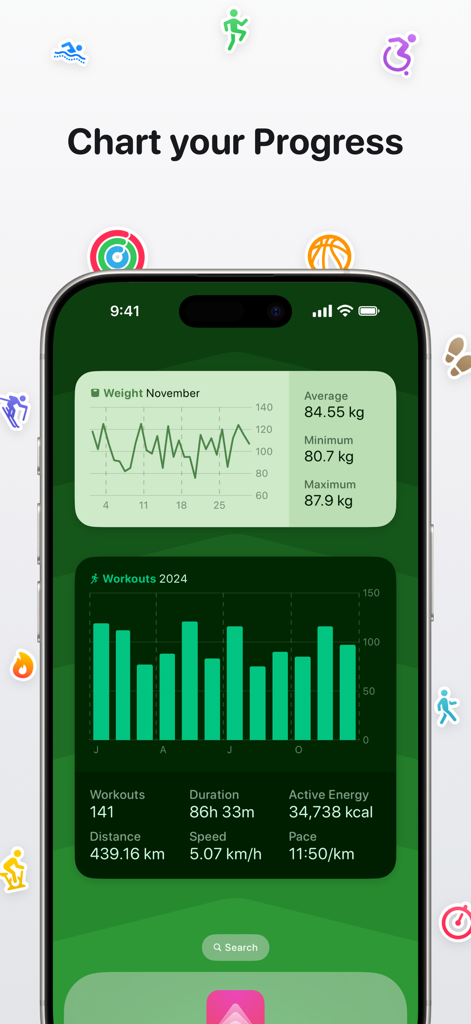
Dashboard dell'app Peak su un iPhone che mostra grafici dettagliati dei progressi di peso e allenamento con widget sanitari personalizzati
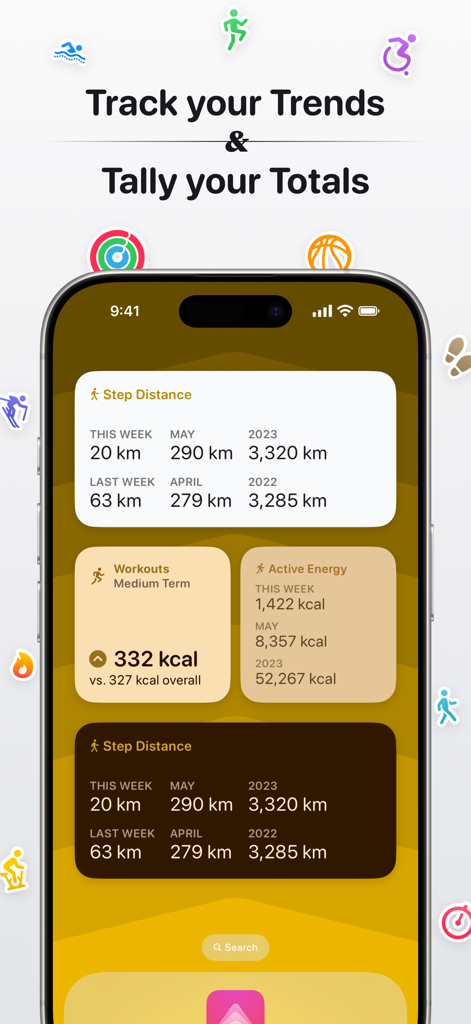
iPhone che visualizza widget sanitari Peak per il monitoraggio delle tendenze e dei totali fitness settimanali e mensili
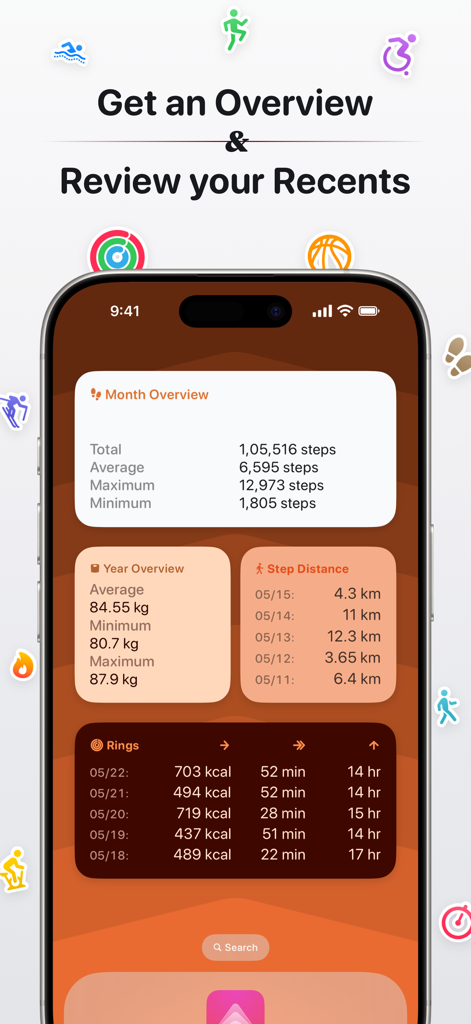
Schermata dell'app Peak che mostra la dashboard fitness con widget per dati su passi, peso e anelli di attività
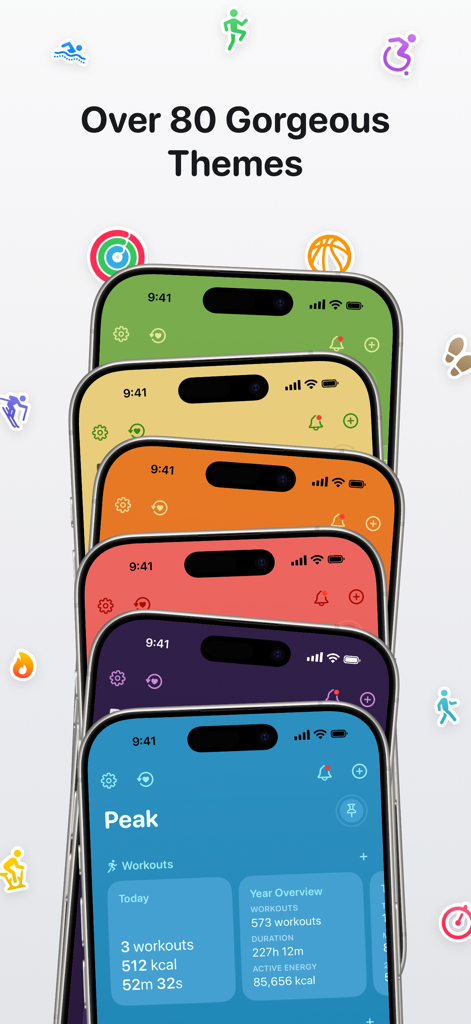
Una pila di iPhone che mostrano vari temi colorati della dashboard sanitaria nell'app Peak con diverse icone fitness fluttuanti attorno.
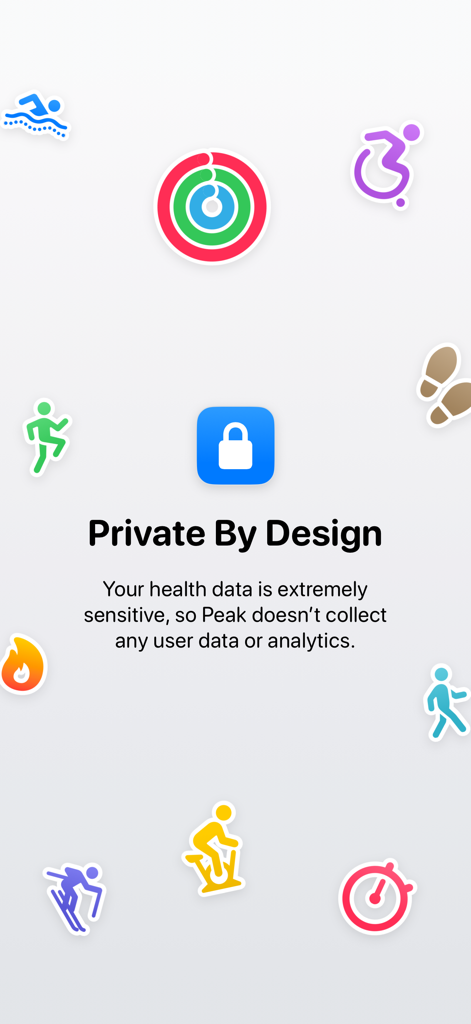
Una schermata dall'app Peak intitolata Private By Design che spiega che nessun dato utente o analisi viene raccolto, circondata da icone colorate di attività fitness e un simbolo di lucchetto centrale.
Descrizione
Download
App Simili
App più classificate nella stessa categoria

Strava: Run, Bike, Walk
Strava Inc.

Flo Cycle & Period Tracker
FLO HEALTH UK LIMITED

AI Calorie Tracker by Yazio
YAZIO GmbH

MyFitnessPal: Calorie Counter
MyFitnessPal, Inc.

Mi Fitness (Xiaomi Wear Lite)
Beijing Xiaomi Co., Ltd

美柚 - 经期·备孕·怀孕·育儿&亲友版
Xiamen Meet You Co., Ltd.

Cal AI - Calorie Tracker
Viral Development LLC

Yuka - Food & Cosmetic Scanner
Yuca

BitePal: Food Tracker Pet
REFACE LITHUANIA UAB
Questa pagina non è una pagina ufficiale dell'app o del suo sviluppatore, ma una pubblicazione editoriale indipendente creata a scopo informativo e di commento. Salvo espressa indicazione contraria, né l'app né il suo sviluppatore sono affiliati, approvati, sponsorizzati, autorizzati o altrimenti ufficialmente collegati a MWM, Apple, Google Play, all'editore dell'app o allo sviluppatore dell'app, e nulla in questa pagina implica che l'app sia stata sviluppata utilizzando i servizi di MWM. Tutti i marchi, loghi, screenshot e altri contenuti rimangono di proprietà dei rispettivi proprietari.