
Questa pagina non è una pagina ufficiale dell'app o del suo sviluppatore, ma una pubblicazione editoriale indipendente creata a scopo informativo e di commento. Salvo espressa indicazione contraria, né l'app né il suo sviluppatore sono affiliati, approvati, sponsorizzati, autorizzati o altrimenti ufficialmente collegati a MWM, Apple, Google Play, all'editore dell'app o allo sviluppatore dell'app, e nulla in questa pagina implica che l'app sia stata sviluppata utilizzando i servizi di MWM. Tutti i marchi, loghi, screenshot e altri contenuti rimangono di proprietà dei rispettivi proprietari.

Photo Layers: Editor de fotos
Il kit di strumenti creativo definitivo per creator di social media e designer mobile. Unisci immagini, scambia sfondi e padroneggia la correzione colore con precisione di livello desktop, senza dover imparare nulla di nuovo.
Download
654K+Valutazione
Valutazioni totali
6K+Editore
Categoria
Photo & VideoLingue
14Ultima versione
1.1.3Dimensione
171.3 MBData di lancio
2 set 2018Potenza Professionale in Tasca
PhotoLeaf porta l'editing avanzato basato su livelli sul tuo dispositivo mobile, offrendoti gli strumenti professionali necessari per creare contenuti social mozzafiato e design unici in pochi secondi.
Avanzate Modalità di Fusione Livelli
Combina più immagini con modalità di fusione e maschere di livello professionale per creare doppie esposizioni mozzafiato e composizioni artistiche.
Ritagli e Sfondi Senza Interruzioni
Utilizza il nostro strumento lazo intelligente per rimuovere istantaneamente gli sfondi, perfetto per scatti di prodotti professionali, adesivi personalizzati e grafiche virali.
Gli screenshot e la descrizione seguenti provengono direttamente dall'elenco ufficiale dello store dell'app e sono di proprietà dello sviluppatore.
App Store
Screenshot
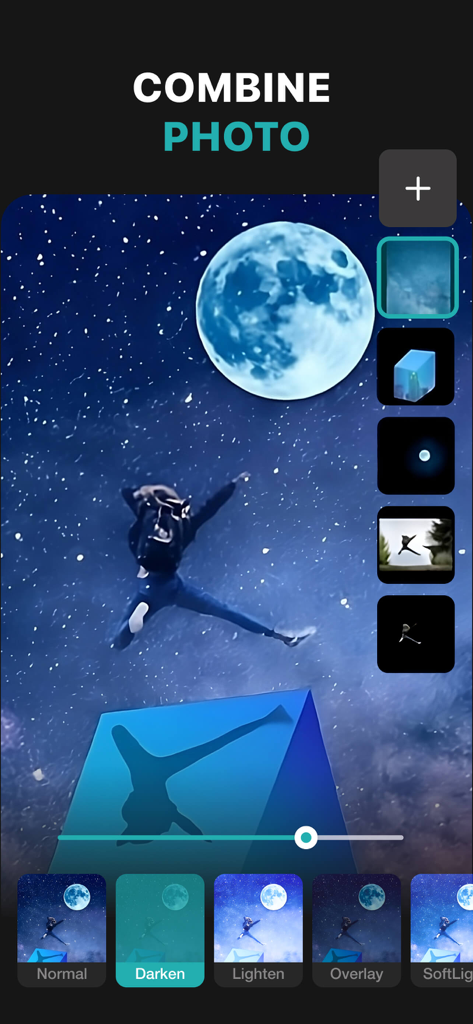
App mobile PhotoLeaf che mostra l'editing foto basato su livelli e le modalità di fusione su un'immagine notturna stellata
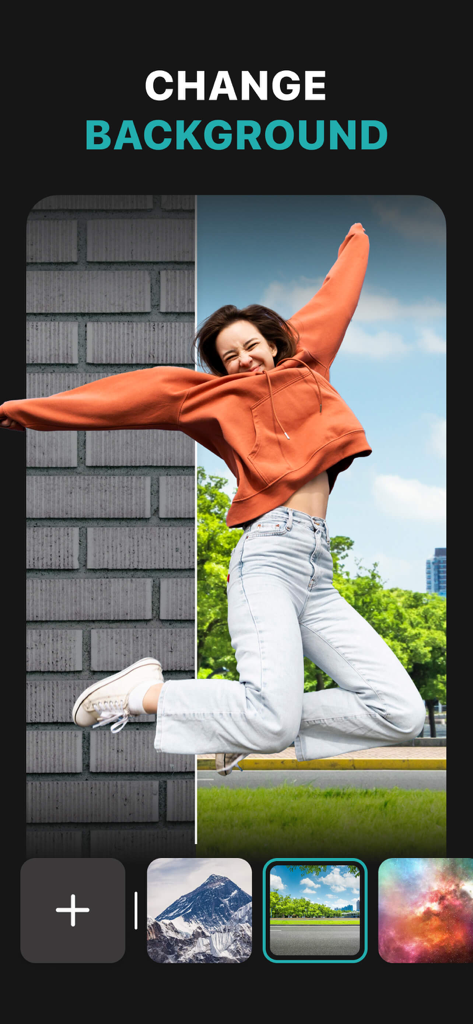
Screenshot dell'app PhotoLeaf che mostra la funzionalità di cambio sfondo con una donna che salta su diversi scenari
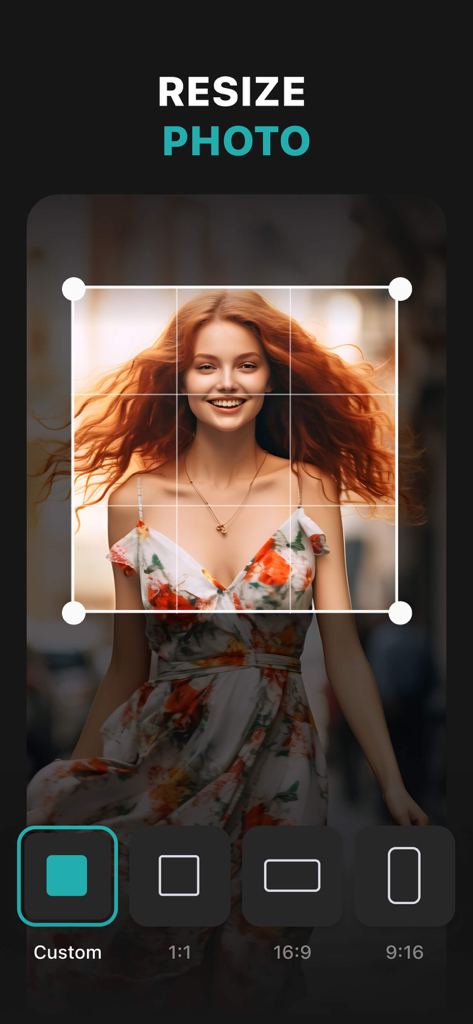
Interfaccia dell'app PhotoLeaf per il ridimensionamento delle foto con varie opzioni di proporzioni
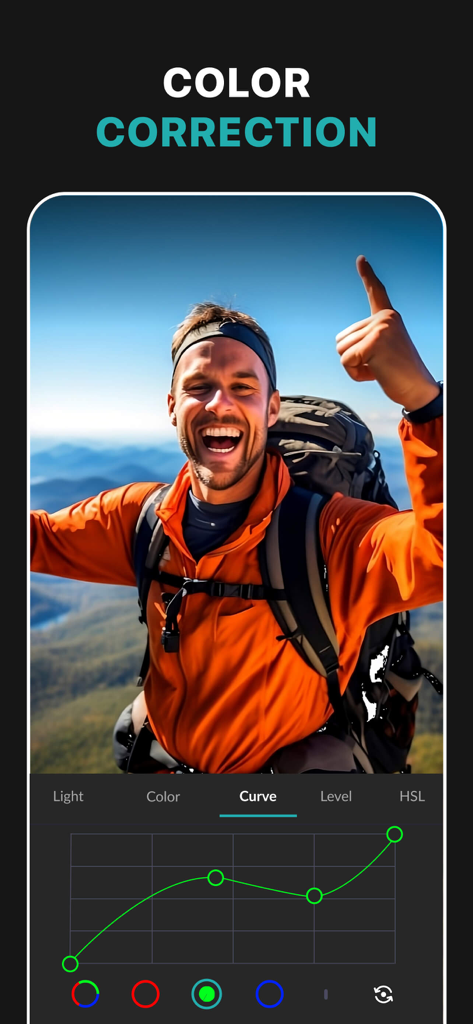
Screenshot dell'app PhotoLeaf che mostra lo strumento curve RGB per la correzione colore professionale su una fotografia di escursione
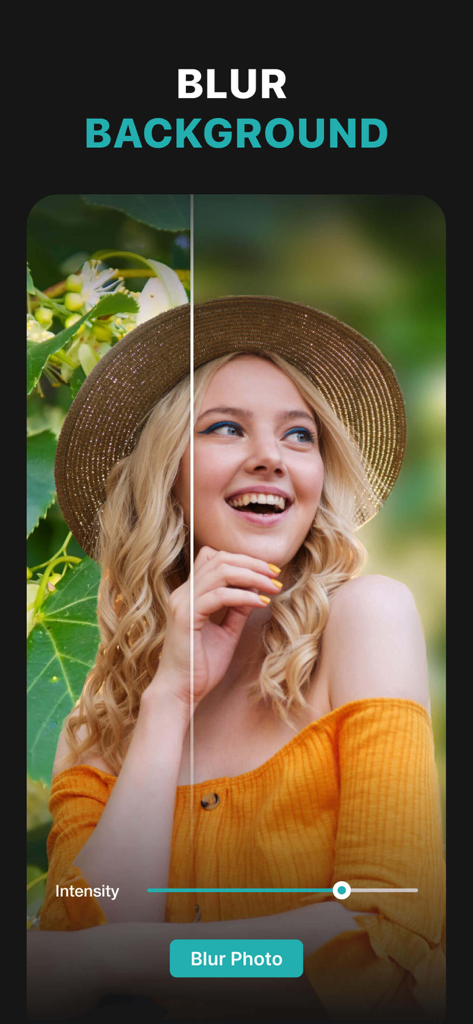
Un ritratto di donna modificato con lo strumento sfocatura sfondo di PhotoLeaf che mostra un confronto prima e dopo
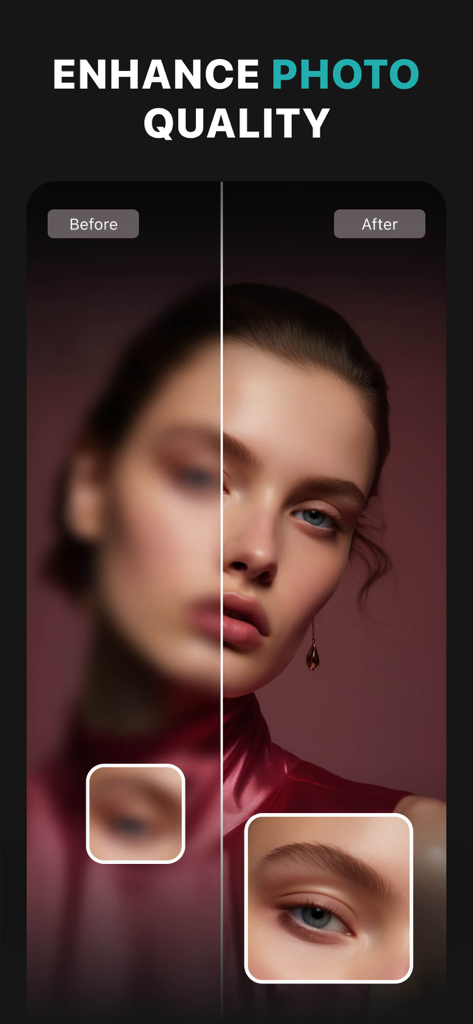
Confronto prima e dopo di un ritratto che mostra il miglioramento della qualità e l'affilatura della foto nell'app PhotoLeaf.
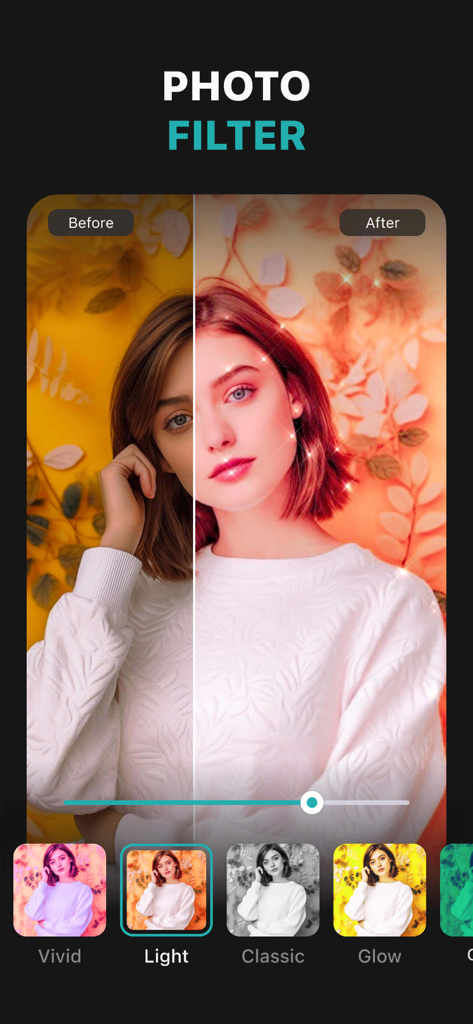
Schermata dell'app PhotoLeaf che mostra il confronto dei filtri fotografici prima e dopo
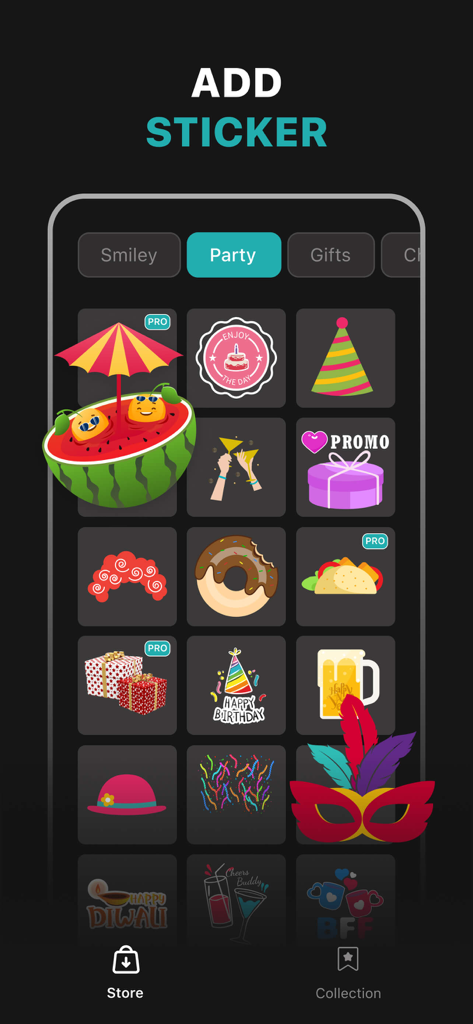
Screenshot dello store di adesivi dell'app PhotoLeaf che mostra grafiche a tema festa come torte, cappelli da festa e scatole regalo
Descrizione
Download
App Simili
App più classificate nella stessa categoria

CapCut: Photo & Video Editor
BYTEDANCE PTE. LTD.

Instagram, Inc.

YouTube
Google LLC

Canva: AI Photo & Video Editor
Canva Pty Ltd

Snapchat
Snap, Inc.

快手
Beijing Kwai Technology Co., Ltd.

Edits: Video Editor
Instagram, Inc.

Meitu- AI Photo & Video Editor
Xiamen Meitu Technology Co., Ltd.

Google Photos: Backup & Edit
Google LLC
Questa pagina non è una pagina ufficiale dell'app o del suo sviluppatore, ma una pubblicazione editoriale indipendente creata a scopo informativo e di commento. Salvo espressa indicazione contraria, né l'app né il suo sviluppatore sono affiliati, approvati, sponsorizzati, autorizzati o altrimenti ufficialmente collegati a MWM, Apple, Google Play, all'editore dell'app o allo sviluppatore dell'app, e nulla in questa pagina implica che l'app sia stata sviluppata utilizzando i servizi di MWM. Tutti i marchi, loghi, screenshot e altri contenuti rimangono di proprietà dei rispettivi proprietari.