
Questa pagina non è una pagina ufficiale dell'app o del suo sviluppatore, ma una pubblicazione editoriale indipendente creata a scopo informativo e di commento. Salvo espressa indicazione contraria, né l'app né il suo sviluppatore sono affiliati, approvati, sponsorizzati, autorizzati o altrimenti ufficialmente collegati a MWM, Apple, Google Play, all'editore dell'app o allo sviluppatore dell'app, e nulla in questa pagina implica che l'app sia stata sviluppata utilizzando i servizi di MWM. Tutti i marchi, loghi, screenshot e altri contenuti rimangono di proprietà dei rispettivi proprietari.


Pixaki 4 Pro
Lo studio definitivo per sviluppatori di giochi indie e artisti digitali. Crea sprite pixel-perfect, mondi isometrici e animazioni complesse con un flusso di lavoro professionale che colma il divario tra il tuo divano e la tua scrivania.
Download
105K+Valutazione
Valutazioni totali
300Editore
Categoria
Graphics & DesignLingue
1Ultima versione
4.6Dimensione
29.4 MBData di lancio
18 dic 2020Pixel Art di Livello Professionale, Ovunque
Pixaki 4 Pro porta animazione di livello desktop, strumenti isometrici e integrazione di file fluida sul tuo iPad, creato per lo sviluppatore indie serio e l'artista digitale.
Disegno Pixel-Perfect
Crea linee impeccabilmente pulite con pittura pixel-perfect intelligente e strumenti di linea isometrica dedicati, realizzati su misura per il moderno game design.
Livelli di Animazione Avanzati
Padroneggia animazioni complesse con una timeline scorrevole, livelli condivisi tra i frame e onion skinning professionale per transizioni fluide.
Gli screenshot e la descrizione seguenti provengono direttamente dall'elenco ufficiale dello store dell'app e sono di proprietà dello sviluppatore.
App Store
Screenshot
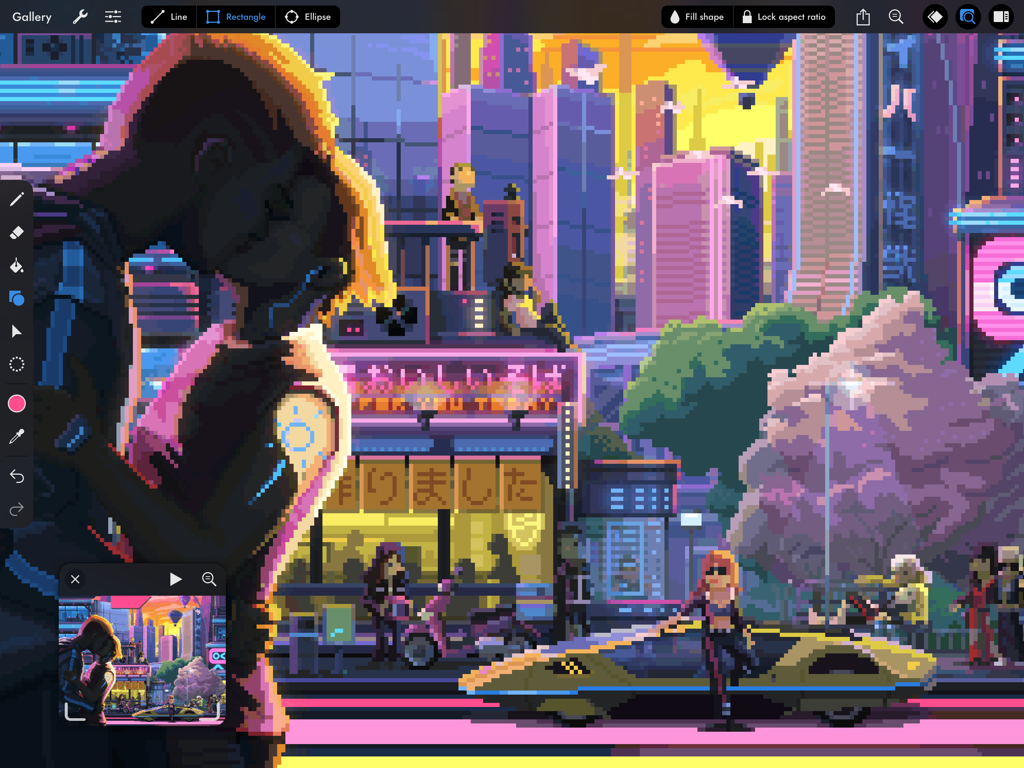
Illustrazione dettagliata di una città cyberpunk in pixel art all'interno dell'interfaccia Pixaki 4 Pro per iPad.
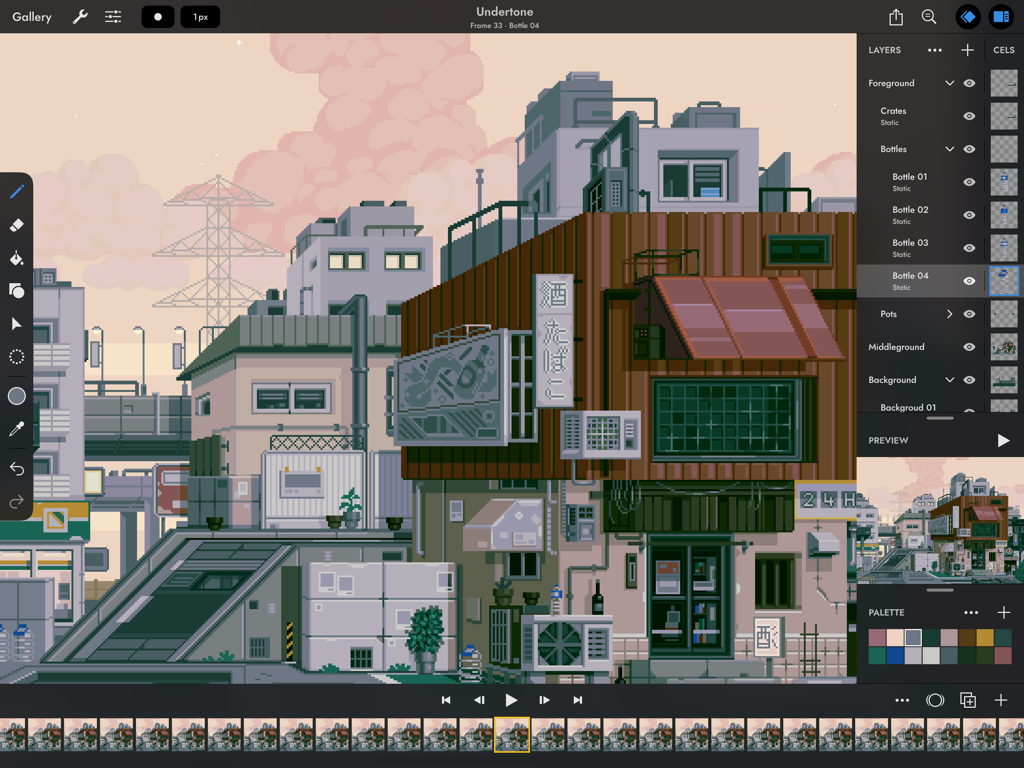
Interfaccia dell'app Pixaki 4 Pro su iPad che mostra un dettagliato paesaggio urbano in pixel art e una timeline di animazione.
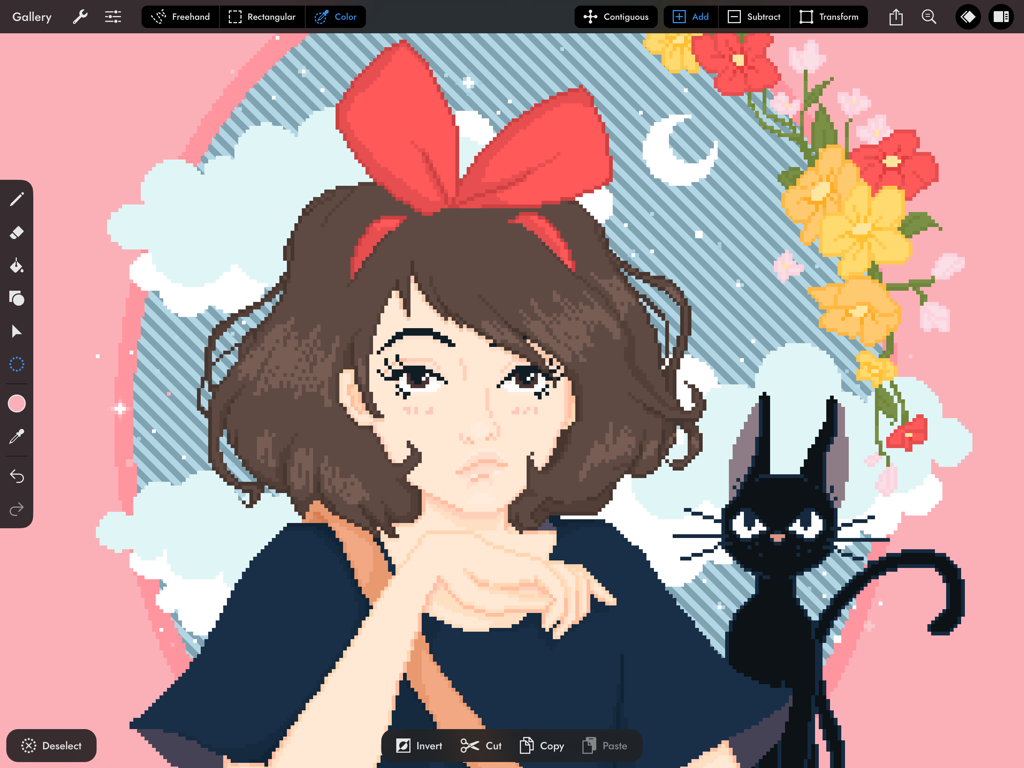
Interfaccia dell'app Pixaki 4 Pro che mostra un'illustrazione in pixel art di una ragazza e un gatto nero.
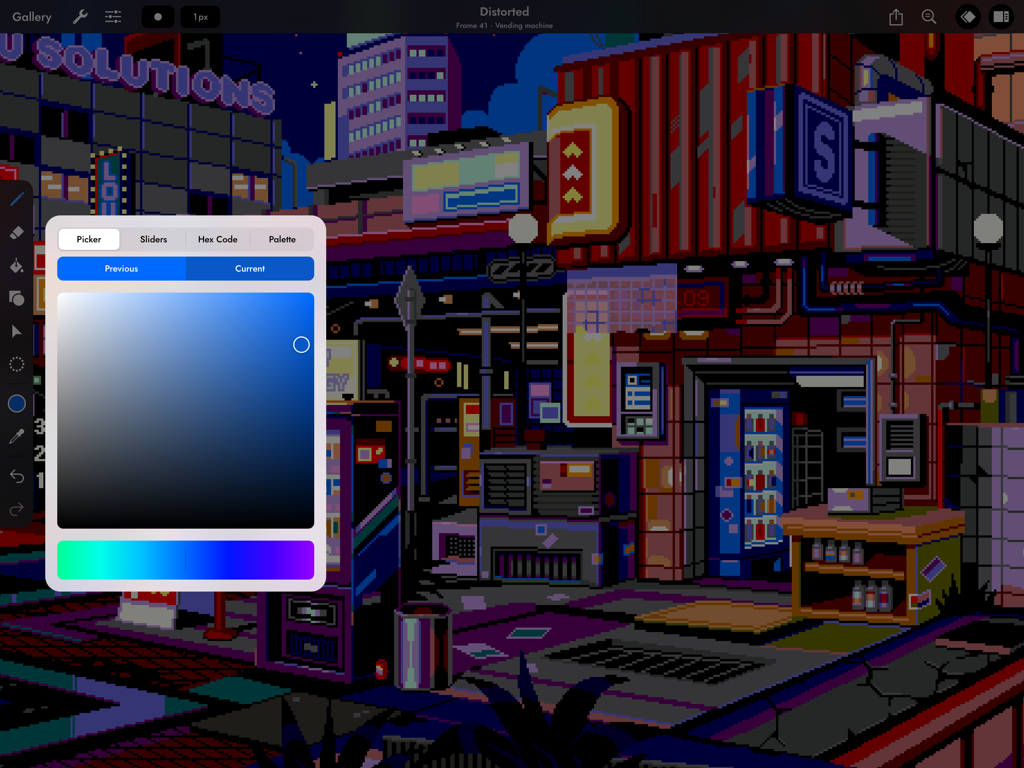
Una scena di città cyberpunk in pixel art su iPad che utilizza lo strumento color picker di Pixaki 4 Pro.
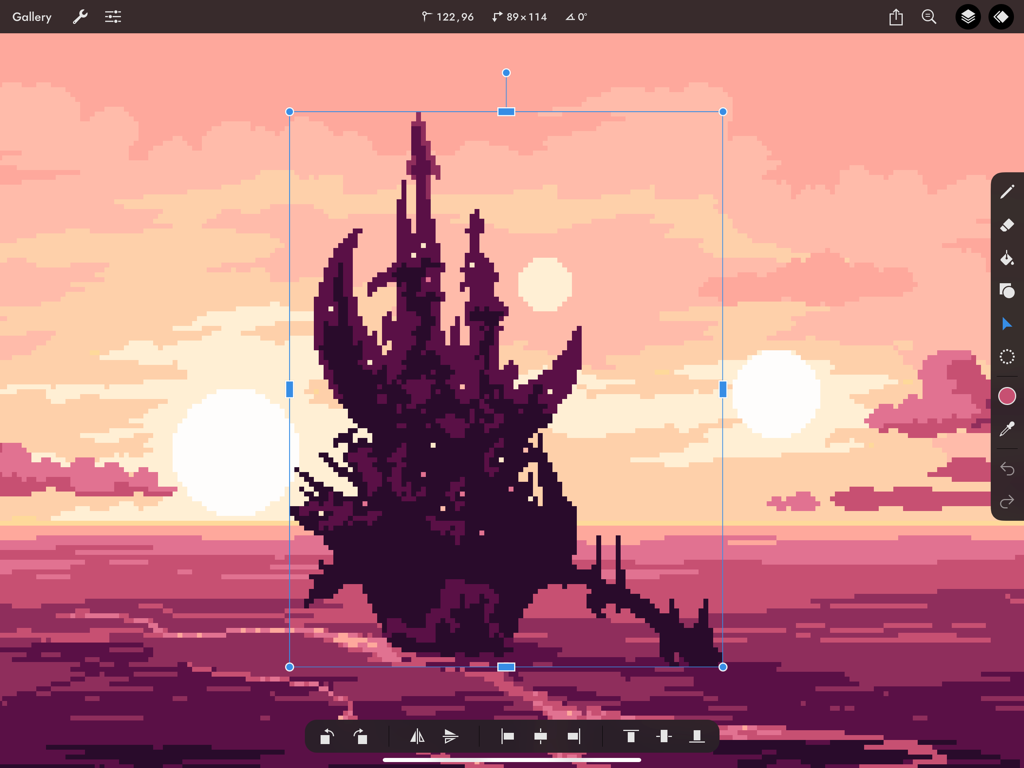
Un castello dark in pixel art in fase di ridimensionamento utilizzando lo strumento di trasformazione in Pixaki 4 Pro su iPad, con uno sfondo tramonto rosa.
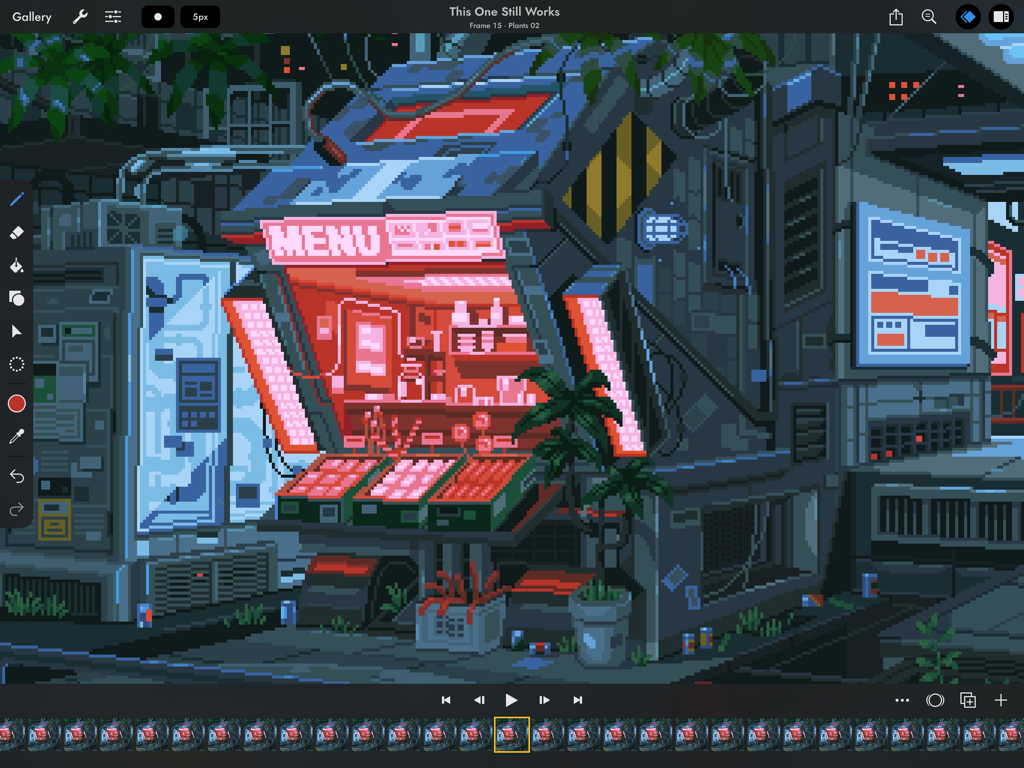
Interfaccia di animazione in pixel art in Pixaki 4 Pro con una vetrina cyberpunk.
Descrizione
Download
App Simili
App con funzionalità ed esperienza simili



Questa pagina non è una pagina ufficiale dell'app o del suo sviluppatore, ma una pubblicazione editoriale indipendente creata a scopo informativo e di commento. Salvo espressa indicazione contraria, né l'app né il suo sviluppatore sono affiliati, approvati, sponsorizzati, autorizzati o altrimenti ufficialmente collegati a MWM, Apple, Google Play, all'editore dell'app o allo sviluppatore dell'app, e nulla in questa pagina implica che l'app sia stata sviluppata utilizzando i servizi di MWM. Tutti i marchi, loghi, screenshot e altri contenuti rimangono di proprietà dei rispettivi proprietari.