
Questa pagina non è una pagina ufficiale dell'app o del suo sviluppatore, ma una pubblicazione editoriale indipendente creata a scopo informativo e di commento. Salvo espressa indicazione contraria, né l'app né il suo sviluppatore sono affiliati, approvati, sponsorizzati, autorizzati o altrimenti ufficialmente collegati a MWM, Apple, Google Play, all'editore dell'app o allo sviluppatore dell'app, e nulla in questa pagina implica che l'app sia stata sviluppata utilizzando i servizi di MWM. Tutti i marchi, loghi, screenshot e altri contenuti rimangono di proprietà dei rispettivi proprietari.

Play: Save Videos Watch Later
Il modo acclamato dalla critica per aggiungere ai segnalibri e organizzare contenuti da qualsiasi piattaforma. Prendi il controllo del tuo feed, cerca trascrizioni con l'IA e sincronizza la tua collezione curata senza problemi su tutti i tuoi dispositivi Apple.
Download
156K+Valutazione
Valutazioni totali
1000Editore
Categoria
EntertainmentLingue
1Ultima versione
2.6.7Dimensione
41.1 MBData di lancio
8 feb 2022Padroneggia la tua lista di visione
Liberati dall'algoritmo. Organizza, tagga e scopri video da tutto il web in uno spazio senza distrazioni progettato per il tuo ecosistema Apple.
Posta in arrivo video universale
Salva link da YouTube, Vimeo, Nebula o qualsiasi sito web. Un hub centrale per tutti i tuoi contenuti video senza la distrazione delle raccomandazioni.
Approfondimenti basati sull'IA
Massimizza la tua produttività con riassunti generati dall'IA e trascrizioni ricercabili per trovare informazioni chiave senza guardare il video completo.
Gli screenshot e la descrizione seguenti provengono direttamente dall'elenco ufficiale dello store dell'app e sono di proprietà dello sviluppatore.
App Store
Screenshot
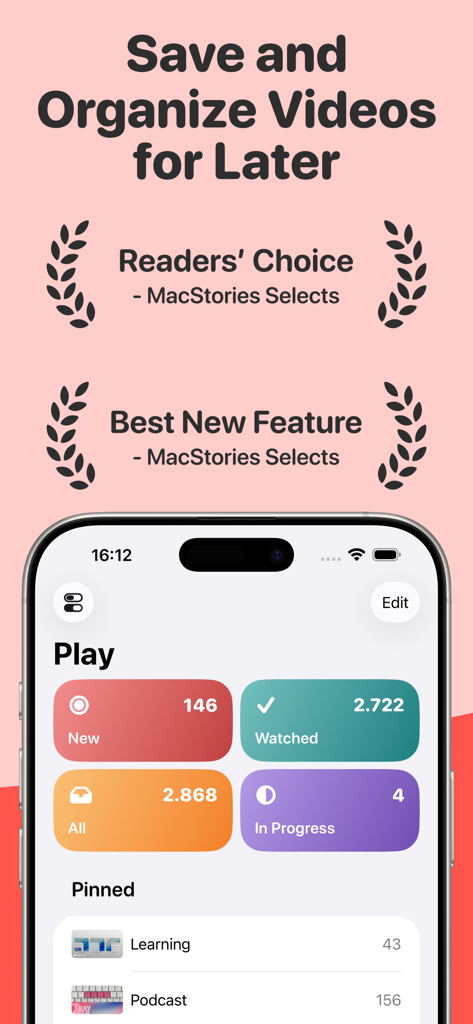
Dashboard dell'app Play su iPhone che mostra categorie di video salvati come visti di recente e in corso con premi da MacStories
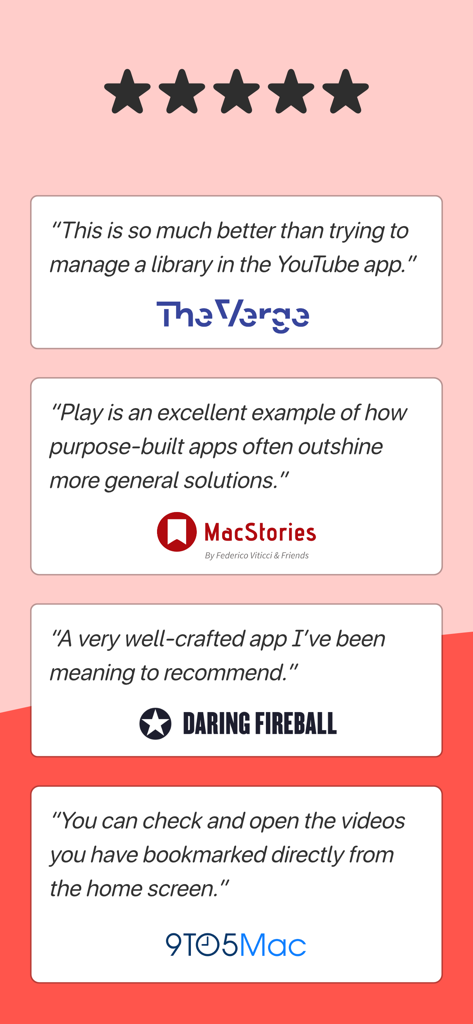
Recensioni stampa e testimonianze per l'app Play da The Verge, MacStories, Daring Fireball e 9to5Mac.
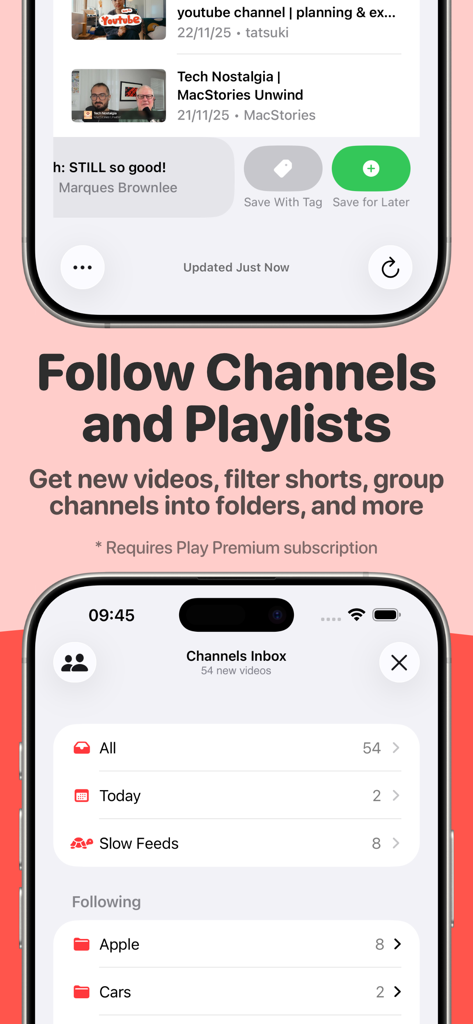
Interfaccia dell'app Play per seguire canali e organizzare abbonamenti video in cartelle
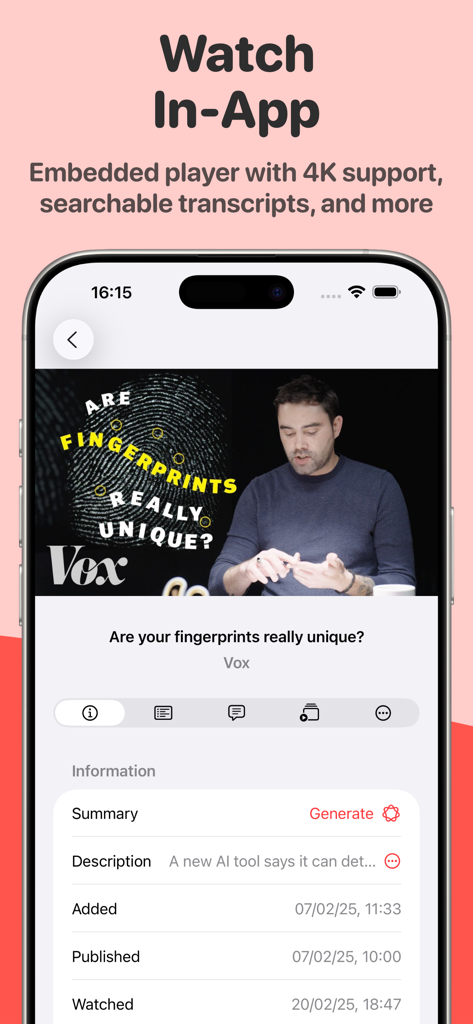
Lettore video incorporato nell'app Play che mostra la trascrizione e le funzionalità di riepilogo AI
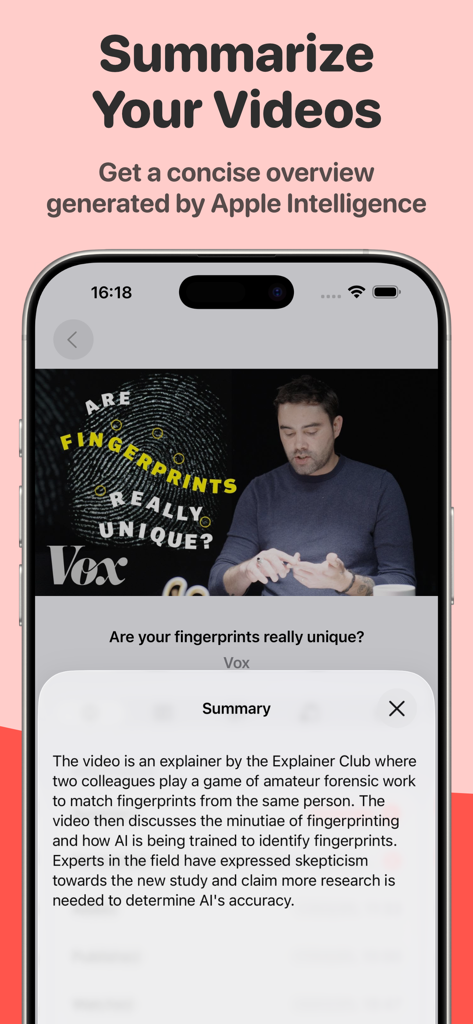
Schermata dell'iPhone che mostra un riepilogo video AI generato da Apple Intelligence nell'app Play
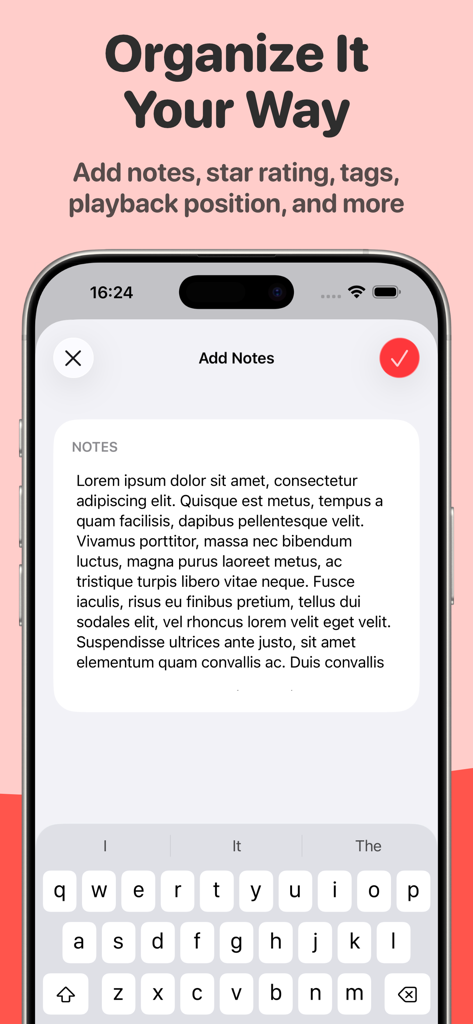
Screenshot dell'iPhone che mostra la funzionalità Aggiungi note per organizzare i video salvati nell'app Play
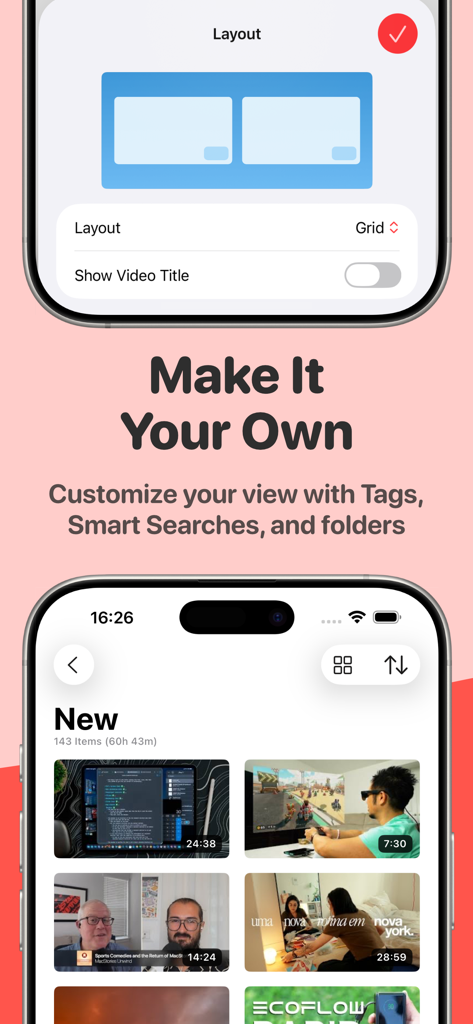
Un'interfaccia mobile per l'app Play che mostra le opzioni per personalizzare il layout della griglia video e una galleria di video salvati
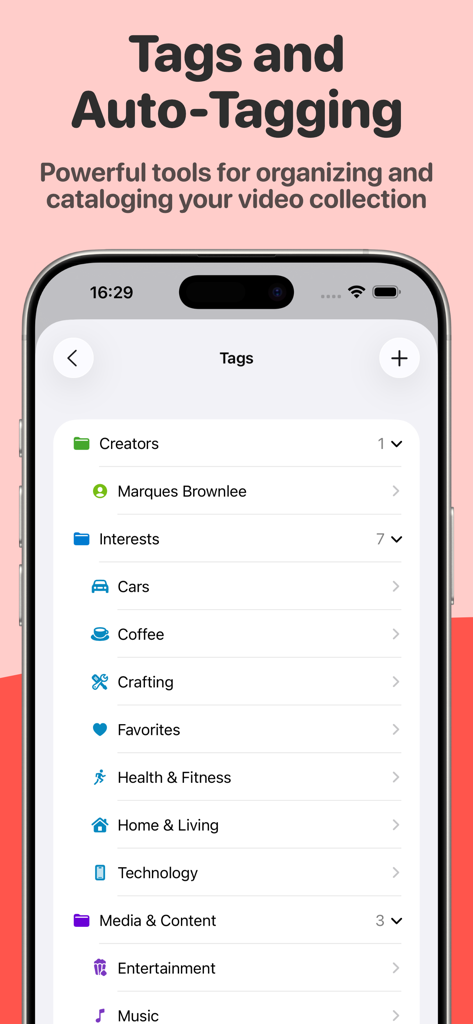
La schermata dell'app Play che visualizza cartelle di organizzazione video e tag per creator e interessi
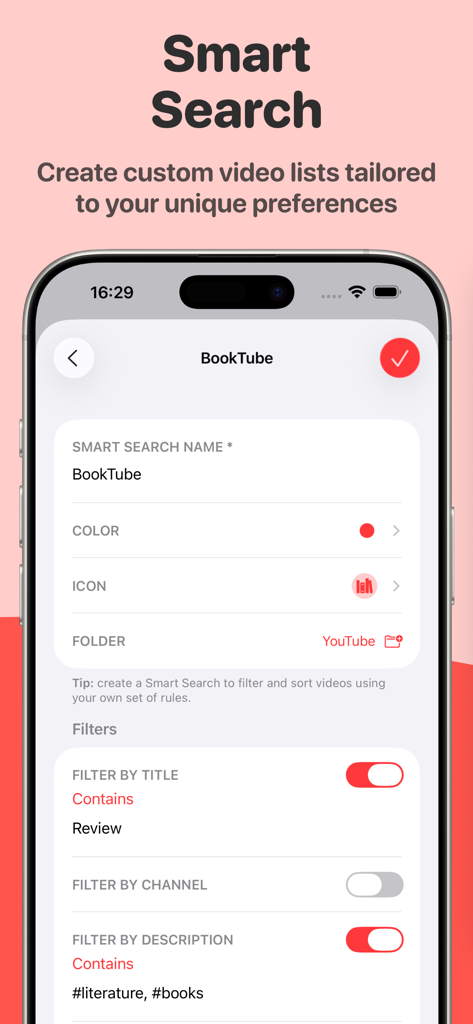
Interfaccia dell'app Play che mostra la funzionalità di ricerca intelligente per creare elenchi video personalizzati utilizzando filtri per parole chiave.
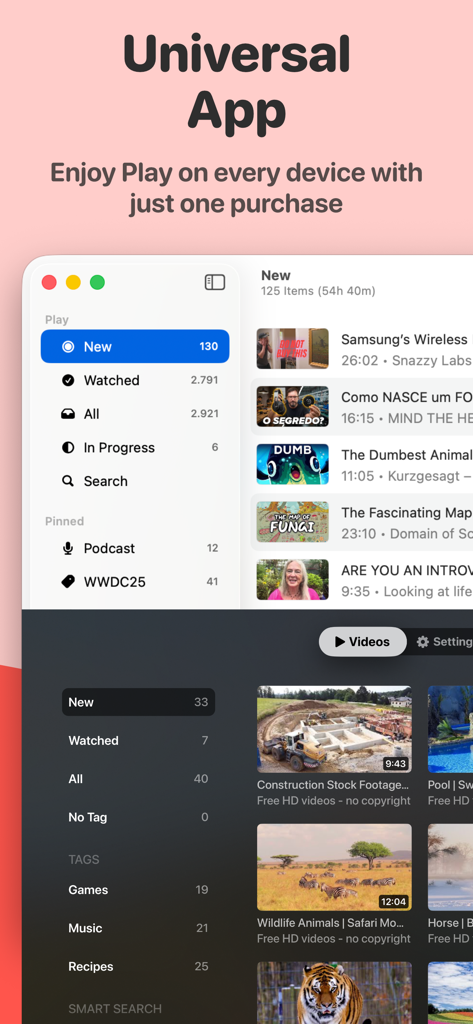
Interfaccia dell'app Play sulle piattaforme Mac e Apple TV che evidenzia la sincronizzazione tra dispositivi
Descrizione
Download
App Simili
App più classificate nella stessa categoria

TikTok - Videos, Shop & LIVE
TIKTOK PTE. LTD.

Netflix
Netflix, Inc.

Freecash - Get Paid Real Money
256 REWARDS LTD

DramaBox - Stream Drama Shorts
STORYMATRIX PTE. LTD

HBO Max: Stream Movies & TV
WarnerMedia Global Digital Services, LLC

Amazon Prime Video
AMZN Mobile LLC

NetShort - Popular Dramas & TV
NETSTORY PTE. LTD.

ReelShort - Stream Drama & TV
New Leaf Publishing, Inc.

Disney+
Disney Electronic Content, Inc.
Questa pagina non è una pagina ufficiale dell'app o del suo sviluppatore, ma una pubblicazione editoriale indipendente creata a scopo informativo e di commento. Salvo espressa indicazione contraria, né l'app né il suo sviluppatore sono affiliati, approvati, sponsorizzati, autorizzati o altrimenti ufficialmente collegati a MWM, Apple, Google Play, all'editore dell'app o allo sviluppatore dell'app, e nulla in questa pagina implica che l'app sia stata sviluppata utilizzando i servizi di MWM. Tutti i marchi, loghi, screenshot e altri contenuti rimangono di proprietà dei rispettivi proprietari.