ReadEra – Il Lettore Definitivo Tutto-in-Uno per Ogni Libro e Documento
Sperimenta la libertà totale di lettura senza pubblicità, abbonamenti o registrazioni. Gestisci qualsiasi formato, annota la tua libreria e trasforma istantaneamente qualsiasi testo in un audiolibro con Sintesi Vocale di alta qualità.
Editore
READERA EOOD
Categoria
Books
Download
1M+
Valutazione
4.0/5
Valutazioni totali
800
Lingue
69
Lettura Pura, Nessuna Distrazione
Scopri l'interfaccia usata da 1M+ utenti.
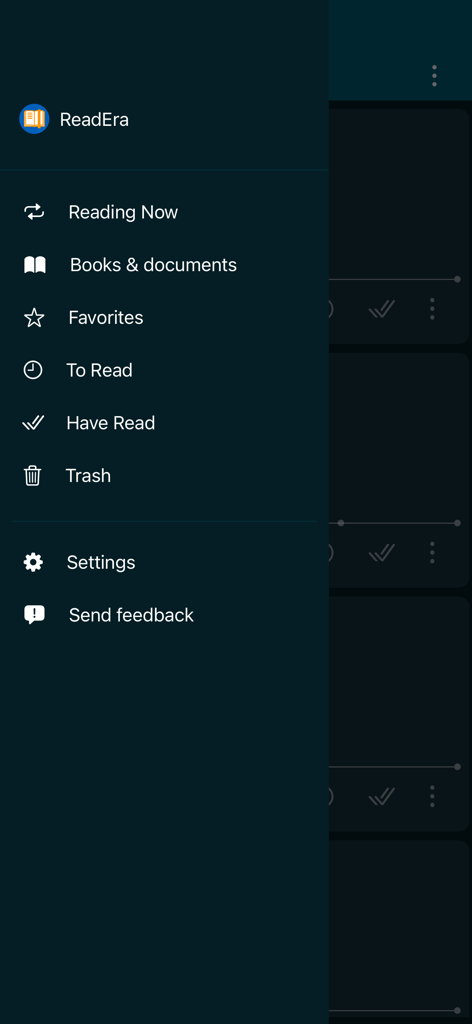
Menu di navigazione laterale di ReadEra con elenco della libreria e dei libri
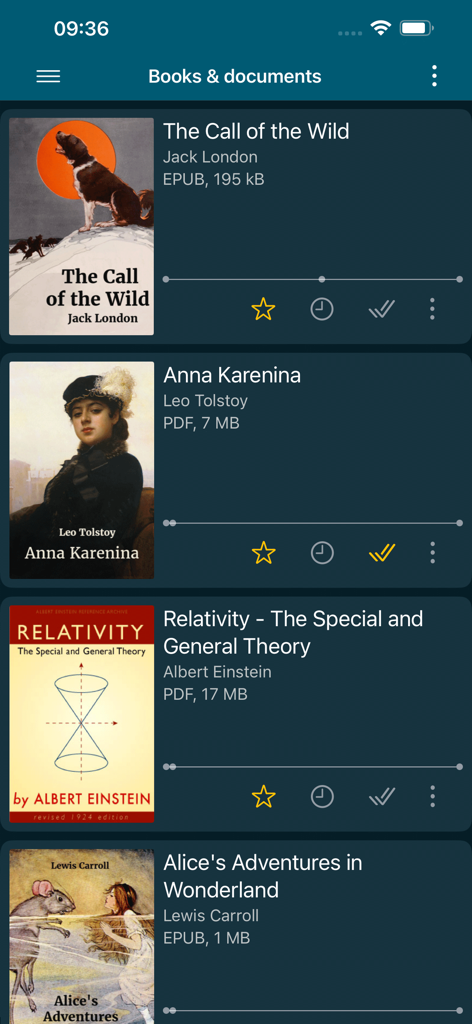
Interfaccia della libreria dell'app ReadEra che mostra libri digitali e formati di file
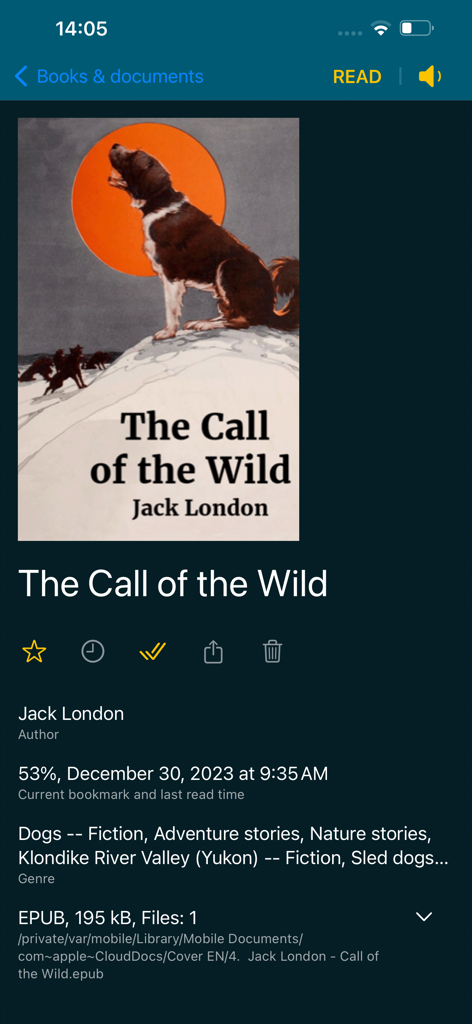
Interfaccia dell'app ReadEra che mostra informazioni dettagliate e stato di avanzamento della lettura per un libro EPUB
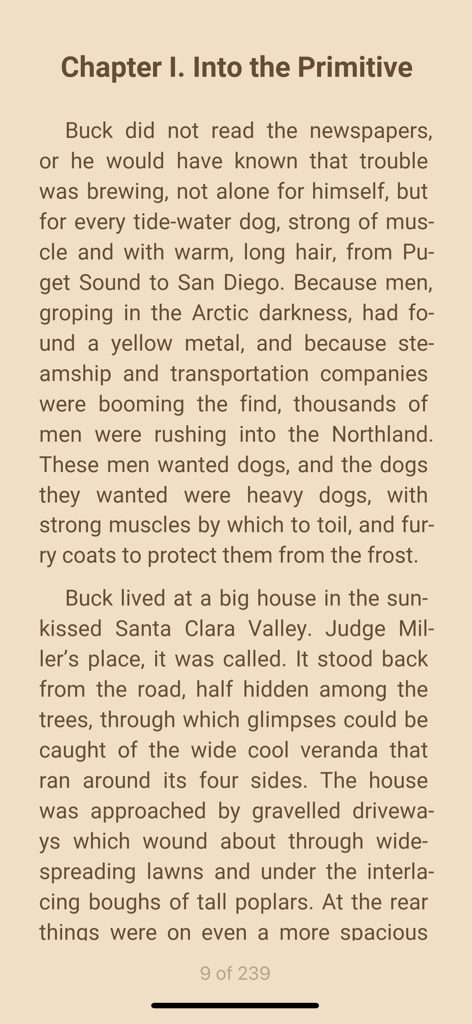
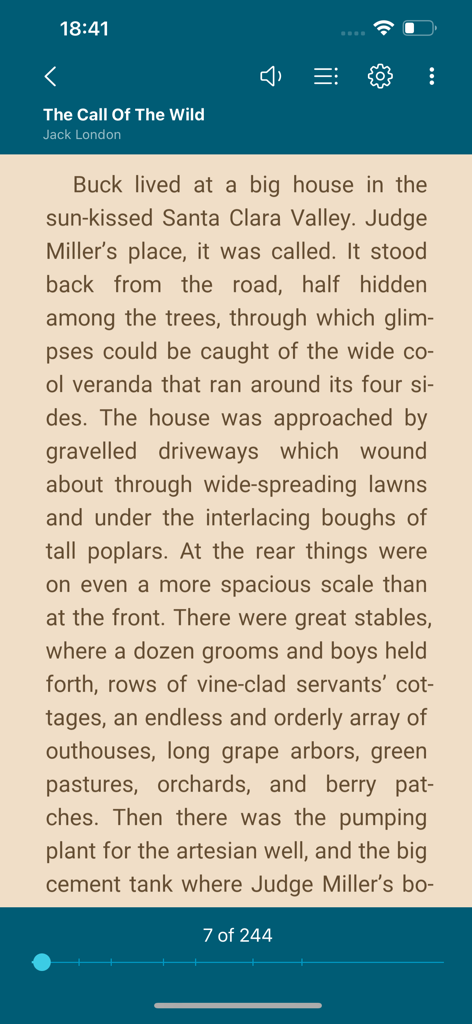
Schermata di lettura ebook nell'app ReadEra con tema seppia
Interfaccia del lettore di ebook ReadEra che mostra una pagina di Zanna Bianca con i controlli di lettura.
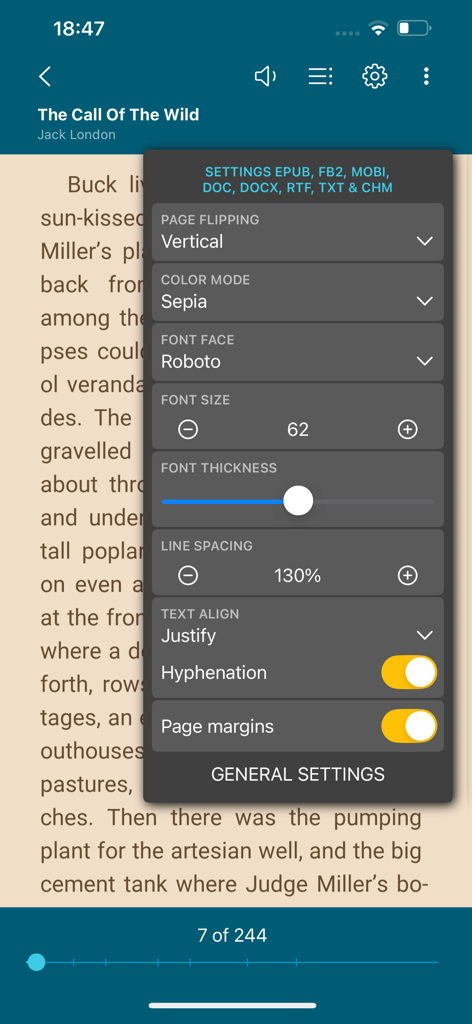
App ReadEra che mostra il menu di personalizzazione della lettura con dimensione del carattere e opzioni di modalità colore
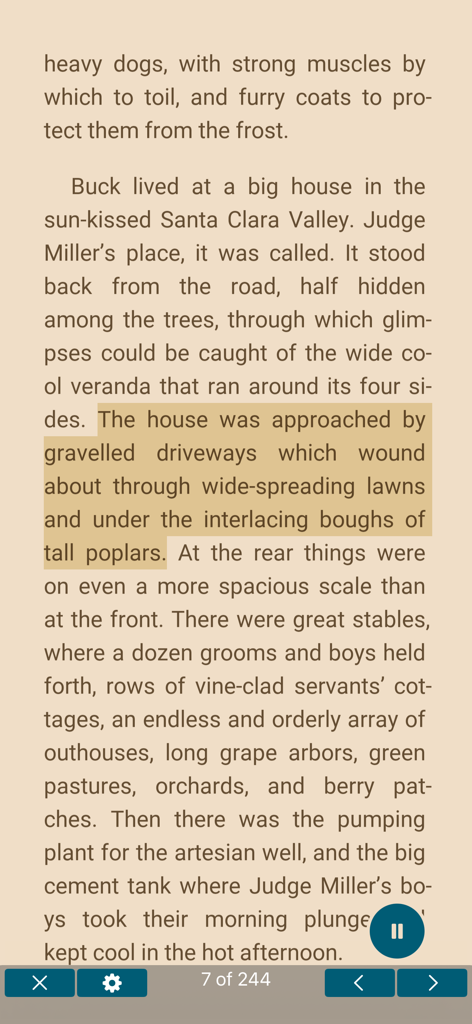
Interfaccia ReadEra che mostra una pagina di libro con testo evidenziato e la funzione di sintesi vocale attiva.
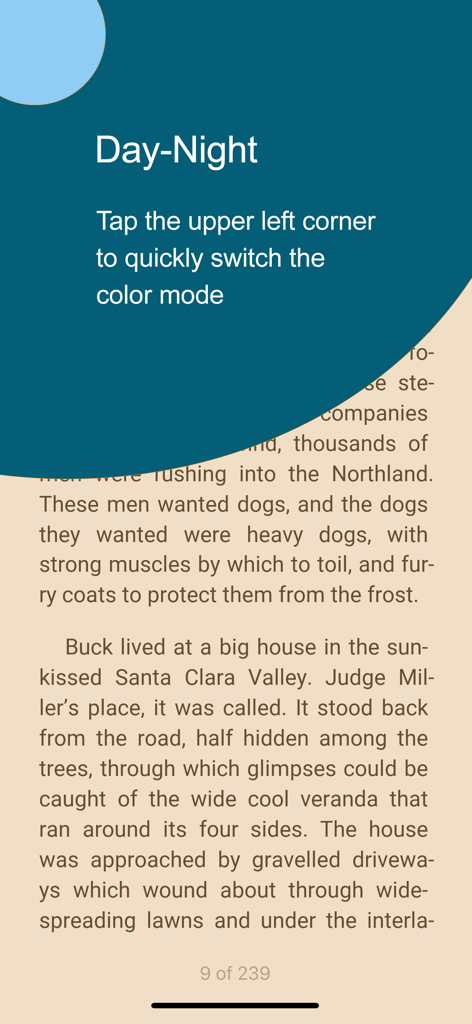
Passaggio tra le modalità colore giorno e notte nel lettore di libri ReadEra
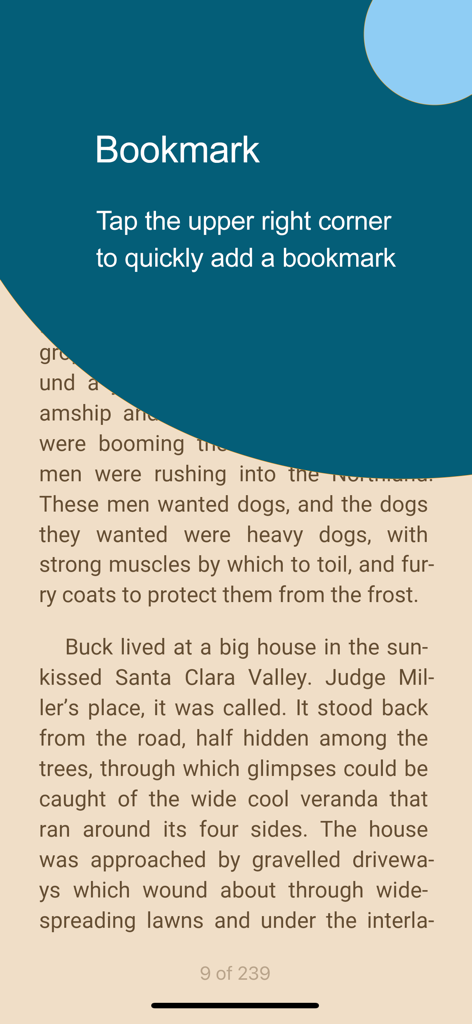
Screenshot dell'app ReadEra che mostra le istruzioni per toccare l'angolo in alto a destra per aggiungere un segnalibro in un ebook
La Tua Libreria Universale, Ridefinita
Gli strumenti che rendono questa app unica, scelti da 1M+ utenti.
📚
Un'App, Ogni Formato
Smetti di cambiare app. Apri PDF, EPUB, documenti Word e formati Kindle in un'unica interfaccia potente progettata per l'efficienza professionale e accademica.
🎧
Trasforma i Documenti in Audio
Massimizza il tuo tempo con la Sintesi Vocale avanzata. Ascolta libri di testo o articoli di ricerca durante il tragitto, allenandoti o prima di dormire con voci regolabili.
🛡️
Privacy e Libertà Prima di Tutto
Niente pubblicità, niente registrazioni, niente abbonamenti. Leggi completamente offline con uno strumento che rispetta i tuoi dati e ti dà il pieno controllo della tua libreria digitale.
Info sull'app
Tutto quello che devi sapere su ReadEra – book reader pdf epub.
Descrizione
ReadEra - a book reader, allows you to read books for free, text to voice and listen to books for free, offline, in the PDF, EPUB, DOC, DOCX, RTF, MOBI, AZW3, CBZ, CBR, DJVU, FB2, TXT, ODT and CHM formats.
No ads
Read books and listen to books without ads. The ReadEra app for reading books and viewing PDF documents neither contains ads nor imposes internal purchases.
No registration
We’ve made a fast, reliable reader that doesn't compel users to use any specific services. The book reader works offline and is entirely free. Read books for free and listen to books for free (TTS), without limits!
Text to Speech (TTS)
Read text aloud with voice (TTS) – allows you to read text aloud and listen to all your books, PDF files and documents for free. With the Text to Speech (TTS) function, all your books and documents turn into audiobooks at the tap of the "Read aloud" button. TTS turns your book library into a personal audio library, making reading more flexible and enjoyable. This is especially useful for those who prefer the audio format or want to listen to books in situations where reading is impossible.
You can read foreign books and at the same time listen to the pronunciation of words and sentences. You can choose a voice, adjust the speech speed, turn on repeating text to voice of the selected text, word or sentence.
Listen to books and documents with ReadEra while doing your things – on the go, working out, before bed and even when sleeping.
Read books of all formats
ReadEra is a set of reading apps in one app, which reads well multiple types of formats: book Epub, Kindle (MOBI, AZW3), Fb2; business PDF, Djvu; office Microsoft Word (DOC, DOCX, RTF), ODT; text TXT and others. Reading books, viewing Microsoft Word documents and PDF files from zip archives.
The reader for books, ReadEra, reads all popular formats of books, journals, articles and other documents in one app.
Best book manager for your library
Auto-detection of books and documents. Grouping books into lists: To Read, Have Read, Favorites. Sorting by name, file format, the last time read, etc. Quickly search for books, PDF files and documents in your library.
Navigation through a book
Quick access to reading settings, table of contents, your bookmarks, quotes, notes and other eBook options. Navigate through the book using the page index or the progress bar line.
Convenient reading settings
Auto-saving the current reading page. Comfortable color themes when reading books: day, night, sepia, console. Horizontal or vertical page flipping mode. Brightness and page margins adjustment, including PDF and DjVu. Separate settings for text and graphic formats. Adjustable type font, size, boldness, line spacing and hyphenation for Microsoft Word, Epub, Kindle (Mobi, Azw3), Fb2, TXT and ODT. Zoom in option for reading PDF and Djvu files.
Quotes and Notes
Create quotes and add notes to text. Highlight text in books, PDF files and documents, add personal notes to the highlighted text. A well-thought-out and simple algorithm for working with quotes and notes. All your quotes and notes in a book are conveniently gathered in one place—in the “About Document” section.
Bookmarks
Add bookmarks to save your favorite spots in books with a single tap. Just tap the upper-right corner while reading to quickly add a bookmark. All bookmarks for the book are conveniently gathered in one place—in the "About Document" section.
Text Translation
ReadEra supports integration with the iOS system “Translate” app for seamless text translation. Instantly translate text in books, PDFs, and documents using the built-in translator on your device.
Read books and Listen to books easily and for free with ReadEra!
Ultima versione
1.1.3
Dimensione
61.6 MB
Data di lancio
5 gen 2024
La Tua Libreria. Le Tue Regole. Nessun Abbonamento.
Unisciti a oltre un milione di lettori che apprezzano privacy e libertà. Prova un lettore premium senza pubblicità che supporta ogni formato—dai PDF professionali ai tuoi EPUB preferiti—completamente offline e senza registrazione.
FAQ
Domande Frequenti
Tutto quello che devi sapere su ReadEra – book reader pdf epub
L'app ReadEra è gratuita da scaricare e utilizzare?
Sì, l'app ReadEra è completamente gratuita. Offre funzionalità di lettura e ascolto senza pubblicità o acquisti interni.
ReadEra dispone della funzione Text to Speech (TTS) per gli audiolibri?
Sì, ReadEra include una funzione Text to Speech (TTS). Legge ad alta voce il testo di libri e documenti, convertendoli efficacemente in audiolibri per un ascolto flessibile.
Quali formati di documenti e libri supporta ReadEra?
ReadEra supporta un'ampia gamma di formati, tra cui PDF, EPUB, DOC, DOCX, RTF, MOBI, AZW3, CBZ, CBR, DJVU, FB2, TXT, ODT e CHM.
Posso personalizzare le impostazioni di visualizzazione della lettura in ReadEra?
Sì, ReadEra offre impostazioni di lettura complete. Gli utenti possono regolare temi di colore, cambio pagina, luminosità, margini, tipo di carattere, dimensione, grassetto, interlinea e sillabazione.
Come gestisco la mia collezione di libri all'interno di ReadEra?
ReadEra rileva automaticamente libri e documenti. Li organizza nelle liste "Da leggere", "Letti" e "Preferiti", con opzioni per ordinare e cercare rapidamente.
ReadEra consente di evidenziare testo e aggiungere note?
Sì, ReadEra supporta la creazione di citazioni, l'evidenziazione di testo e l'aggiunta di note personali a qualsiasi sezione evidenziata. Tutte queste annotazioni vengono raccolte nella sezione "Informazioni sul documento".
Come aggiungo un segnalibro nell'app ReadEra?
Per aggiungere un segnalibro in ReadEra, tocca l'angolo in alto a destra dello schermo durante la lettura. Tutti i segnalibri per un libro specifico si trovano comodamente nella sua sezione "Informazioni sul documento".
ReadEra può tradurre testo direttamente da un libro?
Sì, ReadEra si integra con l'app "Traduci" del sistema iOS. Ciò consente agli utenti di tradurre facilmente il testo all'interno di libri, PDF e altri documenti utilizzando il traduttore integrato del dispositivo.
App information, icons, screenshots, and descriptions displayed on this page are sourced from the Apple App Store and are the property of their respective developers. Download estimates and rankings are based on MWM's proprietary models and may not reflect actual figures. This page is provided for informational and analytical purposes only.
Believe this page infringes your intellectual property? File a dispute