
Questa pagina non è una pagina ufficiale dell'app o del suo sviluppatore, ma una pubblicazione editoriale indipendente creata a scopo informativo e di commento. Salvo espressa indicazione contraria, né l'app né il suo sviluppatore sono affiliati, approvati, sponsorizzati, autorizzati o altrimenti ufficialmente collegati a MWM, Apple, Google Play, all'editore dell'app o allo sviluppatore dell'app, e nulla in questa pagina implica che l'app sia stata sviluppata utilizzando i servizi di MWM. Tutti i marchi, loghi, screenshot e altri contenuti rimangono di proprietà dei rispettivi proprietari.


Replica・Screen Mirroring・Cast
Basta con gli ecosistemi chiusi: Replica libera i tuoi contenuti dal piccolo schermo.
Download
10M+Valutazione
Valutazioni totali
123.7KEditore
Categoria
UtilitiesLingue
33Ultima versione
20260409Dimensione
96.8 MBData di lancio
23 gen 2020Valutazione delle capacità chiave per la proiezione dello schermo iOS
Analisi Funzionale di Replica・Screen Mirroring・Cast
Ampia Compatibilità per il Mirroring dello Schermo
L'app fornisce la capacità di effettuare il mirroring dello schermo di iPhone o iPad su quasi tutti i televisori o computer, superando le limitazioni di AirPlay e offrendo un'ampia versatilità.
Qualità Video Ottimale e Bassa Latenza
Questo strumento presenta un'alta qualità video e una bassa latenza, garantendo un'esperienza di mirroring fluida e reattiva senza interruzioni o ritardi significativi.
Interfaccia Utente Intuitiva e Facilità d'Uso
Consente agli utenti di iniziare il mirroring con estrema facilità, richiedendo solo il download dell'app e la connessione al dispositivo di visualizzazione seguendo semplici istruzioni a schermo.
Supporto Multi-Dispositivo e Multi-Browser
L'app supporta un'ampia gamma di dispositivi di streaming come Google Chromecast, Amazon Fire TV, Android TV, Smart TV di Samsung, LG, e persino schermi con browser come Safari, Chrome o Edge.
Streaming di Contenuti Web sul Grande Schermo
Permette di visualizzare video basati sul web direttamente dal browser del dispositivo iOS su uno schermo più grande, ideale per godere di contenuti online in un formato più immersivo.
Condivisione Semplice di Contenuti Personali
Consente la visualizzazione di foto delle vacanze e filmati casalinghi su un grande schermo, facilitando la condivisione di ricordi con amici e familiari.
Proiezione per Presentazioni Professionali
Questo strumento è utile per condurre presentazioni come Keynote su schermi di grandi dimensioni, offrendo una soluzione pratica per ambienti professionali o accademici.
Visualizzazione di App Social e Messaggistica
L'app offre la possibilità di proiettare applicazioni di social media come Instagram o TikTok, e app di messaggistica come WhatsApp o Telegram, su un televisore per una visualizzazione di gruppo.
Domande Frequenti
Tutto quello che devi sapere su Replica・Screen Mirroring・Cast
What is Replica・Screen Mirroring・Cast?
Replica is an app that allows users to mirror video from their iPhone or iPad to almost any TV or computer. It enables screen mirroring without requiring AirPlay and supports a wide range of smart TVs and streaming devices.
What devices does Replica・Screen Mirroring・Cast support?
Replica supports Google Chromecast, Amazon Fire TV, Android TV, Samsung, LG, TCL, Xiaomi, Sony Bravia, Philips, Hitachi, and Toshiba smart TVs. It also works with any device running Apple Safari, Google Chrome, or Microsoft Edge.
Does Replica・Screen Mirroring・Cast require AirPlay?
No, Replica does not require AirPlay. The app allows users to send video from an iPhone or iPad to a TV or computer without needing AirPlay-compatible hardware.
Can Replica・Screen Mirroring・Cast mirror copyrighted content like Netflix?
No, Replica cannot mirror copyrighted content from apps such as Apple TV, Fitness, Music, Netflix, or Prime Video. These content providers implement features that result in a black screen during mirroring.
Is Replica・Screen Mirroring・Cast compatible with Tesla vehicles?
Yes, Replica can cast video to Tesla's big screen. A Tesla with MCU2 hardware is required for screen mirroring. The app should only be used when the car is parked.
What types of content can Replica・Screen Mirroring・Cast mirror?
Replica can mirror Keynote presentations, vacation photos, home movies, web-based videos, social media apps like Instagram and TikTok, and messaging apps such as Whatsapp and Telegram to a larger screen.
How can I get a discounted annual plan for Replica・Screen Mirroring・Cast?
Replica offers a referral program. By inviting a friend, users can receive an extended free trial and a discounted annual plan for the app.
Gli screenshot e la descrizione seguenti provengono direttamente dall'elenco ufficiale dello store dell'app e sono di proprietà dello sviluppatore.
App Store
Screenshot
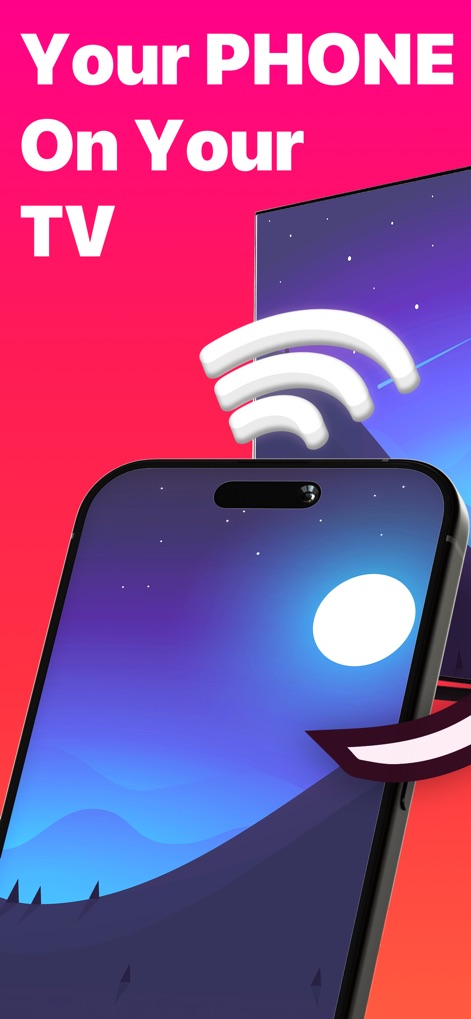
Questo screenshot mostra l'iPhone che trasmette una suggestiva scena notturna, replicata fedelmente sul grande schermo della TV, evidenziando la connessione senza fili tra i due dispositivi.
Il Tuo Contenuto
L'immagine enfatizza la facilità del mirroring con un grande schermo TV che mostra un paesaggio notturno, e una freccia stilizzata che ne indica l'azione diretta.
Mirroring Semplificato
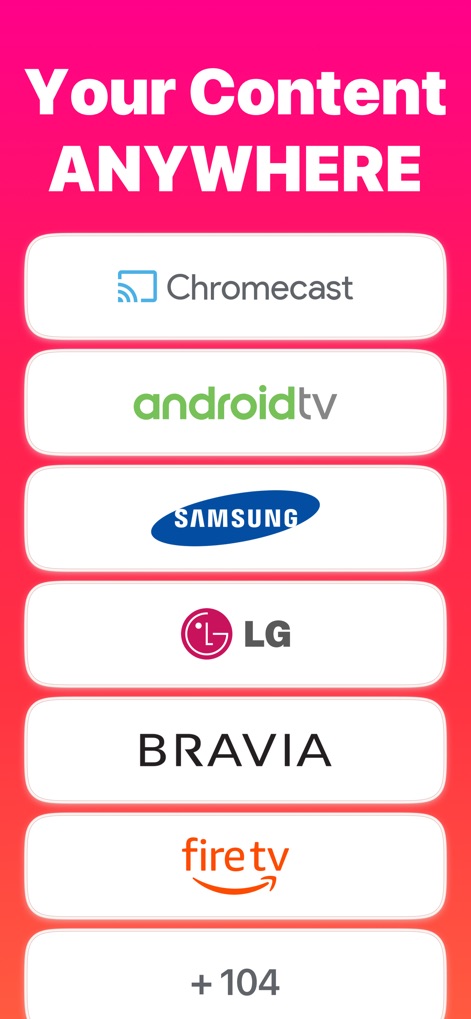
La schermata illustra l'ampia gamma di dispositivi supportati, includendo loghi come Chromecast e Samsung, e la notevole indicazione di '+ 104' ulteriori opzioni.
Ampia Compatibilità
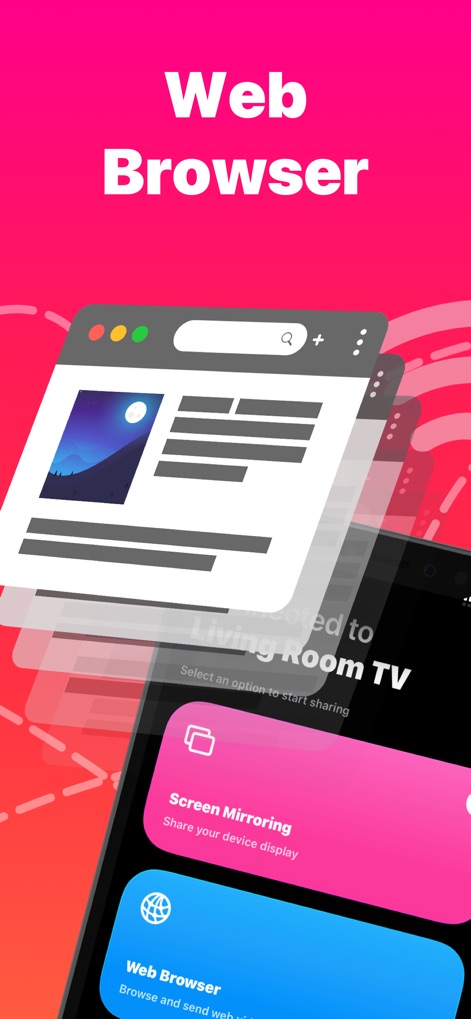
Gli utenti possono navigare sul web, come dimostrato dalla finestra del browser specchiata, e selezionare l'opzione 'Web Browser' direttamente dall'interfaccia dell'app per trasmettere contenuti online.
Navigazione Web
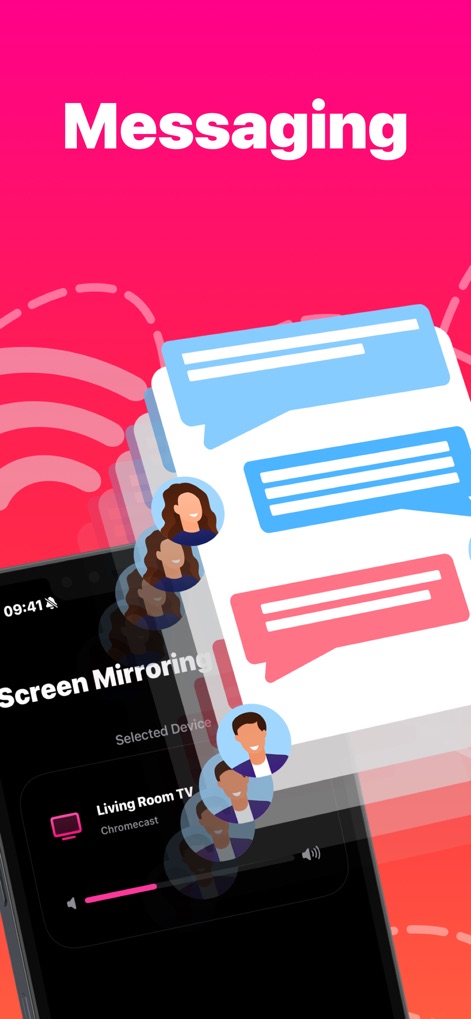
Questo screenshot evidenzia la possibilità di condividere app di messaggistica con le bolle di chat e gli avatar che appaiono sul display, mentre l'app mostra chiaramente il 'Living Room TV' come dispositivo selezionato.
Chat Condivise
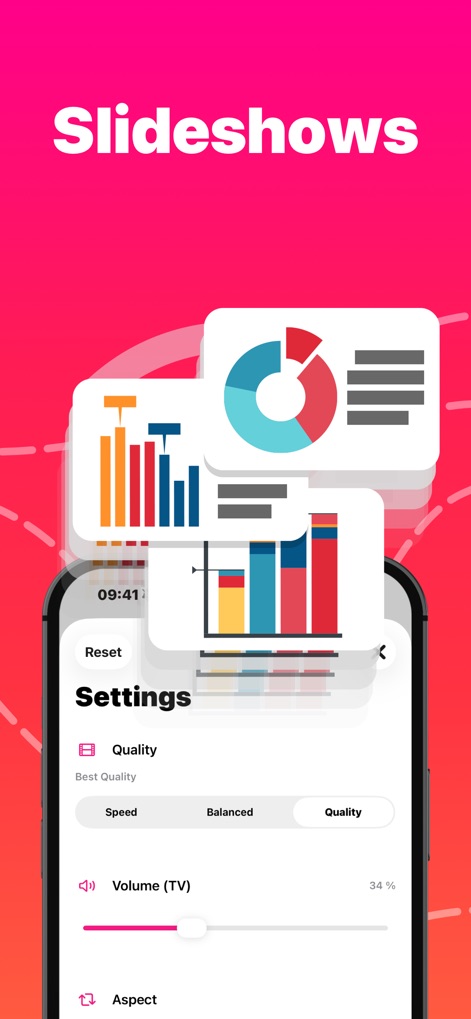
L'app consente la visualizzazione di presentazioni con grafici e dati su grande schermo, offrendo al contempo agli utenti opzioni dettagliate per regolare la 'Quality' e il volume direttamente dalle impostazioni.
Presentazioni Efficaci
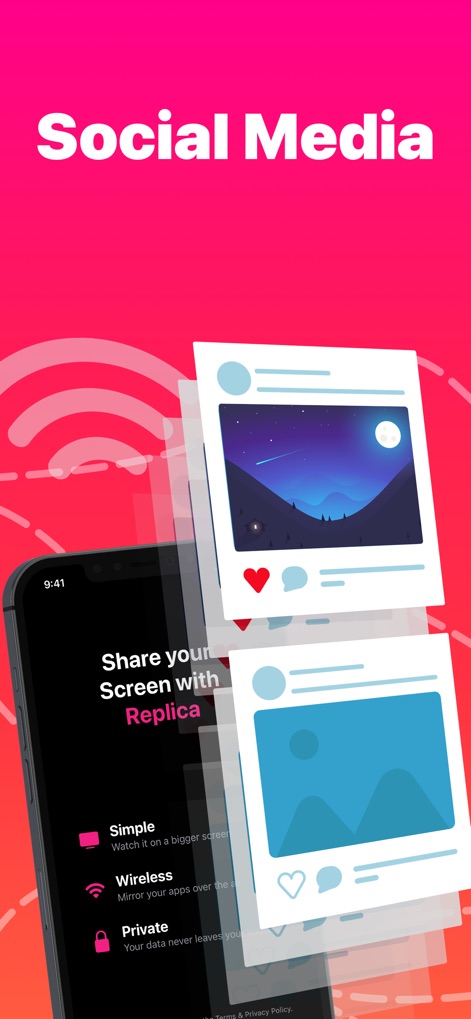
Gli utenti possono facilmente mostrare i post dei social media con immagini e interazioni su una TV, beneficiando delle caratteristiche 'Simple' e 'Wireless' dell'app per una condivisione immediata.
Social Media sul TV
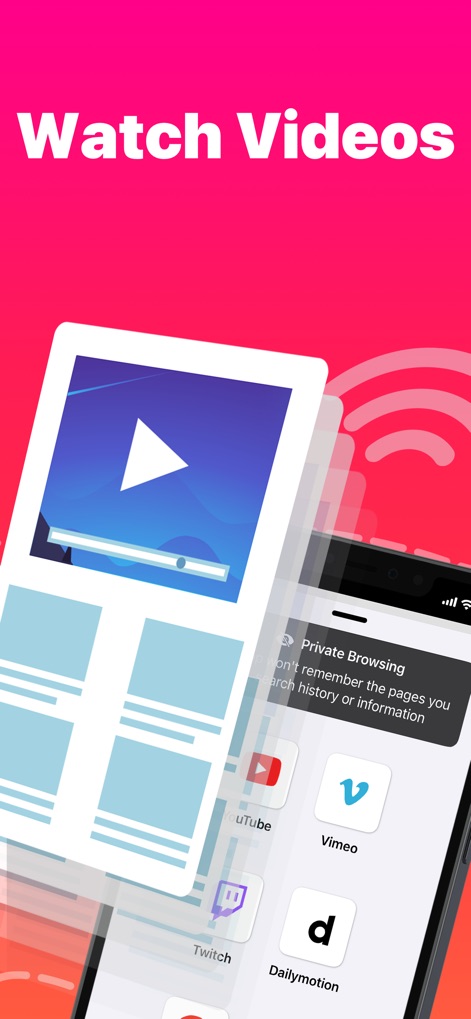
La schermata mostra la riproduzione di video su un display più grande, con l'inclusione di icone per piattaforme popolari come YouTube e Vimeo, e l'opzione per la 'Private Browsing'.
Streaming Video Esteso
Descrizione
Download
App Simili
App con funzionalità ed esperienza simili

Web Video Cast | Browser to TV
InstantBits Inc

PigeonCast:Send by Google Cast
Sichuan FalconAI Technology Co., Ltd.

Screen Mirroring • Smart TV
Mihkel Pikk

Screen Mirroring | Cast to TV
Ozuna Limited

Screen Mirroring・Smart View TV
TOGGLE APPS SP Z O O

UbeCast: Music Streamer & PiP
AER SOFTWARE COMPANY LIMITED

AirDroid Cast-screen mirroring
SAND STUDIO CORPORATION LIMITED

Miracast: Screen Mirroring TV
Hainan Delta Software Co., Ltd

Screen Mirroring・Air Cast TV
Dalma Innovation Solutions d.o.o.
Questa pagina non è una pagina ufficiale dell'app o del suo sviluppatore, ma una pubblicazione editoriale indipendente creata a scopo informativo e di commento. Salvo espressa indicazione contraria, né l'app né il suo sviluppatore sono affiliati, approvati, sponsorizzati, autorizzati o altrimenti ufficialmente collegati a MWM, Apple, Google Play, all'editore dell'app o allo sviluppatore dell'app, e nulla in questa pagina implica che l'app sia stata sviluppata utilizzando i servizi di MWM. Tutti i marchi, loghi, screenshot e altri contenuti rimangono di proprietà dei rispettivi proprietari.