Scanner App: Documents & Sign

Scanner App: Documents & Sign

Scarica su App Store
Logo di Scanner App: Documents & Sign

Scanner App: Lo strumento scanner e firma digitale professionale tutto in uno

Potenzia il tuo flusso di lavoro da remoto. Scansiona, firma e condividi PDF di alta qualità istantaneamente con l'ufficio mobile più sicuro e basato su OCR, creato per i professionisti.

Scarica su App Store

Editore

Seven Mile Apps LLC

Categoria

Business

Download

5K+

Valutazione

4.7/5

Valutazioni totali

100

Lingue

15

Il tuo ufficio in tasca

Scopri l'interfaccia usata da 5K+ utenti.
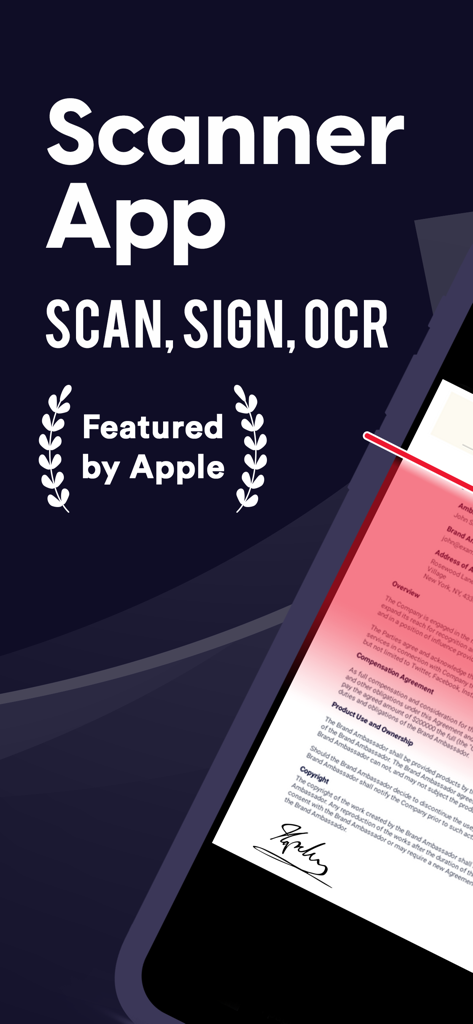
Scanner App che mostra le funzionalità di scansione e firma di documenti

Scanner App che mostra le funzionalità di scansione e firma di documenti

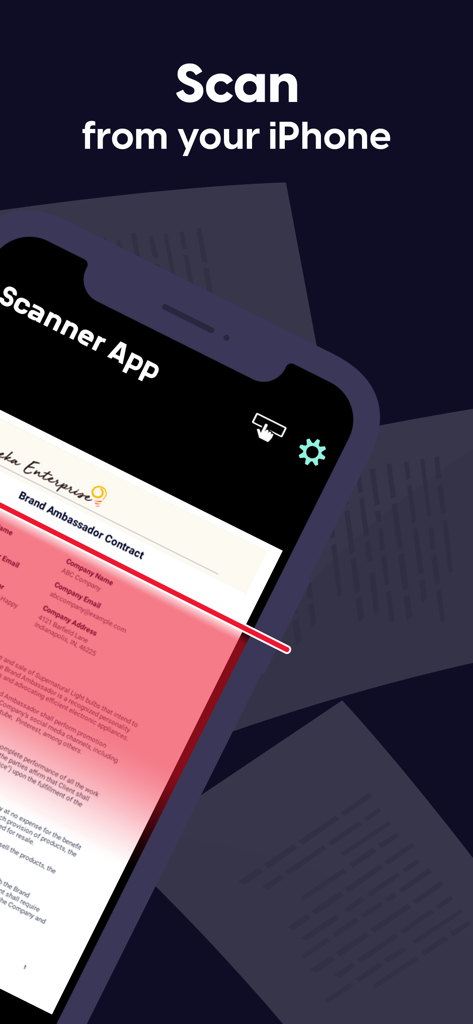
iPhone che scansiona un contratto di Brand Ambassador utilizzando Scanner App

iPhone che scansiona un contratto di Brand Ambassador utilizzando Scanner App

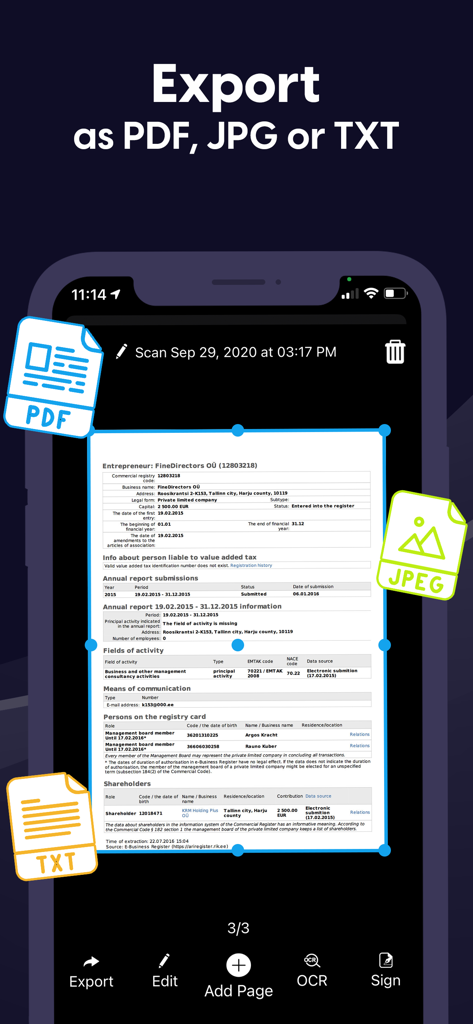
Interfaccia dell'app scanner per esportare documenti in formato PDF, JPG e TXT

Interfaccia dell'app scanner per esportare documenti in formato PDF, JPG e TXT

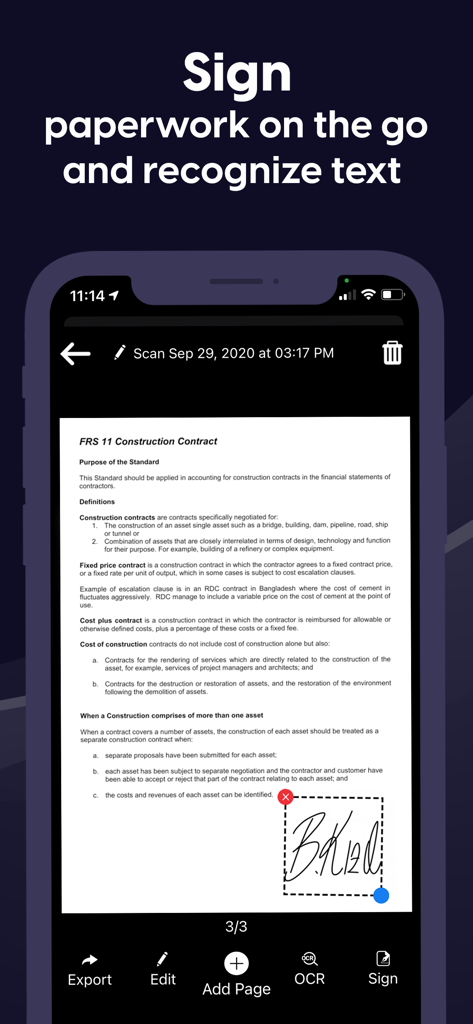
Interfaccia di un'app mobile che mostra un utente che aggiunge una firma digitale a un contratto

Interfaccia di un'app mobile che mostra un utente che aggiunge una firma digitale a un contratto

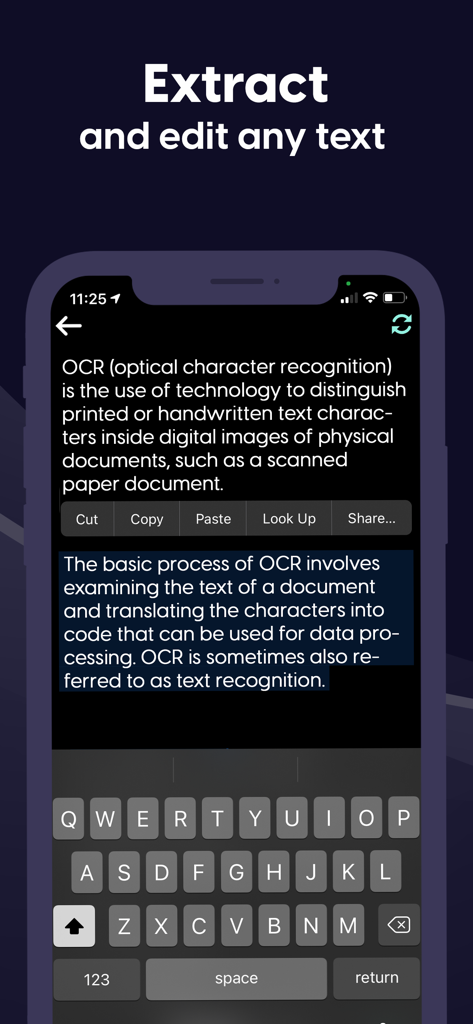
Interfaccia mobile che dimostra la funzionalità OCR per estrarre e modificare testo da un documento

Interfaccia mobile che dimostra la funzionalità OCR per estrarre e modificare testo da un documento

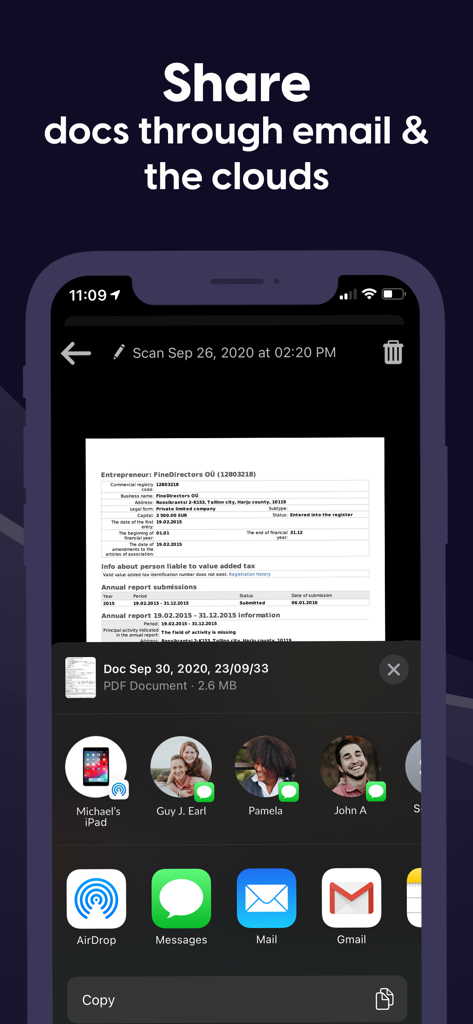
Condivisione di documenti scansionati tramite email e servizi cloud su iPhone

Condivisione di documenti scansionati tramite email e servizi cloud su iPhone

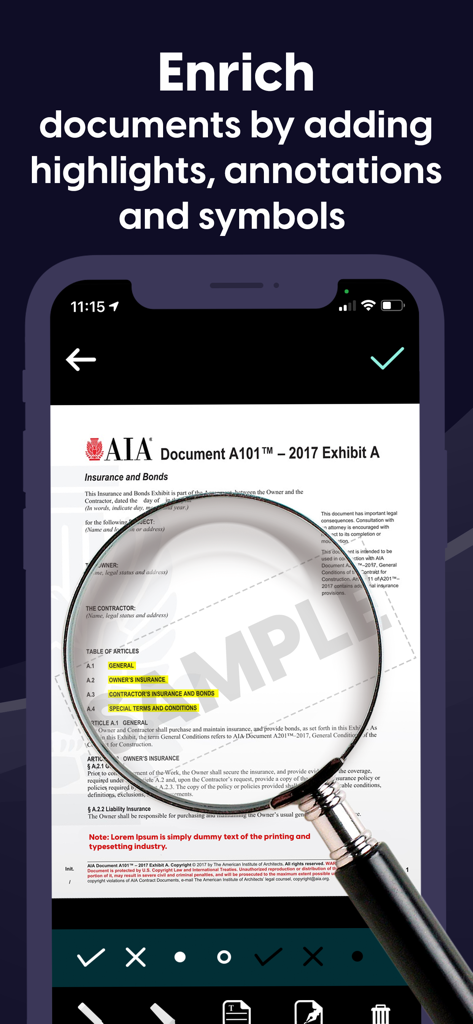
Interfaccia di un'app mobile che visualizza un documento in fase di modifica con evidenziazioni e annotazioni utilizzando uno strumento lente d'ingrandimento.

Interfaccia di un'app mobile che visualizza un documento in fase di modifica con evidenziazioni e annotazioni utilizzando uno strumento lente d'ingrandimento.

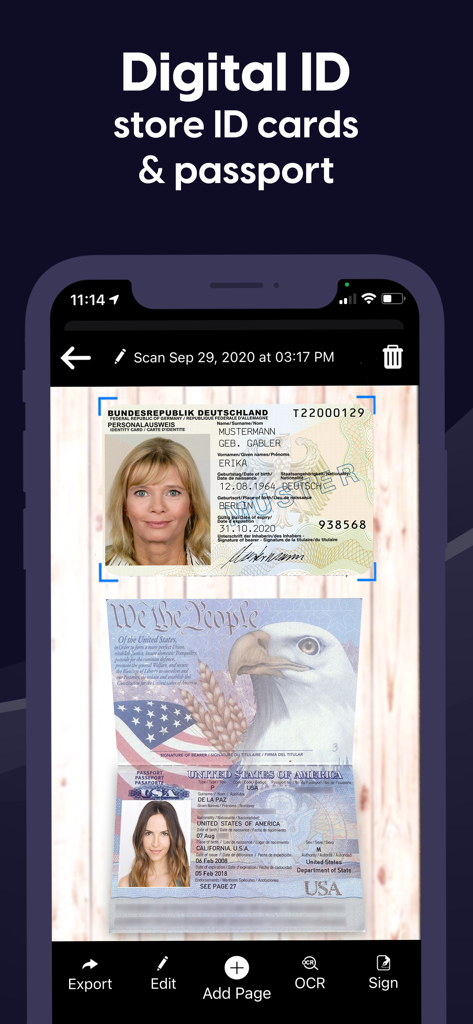
Interfaccia di un'app mobile che mostra una carta d'identità e un passaporto scansionati con opzioni per esportare, modificare e firmare

Interfaccia di un'app mobile che mostra una carta d'identità e un passaporto scansionati con opzioni per esportare, modificare e firmare

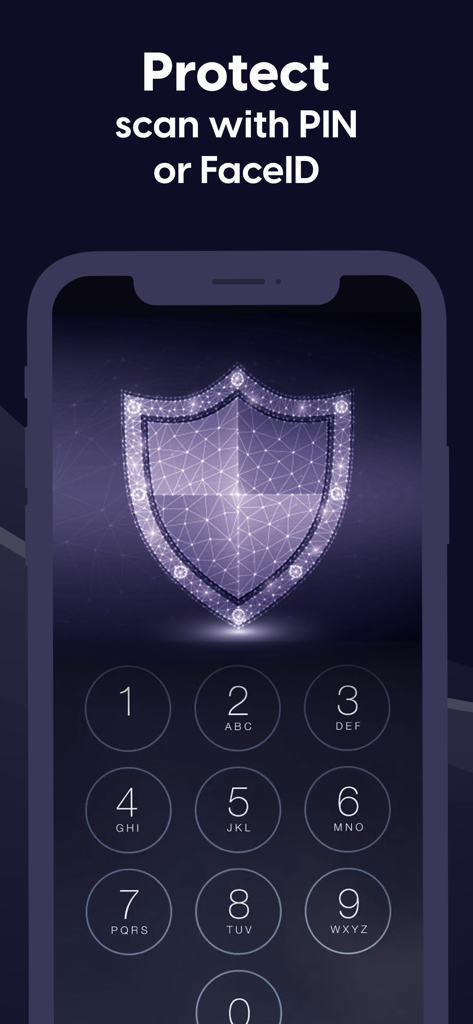
Schermata di un'app mobile con una tastiera numerica e un'icona di scudo digitale che illustra la protezione PIN e FaceID per i documenti.

Schermata di un'app mobile con una tastiera numerica e un'icona di scudo digitale che illustra la protezione PIN e FaceID per i documenti.

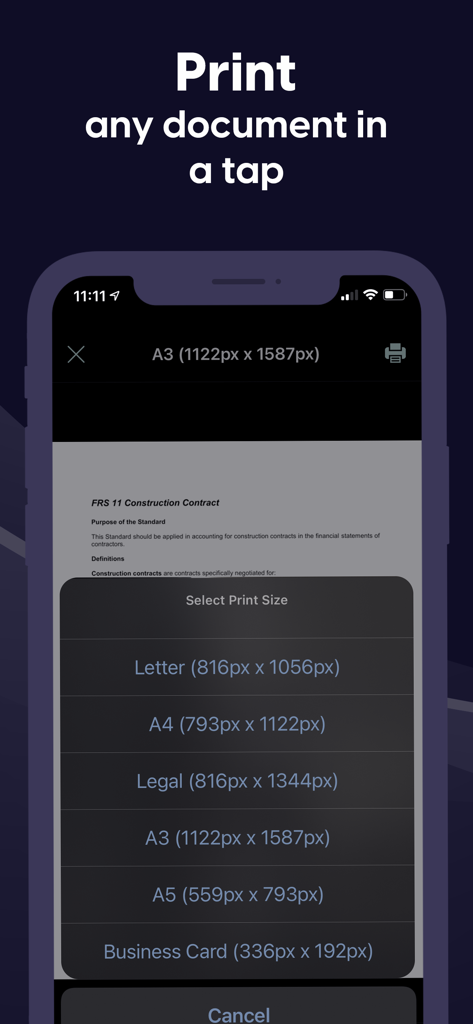
Interfaccia mobile di Scanner App che mostra opzioni per stampare documenti in varie dimensioni come Lettera e A4.

Interfaccia mobile di Scanner App che mostra opzioni per stampare documenti in varie dimensioni come Lettera e A4.

Il tuo ufficio professionale, tascabile

Gli strumenti che rendono questa app unica, scelti da 5K+ utenti.

✍️

Firma digitale e annota istantaneamente

Chiudi accordi e finalizza documenti in pochi secondi. Aggiungi la tua firma professionale o testo personalizzato a qualsiasi documento senza aver bisogno di una stampante o di una penna.

🔍

Scansione di precisione e OCR

Trasforma pagine fisiche in PDF di alta qualità o testo modificabile. La nostra avanzata tecnologia OCR riconosce più lingue, rendendo l'estrazione dei dati senza sforzo.

🔒

Sicurezza di livello bancario

Proteggi contratti sensibili e documenti d'identità con FaceID, TouchID o crittografia PIN. I tuoi documenti vengono archiviati localmente, mantenendo i tuoi dati privati strettamente privati.

Info sull'app

Tutto quello che devi sapere su Scanner App: Documents & Sign.

Descrizione

Have to work from home? Scanner App makes it easy. Join our community of users who scan, sign and share docs with iPhone! Scanner App is a friendly scanner app that will turn your iPhone or iPad device into an impressive mobile scanner. It is the best way to scan, save and share any document in PDF or JPEG format. You can conveniently scan all types of items from long multipage contract documents to receipts, books, homework, notes and I.D. documents. Scans can be stored as multipage PDF and JPEG files. Scanner App will become a necessity in your normal routine and you won’t know how much need it until you are without it. Forget your clunky office scanner and get this ultra-fast pdf scanner app now! Save more time with our e-sign and add text features. These features allow you to add your signature or text to electronic documents with just a simple few taps! Use our text recognition feature to convert any scan into text and then edit it to your liking. The advanced text scanner supports multiple languages such as English, German, French, Spanish, Italian,Japanese, Chinese, Portuguese, Russian, Korean, Dutch, Swedish, Norwegian, Turkish, Ukrainian, Arabic, Hindi, Hebrew and even converts different languages in the same document. The app is also a fast QR scanner. Scanner App is the perfect travel companion for your business needs. All scanned documents are stored locally on your device, they are inaccessible to us and to any third-party. You can easily share the documents by using the export option. If you need to protect your scans you can setup a password for the app or use FaceID to protect your documents. We offer: an Enhanced PDF Scanner app, Document Editor, File Manager, and Document Sharing Tools PDF Scanner: – Scan to high-quality PDF or JPEG – Multipage scanning - scan as many pages as you need – OCR (convert any scan into text) – Automatic shutter and border detection for any scannable object Document Editor: – E-Sign or add text to any documents in a few taps – Save your scans in black and white, grayscale or color File Manager: – Full featured file manager with folders, drag & drop and document editing – Protect your scans with Touch/Face ID or pin code – Sort documents by name, date or time Document Sharing Tools: – Share via email, messengers and cloud services such as Dropbox and Google Drive as PDF, JPEG – Print your scans with any Wi-Fi printer – Save scans to Camera Roll Information about the auto-renewal of subscription: – Free trial period is provided – Payment will be charged to iTunes Account at confirmation of purchase - Subscription automatically renews unless auto-renew is turned off at least 24-hours before the end of the current period - Subscriptions may be managed by the user and auto-renewal may be turned off by going to the user’s Account Settings after purchase – Any unused portion of the free trial will be forfeited when the user purchases a subscription – If you have an active subscription, please restore by opening the settings menu and tapping restore purchase The following subscription plans are available (price may vary depending on location): • 1 week subscription with 3-day trial version – US$ 9.99 • Lifetime access – US$ 159.99 Privacy Policy: https://sevenmileapps.com/pdfscanner/PrivacyPolicy.html Terms of Service: https://sevenmileapps.com/pdfscanner/termsofservice.html Billing Terms: https://sevenmileapps.com/pdfscanner/subscriptionterms.html We value your comments and suggestions. Please don’t hesitate to email us at support@sevenmileapps.com

Ultima versione

1.48

Dimensione

80.5 MB

Data di lancio

19 dic 2019

Pronto a rivoluzionare il tuo flusso di lavoro?

Unisciti a migliaia di professionisti da remoto che scansionano, firmano e condividono documenti con facilità. Scarica subito Scanner App e trasforma il tuo iPhone in un ufficio mobile ad alte prestazioni.

Scarica su App Store

App information, icons, screenshots, and descriptions displayed on this page are sourced from the Apple App Store and are the property of their respective developers. Download estimates and rankings are based on MWM's proprietary models and may not reflect actual figures. This page is provided for informational and analytical purposes only.

Believe this page infringes your intellectual property? File a dispute