Scanner Mini – Lo Scanner AI per la Tua Vita Senza Carta
Trasforma il tuo iPhone in un hub di scansione professionale. Acquisisci PDF cristallini, cancella imperfezioni con la magia dell'IA e automatizza il tuo flusso di lavoro documentale in pochi secondi.
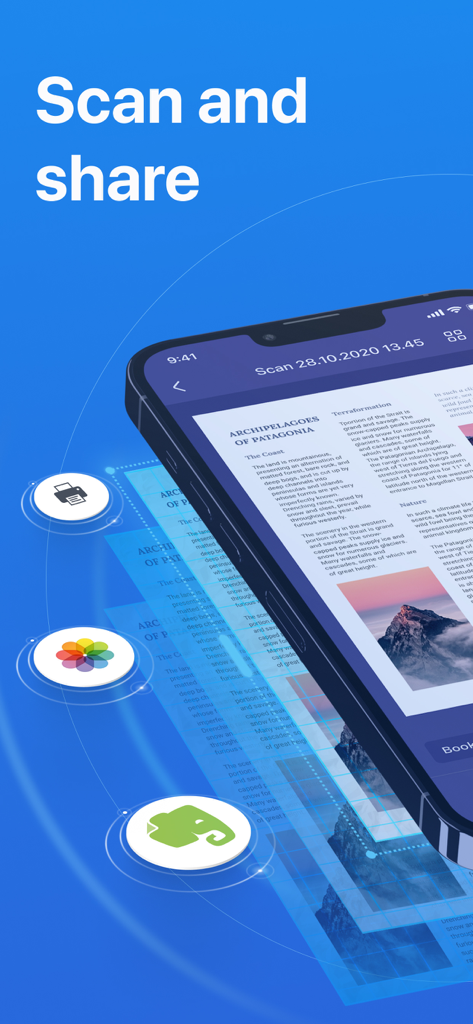
App Scanner Mini su iPhone che mostra un documento scansionato con opzioni di condivisione per la stampa e Evernote
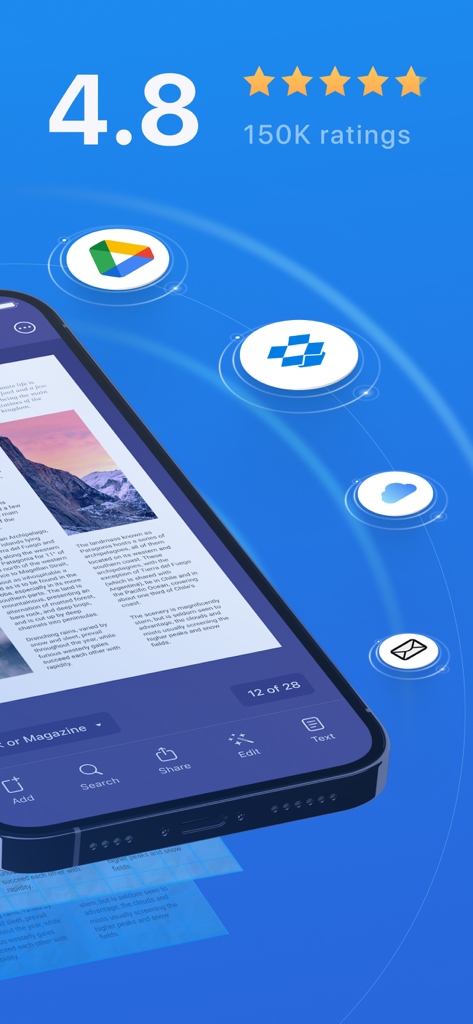
Interfaccia dell'app Scanner Mini che mostra alte valutazioni degli utenti e integrazione con l'archiviazione cloud per i documenti scansionati
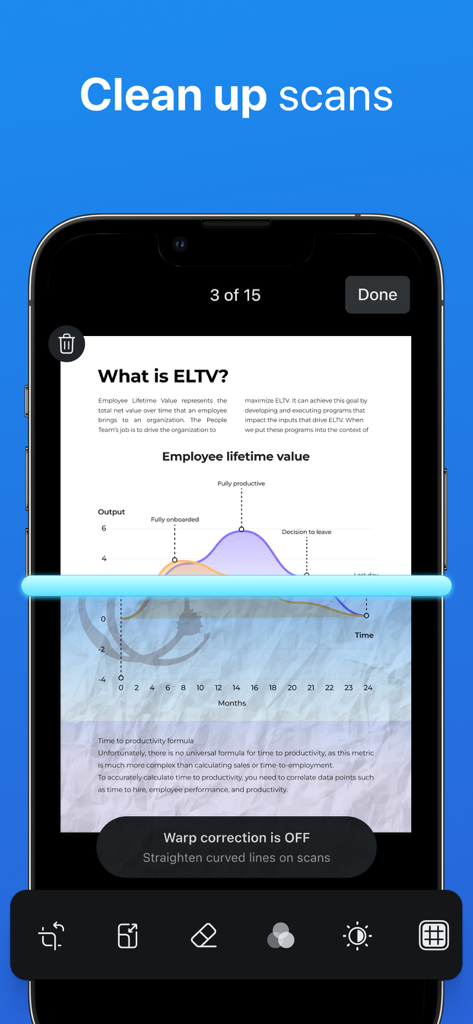
Schermata dell'iPhone che mostra l'app Scanner Mini che pulisce una scansione di documento con una linea di scansione blu.
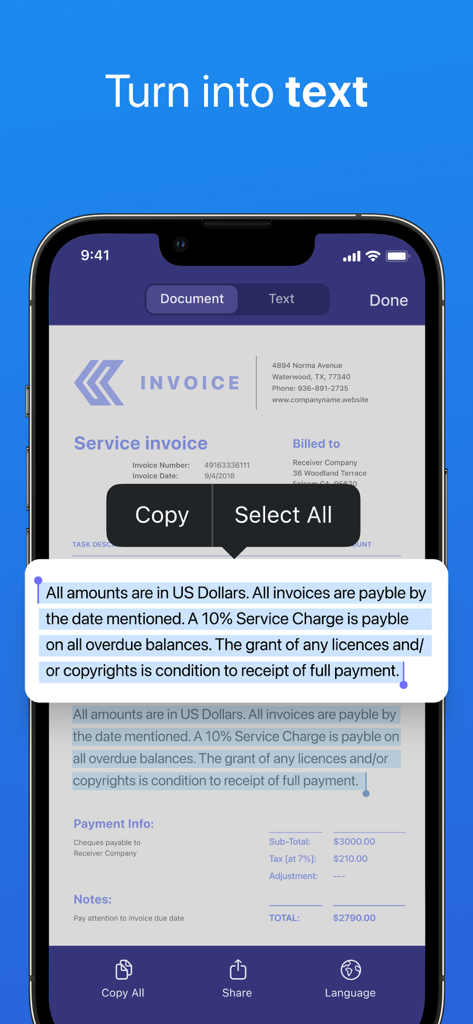
Schermata dell'iPhone che mostra l'app Scanner Mini che converte una fattura scansionata in testo modificabile
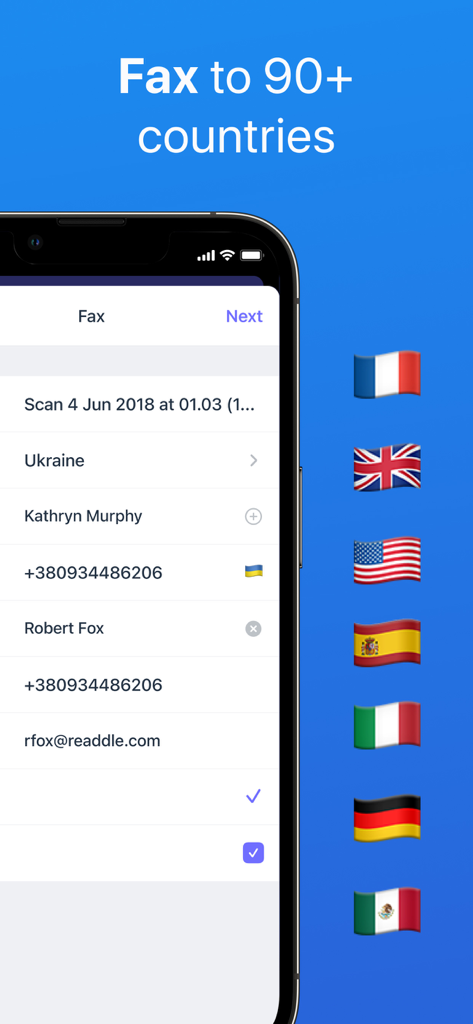
Interfaccia dell'app Scanner Mini che mostra opzioni di fax internazionale con bandiere di paesi tra cui USA e Regno Unito
La Tua Postazione di Produttività Portatile
Gli strumenti che rendono questa app unica, scelti da 2M+ utenti.
✨
Editing AI di Livello Professionale
Rimuovi istantaneamente ombre, dita o graffette dalle tue scansioni. Ottieni PDF nitidi e perfettamente ritagliati che sembrano provenire da uno scanner piatto professionale da ufficio.
⚡
Automazione Intelligente e Fax
Salta i passaggi noiosi. Crea flussi di lavoro con un solo tocco per scansionare, rinominare e caricare sul cloud, oppure invia fax professionali in oltre 50 paesi direttamente dall'app.
🔒
Ricerca e Sincronizzazione Sicure
Trova documenti istantaneamente con la ricerca full-text (OCR) e proteggi contratti sensibili con Face ID, rimanendo sincronizzato tra iPhone, iPad e Mac.
Info sull'app
Tutto quello che devi sapere su Scanner Mini – Scan PDF & Fax.
Descrizione
Scanner Mini is the best place for your important documents. It transforms your iPhone and iPad into portable scanners.
Scan agreements, receipts, IDs, books, and more using your device and turn them into high-quality PDFs, so you can safely store and share them anywhere.
"Scanner Mini turns your iPhone into a scanning boss" – The Next Web
"Scanner Mini is very, very nice. It’s simple and fast." – Mark Gurman, 9to5Mac
*** WITH SCANNER MINI YOU GET FREE ACCESS TO ***
EASY SCANNING
Sсan any kind of paper documents into multi-page PDFs or JPEGs.
ADVANCED IMAGE PROCESSING
Create great-looking documents with original pictures, color stamps and signatures. Scanner Mini will automatically detect borders in real time, correcting distortion and geometry. You can also adjust the crop area manually, by tapping on the screen.
MAKE ORGANIZING EASY
All your scans are automatically organized into useful categories: bills, receipts, books or magazines, IDs, forms, etc.
ANNOTATE YOUR SCANS
You can draw, write, and highlight text in your scans right in Scanner Mini without jumping to another app.
MAGIC ERASER
Get rid of staples, holes, or fingers that got into the scan while scanning. Scanner Mini’s AI-powered eraser makes unwanted objects disappear as if they were never there.
iCLOUD SYNC ACROSS ALL YOUR DEVICES
Access to all your scanned documents on your iPhone, iPad and Mac. Scan a document on your iPhone or iPad and it will be uploaded to iCloud Drive automatically.
*** SCANNER MINI PLUS UNLOCKS THE ADVANCED FEATURES ***
WORK WITH TEXT (OCR)
Turn scans into text, so you can read, copy, and export it to other apps. Scanner Mini supports 25+ languages: Catalan, Croatian, Simplified Chinese, Traditional Chinese, Czech, Danish, Dutch, English, Estonian, Finnish, French, German, Greek, Hungarian, Italian, Japanese, Latin, Norwegian, Polish, Portuguese, Romanian, Russian, Spanish, Swedish, Tagalog, Turkish and Ukrainian.
SHARE YOUR SCANS
Send scanned documents via email, export to Photos or open in any 3rd party apps. Also, you can print your documents or even fax them to most countries and territories.
FULL-TEXT SEARCH
Search through the text of your scans or by category, not just by titles. Quickly find any scan no matter how it’s named.
REMOVE WATERMARK
Create clean and professional scans without watermarks.
AUTO UPLOAD & WORKFLOWS
Automate your flow and perform multiple actions in just one tap. First, choose your actions – rename documents, send an email, auto upload to Dropbox, save to the required folder and much more. Then, with just one tap Scanner Mini will complete all of these actions, while you solve more important problems.
PROTECT YOUR PDFs
Protect your document library with a secure password, Face ID, or Touch ID. Share password-protected scans to shield them from prying eyes.
We give you 7-DAY FREE TRIAL to Scanner Mini Plus, so you can download it now and check it in action.
Have any feedback or comments? We’d love to hear from you at http://readdle.com/contact
Privacy Policy: https://readdle.com/scannermini/legal/privacy
Terms of Service: https://readdle.com/scannermini/legal/terms
Ultima versione
8.26.2
Dimensione
242.1 MB
Data di lancio
18 dic 2012
Metti uno Scanner d'Ufficio di Alta Gamma in Tasca
Unisciti a oltre 2 milioni di professionisti che hanno abbandonato il disordine. Scarica subito Scanner Mini per scansionare, inviare via fax e automatizzare il tuo flusso di lavoro con la precisione dell'IA.
App information, icons, screenshots, and descriptions displayed on this page are sourced from the Apple App Store and are the property of their respective developers. Download estimates and rankings are based on MWM's proprietary models and may not reflect actual figures. This page is provided for informational and analytical purposes only.
Believe this page infringes your intellectual property? File a dispute