SCANNER - PDF Document Scan

SCANNER - PDF Document Scan

Scarica su App Store
Logo di SCANNER - PDF Document Scan

SCANNER - Scansione Documenti PDF: Il Tuo Ufficio Mobile Professionale

Lo strumento all-in-one per professionisti ibridi per scansionare, firmare e convertire documenti con precisione OCR. Proteggi i tuoi dati sensibili con FaceID e sincronizza istantaneamente tra dispositivi.

Editore

Zafar Ullah

Categoria

Business

Download

2M+

Valutazione

4.4/5

Valutazioni totali

30K+

Lingue

11

Il Tuo Ufficio Mobile, Visualizzato

Scopri l'interfaccia usata da 2M+ utenti.
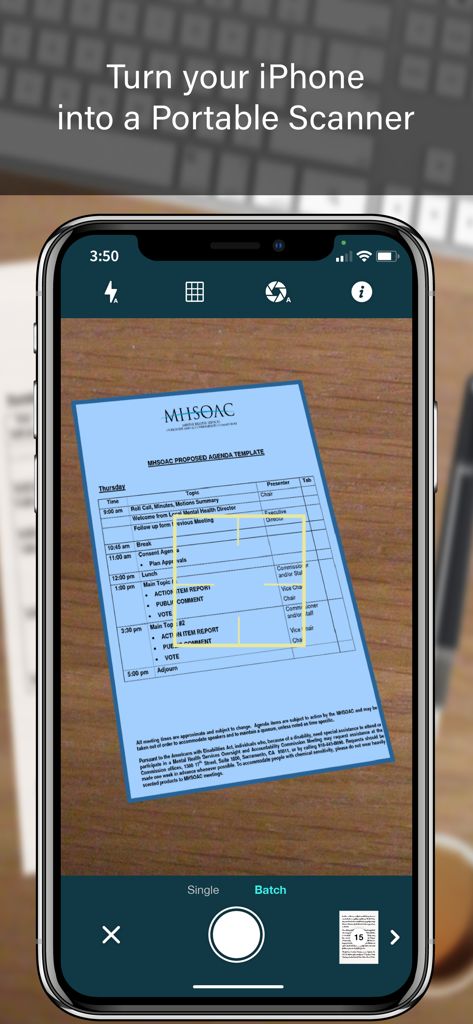
Schermata iPhone che visualizza l'interfaccia dell'app SCANNER che acquisisce un documento con rilevamento automatico dei bordi e modalità di scansione batch

Schermata iPhone che visualizza l'interfaccia dell'app SCANNER che acquisisce un documento con rilevamento automatico dei bordi e modalità di scansione batch

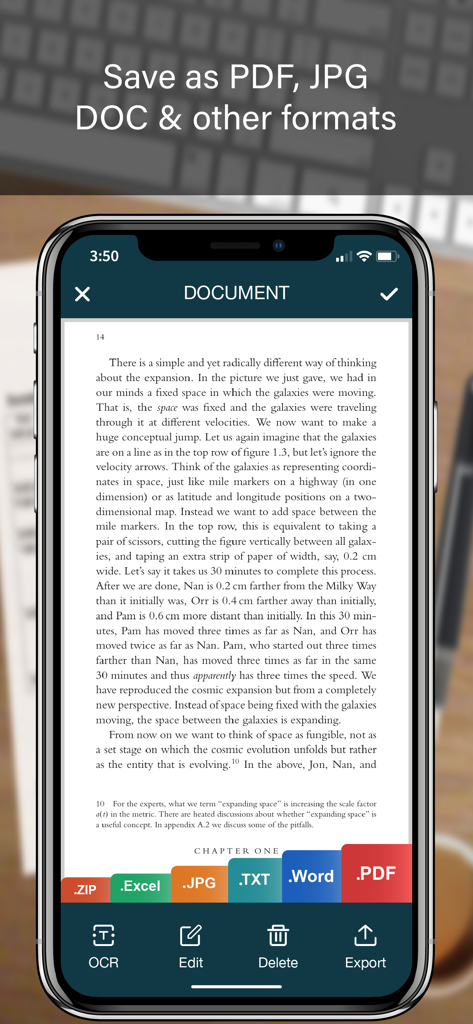
Interfaccia dell'app scanner mobile che mostra un documento con opzioni di esportazione per PDF JPG Word ed Excel

Interfaccia dell'app scanner mobile che mostra un documento con opzioni di esportazione per PDF JPG Word ed Excel

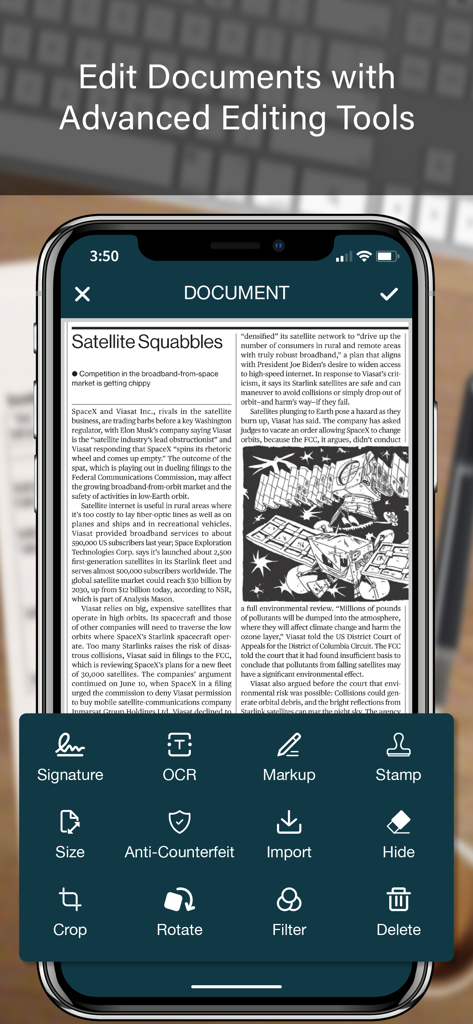
Interfaccia dell'app SCANNER che mostra strumenti avanzati di modifica documenti tra cui OCR, firma digitale e markup.

Interfaccia dell'app SCANNER che mostra strumenti avanzati di modifica documenti tra cui OCR, firma digitale e markup.

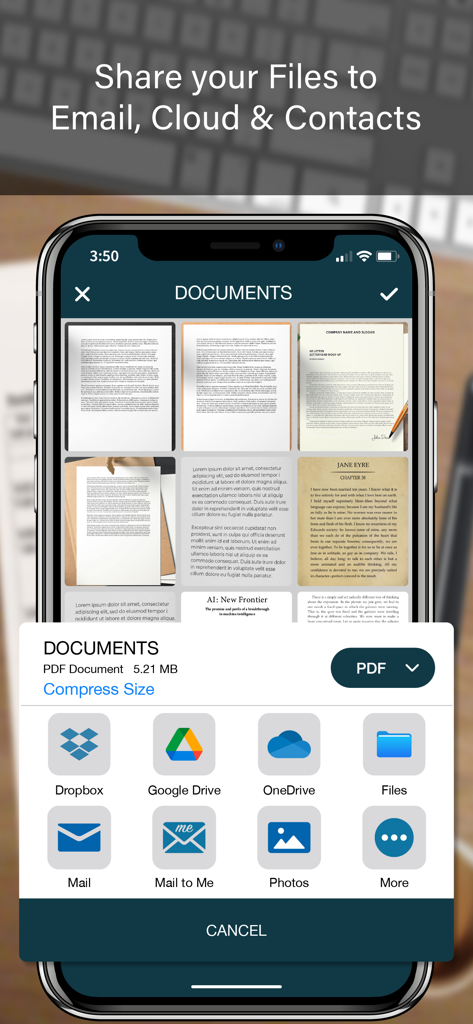
Un'interfaccia mobile che mostra le opzioni di condivisione dei documenti per un'app scanner PDF tra cui archiviazione cloud ed email

Un'interfaccia mobile che mostra le opzioni di condivisione dei documenti per un'app scanner PDF tra cui archiviazione cloud ed email

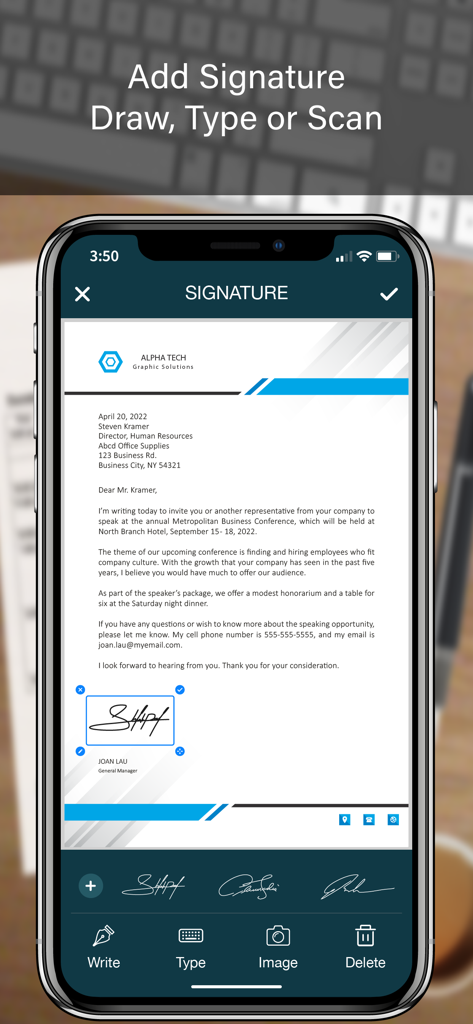
Interfaccia dell'app mobile che mostra come aggiungere una firma digitale a un documento aziendale

Interfaccia dell'app mobile che mostra come aggiungere una firma digitale a un documento aziendale

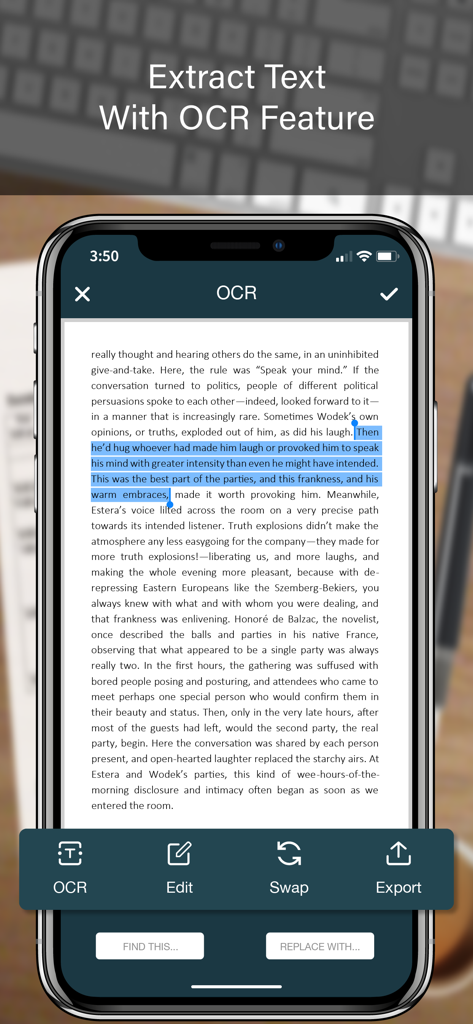
Schermata dell'app mobile che mostra l'estrazione di testo OCR da un documento scansionato

Schermata dell'app mobile che mostra l'estrazione di testo OCR da un documento scansionato

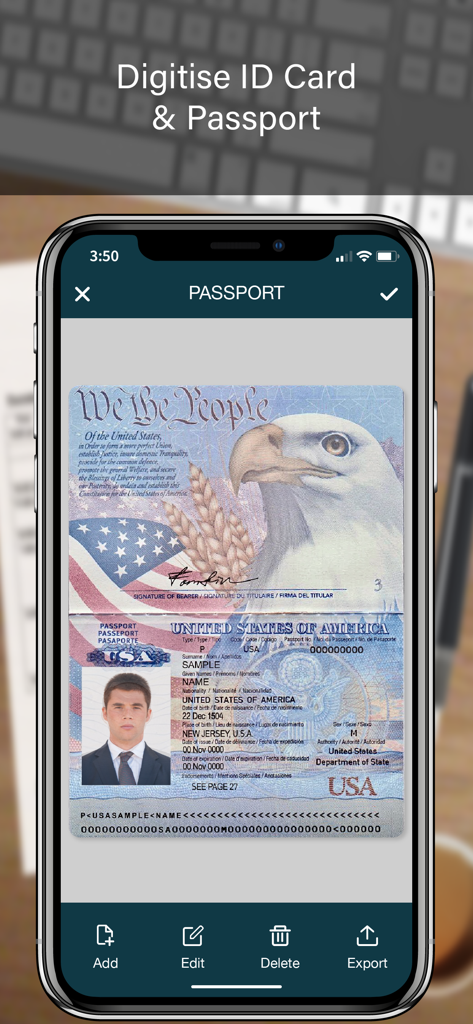
Schermata di un'app mobile che mostra un passaporto USA scansionato per l'archiviazione digitale dei documenti

Schermata di un'app mobile che mostra un passaporto USA scansionato per l'archiviazione digitale dei documenti

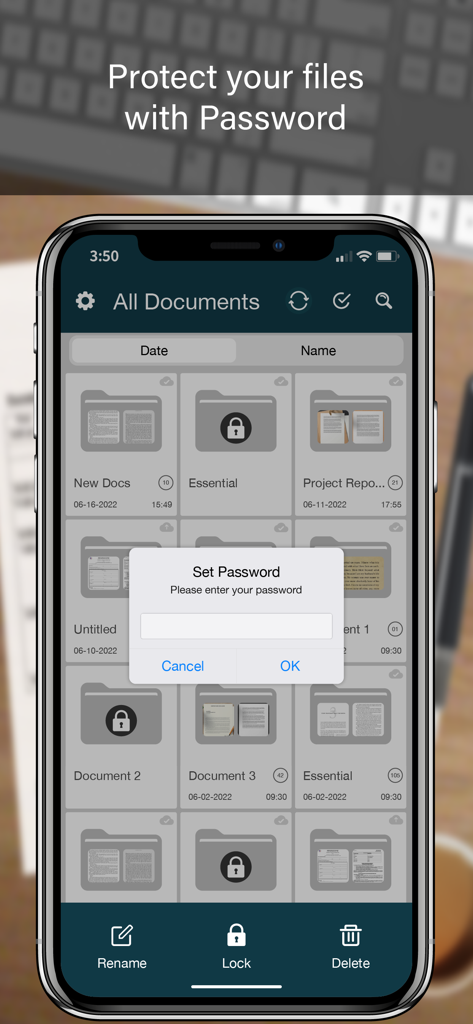
Schermata di uno smartphone che mostra un'app scanner di documenti con una richiesta di blocco password sopra un elenco di cartelle

Schermata di uno smartphone che mostra un'app scanner di documenti con una richiesta di blocco password sopra un elenco di cartelle

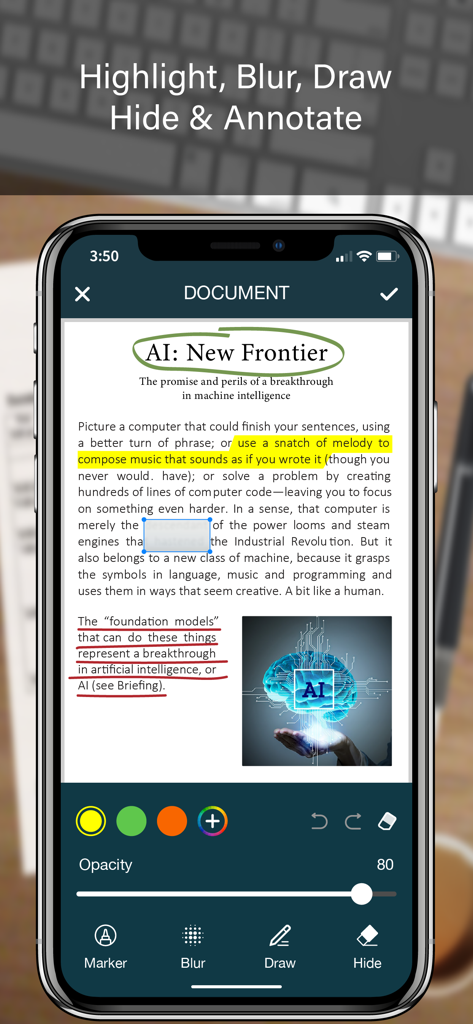
Schermata iPhone che visualizza funzionalità di annotazione documenti come evidenziazione, sfocatura e disegno su un documento PDF scansionato

Schermata iPhone che visualizza funzionalità di annotazione documenti come evidenziazione, sfocatura e disegno su un documento PDF scansionato

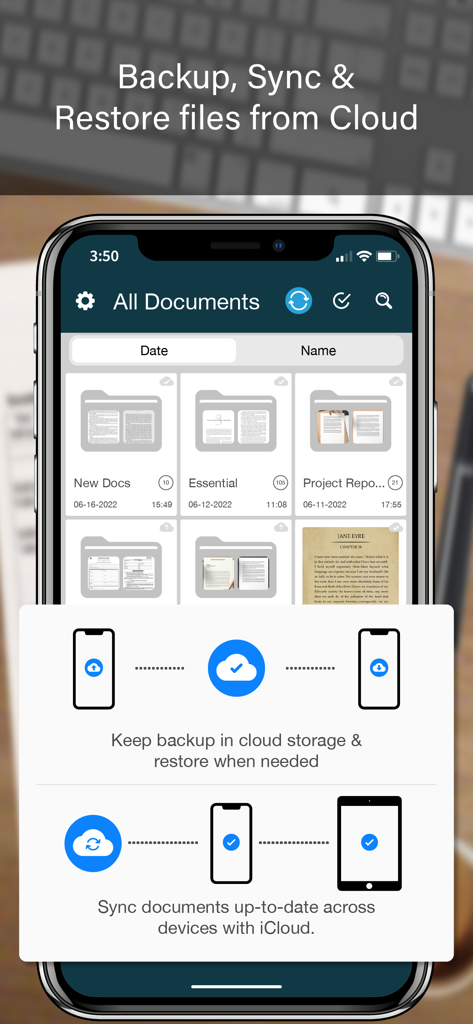
L'interfaccia dell'app SCANNER che mostra funzionalità di organizzazione dei documenti e backup cloud su un iPhone

L'interfaccia dell'app SCANNER che mostra funzionalità di organizzazione dei documenti e backup cloud su un iPhone

Tutto Ciò Che Il Tuo Ufficio Mobile Ha Bisogno

Gli strumenti che rendono questa app unica, scelti da 2M+ utenti.

🖋️

Firma e Sigilla Istantaneamente

Finalizza contratti in movimento con firme digitali e timbri ufficiali che mantengono l'integrità professionale ovunque tu sia.

📊

OCR Intelligente ed Estrazione Dati

Salta la digitazione manuale convertendo ricevute cartacee e tabelle in file Excel, Word e Testo modificabili con riconoscimento ad alta precisione.

🛡️

Archivio Documenti Sicuro

Proteggi dati sensibili dei clienti con blocchi cartelle tramite Face ID e filigrane anti-contraffazione per una sicurezza di livello professionale.

Info sull'app

Tutto quello che devi sapere su SCANNER - PDF Document Scan.

Descrizione

SCANNER is the easiest & simple app to use, which will turn your iPhone into a portable mobile scanner. Use SCANNER to scan receipts, notes, invoices, whiteboard discussions, business cards, certificates, photo & just anything you want. Easily scan, save and share any document in PDF, DOC, EXCEL, TEXT, ZIP & JPEG format. ** Key Feature ** ============== ADVANCED & HIGHLY OPTIMIZED SCANNER : - Scan to create high quality PDF, DOC, EXCEL, TEXT, ZIP & JPEG file. - Auto edge detection for easy, fast and accurate scanning. - Batch Scan feature to scan multiple documents simultaneously. - Control flash and capture mode very easily. - Turn camera grid on/off based on needs. - Auto enhancement make the graphics & text look more clear & sharper. - Automatic noise removing, color correction & perspective correction. EXTRACT TEXT FROM IMAGE (OCR) : - Extract text from image & Turn your images into text file. - Best OCR performance to get most accurate text output from the image. - Search & replace specific text or phrase in OCR. BACKUP & SYNC: - Create backup of documents and restore it when needed. - Sync data with iCloud to keep it up-to-date. - Sync data across multiple devices. ADD DIGITAL SIGNATURE : - Sign in your documents just right in the app. - Add signature by drawing and typing. - Extract signature from image by scanning. - Adjust the size, color & rotation of your signature easily. CONVERTER : - Convert your files into PDF, DOC, EXCEL, TEXT, ZIP & JPEG format. - Compress and control file size very easily. FOLDER LOCK : - Keep you documents safe with folder lock. - Use Pin Code, Face ID & Touch ID to lock and unlock folder. FILE MANAGER : - Full featured file manager with custom folder creation. - Organize documents by copying and moving from one folder to another. - Edit, Sort, Rename & Delete your folder. DOCUMENT EDITOR : - Smart polygonal cropping with auto edge detection feature. - Professional filters to turn image into document. - Draw, mark and annotate document with markup. - Change document dimension into different paper sizes (Such as: A3, A4, A5, Letter, Legal). - Import image from camera and gallery to add on documents. - Hide unwanted/confidential parts of the document with color and blur effects. - Use stamp & seal to make official document. - Add anti-counterfeit watermark. - File rotation feature. SHARING : - 3rd Party Cloud Storage Service : Dropbox, OneDrive, Google Drive & Email. - Airdrop sharing to share your files to any cloud or social media you want. - Easily Print out your files with any WiFi printer. - Save scans to camera roll. Premium Subscription: - With premium subscription, you have access to all features. - Premium subscription is billed monthly or annually at the rate corresponding to the selected plan. - Payment will be charged to iTunes Account at confirmation of purchase. - Subscription automatically renews unless auto-renew is turned off at least 24-hours before the end of the current period. - Account will be charged for renewal within 24-hours prior to the end of the current period, and identify the cost of the renewal. - Subscriptions may be managed by the user and auto-renewal may be turned off by going to the user's Account Settings after purchase. - Any unused portion of a free trial period, if offered, will be forfeited when the user purchases a subscription to that publication, where applicable. Privacy Policy https://zalgotech.com/privacy-policy/ Terms of Use https://zalgotech.com/terms-of-use/ Feel free to contact us: info@zalgotech.com, your feedback and suggestions are important to us!

Ultima versione

2.9

Dimensione

67.5 MB

Data di lancio

9 gen 2017

Trasforma il Tuo iPhone in un Ufficio Mobile Professionale

Unisciti a oltre 2 milioni di professionisti che scansionano, firmano e proteggono documenti in movimento. Sperimenta l'efficienza di uno scanner desktop nel palmo della tua mano.

Scarica su App Store

App information, icons, screenshots, and descriptions displayed on this page are sourced from the Apple App Store and are the property of their respective developers. Download estimates and rankings are based on MWM's proprietary models and may not reflect actual figures. This page is provided for informational and analytical purposes only.

Believe this page infringes your intellectual property? File a dispute