
Questa pagina non è una pagina ufficiale dell'app o del suo sviluppatore, ma una pubblicazione editoriale indipendente creata a scopo informativo e di commento. Salvo espressa indicazione contraria, né l'app né il suo sviluppatore sono affiliati, approvati, sponsorizzati, autorizzati o altrimenti ufficialmente collegati a MWM, Apple, Google Play, all'editore dell'app o allo sviluppatore dell'app, e nulla in questa pagina implica che l'app sia stata sviluppata utilizzando i servizi di MWM. Tutti i marchi, loghi, screenshot e altri contenuti rimangono di proprietà dei rispettivi proprietari.


Schoolwork
Trasforma la tua aula su iPad in un ambiente di apprendimento personalizzato. Risparmia tempo nell'amministrazione, ottieni informazioni approfondite sui progressi degli studenti e fornisci feedback in tempo reale, tutto in un unico hub centrale.
Download
86K+Valutazione
Valutazioni totali
500Editore
Categoria
EducationLingue
33Ultima versione
3.2.1Dimensione
166.9 MBData di lancio
6 ago 2018Potenzia il tuo insegnamento con precisione
Risparmia tempo sull'amministrazione e concentrati su ciò che conta di più: aiutare ogni studente a prosperare con informazioni in tempo reale e flussi di lavoro iPad senza interruzioni.
Feedback e voti scritti a mano
Dai un tocco personale con Apple Pencil. Annota PDF, foto e compiti in modo naturale come faresti su carta, direttamente dall'app.
Didattica basata sui dati
Identifica esattamente dove gli studenti si bloccano. Utilizza dati a livello di elemento e monitoraggio dei progressi in tutte le tue app didattiche preferite per personalizzare il supporto.
Gli screenshot e la descrizione seguenti provengono direttamente dall'elenco ufficiale dello store dell'app e sono di proprietà dello sviluppatore.
App Store
Screenshot
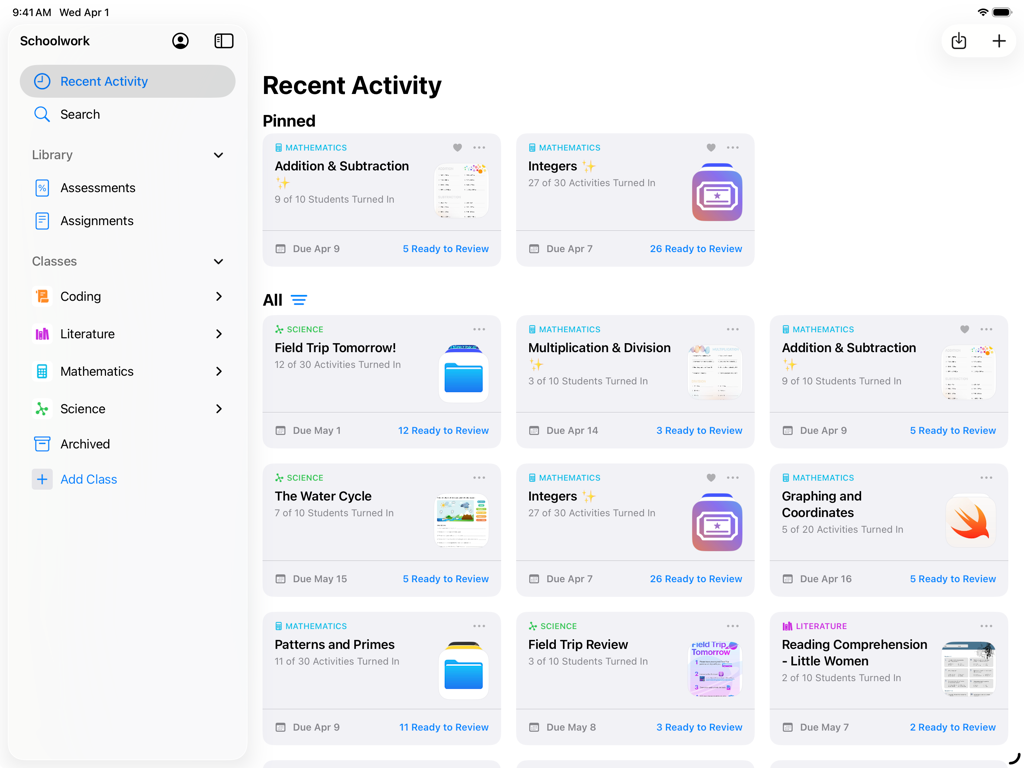
Vista del dashboard delle attività recenti dell'app Schoolwork su iPad che mostra le attività di classe gestite dall'insegnante e i progressi degli studenti
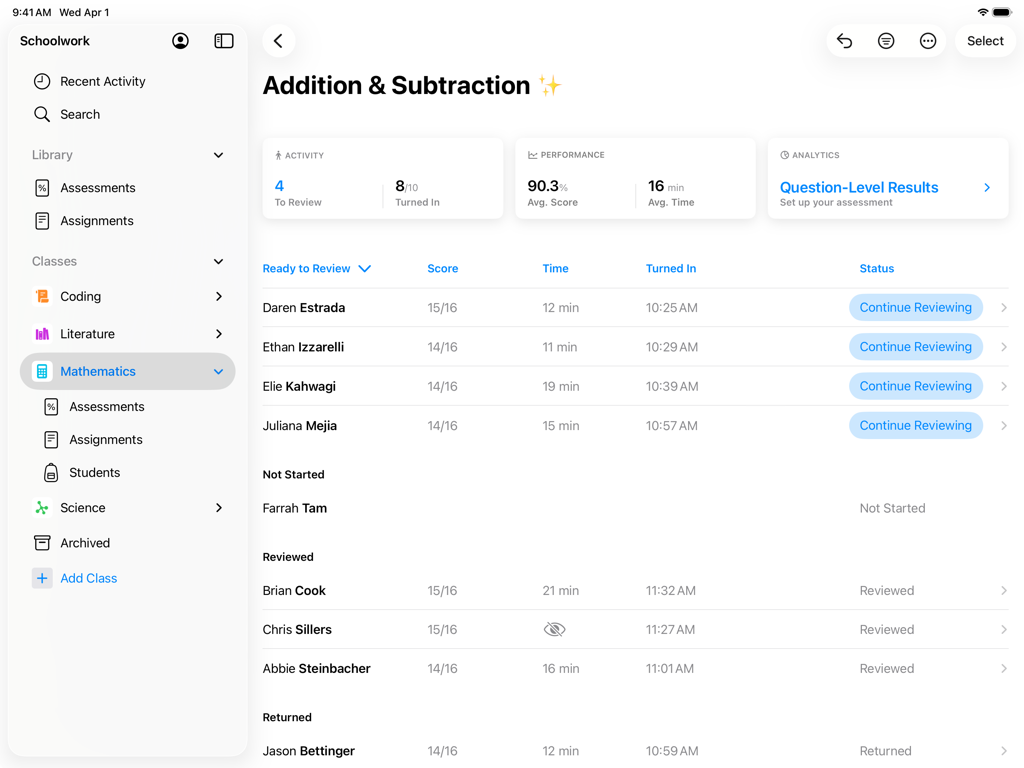
Dashboard dell'insegnante nell'app Schoolwork che mostra i punteggi e i progressi degli studenti per un compito di matematica
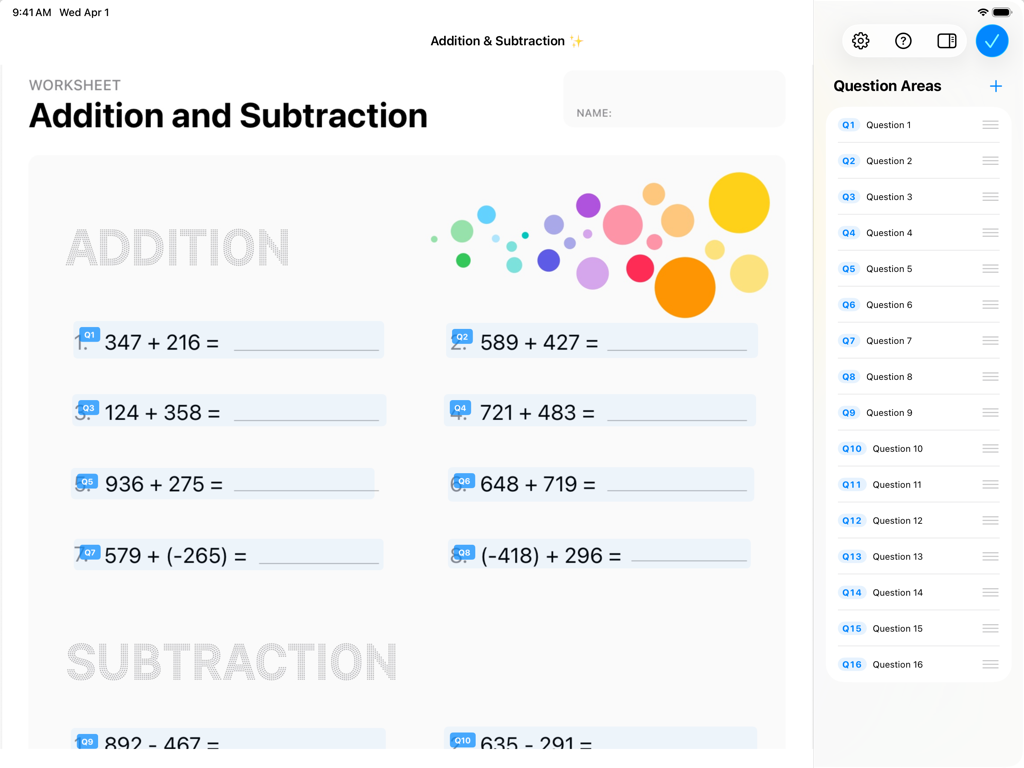
Interfaccia dell'app Apple Schoolwork che mostra un foglio di lavoro digitale di matematica con problemi di addizione e un elenco a lato delle aree di domanda.
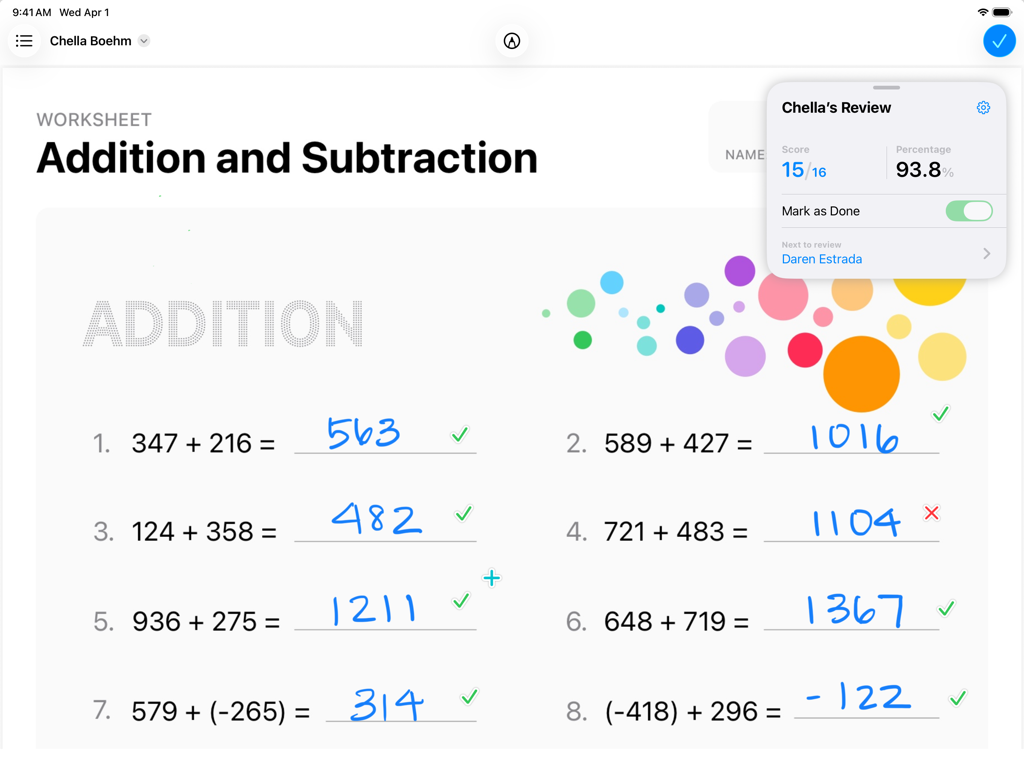
Un foglio di lavoro di matematica viene corretto nell'app Apple Schoolwork su un iPad che mostra i progressi degli studenti e le risposte scritte a mano.
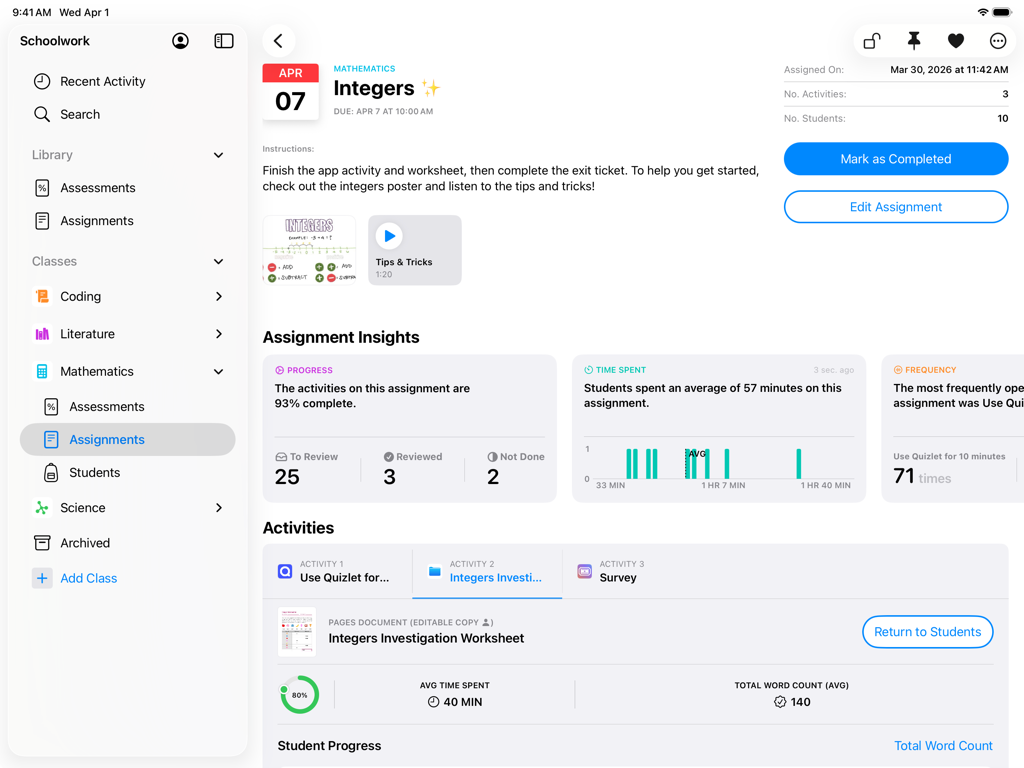
Interfaccia dell'app Apple Schoolwork su iPad che mostra approfondimenti sui compiti di matematica e monitoraggio dei progressi degli studenti.
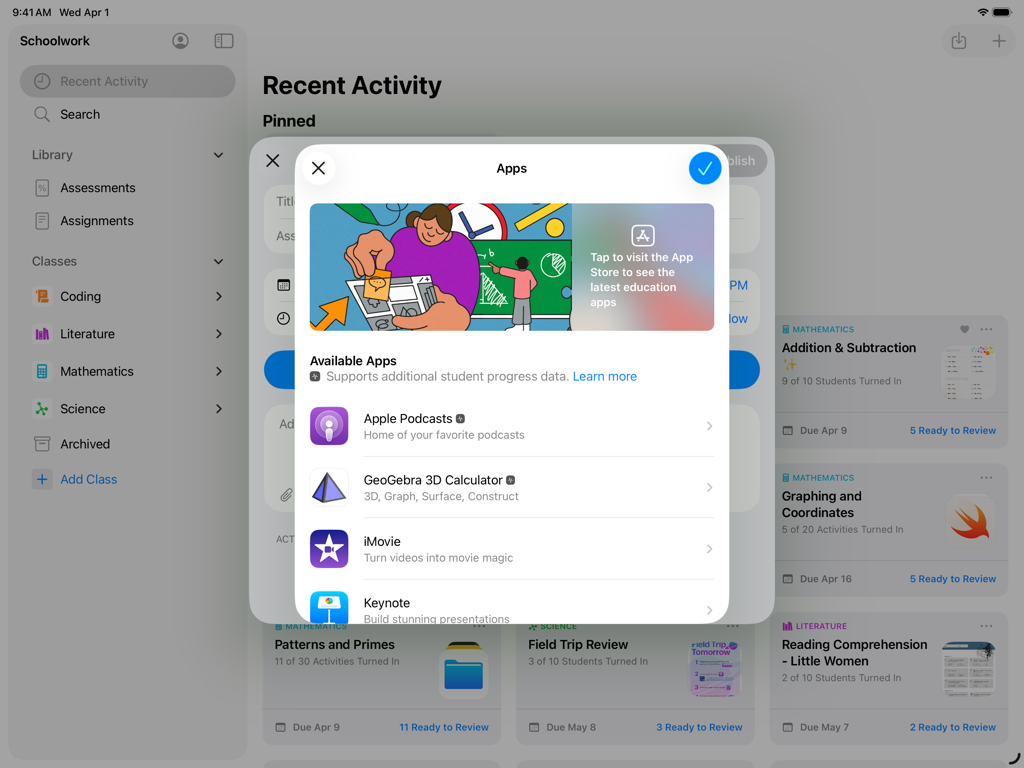
Screenshot dell'app Schoolwork su iPad che mostra un menu per selezionare le app didattiche per i compiti degli studenti.
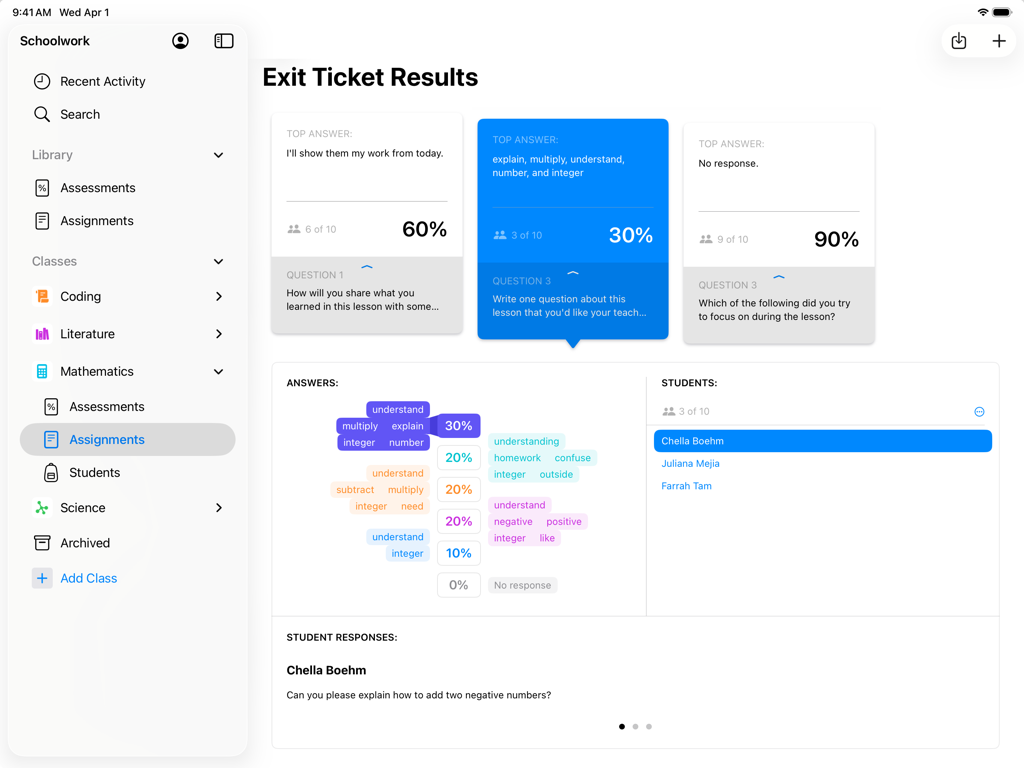
Vista dell'insegnante dei risultati dei biglietti di uscita e dei dati di valutazione degli studenti nell'app Apple Schoolwork su iPad
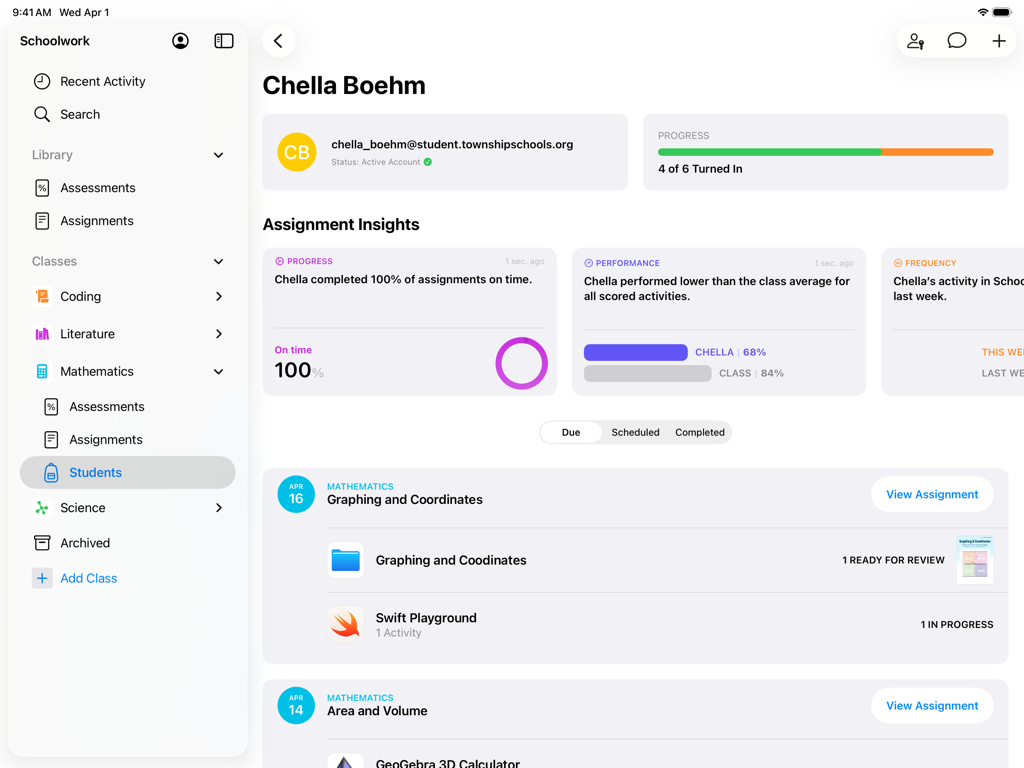
Una vista del profilo dello studente nell'app Schoolwork che mostra i progressi dei compiti e gli approfondimenti sulle prestazioni
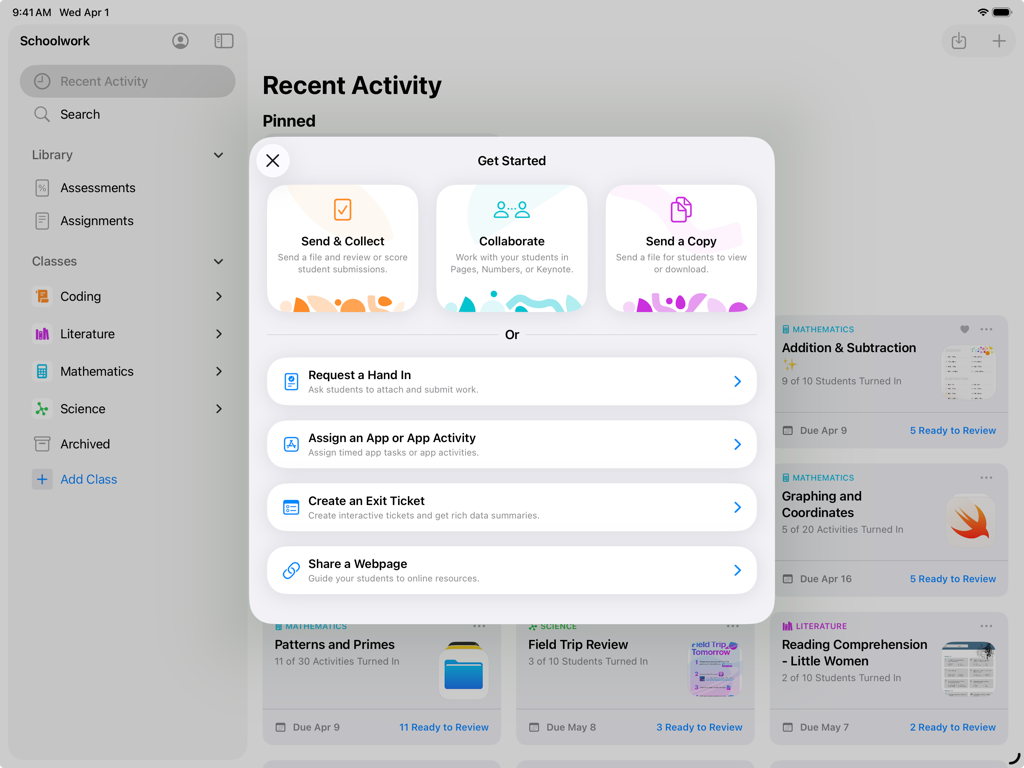
App Schoolwork su iPad che mostra il menu Inizia con opzioni di assegnazione e collaborazione per gli insegnanti.
Descrizione
Download
App Simili
App più classificate nella stessa categoria

Duolingo - Language Lessons
Duolingo, Inc

Speak & Learn English: Learna
DEEP FLOW SOFTWARE SERVICES - FZCO

驾考宝典-科一科四驾驶证考试驾考通
Wuhan Jiakaobaodian Information Service Co., Ltd.

Toca Boca World
Toca Boca AB

Google Classroom
Google LLC

作业帮-中小学家长作业检查和辅导工具
Guangzhou Polar Future Culture Technology Co., Ltd

学信网
Student Information Consultation Service Co., Ltd.

Gauth: AI Study Companion
GAUTHTECH PTE. LTD.

ArtWorkout: Learn How to Draw
Aleksandr Ulitin
Questa pagina non è una pagina ufficiale dell'app o del suo sviluppatore, ma una pubblicazione editoriale indipendente creata a scopo informativo e di commento. Salvo espressa indicazione contraria, né l'app né il suo sviluppatore sono affiliati, approvati, sponsorizzati, autorizzati o altrimenti ufficialmente collegati a MWM, Apple, Google Play, all'editore dell'app o allo sviluppatore dell'app, e nulla in questa pagina implica che l'app sia stata sviluppata utilizzando i servizi di MWM. Tutti i marchi, loghi, screenshot e altri contenuti rimangono di proprietà dei rispettivi proprietari.