Screen Mirroring TV Smart View

Screen Mirroring TV Smart View

Scarica su App Store
Logo di Screen Mirroring TV Smart View

Screen Mirroring TV Smart View: Il tuo iPhone, ora sul grande schermo

Trasmetti istantaneamente video, foto e documenti su qualsiasi Smart TV con zero lag. Non sono necessari cavi o hardware aggiuntivi, solo un mirroring senza interruzioni per lavoro e intrattenimento.

Scarica su App Store

Editore

Gec Investment Consulting & Education Development Limited Company

Categoria

Entertainment

Download

40K+

Valutazione

4.2/5

Valutazioni totali

300

Lingue

10

Il tuo schermo, ingrandito

Scopri l'interfaccia usata da 40K+ utenti.
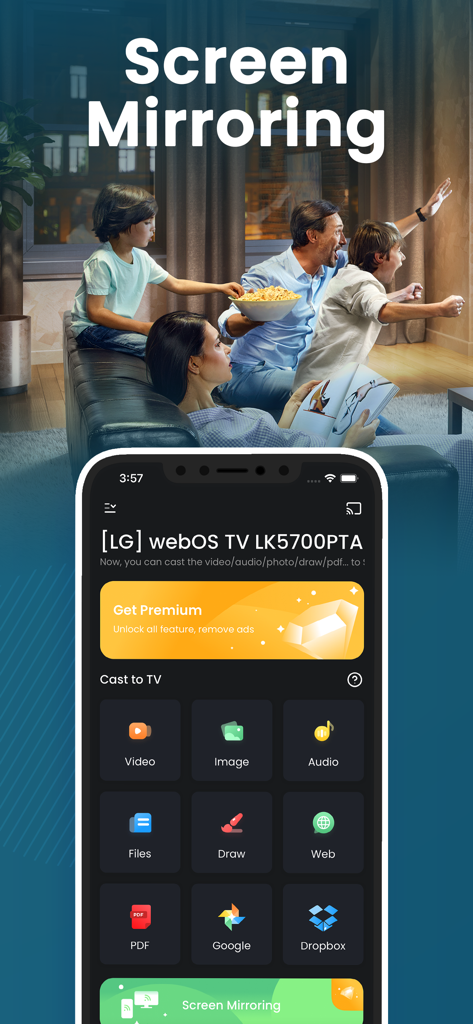
Interfaccia dell'app di screen mirroring su iPhone che mostra opzioni per trasmettere immagini video e file a una smart TV con una famiglia che guarda in background

Interfaccia dell'app di screen mirroring su iPhone che mostra opzioni per trasmettere immagini video e file a una smart TV con una famiglia che guarda in background

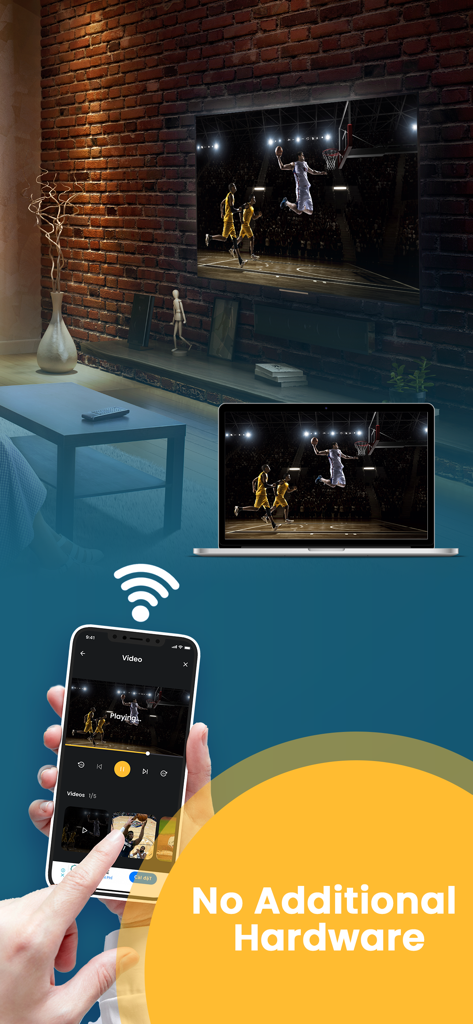
Mirroring dello schermo dell'iPhone su un gioco di basket su laptop e smart TV in modalità wireless, senza hardware aggiuntivo

Mirroring dello schermo dell'iPhone su un gioco di basket su laptop e smart TV in modalità wireless, senza hardware aggiuntivo

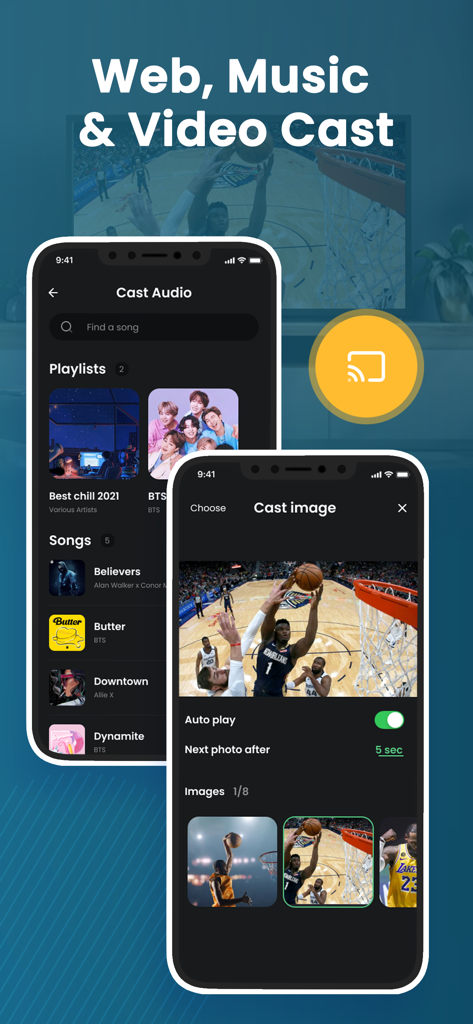
App Screen Mirroring TV Smart View che mostra le funzionalità di trasmissione audio e immagini su iPhone.

App Screen Mirroring TV Smart View che mostra le funzionalità di trasmissione audio e immagini su iPhone.

Migliora la tua esperienza visiva

Gli strumenti che rendono questa app unica, scelti da 40K+ utenti.

Mirroring senza lag

Sperimenta la condivisione dello schermo in tempo reale per presentazioni fluide e navigazione app senza interruzioni, senza ritardi o latenza frustranti.

📂

Versatilità per lavoro e svago

Trasmetti tutto, da PDF professionali e siti web per il lavoro a video 4K personali e presentazioni di foto interattive per la famiglia.

🔌

Configurazione senza hardware

Risparmia denaro ed elimina il disordine dei cavi. Connettiti in modalità wireless tramite Wi-Fi alla tua Smart TV esistente: non sono necessari costosi adattatori o box Apple TV.

Info sull'app

Tutto quello che devi sapere su Screen Mirroring TV Smart View.

Descrizione

Screen Mirroring and Smart View helps you to cast videos, picture slideshow, music, web, pdf documents, and show your drawing from your iPhone or Tab to a big TV screen. It also helps you to mirror your IPhone screen to Smart TV via Wifi connection without any additional hardware needed, and no delay. Following features are available: ・Cast photos, videos, music, web, PDF documents from your iPhone & iPad to TVs. ・Mirror your iPhone screen without any delay. ・Draw & slideshows from your iPhone to TVs. ・Support most popular smart TVs. How to Mirror? ・Connect your iPhone and your TV on the same WIFI network. ・Open the app and connect the app to your TV ・Tab “Cast” or “Screen Mirroring” button and follow the instructions to start casting or mirroring. DISCLAIMER: This app is not an official product, and we are not affiliated with any trademark in any way. ***Upgrade to Premium to remove ads and unlock all feature*** You can select on-time payment or a monthly subscription. *** The price corresponds to the same price segment, which is set in the "Apple's App Store Matrix" for other currencies. - Your free trial subscription will automatically renew to a paid subscription unless auto-renew is turned off at least 24 hours before the end of the free trial period. Please note: any unused portion of a free trial period (if offered) will be forfeited when you purchase a premium subscription during the free trial period. - You can cancel a free trial or subscription anytime by turning off auto-renewal through your iTunes account settings. This must be done 24 hours before the end of a free trial or subscription period to avoid being charged. The cancellation will take effect the day after the last day of the current subscription period, and you will be downgraded to the free service. For more information, please visit: https://support.apple.com/HT202039 Privacy policy : https://gec.contact/privacy-policy.html Terms of Service: https://gec.contact/terms-of-use.html If you have any feedback that you think may improve the app, please send email to: support@gec.contact

Ultima versione

6.0

Dimensione

30.1 MB

Data di lancio

20 lug 2021

Pronto a vedere tutto sul grande schermo?

Unisciti a oltre 40.000 utenti che riproducono in mirroring foto, video e PDF istantaneamente, senza lag e senza hardware aggiuntivo.

Scarica su App Store
FAQ

Domande Frequenti

Tutto quello che devi sapere su Screen Mirroring TV Smart View

Qual è la funzione principale di Screen Mirroring TV Smart View?

L'app Screen Mirroring TV Smart View trasmette video, foto, musica, contenuti web e documenti dal tuo iPhone o iPad a un grande schermo TV. Specchia anche lo schermo del tuo iPhone senza ritardi.

Screen Mirroring TV Smart View richiede hardware aggiuntivo per il mirroring?

No, l'app Screen Mirroring TV Smart View non richiede hardware aggiuntivo per eseguire il mirroring dello schermo del tuo iPhone su una Smart TV. Si connette tramite Wi-Fi.

Come collego il mio iPhone a una TV utilizzando l'app Screen Mirroring TV Smart View?

Per connetterti, assicurati che il tuo iPhone e la tua TV siano sulla stessa rete Wi-Fi. Apri l'app Screen Mirroring TV Smart View, connettiti alla tua TV, quindi tocca 'Trasmetti' o 'Screen Mirroring' per iniziare.

Che tipo di contenuti posso trasmettere con Screen Mirroring TV Smart View?

Puoi trasmettere foto, video, musica, contenuti web e documenti PDF dal tuo iPhone e iPad utilizzando Screen Mirroring TV Smart View. Supporta anche il disegno direttamente dal tuo iPhone alle TV.

Screen Mirroring TV Smart View supporta tutte le smart TV?

Sì, l'app Screen Mirroring TV Smart View supporta la maggior parte delle TV smart più diffuse. Permette di trasmettere e specchiare dal tuo iPhone o iPad a televisori compatibili.

Come possono gli utenti rimuovere gli annunci e sbloccare tutte le funzionalità in Screen Mirroring TV Smart View?

Gli utenti possono rimuovere gli annunci e sbloccare tutte le funzionalità in Screen Mirroring TV Smart View aggiornando a un abbonamento Premium. Questo è disponibile tramite pagamento una tantum o un piano mensile.

Come funziona la prova gratuita per Screen Mirroring TV Smart View Premium?

La prova gratuita di Screen Mirroring TV Smart View Premium si rinnova automaticamente in un abbonamento a pagamento. Gli utenti devono disattivare il rinnovo automatico almeno 24 ore prima della scadenza della prova per evitare addebiti.

Come posso cancellare il mio abbonamento a Screen Mirroring TV Smart View?

Puoi cancellare il tuo abbonamento a Screen Mirroring TV Smart View in qualsiasi momento disattivando il rinnovo automatico tramite le impostazioni del tuo account iTunes. Questo deve essere fatto 24 ore prima della scadenza del periodo.

App information, icons, screenshots, and descriptions displayed on this page are sourced from the Apple App Store and are the property of their respective developers. Download estimates and rankings are based on MWM's proprietary models and may not reflect actual figures. This page is provided for informational and analytical purposes only.

Believe this page infringes your intellectual property? File a dispute