
Questa pagina non è una pagina ufficiale dell'app o del suo sviluppatore, ma una pubblicazione editoriale indipendente creata a scopo informativo e di commento. Salvo espressa indicazione contraria, né l'app né il suo sviluppatore sono affiliati, approvati, sponsorizzati, autorizzati o altrimenti ufficialmente collegati a MWM, Apple, Google Play, all'editore dell'app o allo sviluppatore dell'app, e nulla in questa pagina implica che l'app sia stata sviluppata utilizzando i servizi di MWM. Tutti i marchi, loghi, screenshot e altri contenuti rimangono di proprietà dei rispettivi proprietari.


Screen Recorder + Capturer
Cattura epici highlight di gaming, tutorial professionali e riunioni importanti in una straordinaria qualità HD. Nessuna registrazione richiesta e archiviazione locale 100% privata: basta un tocco per iniziare subito a registrare.
Download
14K+Valutazione
Valutazioni totali
500Editore
Categoria
UtilitiesLingue
3Ultima versione
4.0Dimensione
16.0 MBData di lancio
23 mag 2025Cattura, Crea e Condividi in Secondi
Lo strumento definitivo per gamer e professionisti per registrare contenuti schermo di alta qualità con totale privacy e zero configurazioni.
Registra Senza Ostacoli
Salta la registrazione. Inizia a catturare epici highlight di gaming o tutorial all'istante con un singolo tocco.
I Tuoi Contenuti, il Tuo Controllo
Tutto viene archiviato localmente sul tuo iPhone. Registra riunioni private o bug sensibili con totale tranquillità.
Gli screenshot e la descrizione seguenti provengono direttamente dall'elenco ufficiale dello store dell'app e sono di proprietà dello sviluppatore.
App Store
Screenshot
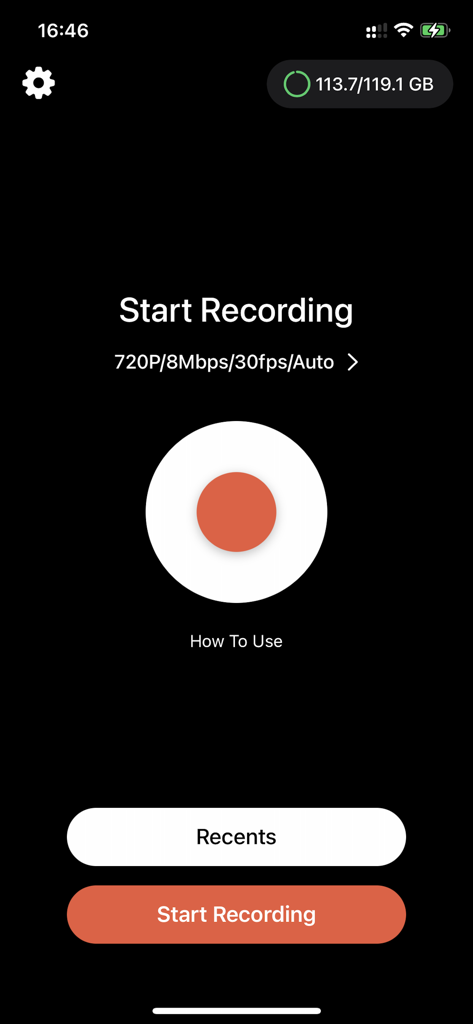
Interfaccia principale dell'app Registratore Schermo con un grande pulsante rosso di registrazione e impostazioni 720p
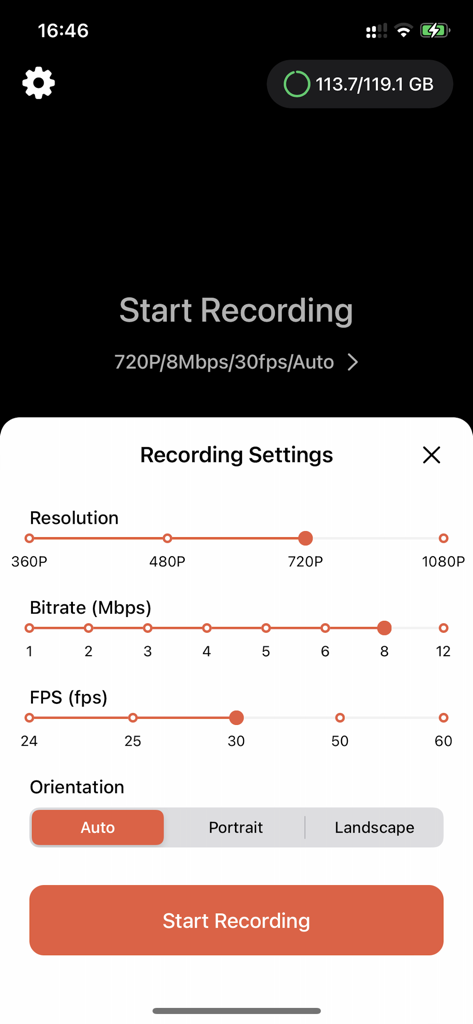
Interfaccia dell'app Registratore Schermo che mostra impostazioni regolabili per risoluzione video, bitrate, FPS e orientamento.
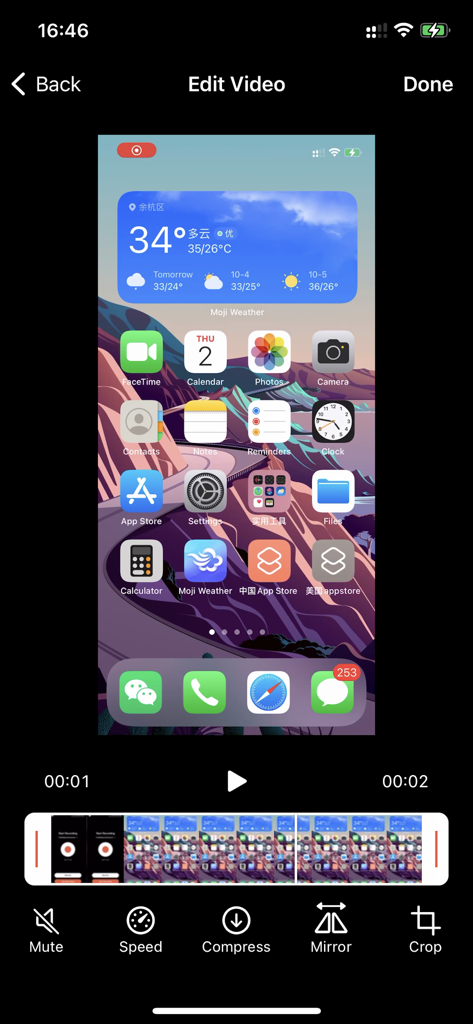
Interfaccia di editing dell'app Registratore Schermo con strumenti per compressione velocità e ritaglio
Descrizione
Download
App Simili
App con funzionalità ed esperienza simili



Questa pagina non è una pagina ufficiale dell'app o del suo sviluppatore, ma una pubblicazione editoriale indipendente creata a scopo informativo e di commento. Salvo espressa indicazione contraria, né l'app né il suo sviluppatore sono affiliati, approvati, sponsorizzati, autorizzati o altrimenti ufficialmente collegati a MWM, Apple, Google Play, all'editore dell'app o allo sviluppatore dell'app, e nulla in questa pagina implica che l'app sia stata sviluppata utilizzando i servizi di MWM. Tutti i marchi, loghi, screenshot e altri contenuti rimangono di proprietà dei rispettivi proprietari.