Screens 5: VNC Remote Desktop

Screens 5: VNC Remote Desktop

Scarica su App Store
Logo di Screens 5: VNC Remote Desktop

Screens 5: Accesso Remoto Definitivo per il Tuo Intero Spazio di Lavoro

Assumi il pieno controllo dei tuoi computer Mac, Windows e Linux da qualsiasi parte del mondo. Sperimenta un desktop remoto sicuro e ad alte prestazioni sul tuo iPhone, iPad e Vision Pro: progettato per professionisti che richiedono precisione di livello desktop e totale privacy.

Editore

Edovia Inc.

Categoria

Utilities

Download

20K+

Valutazione

4.2/5

Valutazioni totali

700

Lingue

17

Sperimenta il Vero Controllo

Scopri l'interfaccia usata da 20K+ utenti.
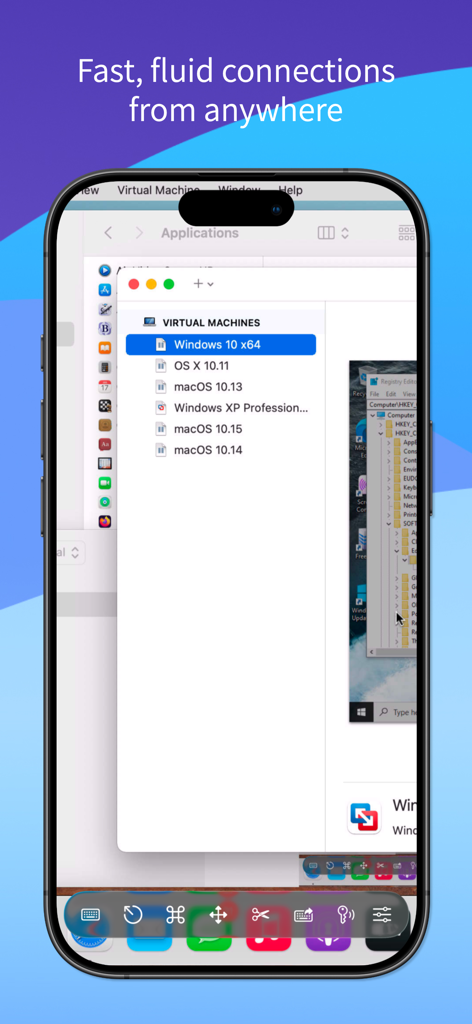
Interfaccia mobile di Screens 5 che visualizza un desktop Mac remoto con un elenco di macchine virtuali

Interfaccia mobile di Screens 5 che visualizza un desktop Mac remoto con un elenco di macchine virtuali

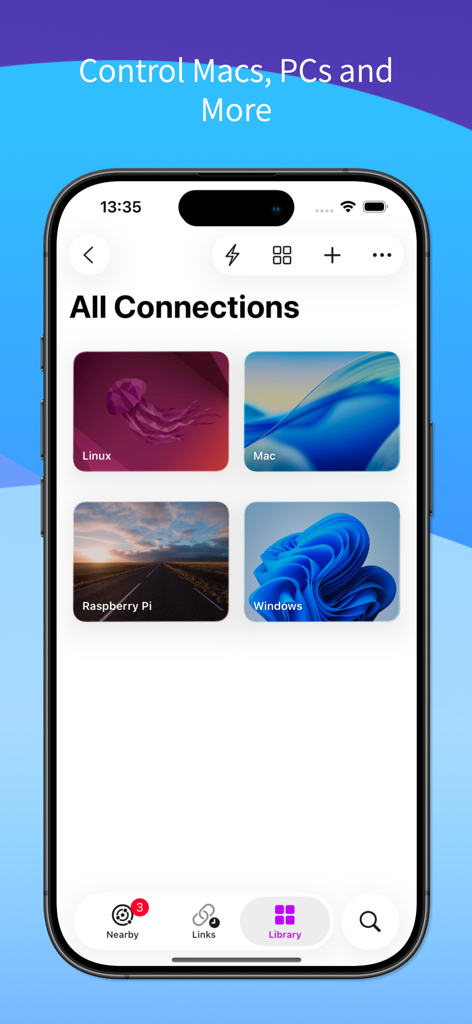
Interfaccia dell'app mobile Screens 5 che visualizza un elenco di connessioni desktop remoto salvate per Mac, Windows, Linux e Raspberry Pi.

Interfaccia dell'app mobile Screens 5 che visualizza un elenco di connessioni desktop remoto salvate per Mac, Windows, Linux e Raspberry Pi.

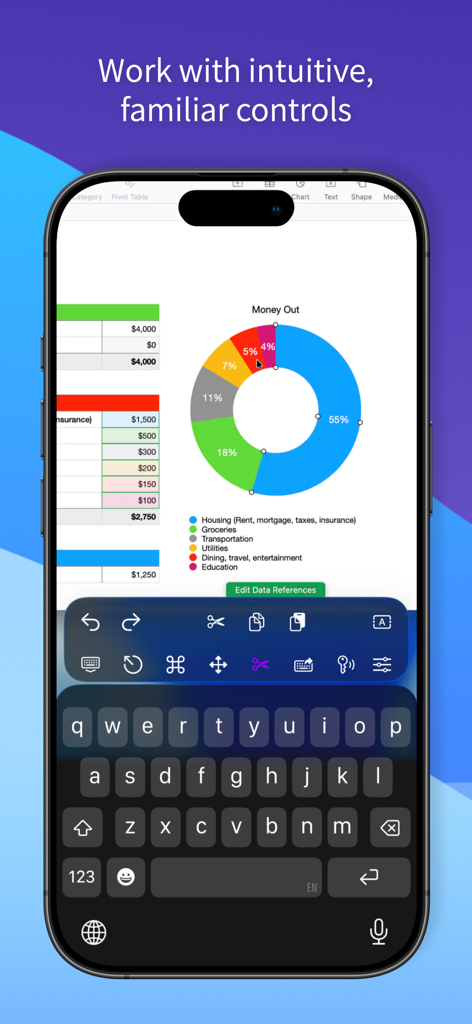
iPhone che visualizza una sessione desktop remoto con un foglio di calcolo e controlli di produttività specializzati.

iPhone che visualizza una sessione desktop remoto con un foglio di calcolo e controlli di produttività specializzati.

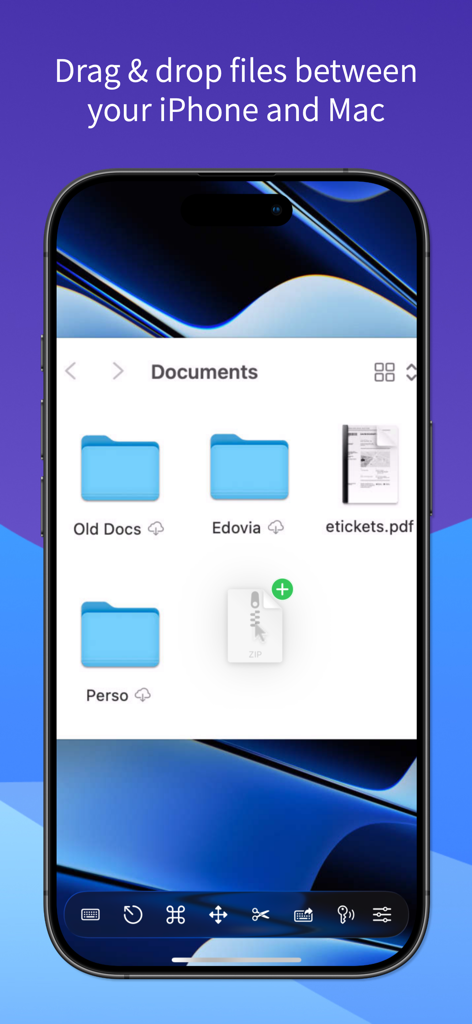
Trasferisci file tramite drag and drop tra iPhone e Mac usando Screens 5

Trasferisci file tramite drag and drop tra iPhone e Mac usando Screens 5

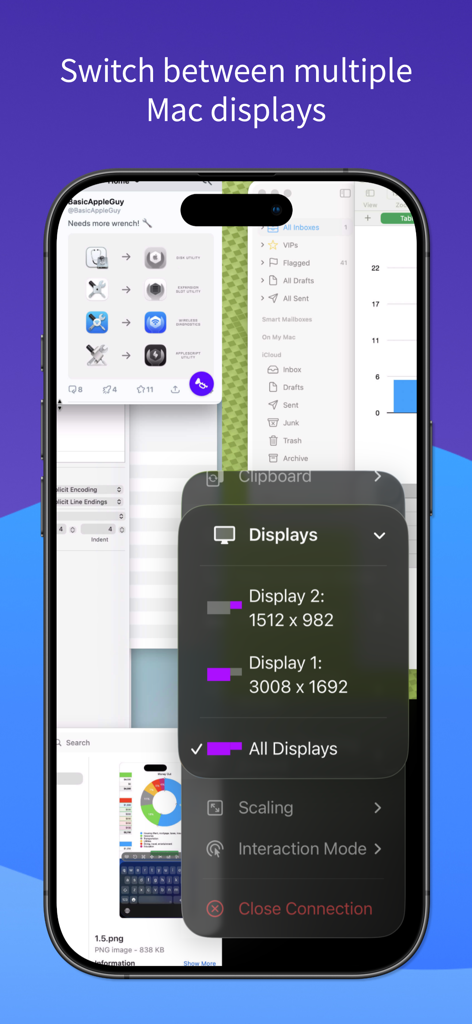
Interfaccia iPhone dell'app Screens 5 che dimostra la selezione remota di più display e le impostazioni di risoluzione.

Interfaccia iPhone dell'app Screens 5 che dimostra la selezione remota di più display e le impostazioni di risoluzione.

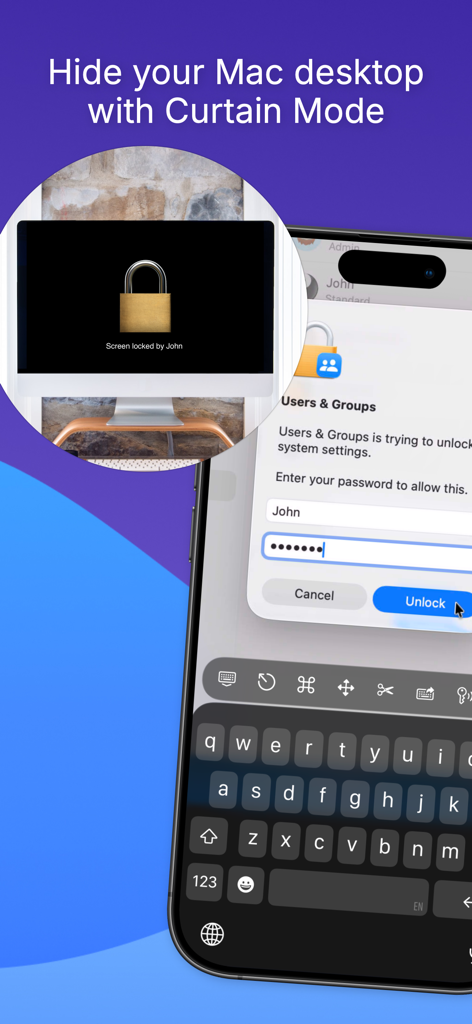
App Screens 5 che mostra la Modalità Tenda per nascondere un desktop Mac remoto durante l'accesso da un iPhone

App Screens 5 che mostra la Modalità Tenda per nascondere un desktop Mac remoto durante l'accesso da un iPhone

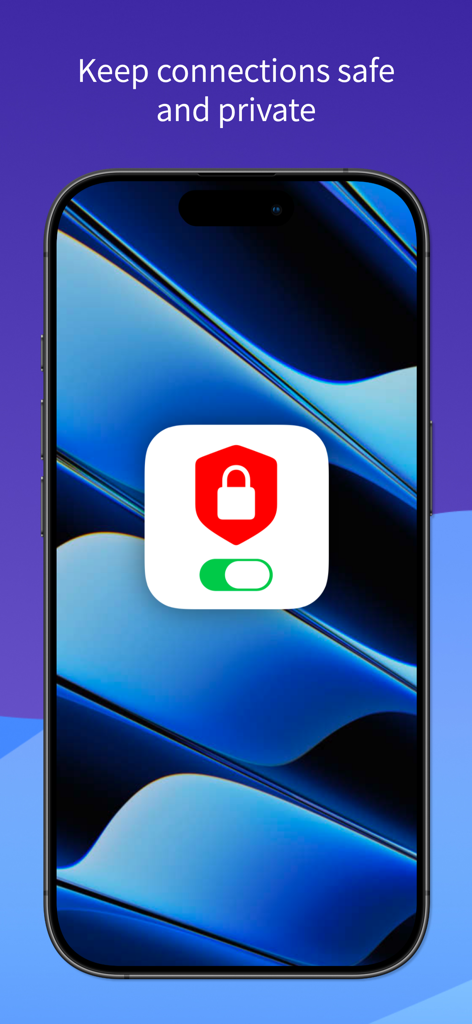
Connessioni desktop remoto sicure e private su iPhone utilizzando l'app Screens 5

Connessioni desktop remoto sicure e private su iPhone utilizzando l'app Screens 5

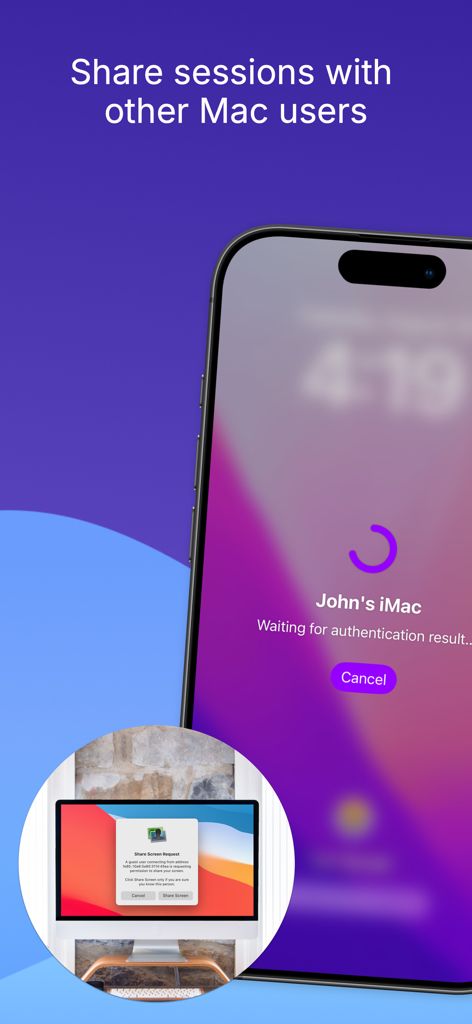
Interfaccia dell'app iPhone che richiede una sessione desktop remoto con un altro utente Mac

Interfaccia dell'app iPhone che richiede una sessione desktop remoto con un altro utente Mac

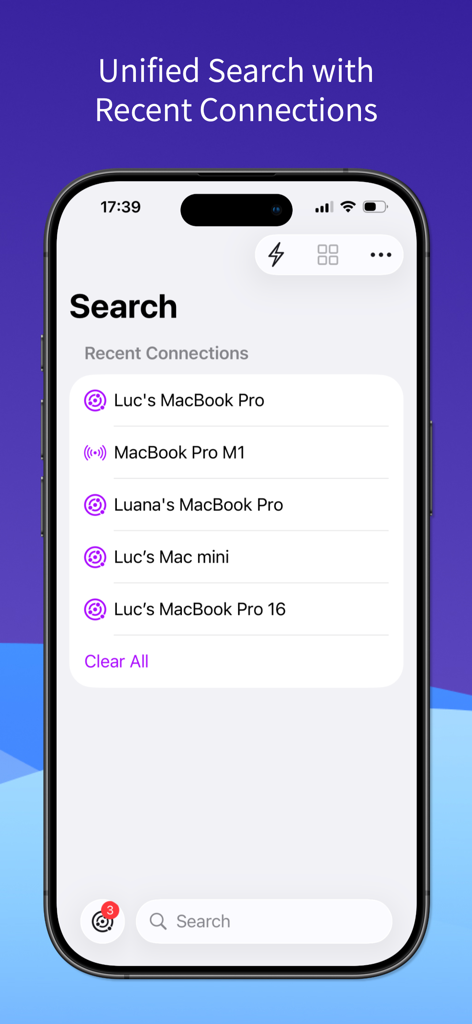
Interfaccia dell'app Screens 5 che mostra la ricerca unificata e le connessioni remote recenti su un iPhone.

Interfaccia dell'app Screens 5 che mostra la ricerca unificata e le connessioni remote recenti su un iPhone.

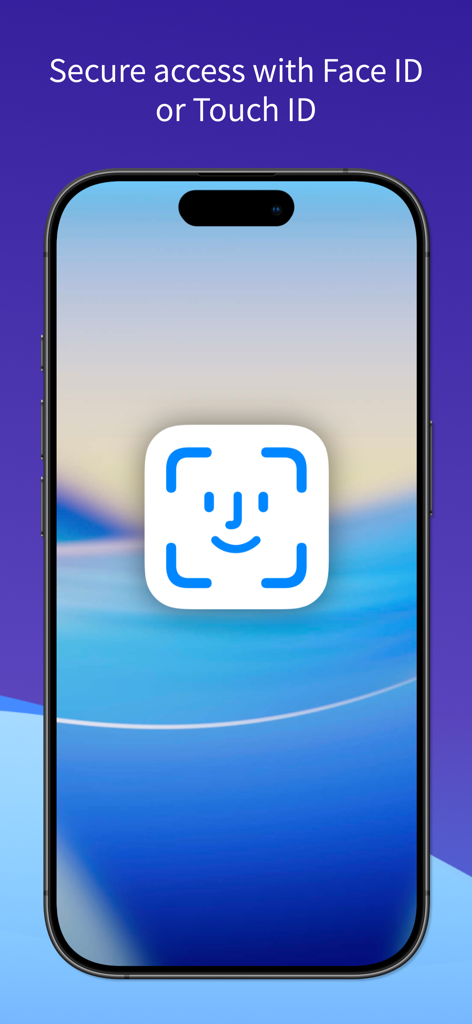
Schermata iPhone che visualizza l'autenticazione Face ID per l'accesso sicuro al desktop remoto

Schermata iPhone che visualizza l'autenticazione Face ID per l'accesso sicuro al desktop remoto

Gestisci il Tuo Spazio di Lavoro da Qualsiasi Dispositivo

Gli strumenti che rendono questa app unica, scelti da 20K+ utenti.

🌐

Connettiti Ovunque, in Qualsiasi Momento

Accedi al tuo PC Mac, Windows o Linux dal tuo iPhone, iPad o Vision Pro con una configurazione semplice tramite Screens Connect e l'integrazione Tailscale.

⌨️

Interazione di Livello Desktop

Sperimenta un controllo nativo con supporto completo per Magic Keyboard, Apple Pencil e configurazioni multi-schermo per trasformare il tuo iPad in una centrale mobile.

🔒

Sicurezza di Livello Professionale

Mantieni private le tue connessioni con la crittografia SSH e la Modalità Tenda, garantendo che la tua attività remota rimanga sicura e solo per i tuoi occhi.

Info sull'app

Tutto quello che devi sapere su Screens 5: VNC Remote Desktop.

Descrizione

Take control of your computers, wherever you are. Screens 5 lets you remotely access your Mac, Windows PC, Linux PC, or Raspberry Pi from anywhere—whether you’re at home, in a coffee shop, or on the other side of the world. With speed, security, and reliability, Screens delivers a seamless remote desktop experience on iPhone, iPad, Mac, and Vision Pro. Here's what makes Screens your ideal choice: Connect from Anywhere Install Screens Connect on your Mac or Windows PC for effortless access worldwide. Need to connect to a Linux PC or Raspberry Pi? Screens fully integrates with Tailscale for secure, hassle-free remote connections. Curtain Mode Maintain privacy by masking the remote Mac’s display when connected, perfect for shared environments. Secure & Effortless Connections Enable Remote Login on your Mac or configure your Windows PC, Linux PC, or Raspberry Pi for SSH support. Screens also supports SSH keys for added security. Fast & Convenient Logins Screens automates password entry, letting you connect quickly and efficiently. Multi-Display Support Easily select which display to view on multi-screen Macs or show them all. Screens remembers your preference. Clipboard Sharing Seamlessly transfer rich text, URLs, images, and more between your local and remote clipboards. Session Selection When someone is logged into a remote Mac, you can either share their screen or start a new session. Raspberry Pi 5 Compatibility Screens fully supports Bookworm and WayVNC via RSA-AES authentication for smooth performance. Assist Friends & Family With the free Screens Assist utility (Mac), you can help troubleshoot, update apps, and more remotely. External Keyboard & Input Support Enhance control with a Magic Keyboard or any compatible external keyboard and pointing device. Transfer Files Share files between your iPhone or iPad and your Mac using simple drag and drop. Apple Pencil Interact with remote content naturally using Apple Pencil Additional Features: • Adaptive and Full display quality • Control or observe the remote computer • iCloud Synchronization • Full URL Schemes support • Secure content with Touch ID, Face ID, Apple Watch, or a password Requirements: • Windows PC connections require a VNC server like UltraVNC or TightVNC. • Clipboard sharing on Windows and Linux PCs supports text and URLs only. • Sound transmission is not supported due to VNC protocol limitations. • Screens Connect requires macOS 10.13 High Sierra or later, or Windows 10 SP1 or later. A free Screens ID is required. • Screens supports remote access from iPhone, iPad, Mac, and Vision Pro but does not support connections to iOS or iPadOS devices. Screens is your trusted remote control companion, ensuring accessibility, security, and full control over your devices—anytime, anywhere. Privacy Policy: https://screens.app/privacy Terms of Use: https://screens.app/terms

Ultima versione

5.8

Dimensione

52.9 MB

Data di lancio

6 dic 2023

Libera la Piena Potenza del Tuo Mac, Ovunque.

Unisciti a migliaia di professionisti che si affidano a Screens 5 per un accesso remoto sicuro e di livello desktop. Pronto a trasformare il tuo iPad o Vision Pro nella workstation mobile definitiva?

Scarica su App Store

App information, icons, screenshots, and descriptions displayed on this page are sourced from the Apple App Store and are the property of their respective developers. Download estimates and rankings are based on MWM's proprietary models and may not reflect actual figures. This page is provided for informational and analytical purposes only.

Believe this page infringes your intellectual property? File a dispute