
Questa pagina non è una pagina ufficiale dell'app o del suo sviluppatore, ma una pubblicazione editoriale indipendente creata a scopo informativo e di commento. Salvo espressa indicazione contraria, né l'app né il suo sviluppatore sono affiliati, approvati, sponsorizzati, autorizzati o altrimenti ufficialmente collegati a MWM, Apple, Google Play, all'editore dell'app o allo sviluppatore dell'app, e nulla in questa pagina implica che l'app sia stata sviluppata utilizzando i servizi di MWM. Tutti i marchi, loghi, screenshot e altri contenuti rimangono di proprietà dei rispettivi proprietari.

Shoot Pro Webcam & Telestrator
Abbandona la tua webcam granulosa per video nitidi ad alta definizione. Padroneggia la tua ripresa con controlli manuali completi e illustra idee in tempo reale con il telestrator integrato.
Download
66K+Valutazione
Valutazioni totali
800Editore
Categoria
Photo & VideoLingue
6Ultima versione
3.13.3Dimensione
25.3 MBData di lancio
18 feb 2015Migliora il Tuo Streaming con il Controllo Professionale
Trasforma il tuo iPhone in una webcam stabile ad alta definizione con la precisione di una DSLR e la potenza di una lavagna interattiva live.
Autorità Totale sulla Fotocamera Manuale
Elimina la caccia dell'autofocus e l'esposizione incoerente. Assumi il pieno controllo di ISO, velocità dell'otturatore e bilanciamento del bianco per garantire toni della pelle e illuminazione professionali.
Telestrator e Annotazioni Live
Coinvolgi il tuo pubblico disegnando direttamente sul tuo feed video. Utilizza la funzione voce-testo per etichette istantanee o metti in pausa lo streaming live per illustrare punti complessi.
Gli screenshot e la descrizione seguenti provengono direttamente dall'elenco ufficiale dello store dell'app e sono di proprietà dello sviluppatore.
App Store
Screenshot
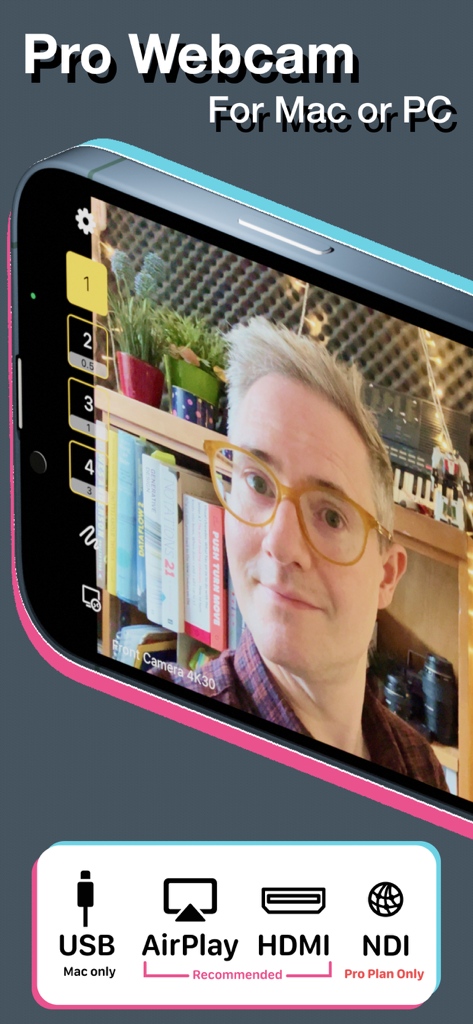
Interfaccia dell'app Shoot Pro Webcam che mostra un feed video di alta qualità e opzioni di connessione per USB, AirPlay, HDMI e NDI.
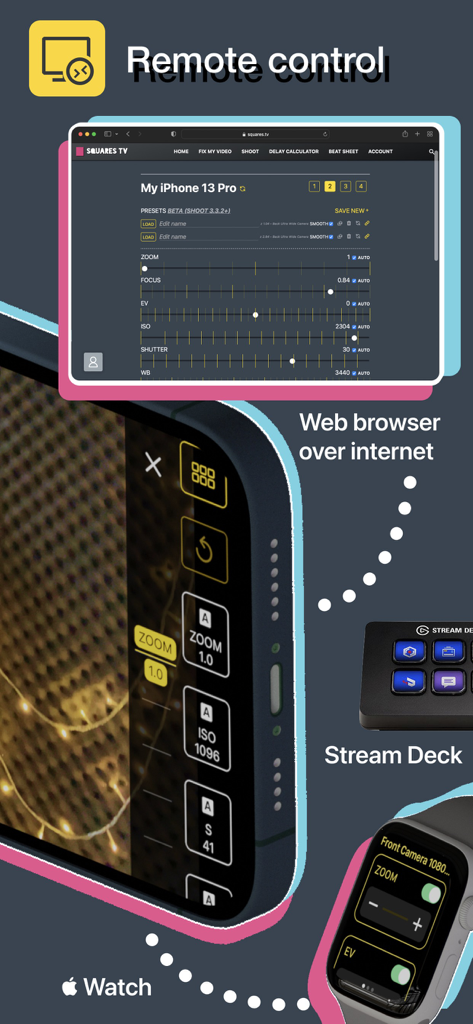
Opzioni di controllo remoto per Shoot Pro Webcam, tra cui browser web, Apple Watch e Stream Deck.
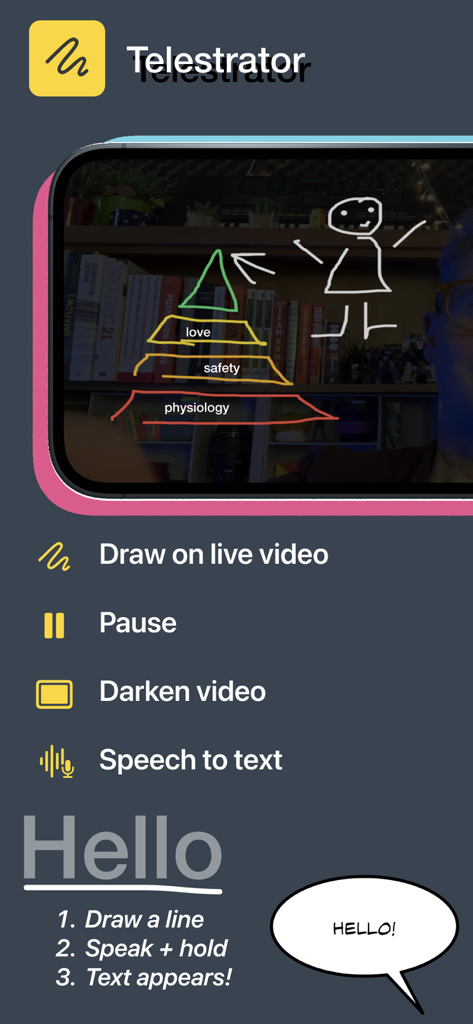
Interfaccia dell'app mobile Shoot Pro Webcam che mostra la funzione telestrator per disegnare su video live con istruzioni vocali-testuali.
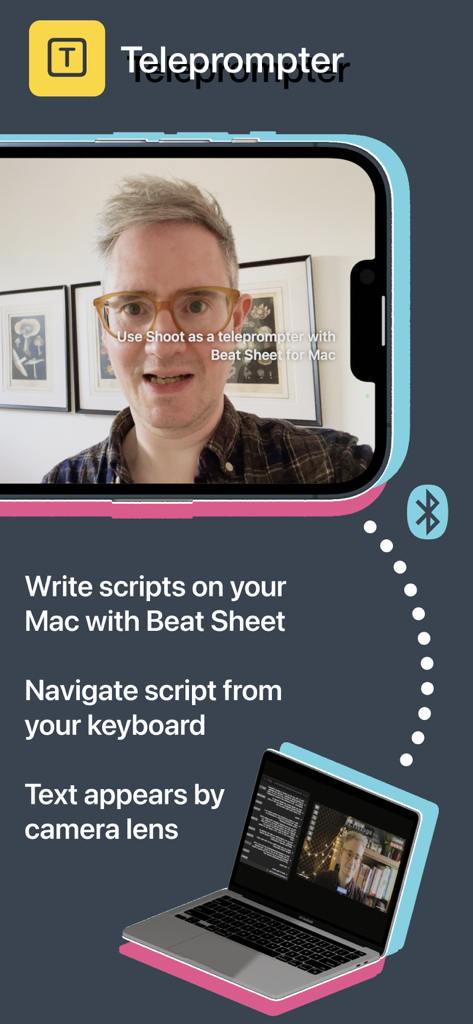
App Shoot Pro Webcam che mostra la funzione di teleprompter sincronizzata con un Mac per la lettura dello script.
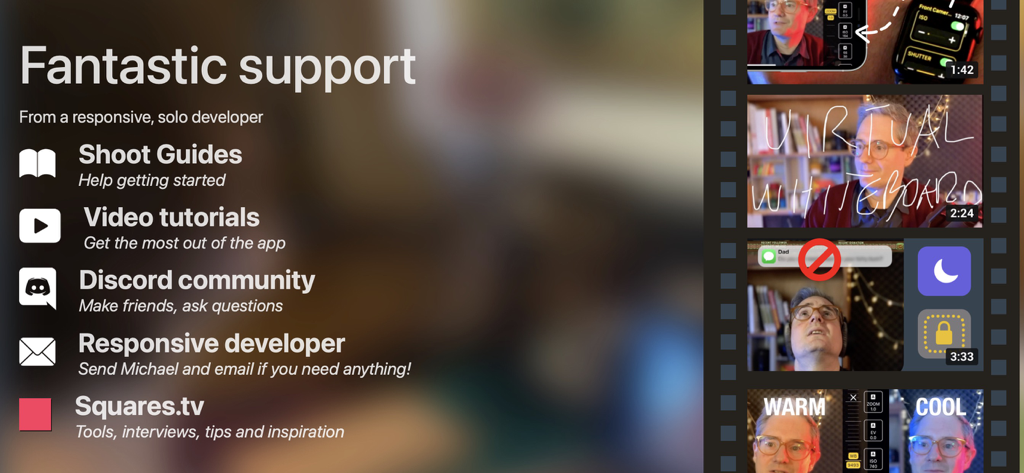
Elenco delle opzioni di supporto per l'app Shoot Pro Webcam, inclusi guide, tutorial video e community Discord.
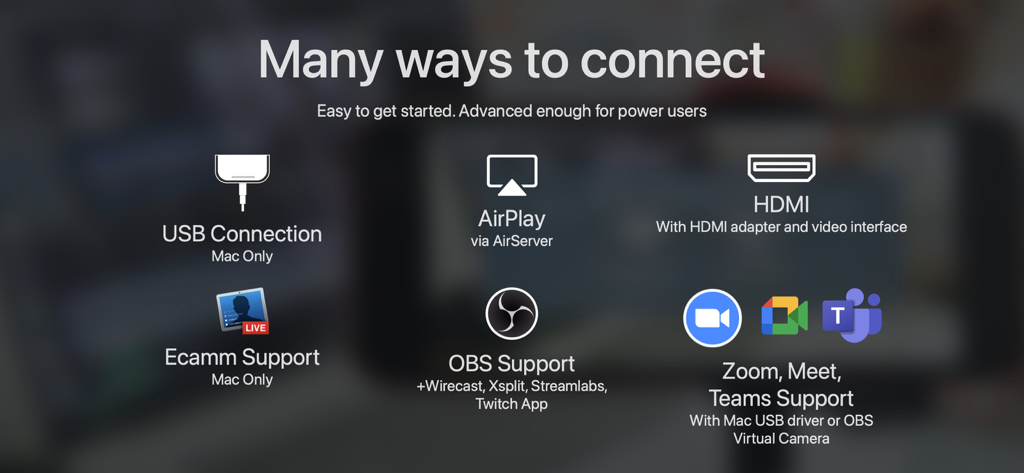
Panoramica delle opzioni di connessione di Shoot Pro Webcam, tra cui USB, HDMI, AirPlay, OBS e Zoom.
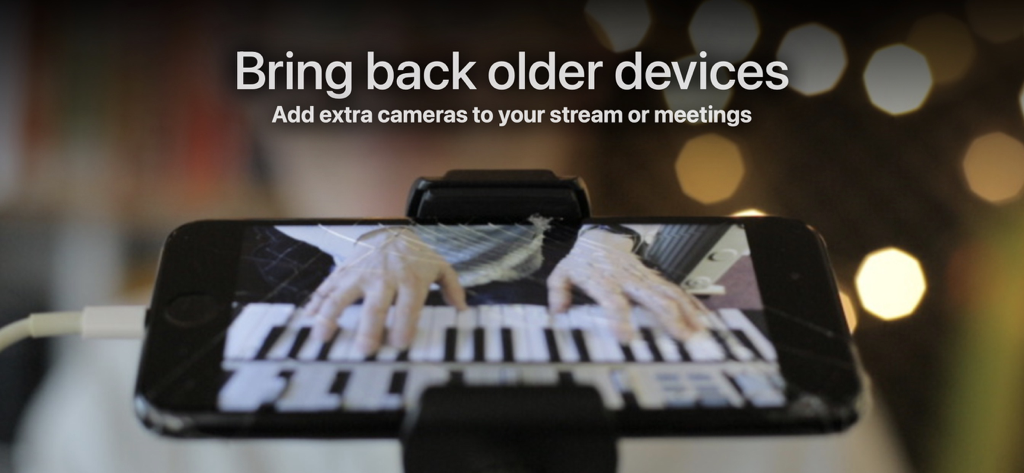
Un iPhone montato su un treppiede utilizzato come webcam per lo streaming di una performance live di pianoforte.
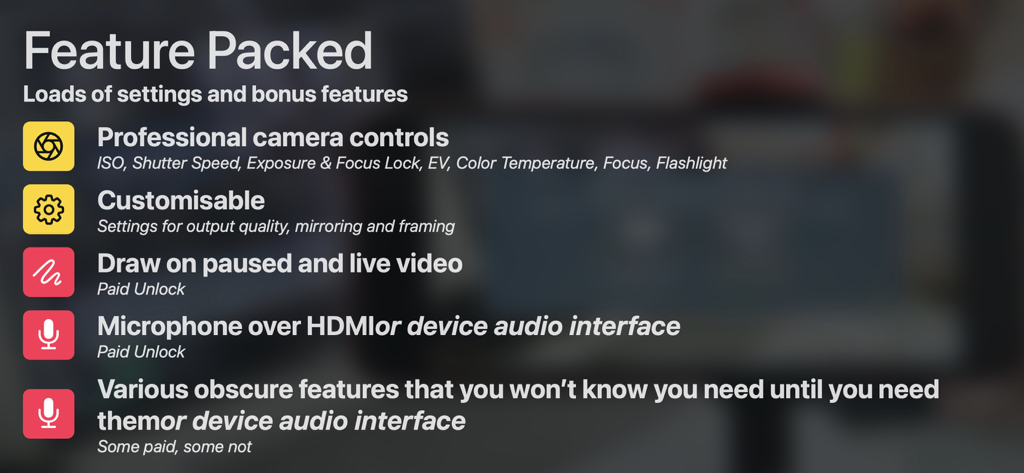
Elenco delle funzionalità di Shoot Pro Webcam, tra cui controlli professionali della fotocamera, strumenti di disegno e opzioni dell'interfaccia audio.
Descrizione
Download
App Simili
App più classificate nella stessa categoria

CapCut: Photo & Video Editor
BYTEDANCE PTE. LTD.

Instagram, Inc.

YouTube
Google LLC

Canva: AI Photo & Video Editor
Canva Pty Ltd

Snapchat
Snap, Inc.

快手
Beijing Kwai Technology Co., Ltd.

Edits: Video Editor
Instagram, Inc.

Meitu- AI Photo & Video Editor
Xiamen Meitu Technology Co., Ltd.

Google Photos: Backup & Edit
Google LLC
Questa pagina non è una pagina ufficiale dell'app o del suo sviluppatore, ma una pubblicazione editoriale indipendente creata a scopo informativo e di commento. Salvo espressa indicazione contraria, né l'app né il suo sviluppatore sono affiliati, approvati, sponsorizzati, autorizzati o altrimenti ufficialmente collegati a MWM, Apple, Google Play, all'editore dell'app o allo sviluppatore dell'app, e nulla in questa pagina implica che l'app sia stata sviluppata utilizzando i servizi di MWM. Tutti i marchi, loghi, screenshot e altri contenuti rimangono di proprietà dei rispettivi proprietari.