Sign.Plus - Sign PDF Documents

Sign.Plus - Sign PDF Documents

Scarica su App StoreScarica su Google Play
Logo di Sign.Plus - Sign PDF Documents

Sign.Plus: Firme Elettroniche Sicure e Legalmente Vincolanti in MobilitĂ 

La soluzione mobile di fiducia per professionisti per scansionare, firmare e inviare documenti con sicurezza di livello enterprise. Completamente conforme HIPAA e crittografato per flussi di lavoro sanitari, legali e aziendali.

Editore

Alohi SA

Categoria

Business

Download

9K+

Valutazione

4.8/5

Valutazioni totali

400

Lingue

20

Uno Sguardo all'Interno

Scopri l'interfaccia usata da 9K+ utenti.

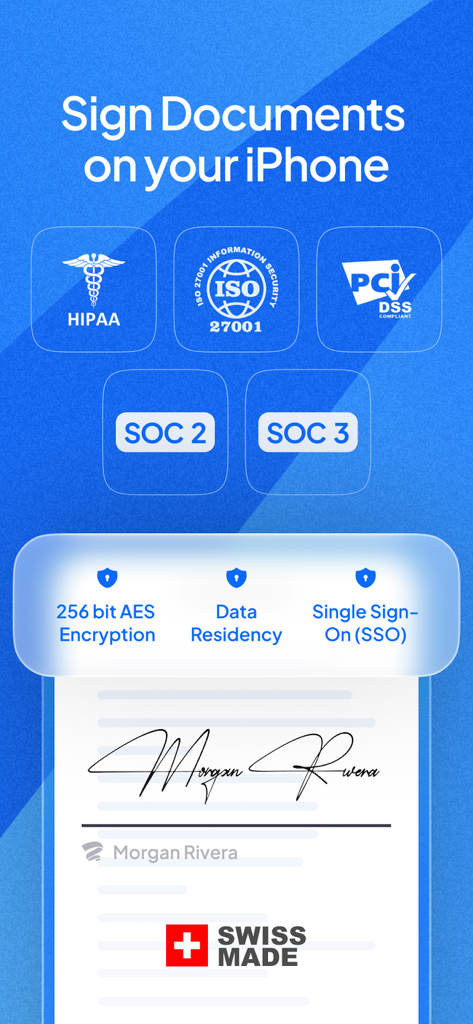
FunzionalitĂ  di sicurezza dell'app Sign.Plus che mostrano le certificazioni di conformitĂ  HIPAA ISO 27001 e SOC 2 per la firma di documenti su iPhone
FunzionalitĂ  di sicurezza dell'app Sign.Plus che mostrano le certificazioni di conformitĂ  HIPAA ISO 27001 e SOC 2 per la firma di documenti su iPhone

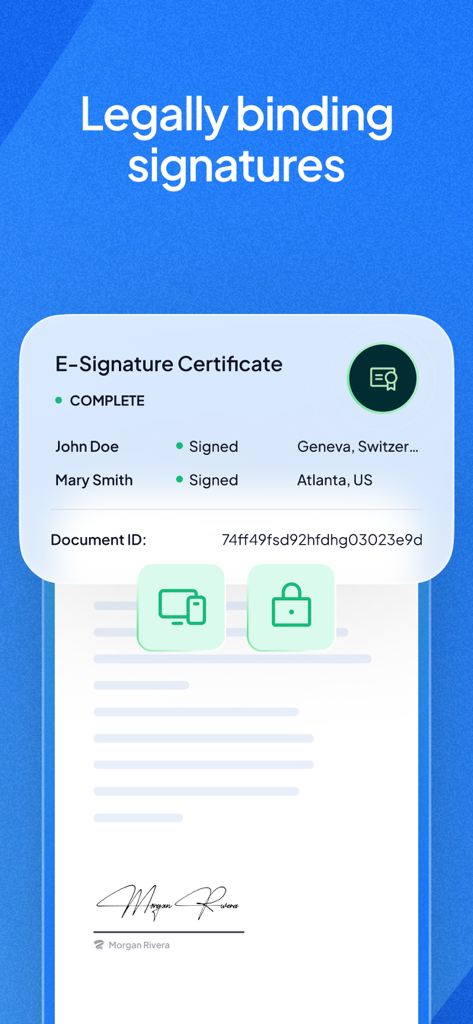
Interfaccia dell'app Sign.Plus che mostra un certificato di firma elettronica legalmente vincolante con i nomi dei firmatari e un ID documento
Interfaccia dell'app Sign.Plus che mostra un certificato di firma elettronica legalmente vincolante con i nomi dei firmatari e un ID documento

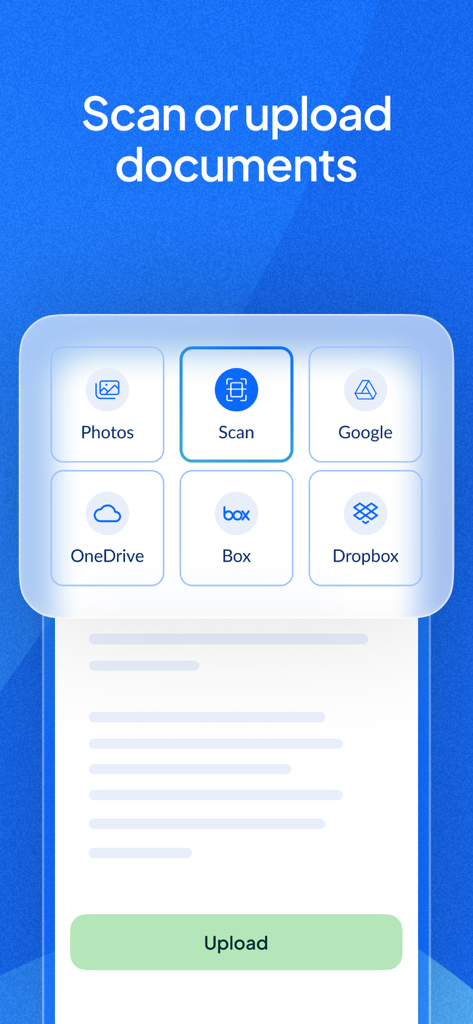
Interfaccia dell'app Sign.Plus che mostra le opzioni di caricamento documenti dallo spazio di archiviazione cloud e dalla scansione mobile.
Interfaccia dell'app Sign.Plus che mostra le opzioni di caricamento documenti dallo spazio di archiviazione cloud e dalla scansione mobile.

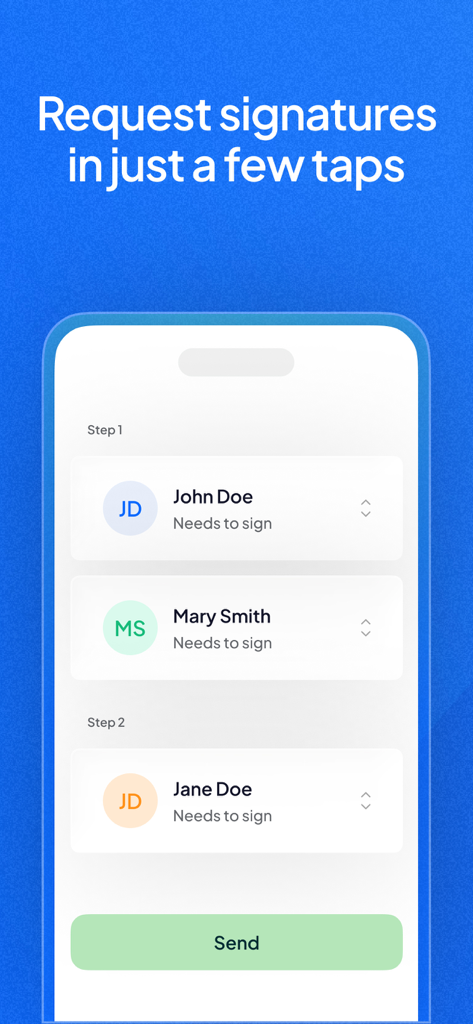
Interfaccia dell'app Sign.Plus che mostra il processo di richiesta di firme a piĂš destinatari su un dispositivo mobile.

Interfaccia dell'app Sign.Plus che mostra il processo di richiesta di firme a piĂš destinatari su un dispositivo mobile.

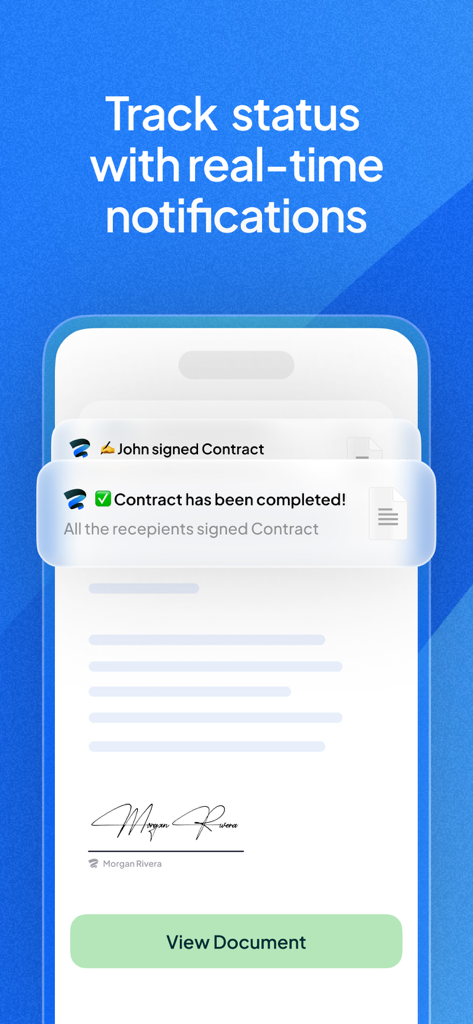
Schermata dell'app mobile che mostra notifiche in tempo reale per le firme sui documenti completate e il monitoraggio dello stato dei contratti.
Schermata dell'app mobile che mostra notifiche in tempo reale per le firme sui documenti completate e il monitoraggio dello stato dei contratti.

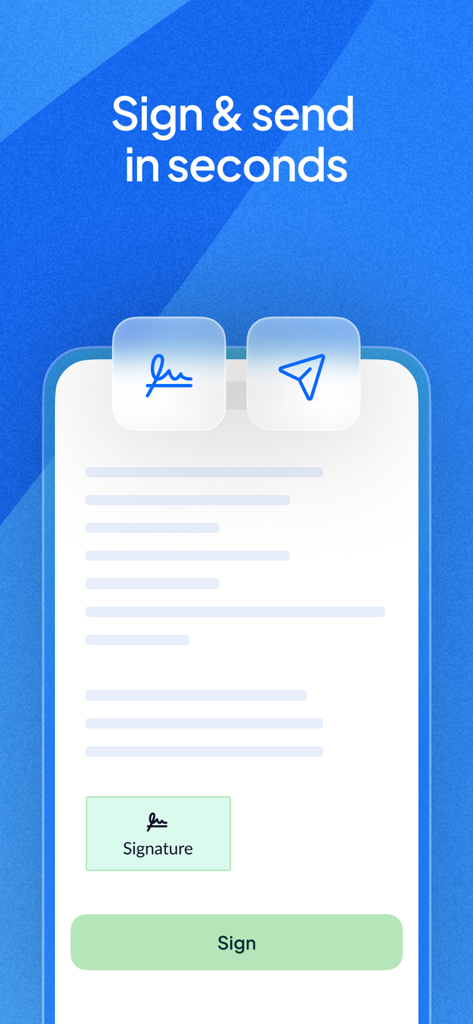
Una schermata mobile che mostra l'interfaccia dell'app Sign.Plus con un documento pronto per essere firmato e inviato.
Una schermata mobile che mostra l'interfaccia dell'app Sign.Plus con un documento pronto per essere firmato e inviato.

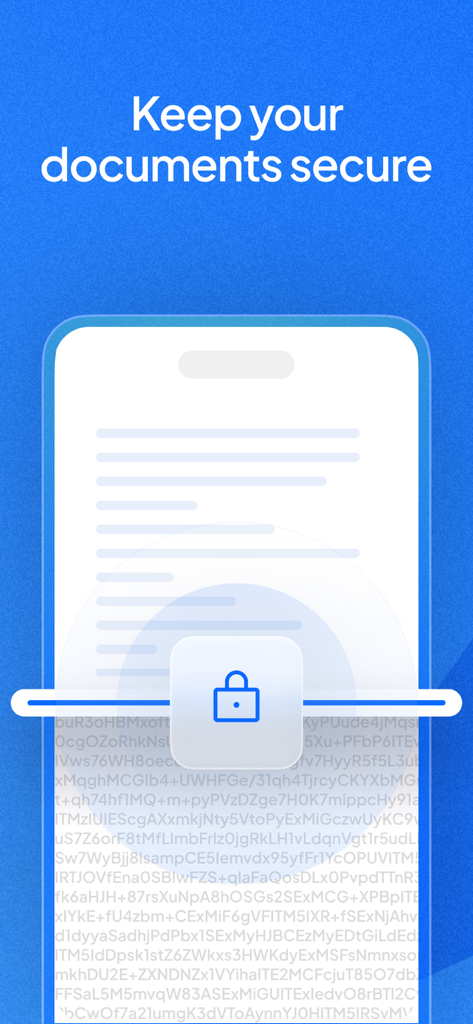
Un'illustrazione di un documento protetto su un dispositivo mobile con un'icona di lucchetto che rappresenta la crittografia dei dati.
Un'illustrazione di un documento protetto su un dispositivo mobile con un'icona di lucchetto che rappresenta la crittografia dei dati.

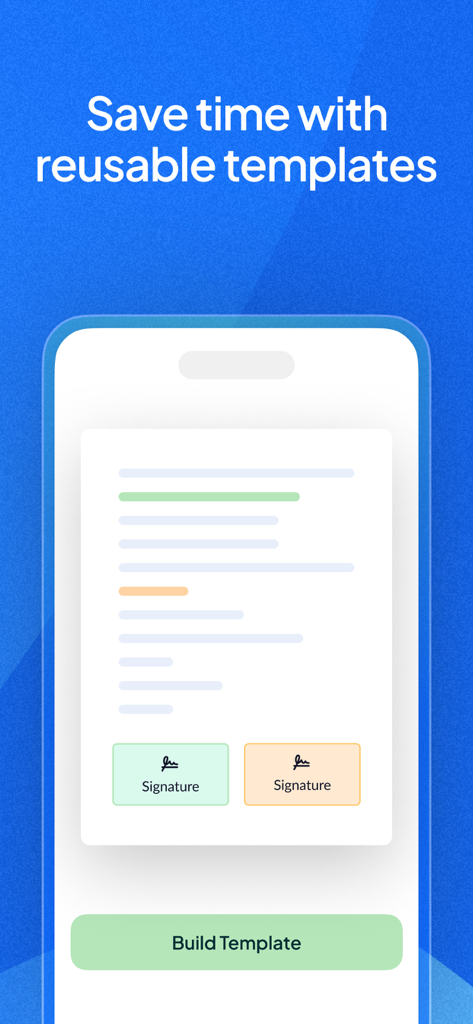
Un'interfaccia mobile dell'app Sign.Plus che mostra un modello di documento con campi di firma riutilizzabili.
Un'interfaccia mobile dell'app Sign.Plus che mostra un modello di documento con campi di firma riutilizzabili.

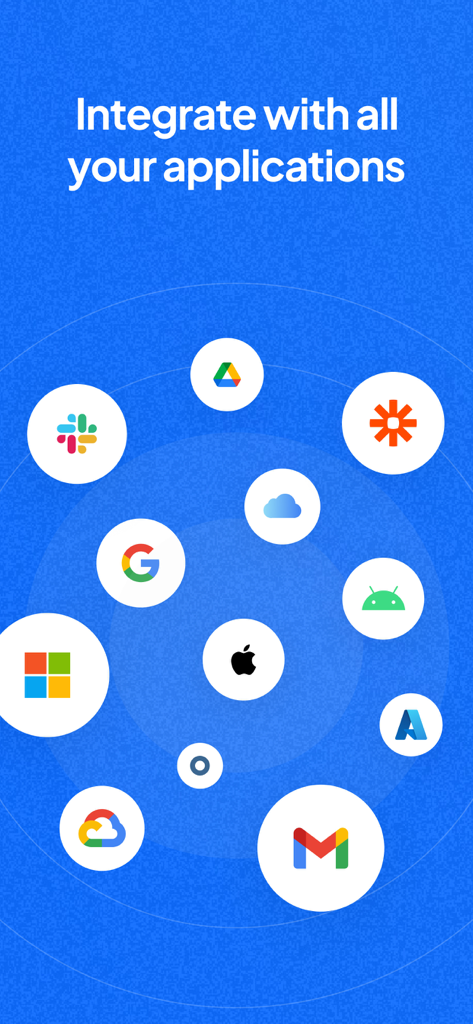
Integrazione dell'app Sign Plus con Google Drive, Slack e piattaforme Microsoft

Integrazione dell'app Sign Plus con Google Drive, Slack e piattaforme Microsoft

Firme Elettroniche Sicure per Professionisti

Gli strumenti che rendono questa app unica, scelti da 9K+ utenti.

🛡️

Sicurezza di Livello Militare

Proteggi la tua attivitĂ  con la conformitĂ  HIPAA e SOC 2, supportata dalla crittografia AES a 256 bit e dall'archiviazione cloud sicura.

📄

Scansione Mobile Intelligente

Converti istantaneamente i contratti fisici in PDF digitali utilizzando la fotocamera con ritaglio automatico e correzione della prospettiva.

✅

Log di Audit Anti-Manomissione

Ottieni tranquillitĂ  legale con log dettagliati di timestamp e indirizzi IP, assicurando che ogni firma sia pienamente difendibile.

Info sull'app

Tutto quello che devi sapere su Sign.Plus - Sign PDF Documents.

Descrizione

Sign.Plus is a legally-binding electronic signature solution to sign documents on iPhone and iPad devices and send documents for signature. It’s secure, reliable, cross-platform, and super easy to use. Using this free eSignature app, you can fill and sign PDF documents, Word documents, and other types of supported documents. You can also utilize the paper scanning feature to convert your paper documents to digital documents and sign them electronically. √ Sign.Plus recognized as the best e-Signature solution to fill and sign documents! ◆ Fill and sign documents: Sign.Plus allows you to create an electronic signature to e-sign documents wherever you are and whenever you want. You can draw a signature, type your signature or use your initials. ◆ Send documents for signature: Other than the option to fill and sign documents yourself, you can also send documents for signature. You can send a request for signature even if the signees do not have a Sign.Plus account. You can add various fields to the documents, including signature, initials, date, text, and checkbox. ◆ Tamper-proof audit trails: For every document that goes into the process of signing electronically, there are real-time logs to keep track of any activity that has occurred with information such as name, IP address, email address, device, and much more. The audit trails are non-editable and each document action is thoroughly tracked and time-stamped, serving as legal proof of receipt, review, and signature. ◆ Legally-binding electronic signature: Sign.Plus complies with electronic signature regulations such as ESIGN, eIDAS, and ZertES to ensure it delivers the same legal standing as pen-and-paper signatures. ► Extensive security measurements and compliance offerings ◆ Data encryption: We encrypt all documents at rest using 256-bit Advanced Encryption Standard (AES), with each user’s unique encryption key. Furthermore, to protect data in transit between our apps (currently mobile, API, web) and our servers, we use TLS 1.2+ encryption. ◆ Various compliance offerings: We are committed to certifying ourselves and our e-signing platform for all relevant certifications and compliances, including SOC 2, HIPAA, ISO 27001, GDPR, CCPA, and more. ► Looking for an easy way to e-sign PDF documents? We’ve got you covered If you are looking for a secure document signing app to fill and sign PDF documents, we are here to help. This free eSignature app offers the easiest online signature experience ever, unlike other form filling and e-sign applications. You can sign PDF docs, contracts, leases, NDAs, agreements, and pretty much every type of legal document without having to go through a complicated process. Download Sign.Plus for free on your iOS device, scan/import the document you wish to sign/be signed electronically and, depending on the nature of the document, e-sign it yourself or send it for signature. Sign.Plus features and advantages: • Legally-binding electronic signature solution • Advanced yet easy-to-use document signing platform • Fill and sign PDF documents • Send documents for signature • Create an electronic signature (Type, draw, or use initials) • Extensive regulatory compliance offerings, including SOC 2, HIPAA, ISO 27001, GDPR, CCPA, and more • Scan documents with your mobile camera (automatic document detection, magnifier, border cropping, perspective correctness) • Data encryption • Tamper-proof audit trails • Save documents as draft • Get real-time notifications • Multiple date formats • Free e signature app to sign documents on iPhone and iPad * Sign.Plus is HIPAA compliant, provided the user has advanced security controls activated and enters into a business associate agreement (BAA) with Sign.Plus. Advanced security controls are available on the Enterprise plan tier. Any further questions or requests? Do not hesitate to reach us on our website, app, or by email at support@sign.plus. Our customer support team will be pleased to help you!

Ultima versione

10.0

Dimensione

130.8 MB

Data di lancio

27 apr 2022

Inizia Oggi Stesso con Firme Elettroniche Legalmente Vincolanti

Unisciti a migliaia di professionisti che si affidano a Sign.Plus per la firma sicura di documenti conforme HIPAA in mobilitĂ . Inizia a firmare gratuitamente sul tuo iPhone o iPad.

Scarica su App StoreScarica su Google Play

App information, icons, screenshots, and descriptions displayed on this page are sourced from the Apple App Store and are the property of their respective developers. Download estimates and rankings are based on MWM's proprietary models and may not reflect actual figures. This page is provided for informational and analytical purposes only.

Believe this page infringes your intellectual property? File a dispute