
Questa pagina non è una pagina ufficiale dell'app o del suo sviluppatore, ma una pubblicazione editoriale indipendente creata a scopo informativo e di commento. Salvo espressa indicazione contraria, né l'app né il suo sviluppatore sono affiliati, approvati, sponsorizzati, autorizzati o altrimenti ufficialmente collegati a MWM, Apple, Google Play, all'editore dell'app o allo sviluppatore dell'app, e nulla in questa pagina implica che l'app sia stata sviluppata utilizzando i servizi di MWM. Tutti i marchi, loghi, screenshot e altri contenuti rimangono di proprietà dei rispettivi proprietari.


Smartsheet: Projects & Teams
Abbandona la proliferazione dei fogli di calcolo. Gestisci progetti, automatizza workflow e ottieni visibilità in tempo reale con la piattaforma no-code di livello enterprise, progettata per professionisti ad alto impatto.
Download
3M+Valutazione
Valutazioni totali
131K+Editore
Categoria
BusinessLingue
8Ultima versione
26.0Dimensione
113.9 MBData di lancio
18 ott 2012Trasforma il Caos in Precisione
Una piattaforma potente e no-code progettata per team ad alte prestazioni per automatizzare workflow, gestire progetti complessi e ottenere risultati in tempo reale da qualsiasi luogo.
Automatizza il Banale
Imposta richieste di approvazione e promemoria automatizzati in pochi minuti. Elimina attività ripetitive e riunioni di stato per concentrarti sul lavoro che fa la differenza.
Visibilità Esecutiva in Movimento
Accedi a dashboard live e monitora lo stato dei progetti dal tuo iPhone o iPad. Rimani informato con notifiche push in tempo reale per ogni aggiornamento critico.
Domande Frequenti
Tutto quello che devi sapere su Smartsheet: Projects & Teams
Come possono i nuovi utenti iniziare a usare Smartsheet: Progetti e Team?
I nuovi utenti possono accedere con un account Smartsheet esistente o iscriversi per una prova gratuita di 30 giorni inserendo la propria e-mail. L'aggiornamento a un account a pagamento è disponibile in qualsiasi momento.
Smartsheet consente la collaborazione in tempo reale su progetti e attività?
Sì, Smartsheet consente una collaborazione senza interruzioni permettendo ai team di creare, condividere e rivedere/modificare documenti e fogli da Mac, iPad o iPhone.
Quali funzionalità di organizzazione dei progetti offre Smartsheet?
Smartsheet organizza progetti e attività utilizzando i fogli. Gli utenti aggiungono assegnatari, date di scadenza, follower, checklist e file, visualizzando le attività nelle viste griglia, card, Gantt o calendario.
Posso automatizzare i flussi di lavoro all'interno dell'app Smartsheet?
Sì, Smartsheet automatizza i flussi di lavoro tramite richieste di aggiornamento/approvazione, avvisi, promemoria e azioni automatiche sulle righe. Supporta anche le bacheche Kanban per il lavoro agile nella vista card.
Come aiuta Smartsheet nella raccolta di informazioni?
Smartsheet consente di raccogliere dati dal campo utilizzando moduli. Questi moduli supportano caricamenti di immagini, scansione di codici a barre, logica condizionale e possono essere incorporati o condivisi tramite un link univoco.
Smartsheet si integra con altre popolari applicazioni aziendali?
Sì, Smartsheet si integra con app popolari come Google, Microsoft, Salesforce, Slack, Jira, DocuSign e Box, fornendo sincronizzazione in tempo reale e visibilità tra le piattaforme.
Posso creare applicazioni personalizzate utilizzando Smartsheet senza scrivere codice?
Sì, Smartsheet è uno strumento no-code che consente a team come IT, Marketing e Operations di creare applicazioni dedicate per la gestione dei progetti, l'automazione dei flussi di lavoro e la creazione di soluzioni.
Smartsheet supporta il monitoraggio in tempo reale dello stato del progetto?
Sì, Smartsheet fornisce visibilità in tempo reale tramite dashboard, fogli e notifiche push. Gli utenti possono adattarsi ai cambiamenti e identificare le tendenze utilizzando widget di dati live e dashboard personalizzabili.
Smartsheet è disponibile sui dispositivi mobili?
Sì, l'app Smartsheet è disponibile per Mac, iPad e iPhone. Gli utenti possono accedere a progetti, attività, flussi di lavoro e fogli in qualsiasi momento e ovunque dal proprio dispositivo mobile.
I moduli Smartsheet possono essere utilizzati offline?
Sì, i moduli Smartsheet sono disponibili per l'uso offline. Ciò consente agli utenti di raccogliere ed agire sui dati anche senza una connessione internet.
Gli screenshot e la descrizione seguenti provengono direttamente dall'elenco ufficiale dello store dell'app e sono di proprietà dello sviluppatore.
App Store
Screenshot
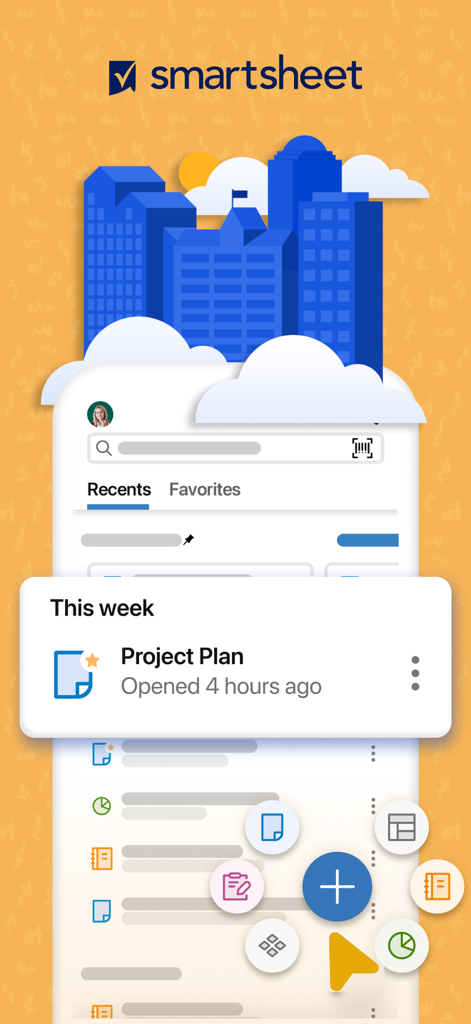
Interfaccia dell'app mobile Smartsheet che mostra un piano di progetto e scorciatoie per la gestione delle attività

Grafica che illustra professionisti che analizzano dati di progetto con il testo Gestisci il lavoro ovunque
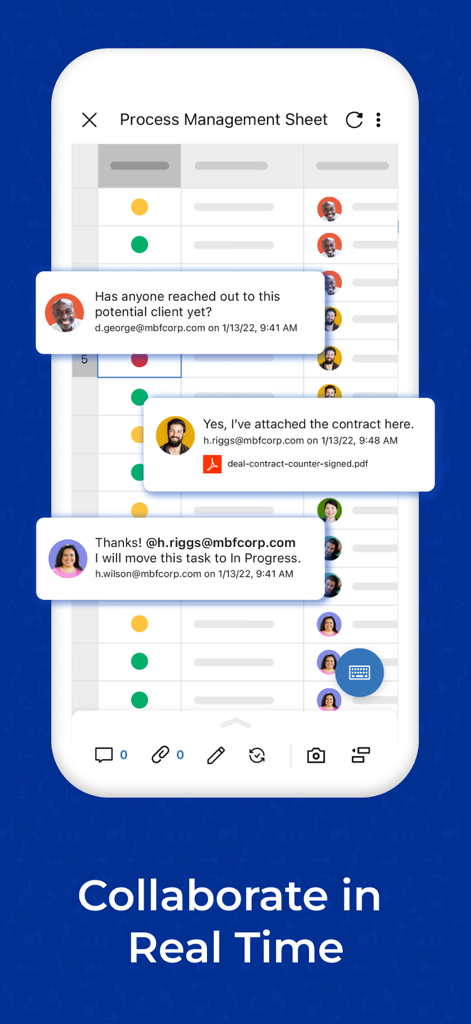
Un'interfaccia mobile di Smartsheet che mostra i membri del team che collaborano con commenti in tempo reale su un foglio di gestione dei processi.
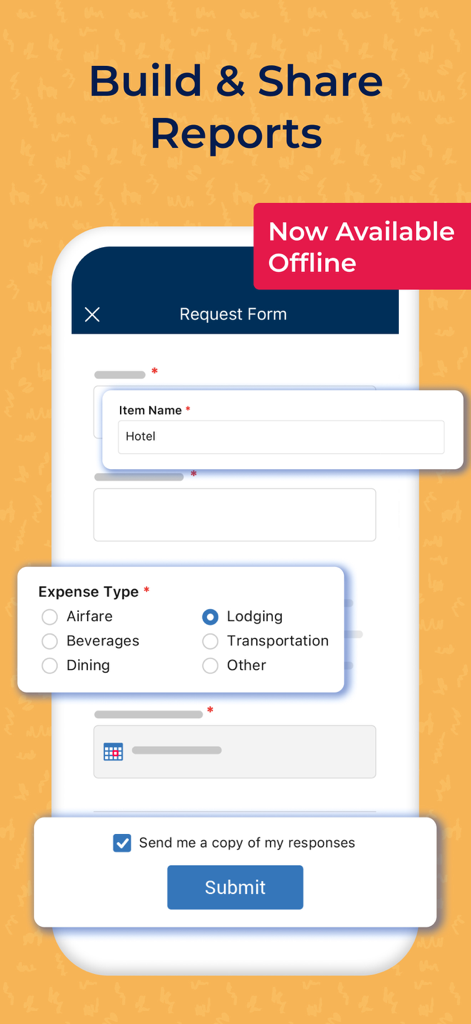
Modulo di richiesta dell'app mobile Smartsheet per la rendicontazione delle spese offline
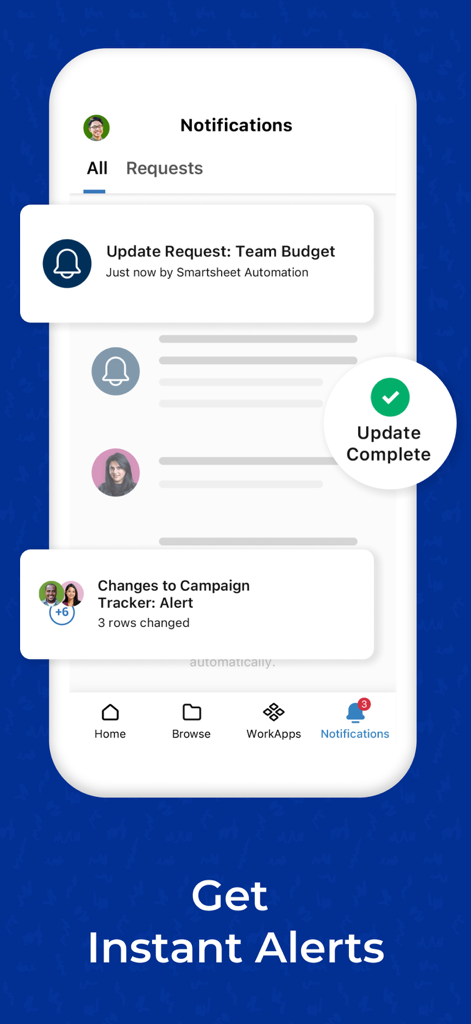
Screenshot mobile del centro notifiche di Smartsheet che mostra avvisi di progetto e richieste di aggiornamento del budget.
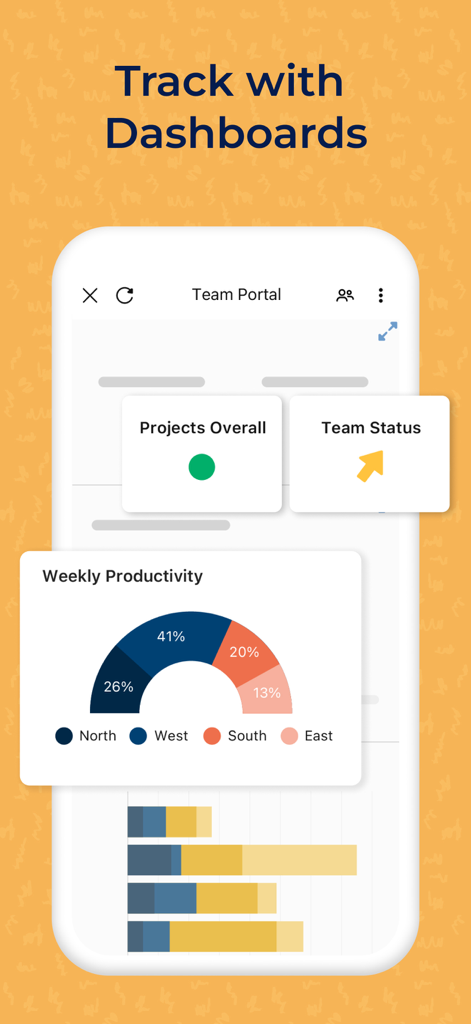
Interfaccia mobile di Smartsheet che visualizza dashboard sulla produttività del team e sullo stato del progetto
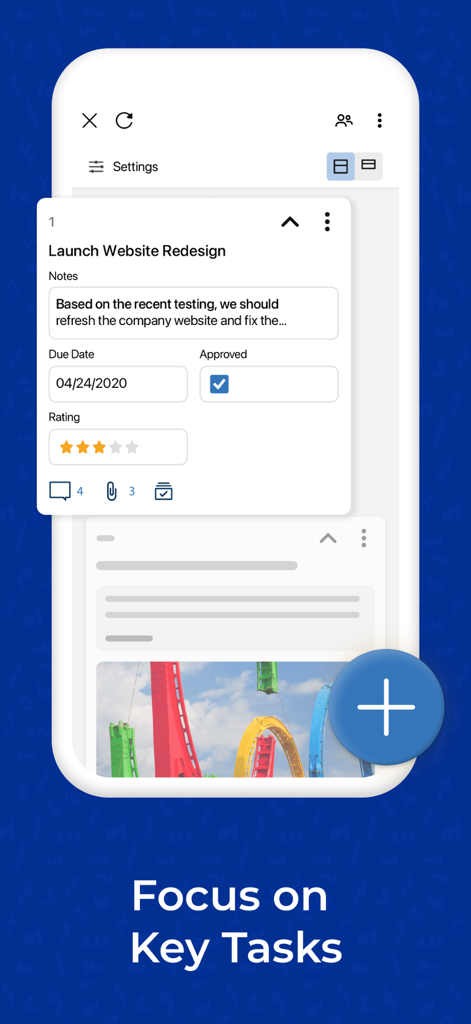
Interfaccia dell'app mobile Smartsheet che mostra una scheda attività di progetto con date di scadenza e stato di approvazione
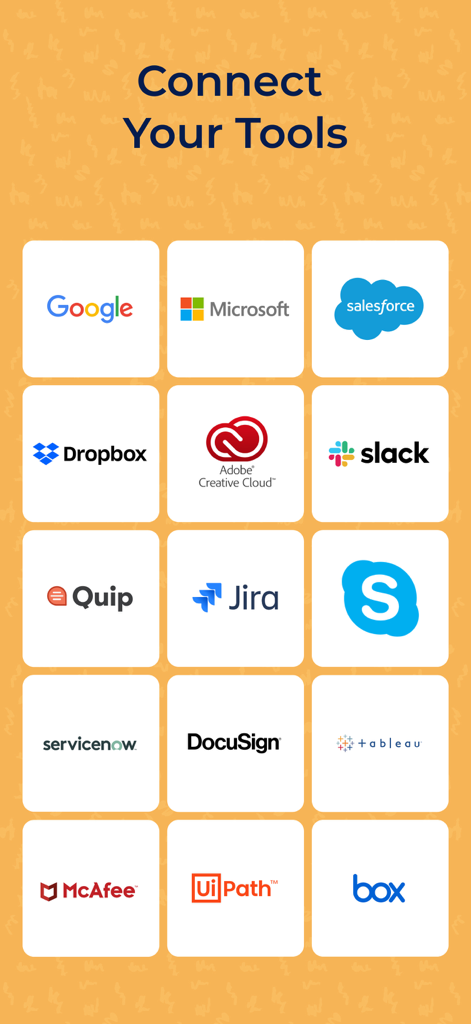
Schermata dell'app Smartsheet che mostra integrazioni con strumenti popolari come Google, Microsoft, Salesforce e Slack
Descrizione
Download
App Simili
App con funzionalità ed esperienza simili

Xmind - Mind Map & Brainstorm
Xmind Ltd.

Miro: your visual workspace
Realtimeboard Inc.

Padlet
Wallwisher, Inc.

Asana: Work Management
Asana, Inc.

Microsoft Planner
Microsoft Corporation

Microsoft Loop
Microsoft Corporation

Microsoft Whiteboard
Microsoft Corporation

Nola: Story Planner & Writing
indent Inc.

MeisterTask - Task Management
MeisterLabs
Questa pagina non è una pagina ufficiale dell'app o del suo sviluppatore, ma una pubblicazione editoriale indipendente creata a scopo informativo e di commento. Salvo espressa indicazione contraria, né l'app né il suo sviluppatore sono affiliati, approvati, sponsorizzati, autorizzati o altrimenti ufficialmente collegati a MWM, Apple, Google Play, all'editore dell'app o allo sviluppatore dell'app, e nulla in questa pagina implica che l'app sia stata sviluppata utilizzando i servizi di MWM. Tutti i marchi, loghi, screenshot e altri contenuti rimangono di proprietà dei rispettivi proprietari.