
Questa pagina non è una pagina ufficiale dell'app o del suo sviluppatore, ma una pubblicazione editoriale indipendente creata a scopo informativo e di commento. Salvo espressa indicazione contraria, né l'app né il suo sviluppatore sono affiliati, approvati, sponsorizzati, autorizzati o altrimenti ufficialmente collegati a MWM, Apple, Google Play, all'editore dell'app o allo sviluppatore dell'app, e nulla in questa pagina implica che l'app sia stata sviluppata utilizzando i servizi di MWM. Tutti i marchi, loghi, screenshot e altri contenuti rimangono di proprietà dei rispettivi proprietari.

SoundFonts
Trasforma il tuo dispositivo iOS in un potente sintetizzatore polifonico. Importa qualsiasi file SF2, collega il tuo controller MIDI e integra senza problemi con GarageBand, Logic o AUM.
Download
30K+Valutazione
Valutazioni totali
200Editore
Categoria
EntertainmentLingue
1Ultima versione
2.31.1Dimensione
194.9 MBData di lancio
19 feb 2019Il Modulo Sonoro Definitivo per il Tuo Studio Mobile
Trasforma il tuo iPad o iPhone in un potente sintetizzatore polifonico. Importa migliaia di suoni gratuiti e riproducili con la precisione a bassa latenza necessaria per la produzione professionale.
Librerie Sonore Illimitate
Importa qualsiasi file SF2 direttamente da iCloud. Accedi a migliaia di strumenti vintage e moderni gratuiti senza mai pagare costosi pacchetti di espansione.
Integrazione AUv3 Professionale
Esegui SoundFonts come plugin all'interno di GarageBand, AUM o Logic Pro. Crea layer complessi e registra sessioni multi-traccia professionali nella tua DAW preferita.
Gli screenshot e la descrizione seguenti provengono direttamente dall'elenco ufficiale dello store dell'app e sono di proprietà dello sviluppatore.
App Store
Screenshot
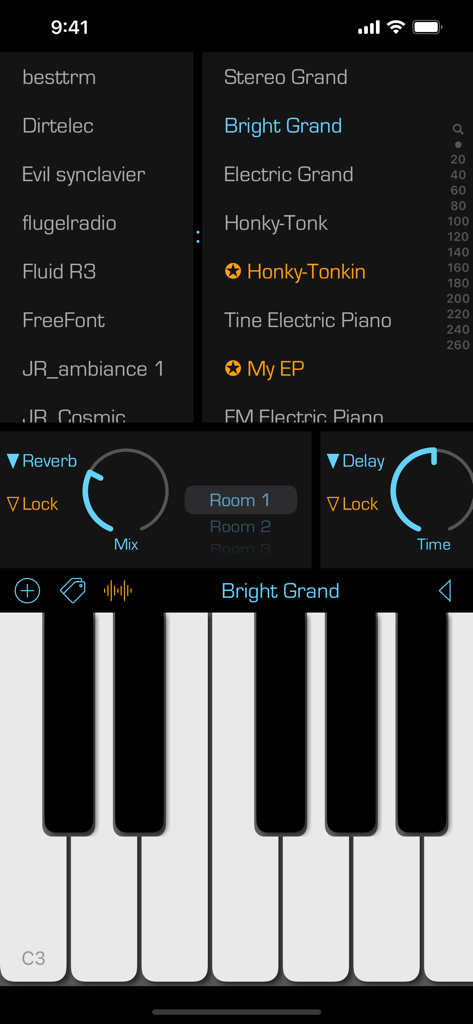
Interfaccia dell'app iOS SoundFonts che mostra tastiera di pianoforte con patch sonore e controlli degli effetti audio
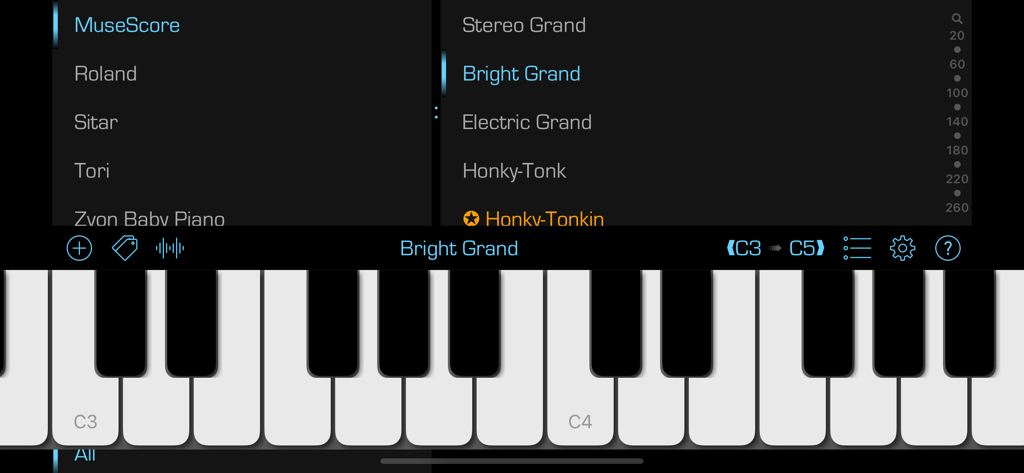
L'interfaccia dell'app SoundFonts che mostra una tastiera di pianoforte virtuale con menu di selezione del suono per diversi strumenti e patch.
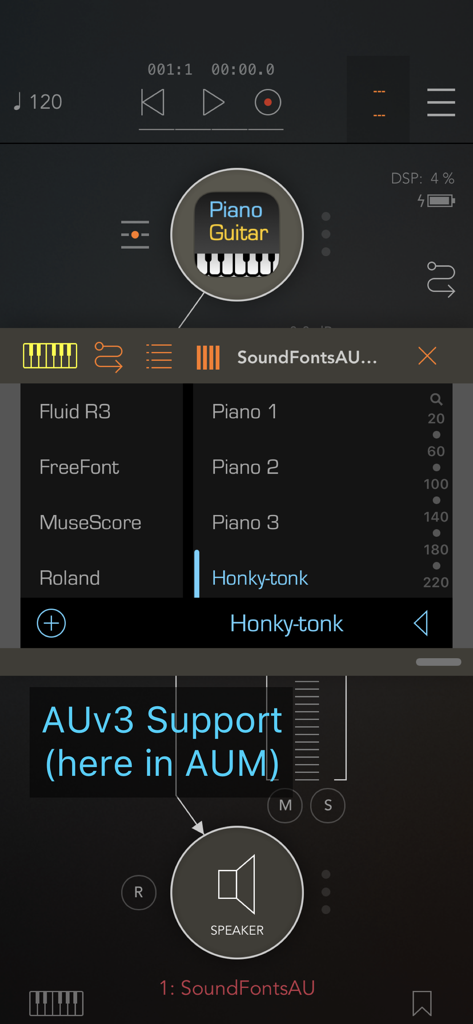
Interfaccia del plugin AUv3 SoundFonts in esecuzione all'interno di AUM con patch Honky-tonk selezionata
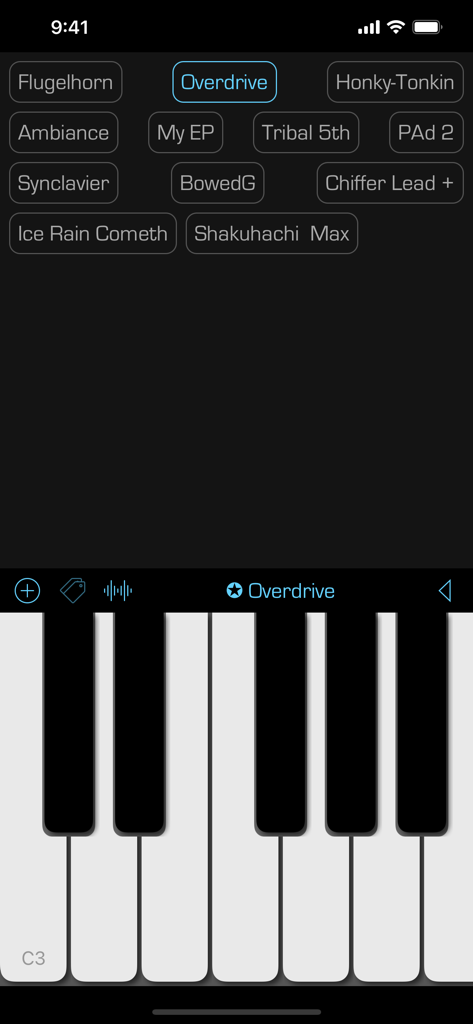
Interfaccia dell'app mobile SoundFonts che mostra una tastiera di pianoforte virtuale e una griglia di preset sonori
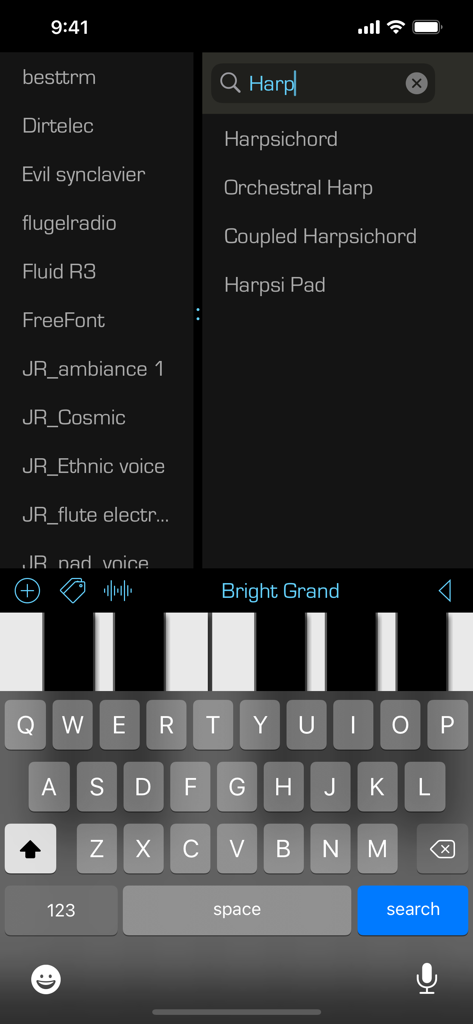
Interfaccia dell'app SoundFonts che mostra una ricerca di patch dello strumento arpa e una tastiera di pianoforte virtuale
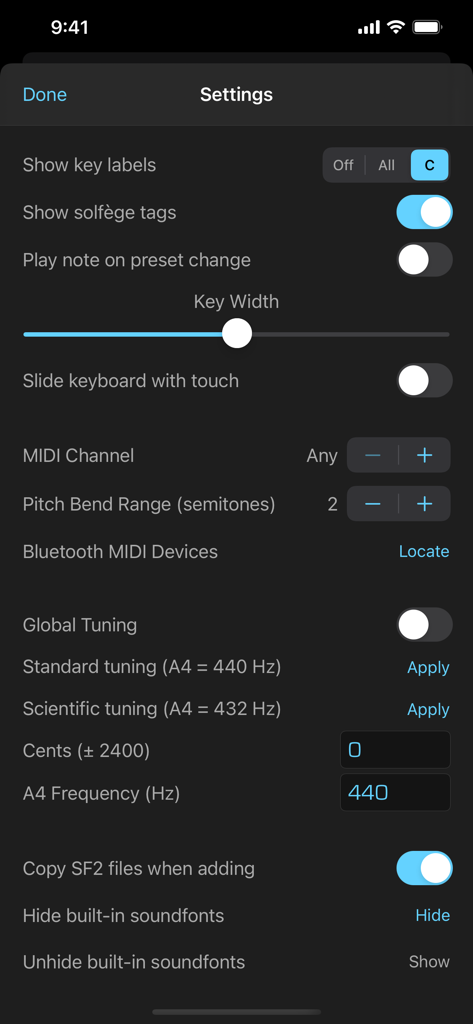
Schermata delle impostazioni dell'app SoundFonts che mostra la configurazione MIDI e generale dell'accordatura
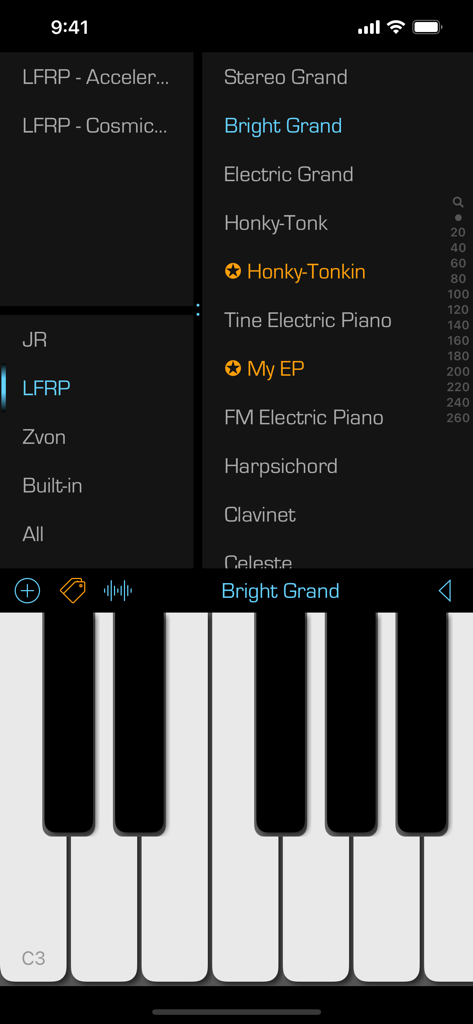
Interfaccia dell'app mobile SoundFonts che mostra un elenco di patch strumentali e una tastiera di pianoforte
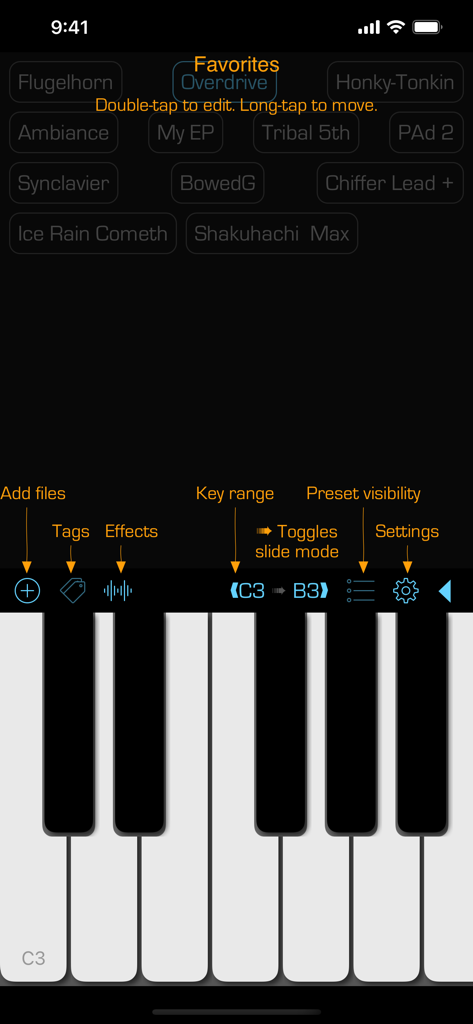
L'interfaccia utente dell'app SoundFonts che visualizza una tastiera di pianoforte e un elenco di preset sonori preferiti.
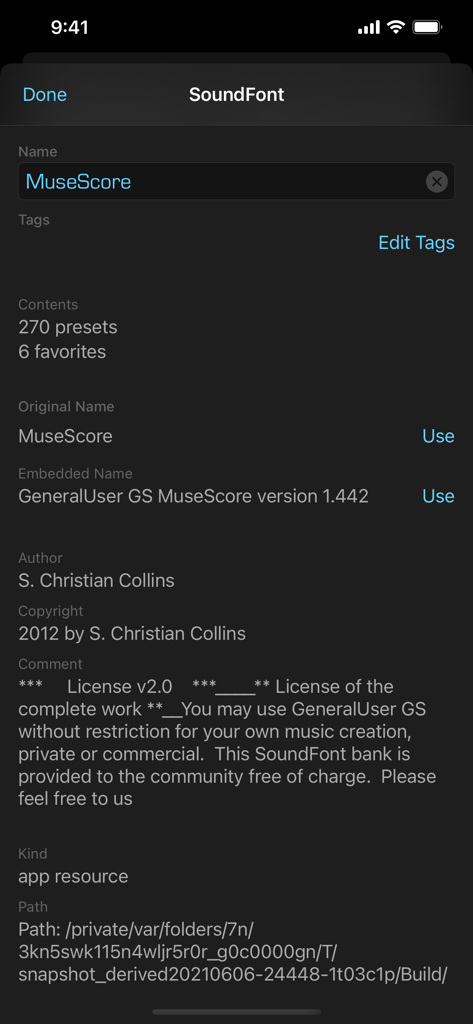
Interfaccia dell'app SoundFonts che mostra metadati dettagliati e informazioni sulla licenza per un soundfont chiamato MuseScore.
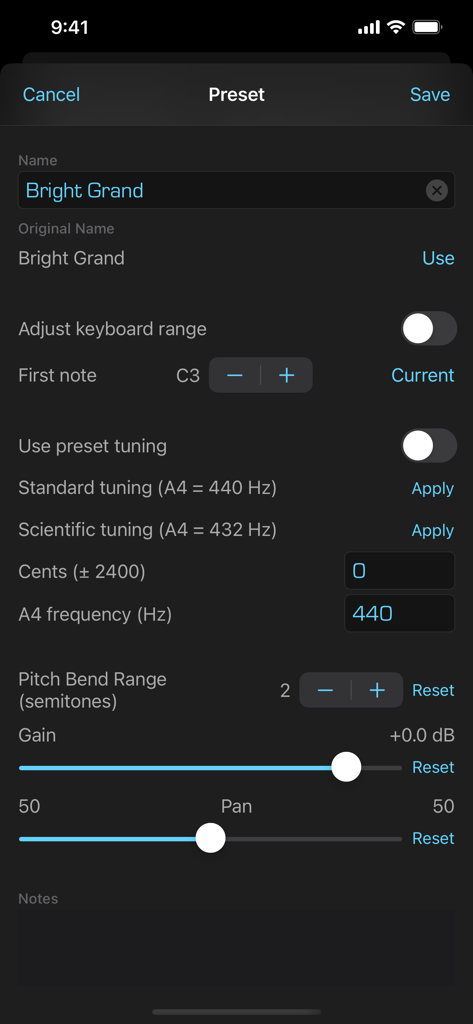
Interfaccia per la modifica dei preset del soundfont con controlli di accordatura e range
Descrizione
Download
App Simili
App più classificate nella stessa categoria

TikTok - Videos, Shop & LIVE
TIKTOK PTE. LTD.

Netflix
Netflix, Inc.

Freecash - Get Paid Real Money
256 REWARDS LTD

DramaBox - Stream Drama Shorts
STORYMATRIX PTE. LTD

HBO Max: Stream Movies & TV
WarnerMedia Global Digital Services, LLC

Amazon Prime Video
AMZN Mobile LLC

NetShort - Popular Dramas & TV
NETSTORY PTE. LTD.

ReelShort - Stream Drama & TV
New Leaf Publishing, Inc.

Disney+
Disney Electronic Content, Inc.
Questa pagina non è una pagina ufficiale dell'app o del suo sviluppatore, ma una pubblicazione editoriale indipendente creata a scopo informativo e di commento. Salvo espressa indicazione contraria, né l'app né il suo sviluppatore sono affiliati, approvati, sponsorizzati, autorizzati o altrimenti ufficialmente collegati a MWM, Apple, Google Play, all'editore dell'app o allo sviluppatore dell'app, e nulla in questa pagina implica che l'app sia stata sviluppata utilizzando i servizi di MWM. Tutti i marchi, loghi, screenshot e altri contenuti rimangono di proprietà dei rispettivi proprietari.