
Questa pagina non è una pagina ufficiale dell'app o del suo sviluppatore, ma una pubblicazione editoriale indipendente creata a scopo informativo e di commento. Salvo espressa indicazione contraria, né l'app né il suo sviluppatore sono affiliati, approvati, sponsorizzati, autorizzati o altrimenti ufficialmente collegati a MWM, Apple, Google Play, all'editore dell'app o allo sviluppatore dell'app, e nulla in questa pagina implica che l'app sia stata sviluppata utilizzando i servizi di MWM. Tutti i marchi, loghi, screenshot e altri contenuti rimangono di proprietà dei rispettivi proprietari.


Speak News - RSS news reader
Trasforma qualsiasi feed RSS, pagina web o ricerca di Google News in un'esperienza audio senza distrazioni. Rimani informato mentre viaggi, ti alleni o lavori grazie alla sintesi vocale integrata con Siri e a voci internazionali naturali.
Download
31K+Valutazione
Valutazioni totali
0Editore
Categoria
NewsLingue
1Ultima versione
2.26.0Dimensione
10.5 MBData di lancio
10 set 2016Informazioni senza sforzo, senza guardare lo schermo
Speak News trasforma i tuoi feed RSS e le tue pagine web selezionate in uno streaming audio di alta qualità, progettato per professionisti orientati alla produttività e utenti che necessitano di strumenti per l'accessibilità.
Produttività attivata dalla voce
Mantieni gli occhi sulla strada o sulle tue attività. Usa i comandi Siri e i controlli remoti degli auricolari per ascoltare le tue notizie a mani libere durante i tragitti casa-lavoro o gli allenamenti.
Selezione senza algoritmi
Riprendi il controllo dei tuoi media. Importa la tua libreria Feedly o i file OPML per ascoltare solo le fonti di cui ti fidi, completamente libere dai filtri dei social media.
Gli screenshot e la descrizione seguenti provengono direttamente dall'elenco ufficiale dello store dell'app e sono di proprietà dello sviluppatore.
App Store
Screenshot
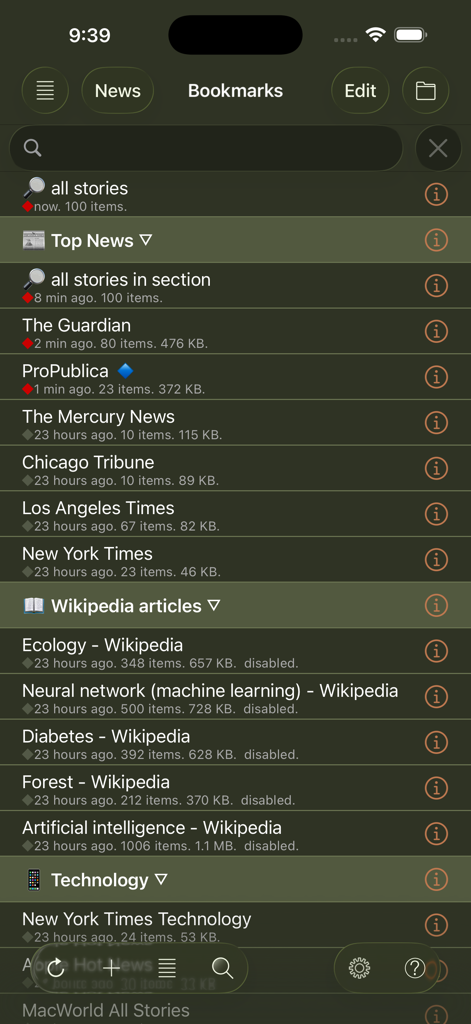
Un elenco di segnalibri di feed di notizie e articoli di Wikipedia nell'interfaccia dell'app Speak News.
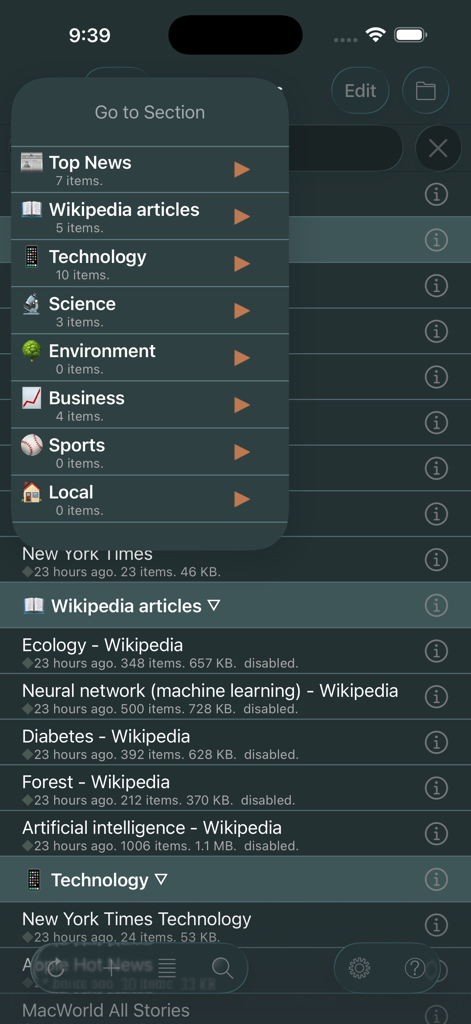
Interfaccia dell'app Speak News che mostra il menu di navigazione Vai alla sezione con categorie di notizie come Notizie Principali e Tecnologia in modalità scura
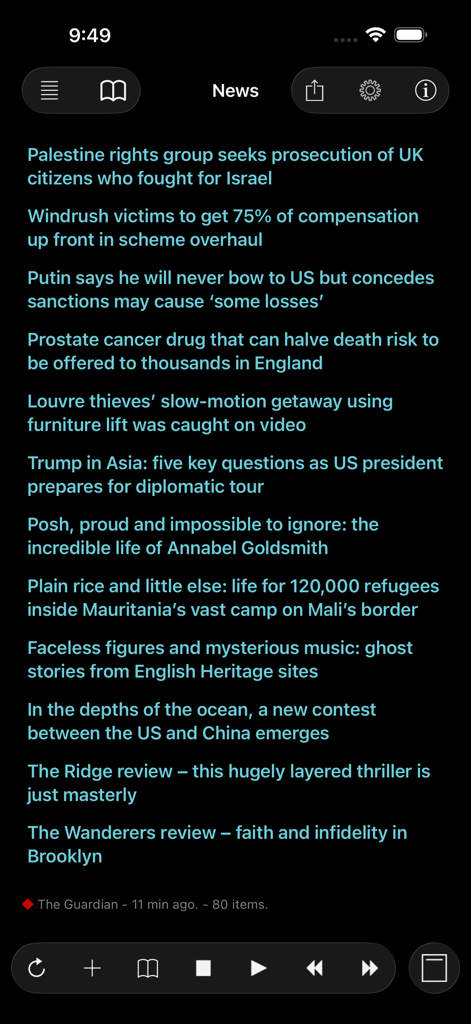
Interfaccia dell'app Speak News che mostra un elenco di titoli di notizie in un tema in modalità scura ad alto contrasto con controlli di riproduzione audio.
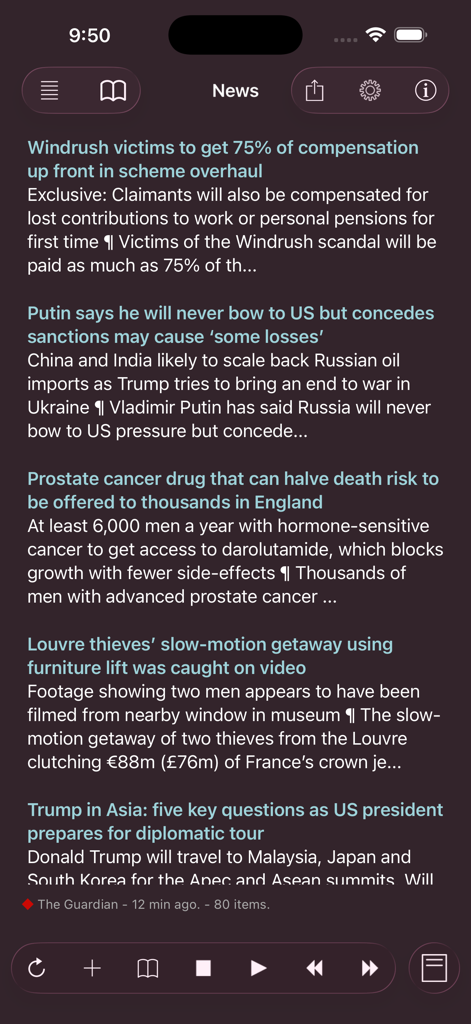
Uno screenshot del lettore RSS di Speak News che mostra un elenco di titoli di notizie in un'interfaccia in modalità scura con controlli di riproduzione.
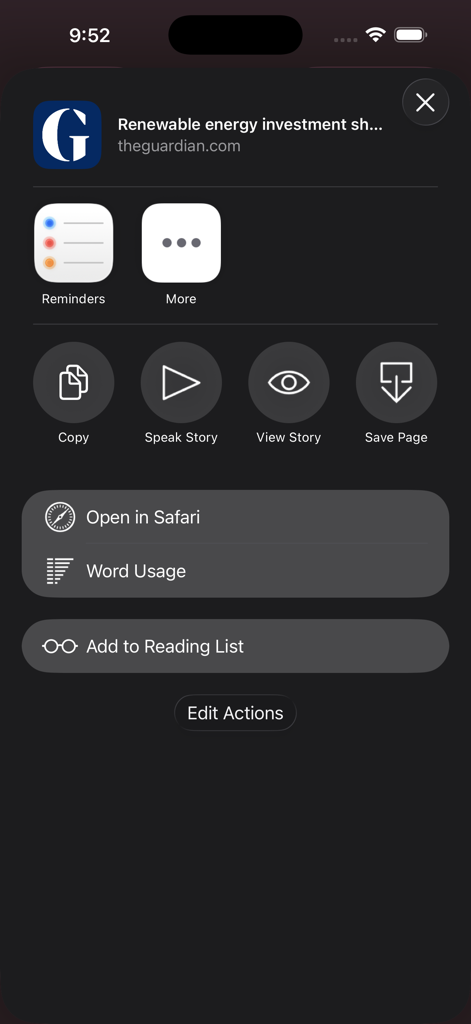
Uno screenshot del menu azioni dell'app Speak News su iOS che mostra opzioni come Leggi Storia e Utilizzo Parole per un articolo di notizie
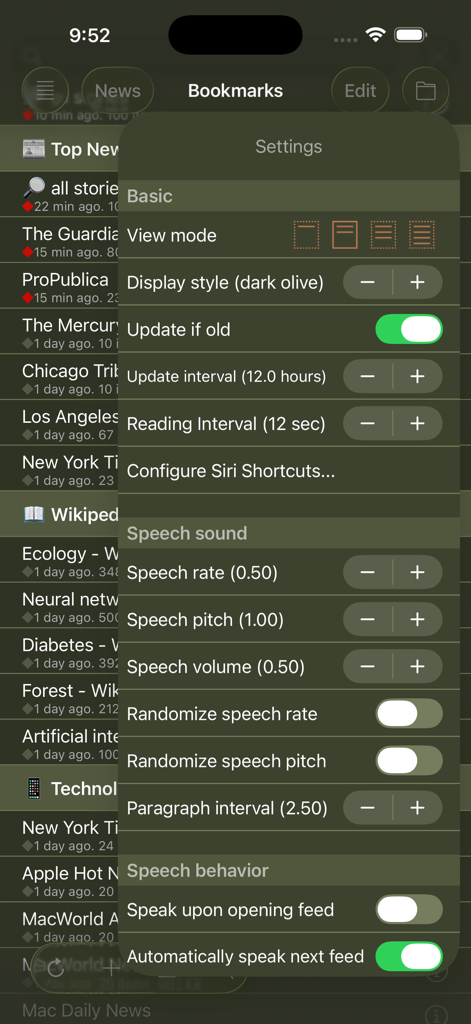
Impostazioni dell'app Speak News che mostrano le opzioni di sintesi vocale e visualizzazione
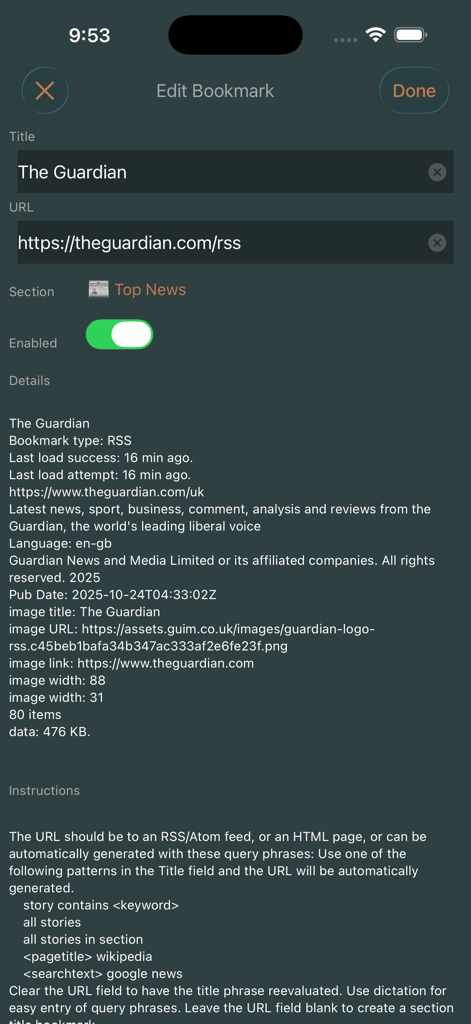
Schermata Modifica segnalibro nell'app Speak News che mostra i dettagli del feed RSS e le impostazioni per The Guardian.
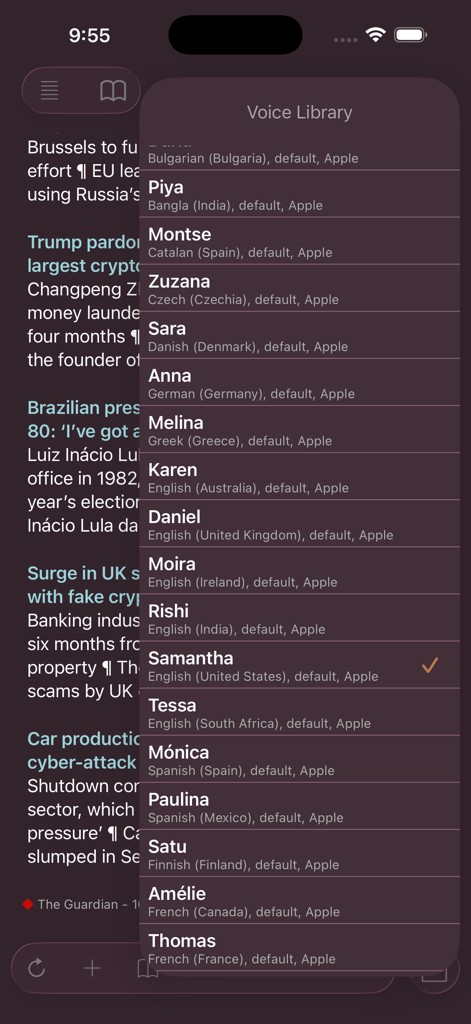
Menu Libreria voci in Speak News che mostra opzioni internazionali di sintesi vocale
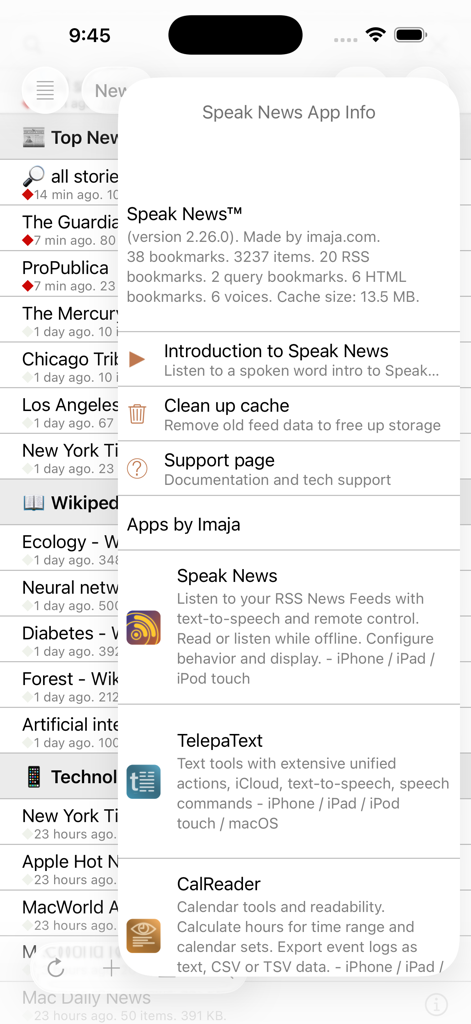
Modale informazioni app per Speak News che mostra dettagli della versione e statistiche
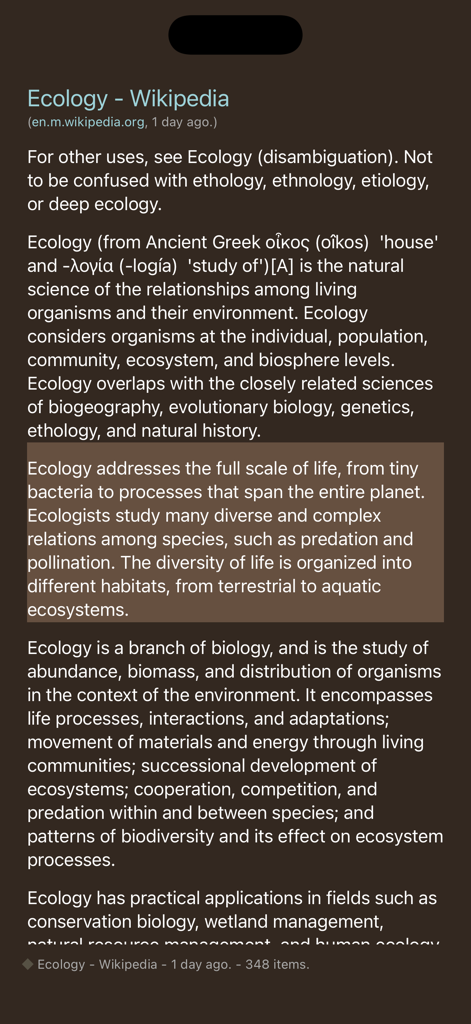
Interfaccia dell'app Speak News che mostra un articolo di Wikipedia sull'ecologia nella visualizzazione testo in modalità scura
Descrizione
Download
App Simili
App più classificate nella stessa categoria

X
X Corp.

REDDIT, INC.

Substack
Substack Inc.

NYTimes: US and Global News
The New York Times Company

Nextdoor: Neighborhood Network
Nextdoor.com, Inc.

CrimeRadar Dispatch Audio
Scoopz Inc.

NewsBreak: Local News & Alerts
Particle Media Inc.

Ground News
Snapwise Inc.

Google News
Google LLC
Questa pagina non è una pagina ufficiale dell'app o del suo sviluppatore, ma una pubblicazione editoriale indipendente creata a scopo informativo e di commento. Salvo espressa indicazione contraria, né l'app né il suo sviluppatore sono affiliati, approvati, sponsorizzati, autorizzati o altrimenti ufficialmente collegati a MWM, Apple, Google Play, all'editore dell'app o allo sviluppatore dell'app, e nulla in questa pagina implica che l'app sia stata sviluppata utilizzando i servizi di MWM. Tutti i marchi, loghi, screenshot e altri contenuti rimangono di proprietà dei rispettivi proprietari.