StarDesk: Desktop Remoto e Gaming a Latenza Ultra-Bassa
Trasmetti il tuo PC in 4K senza ritardi. Sia che tu stia giocando a titoli AAA o gestendo carichi di lavoro professionali, ottieni un accesso sicuro e crittografato al tuo desktop da qualsiasi iPhone, iPad o dispositivo mobile.
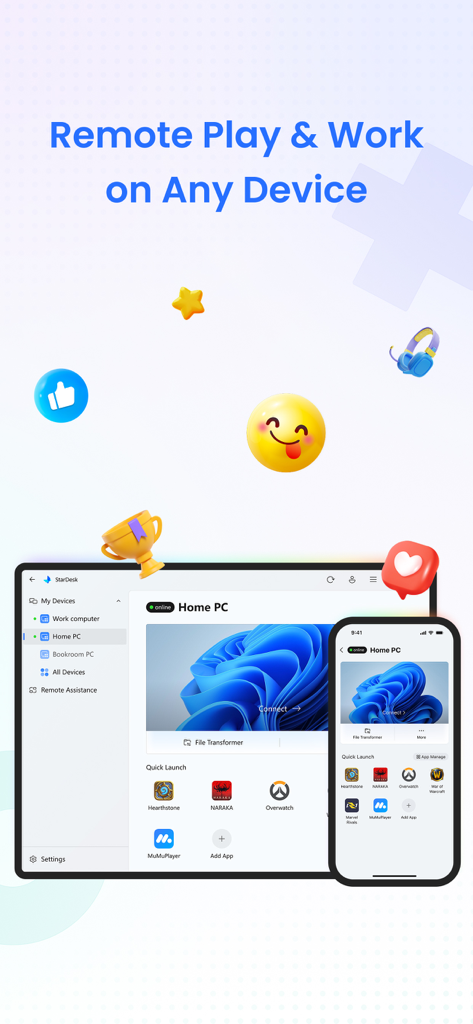
Interfaccia dell'app StarDesk che mostra l'accesso remoto al PC per gaming e lavoro su smartphone e tablet.
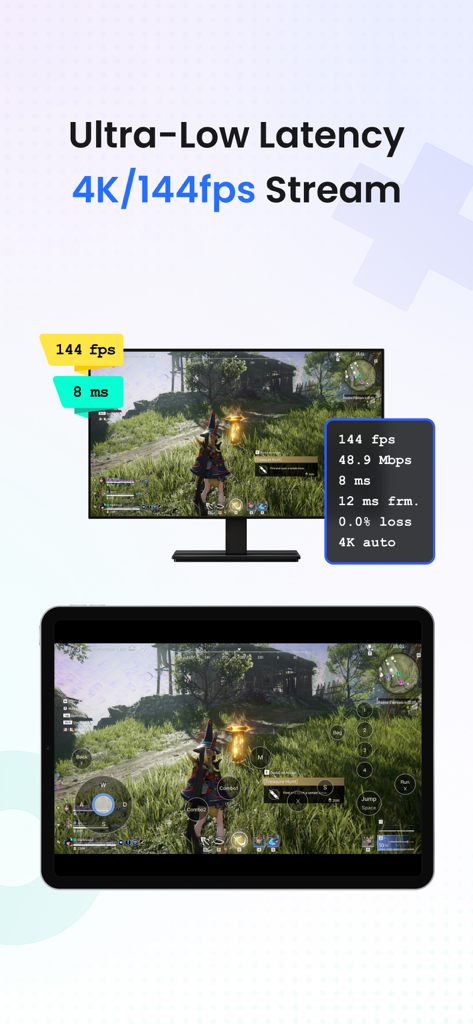
Interfaccia dell'app StarDesk che mostra lo streaming di giochi per PC 4K 144fps a latenza ultra-bassa su tablet
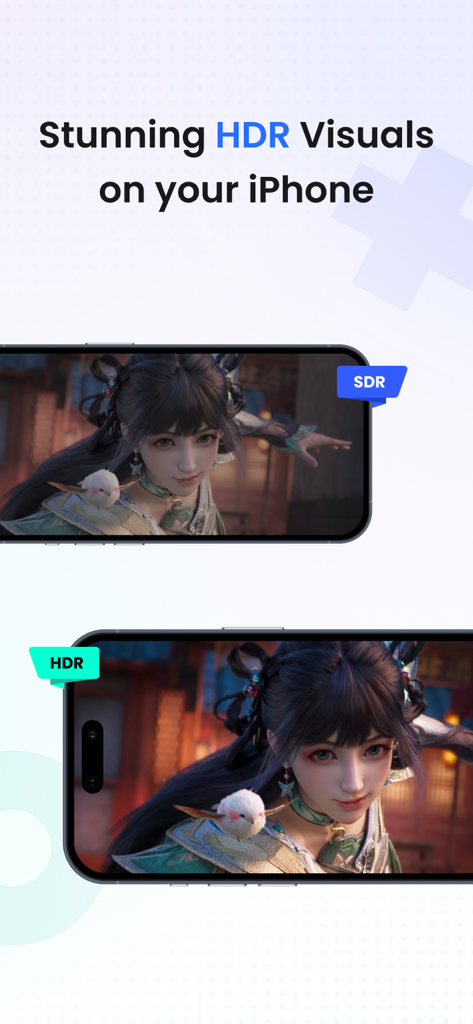
Confronto affiancato di visualizzazioni SDR e HDR per il gaming remoto su iPhone
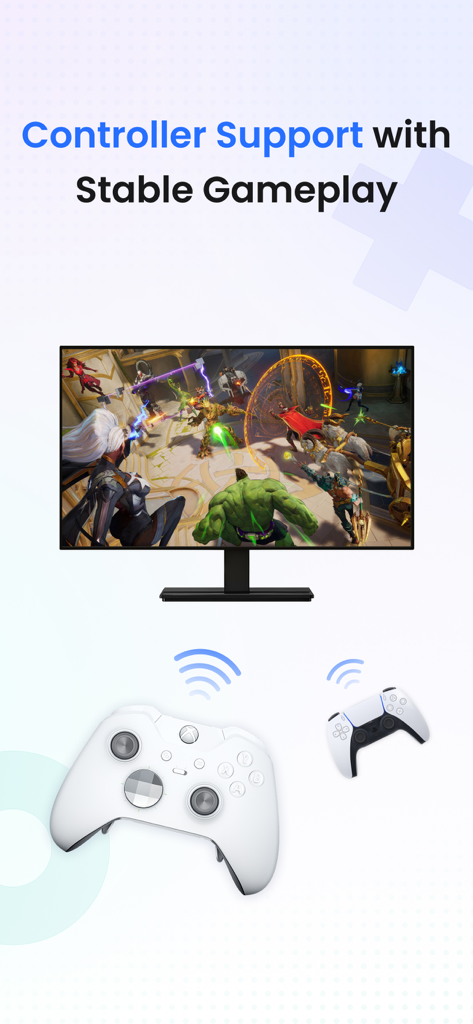
Supporto controller desktop remoto StarDesk per un gameplay stabile
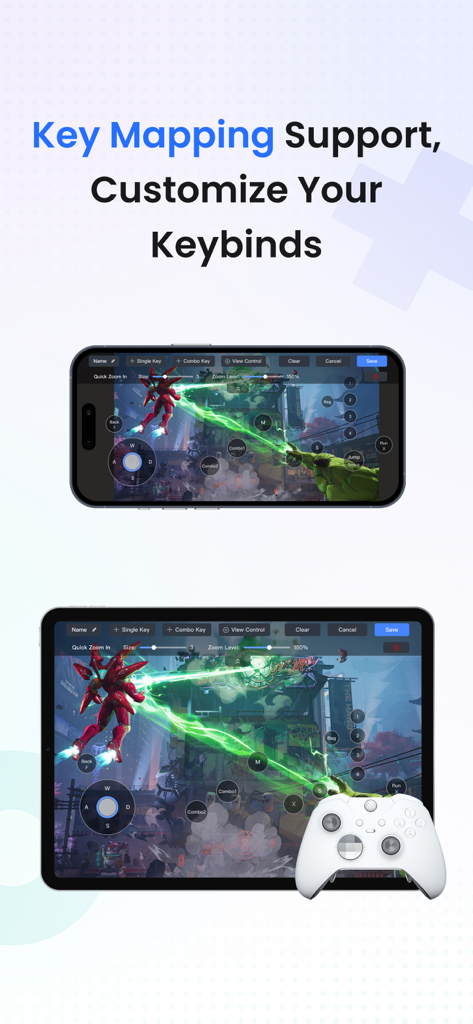
App StarDesk che mostra la mappatura tasti personalizzata e il supporto controller per il gaming PC remoto su iPhone e iPad
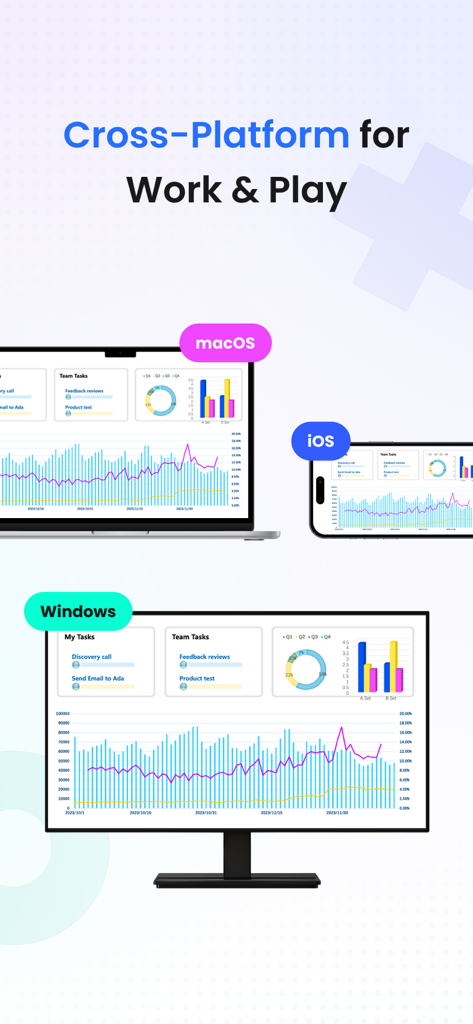
Interfaccia desktop remoto StarDesk mostrata su dispositivi Windows, macOS e iOS per lavoro e gaming
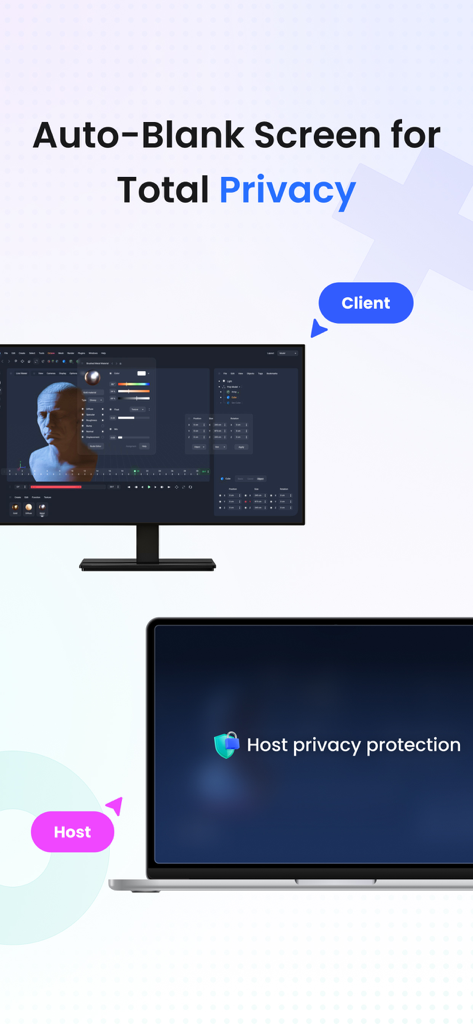
App desktop remoto StarDesk che mostra lo schermo oscurato automaticamente per una totale protezione della privacy.
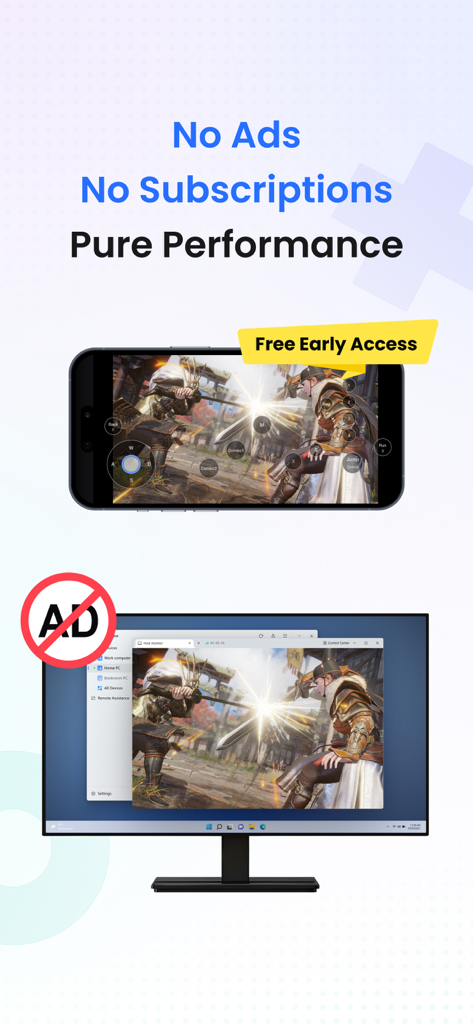
Smartphone e monitor che mostrano gaming remoto ad alte prestazioni senza pubblicità
La piena potenza del tuo PC, ovunque tu vada
Gli strumenti che rendono questa app unica, scelti da 2K+ utenti.
🎮
Gaming Remoto Senza Lag
Gioca alla tua libreria Steam o Epic completa in 4K con supporto reattivo per controller Bluetooth e mappatura tasti personalizzata per un'esperienza PC nativa su mobile.
🚀
Prestazioni di Livello Workstation
Esegui software professionali esigenti come CAD, Photoshop o IDE con uno switch multi-monitor fluido e trasferimenti file illimitati ad alta velocità.
🛡️
Connettività Sicura e Istantanea
Proteggi i tuoi dati con crittografia end-to-end e usa Remote Wake per accedere istantaneamente al tuo desktop da qualsiasi dispositivo, anche se è spento.
Info sull'app
Tutto quello che devi sapere su StarDesk - Remote Desktop.
Descrizione
StarDesk delivers ultra-low-latency remote desktop and secure remote access, letting you control your PC from iOS, iPadOS, Mac, Windows, other mobile device or another PC—with remote wake, fast file transfer, smooth screen share, and responsive 4K streaming for both work and remote PC gaming.
Designed for real security and real performance, StarDesk uses encrypted remote control sessions to keep your data protected while delivering stable, low-latency PC streaming, game streaming, and remote work across phones, tablets, laptops, and desktops.
Whether you’re gaming, working, or providing remote assistance, StarDesk keeps your connection fast, your remote access secure, and your PC always within reach from any device.
Why StarDesk
StarDesk brings smooth, secure, and low-latency remote access to all your devices. Whether you're streaming your gaming PC or connecting for work, StarDesk keeps your remote desktop fast, stable, and fully encrypted. Below are the two core ways people use StarDesk.
Remote PC Gaming
Enjoy your full gaming PC anywhere with responsive remote desktop streaming built for gameplay.
• Real remote PC gaming (not console or cloud gaming)
• Smooth 4K streaming with low latency
• Works on iPhone、iPad、Mac、PC and other mobile device.
• Supports Bluetooth controllers
• Built-in key mapping for games (Supports a rich selection of gaming keyboards for mobile use.)
• Precise remote mouse for shooters, MOBAs, and strategy games
• Stable cross-platform PC streaming for Steam, Epic, Battle.net, and more
Remote Work & Productivity
• A secure, fast remote access solution for everyday work
• Fully encrypted remote control sessions
• Reliable screen share and multi-monitor switching
• Smooth performance for Office, Photoshop, IDEs, browsers, CAD
• Unlimited file transfer
• Remote wake for instant access to your PC anytime
• Great for IT support, remote assistance, and urgent tasks
• Works across iOS, Mac, other mobile device, Windows, PC-to-PC,remote desktop
Quick Start
Personal Users
1. Install StarDesk on both devices.
2. Open All Devices and select your PC.
3. Enjoy instant remote desktop and secure remote access.
Remote Assistance
1. Install StarDesk on both devices.
2. Open Remote Assistance and enter the Device ID + Verification Code.
3. Confirm access.
4. Start secure remote control.
Troubleshooting
Start here:https://www.stardesk.net/blog/how-to-use-stardesk.html
Need more help?
Go to StarDesk → Profile → Help & Feedback
Or join our Discord: https://discord.gg/V9JUJb6bUx
Privacy Protection
All remote access and remote control sessions are end-to-end encrypted.
We cannot see your screen, files, or activity.
Privacy Policy: https://stardesk.net/license/privacy-policy.html
Ultima versione
1.0.6
Dimensione
45.6 MB
Data di lancio
28 set 2025
La piena potenza del tuo PC, in tasca
Dal gaming 4K alla produttività di alto livello, sperimenta l'accesso remoto a latenza ultra-bassa che non scende a compromessi. Unisciti alla community tech-savvy e prendi il controllo del tuo desktop oggi stesso.
App information, icons, screenshots, and descriptions displayed on this page are sourced from the Apple App Store and are the property of their respective developers. Download estimates and rankings are based on MWM's proprietary models and may not reflect actual figures. This page is provided for informational and analytical purposes only.
Believe this page infringes your intellectual property? File a dispute