Starry sky Camera
Starry sky Camera
Scarica su App Store

Questa pagina non è una pagina ufficiale dell'app o del suo sviluppatore, ma una pubblicazione editoriale indipendente creata a scopo informativo e di commento. Salvo espressa indicazione contraria, né l'app né il suo sviluppatore sono affiliati, approvati, sponsorizzati, autorizzati o altrimenti ufficialmente collegati a MWM, Apple, Google Play, all'editore dell'app o allo sviluppatore dell'app, e nulla in questa pagina implica che l'app sia stata sviluppata utilizzando i servizi di MWM. Tutti i marchi, loghi, screenshot e altri contenuti rimangono di proprietà dei rispettivi proprietari.

Logo di Starry sky Camera
Scarica su App Store

Starry sky Camera

Sblocca il pieno potenziale del tuo iPhone con la composizione avanzata di immagini e i controlli manuali di livello professionale. Progettato per il creatore paziente che cerca di catturare splendide esposizioni lunghe in 4K e la vera brillantezza della Via Lattea.

Numeri Chiave

Download

23K+

Valutazione

2.3/5

Valutazioni totali

100

Editore

HIROFUMI MARUO

Categoria

Photo & Video

Lingue

2

Ultima versione

6.2

Dimensione

23.5 MB

Data di lancio

22 mag 2014
Funzioni

Cattura il cosmo con precisione professionale

Trasforma il tuo iPhone in un potente strumento di astrofotografia con algoritmi di composizione avanzati e controlli manuali completi progettati per il cielo buio.

Composizione intelligente delle stelle

Scegli tra tre modalità di composizione specializzate per massimizzare la luminosità e la chiarezza eliminando il rumore digitale nelle esposizioni lunghe.

Controlli manuali di livello professionale

Prendi il controllo totale del tuo sensore con impostazioni granulari per ISO, velocità dell'otturatore, messa a fuoco manuale e temperatura del colore Kelvin.

Gli screenshot e la descrizione seguenti provengono direttamente dall'elenco ufficiale dello store dell'app e sono di proprietà dello sviluppatore.

App Store

Screenshot
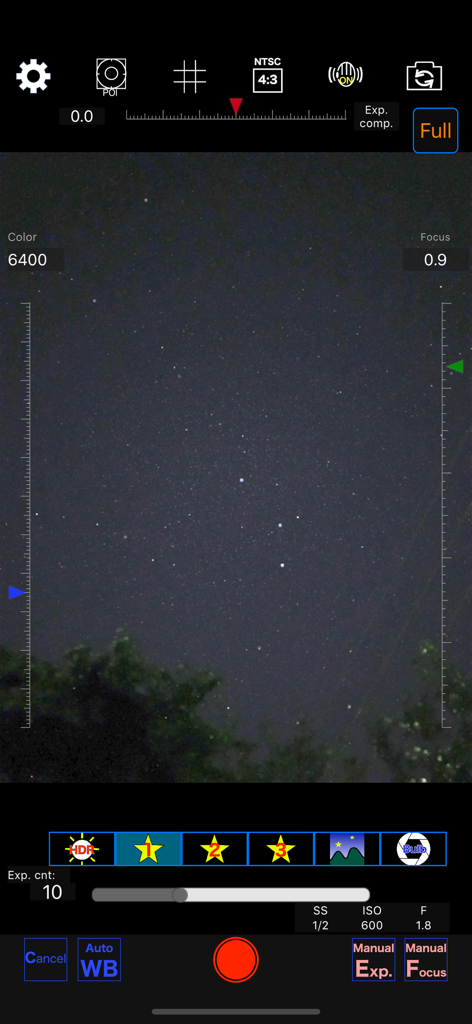
Starry sky Camera - Interfaccia dell'app Starry sky Camera che mostra impostazioni manuali per la fotografia notturna

Interfaccia dell'app Starry sky Camera che mostra impostazioni manuali per la fotografia notturna
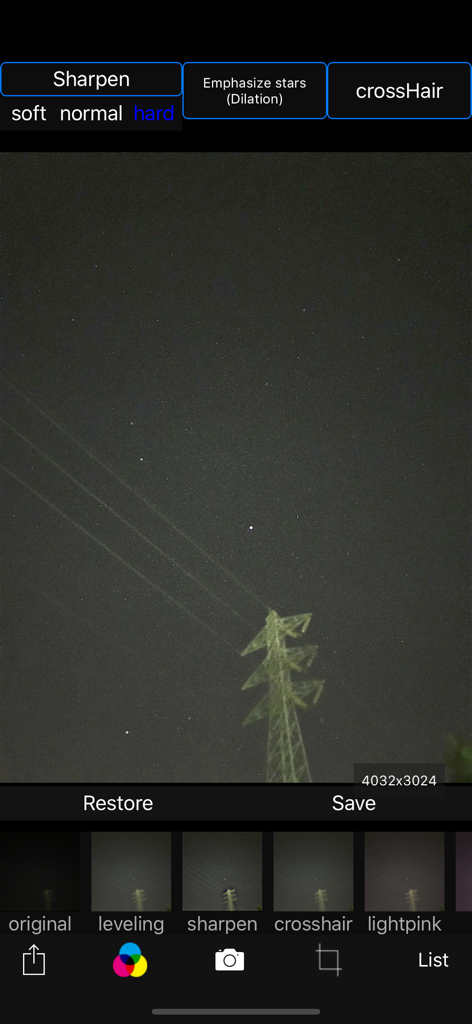
Starry sky Camera - Interfaccia dell'app Starry sky Camera per la modifica di foto del cielo notturno con filtri per la nitidezza delle stelle
Interfaccia dell'app Starry sky Camera per la modifica di foto del cielo notturno con filtri per la nitidezza delle stelle

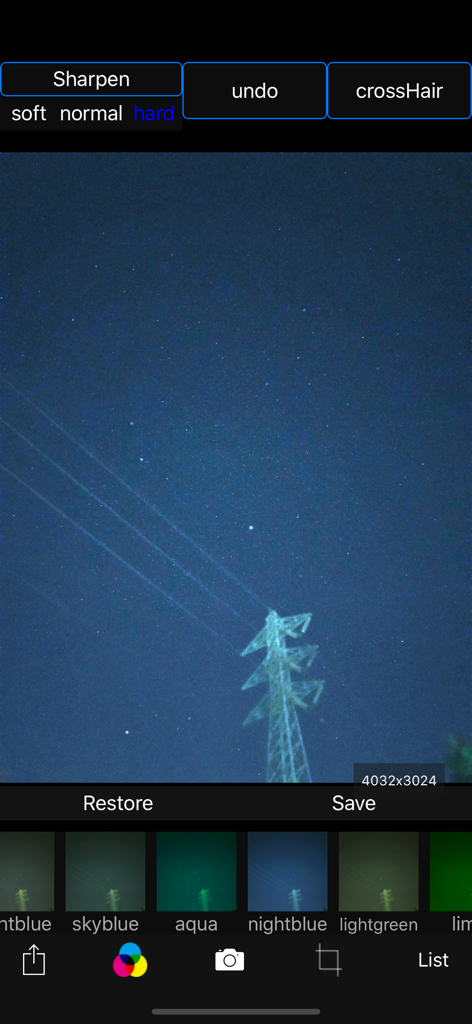
Starry sky Camera - Interfaccia dell'app Starry sky Camera che mostra una foto del cielo notturno con vari filtri colore e opzioni di nitidezza
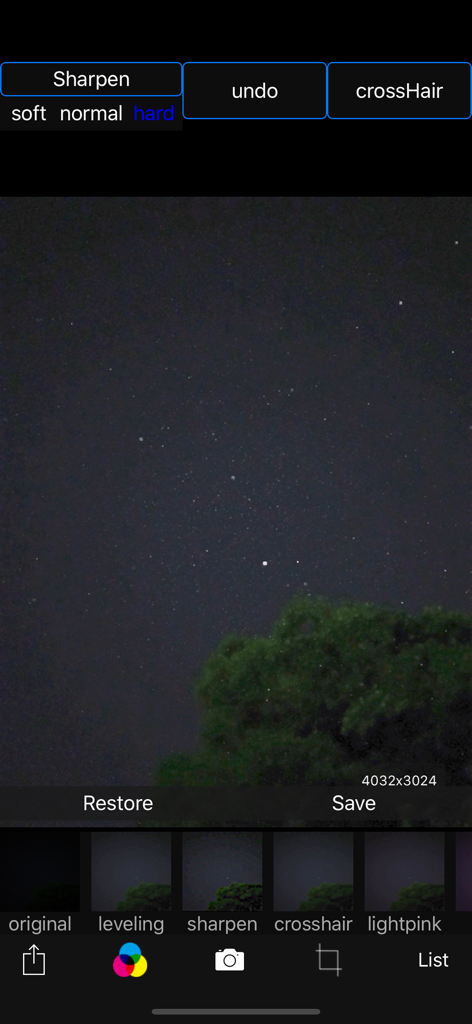
Interfaccia dell'app Starry sky Camera che mostra una foto del cielo notturno con vari filtri colore e opzioni di nitidezza

Starry sky Camera - Interfaccia di editing dell'app Starry sky Camera con una foto del cielo notturno e opzioni di filtro
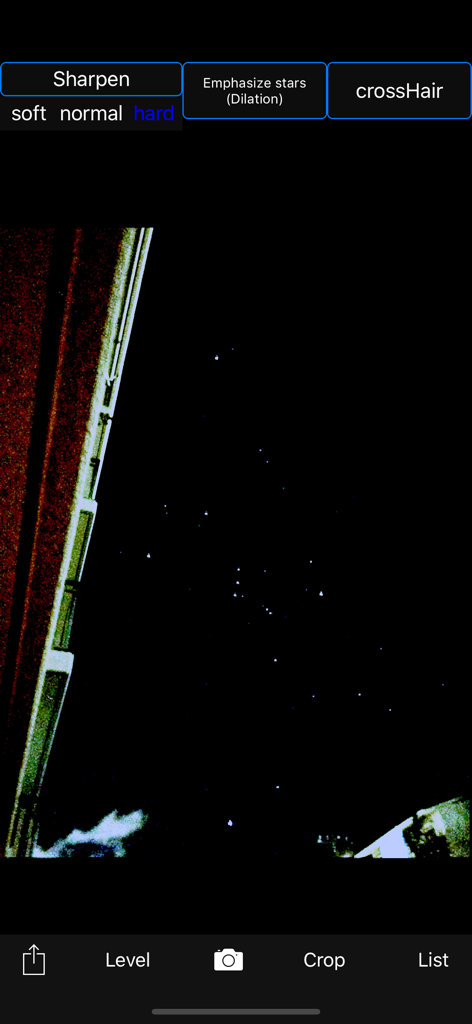
Interfaccia di editing dell'app Starry sky Camera con una foto del cielo notturno e opzioni di filtro

Starry sky Camera - L'app Starry sky Camera modifica una foto del cielo notturno con strumenti di nitidezza delle stelle
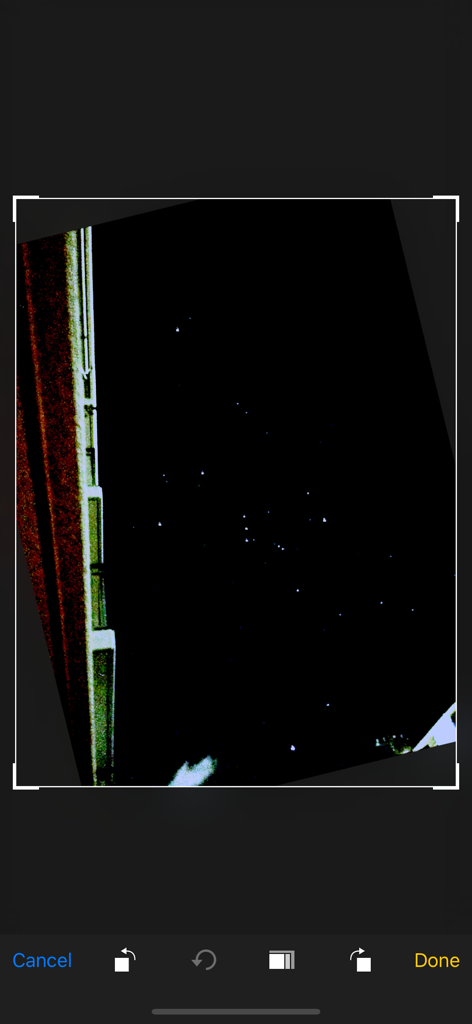
L'app Starry sky Camera modifica una foto del cielo notturno con strumenti di nitidezza delle stelle

Starry sky Camera - Screenshot di una foto del cielo notturno in fase di modifica all'interno dell'interfaccia dell'app Starry sky Camera
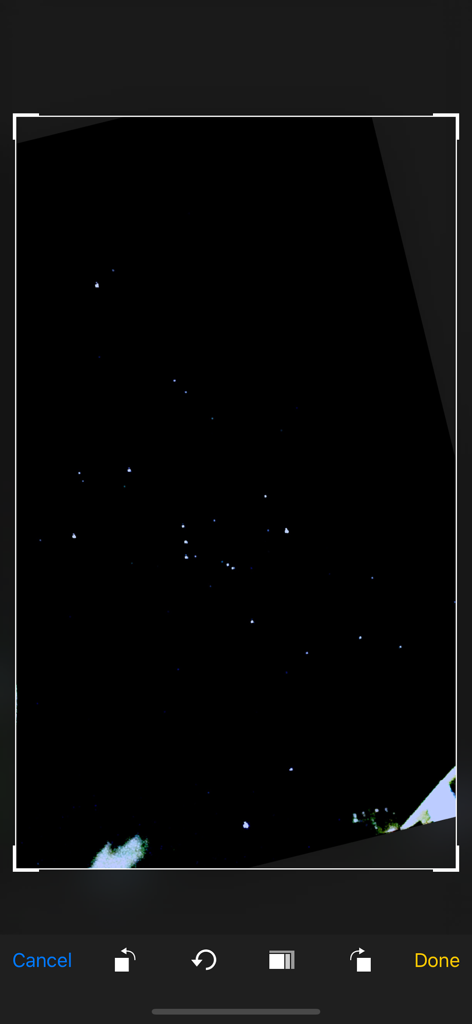
Screenshot di una foto del cielo notturno in fase di modifica all'interno dell'interfaccia dell'app Starry sky Camera

Starry sky Camera - Uno schermo di un'app mobile che mostra una foto di un cielo stellato in fase di ritaglio e modifica.
Uno schermo di un'app mobile che mostra una foto di un cielo stellato in fase di ritaglio e modifica.

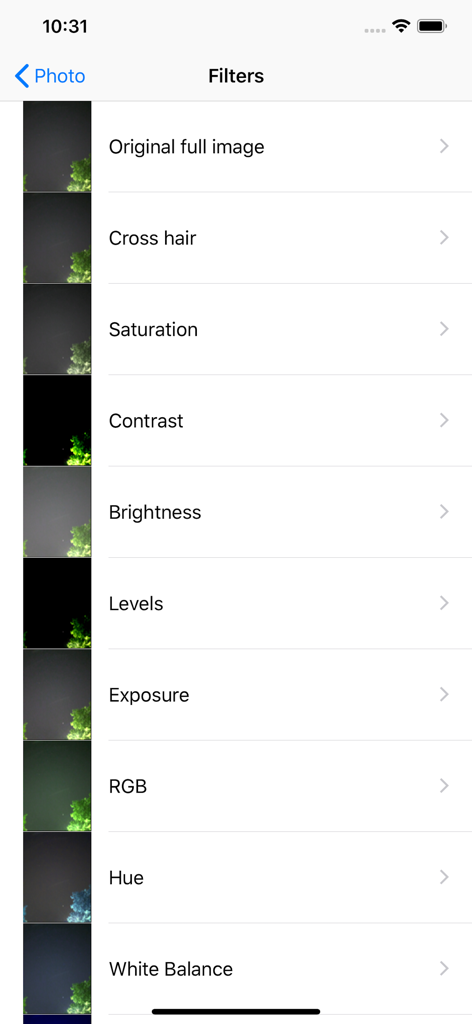
Starry sky Camera - Elenco di filtri di modifica foto nell'app Starry sky Camera che mostra opzioni come saturazione, contrasto e luminosità

Elenco di filtri di modifica foto nell'app Starry sky Camera che mostra opzioni come saturazione, contrasto e luminosità

Descrizione

This camera app is able to take pictures of a real starry sky. You can take stars of the first magnitude and stars of the second magnitude or less in good condition. You can also get the pictures processed through dozens or more kinds of image processing filter. To take pictures of the starry sky, you have only to (1)set your iPhone camera toward a starry sky on a tripod, (2)tap the star icon (star1, star2 or star3), (Star1 is recommended.) (3)release the shutter, and just wait a minute or so. For Star 1, select the brightest pixel for each pixel in the continuous shooting image to highlight the brightness of the stars in the dark night sky. Star 2 raises the tone of brightness according to the number of continuous shots and shoots brightly. Star 3 adds brightness to each pixel of the continuous shooting image and shoots very brightly. Even with the same number of exposures, the images are brightly combined in the low to high order of star 1, star 2, star 3. However, please note that the brightness of Star 3 tends to be saturated. If the picture you took is dark, try increasing the number of exposures or setting the exposure compensation to a positive value. On the other hand, if the picture you took is too bright, try reducing the number of exposures or setting the exposure compensation to negative. Also, if you set the number of exposures to 1, you can use it as a camera app similar to a normal camera app. The main features of this app are as follows. [Initial setting] (1) Camera position / library selection (setting screen) You can select the front camera and the rear camera. Also, if you select the library, you can import photos from the camera roll. (2) Selection of resolution You can select 4K (2K) and the highest resolution. (3) Shooting scene settings The following scenes (functions) can be set. Daytime (HDR), Starry sky 1 (comparative bright composition), Starry sky 2 (screen composition), Starry sky 3 (additional composition), Night view Valve (superimposed) (4) Color temperature setting When white balance is set to manual, 1000 K to 12000 K can be selected as the color temperature. If it is set to auto, the automatic setting value will be used. (5) Focus setting If the focus is set to manual, you can set the focus at any distance within the range of device performance. If set to auto, it will be the automatic setting value. (6) Exposure compensation settings It can be set within the range of device performance. (7) Camera shake correction function The camera shake correction function is useful for minute camera shake. Also, even if the star moves during shooting due to diurnal movement, the deviation is corrected and combined. (8) HDR (high dynamic range) function You can take multiple pictures with automatically changed exposure and combine them to take a picture with a pseudo-widened dynamic range. (9) Manual exposure setting function The shutter speed and ISO value can be manually set to any value within the range of device performance. [Camera function] Camera work is possible according to the contents set in the initial settings. You can also pinch in and out for digital zoom. The shutter also has a 2-second or 10-second timer to avoid camera shake when tapping. These can be selected by pressing and holding the shutter icon. [List display function] Photos taken with this app are stored in this app at the same time as they are stored in the camera roll, and can be displayed in a list with shooting date and time information on the list display screen. You can delete the tapped image by tapping Select, selecting the image, and tapping the trash can icon. [Image processing function] Tap the displayed image to display the filter list for image processing. There are about 70 types of filters such as brightness adjustment, contrast, blur, sharpening, sepia, monochrome, edge detection, sketch, etc.

Download

Scarica su App Store

Questa pagina non è una pagina ufficiale dell'app o del suo sviluppatore, ma una pubblicazione editoriale indipendente creata a scopo informativo e di commento. Salvo espressa indicazione contraria, né l'app né il suo sviluppatore sono affiliati, approvati, sponsorizzati, autorizzati o altrimenti ufficialmente collegati a MWM, Apple, Google Play, all'editore dell'app o allo sviluppatore dell'app, e nulla in questa pagina implica che l'app sia stata sviluppata utilizzando i servizi di MWM. Tutti i marchi, loghi, screenshot e altri contenuti rimangono di proprietà dei rispettivi proprietari.








