
Questa pagina non è una pagina ufficiale dell'app o del suo sviluppatore, ma una pubblicazione editoriale indipendente creata a scopo informativo e di commento. Salvo espressa indicazione contraria, né l'app né il suo sviluppatore sono affiliati, approvati, sponsorizzati, autorizzati o altrimenti ufficialmente collegati a MWM, Apple, Google Play, all'editore dell'app o allo sviluppatore dell'app, e nulla in questa pagina implica che l'app sia stata sviluppata utilizzando i servizi di MWM. Tutti i marchi, loghi, screenshot e altri contenuti rimangono di proprietà dei rispettivi proprietari.


Sticker Maker Hub - WASticker
Trasforma istantaneamente foto di amici, animali domestici e i tuoi meme preferiti in sticker unici per WhatsApp e iMessage. Usa il ritaglio automatico potenziato dall'AI per creare, animare e condividere la tua identità digitale personale in pochi secondi.
Download
1M+Valutazione
Valutazioni totali
21K+Editore
Categoria
UtilitiesLingue
16Ultima versione
1.4.7Dimensione
80.5 MBData di lancio
1 mar 2022Porta le Tue Chat di Gruppo al Livello Successivo
Trasforma ogni conversazione in un capolavoro. Crea sticker personalizzati dalle tue foto o esplora migliaia di design animati di tendenza pronti per WhatsApp e iMessage.
Ritaglia Istantaneamente con AI
Trasforma magicamente animali domestici, amici o meme in sticker. Non servono competenze di editing professionali: tocca, ritaglia e crea il tuo slang visivo.
Massiccia Libreria Animata
Sfoglia migliaia di sticker statici e animati di tendenza per trovare la reazione perfetta per ogni stato d'animo, dagli anime agli animali divertenti.
Domande Frequenti
Tutto quello che devi sapere su Sticker Maker Hub - WASticker
Che cos'è Sticker Maker Hub - WASticker per iPhone?
Sticker Maker Hub - WASticker è un'app gratuita per iPhone. Permette agli utenti di creare adesivi personalizzati illimitati e accedere a vaste collezioni di adesivi statici e animati. Gli utenti possono esportare questi pacchetti di adesivi su WhatsApp e iMessage.
Come creo adesivi personalizzati usando l'app Sticker Maker Hub?
Per creare adesivi personalizzati, apri Sticker Maker Hub e tocca '+'. Scegli un'immagine, quindi tagliala, ritagliala e modellala. Aggiungi testo, emoji, bordi o sfondi. Infine, salva in un pacchetto di adesivi nuovo o esistente.
Sticker Maker Hub può esportare adesivi su WhatsApp e iMessage?
Sì, Sticker Maker Hub esporta adesivi su WhatsApp e iMessage. Gli utenti possono aggiungere pacchetti di adesivi statici o personalizzati esistenti direttamente a queste app di messaggistica, inclusi pacchetti di adesivi animati per le discussioni su WhatsApp.
Quali opzioni di personalizzazione offre Sticker Maker Hub per gli adesivi?
Sticker Maker Hub offre un'ampia personalizzazione. Gli utenti possono ritagliare, ruotare e modellare le foto. Possono anche aggiungere testo, emoji, bordi e sfondi ai loro adesivi. L'app include strumenti di taglio automatico e manuale.
Sticker Maker Hub - WASticker include raccolte di adesivi predefiniti?
Sì, Sticker Maker Hub include raccolte gratuite di adesivi statici e animati. Questi provengono da varie categorie, come animali, cibo, musica e festività, consentendo agli utenti di esplorare centinaia di opzioni.
L'app Sticker Maker Hub - WASticker è gratuita?
Sticker Maker Hub è un'app scaricabile gratuitamente che offre funzionalità di base e raccolte di adesivi. L'accesso illimitato a tutte le funzionalità richiede un abbonamento. Il pagamento viene addebitato sull'account iTunes.
Come gestisco o annullo il mio abbonamento a Sticker Maker Hub?
Gli utenti gestiscono e annullano gli abbonamenti a Sticker Maker Hub tramite le impostazioni del loro account sull'App Store. La cancellazione deve avvenire almeno 24 ore prima della fine del periodo di prova o dell'abbonamento per evitare il rinnovo.
Posso condividere i miei adesivi creati con altri usando Sticker Maker Hub?
Sì, Sticker Maker Hub consente agli utenti di condividere pacchetti di adesivi integrati e adesivi personalizzati creati autonomamente con gli amici. Questa funzionalità arricchisce l'esperienza di chat generale per tutti i partecipanti.
Gli screenshot e la descrizione seguenti provengono direttamente dall'elenco ufficiale dello store dell'app e sono di proprietà dello sviluppatore.
App Store
Screenshot
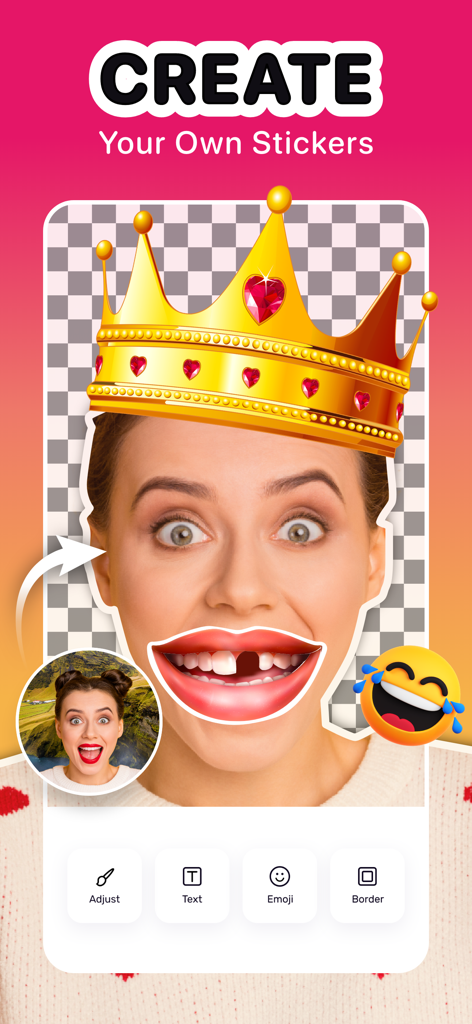
Interfaccia dell'app Sticker Maker Hub che mostra una persona mentre crea uno sticker personalizzato con una corona e una bocca buffa sovrapposte.
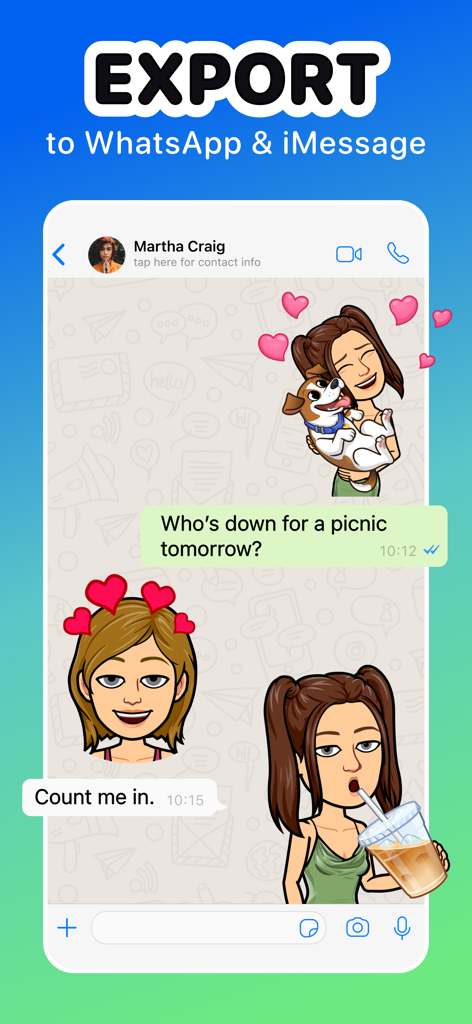
Esporta sticker personalizzati su chat WhatsApp e iMessage
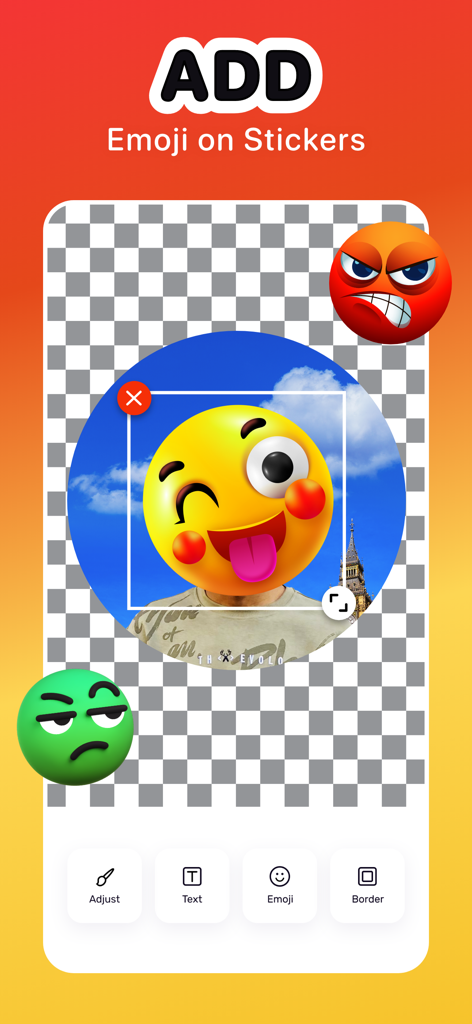
Un'interfaccia mobile per aggiungere emoji a sticker personalizzati con strumenti di editing come testo e bordi
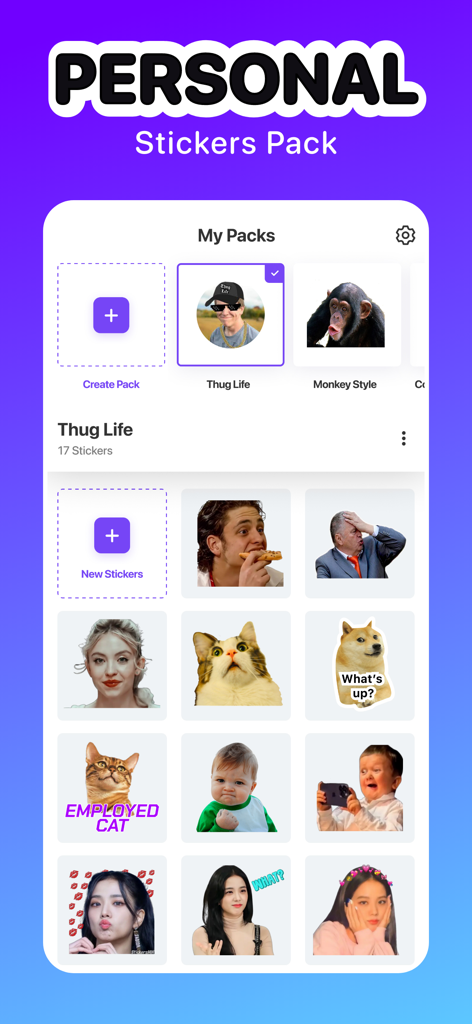
Interfaccia dell'app Sticker Maker Hub che mostra una collezione di sticker personali personalizzati e pacchetti di meme
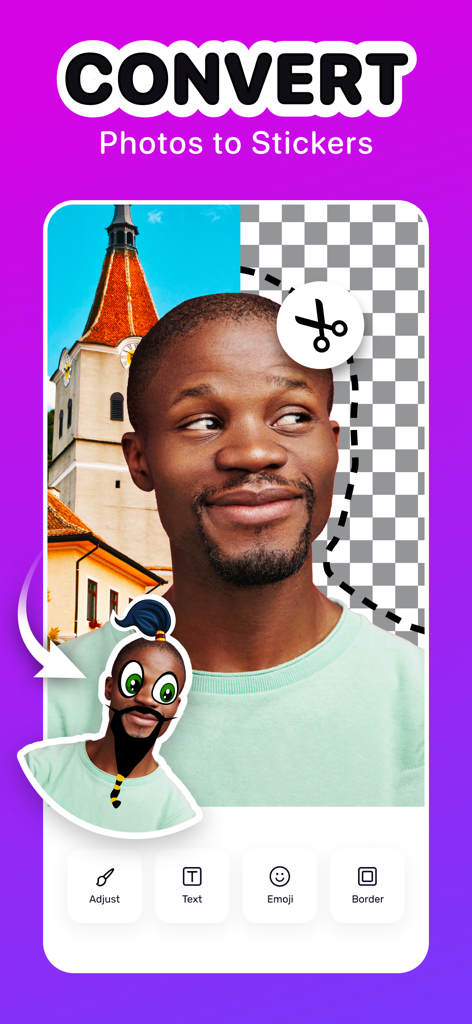
Un'interfaccia dell'app Sticker Maker Hub che mostra la conversione di una foto di ritratto in uno sticker digitale personalizzato con strumenti di ritaglio e modifica.
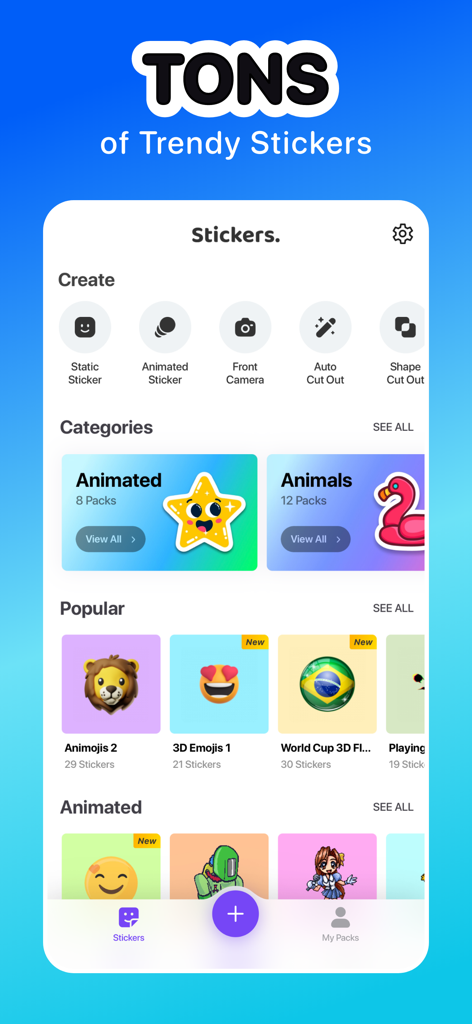
Un'interfaccia di app mobile che mostra una varietà di categorie di sticker di tendenza e strumenti di creazione personalizzati come il ritaglio automatico e gli sticker animati
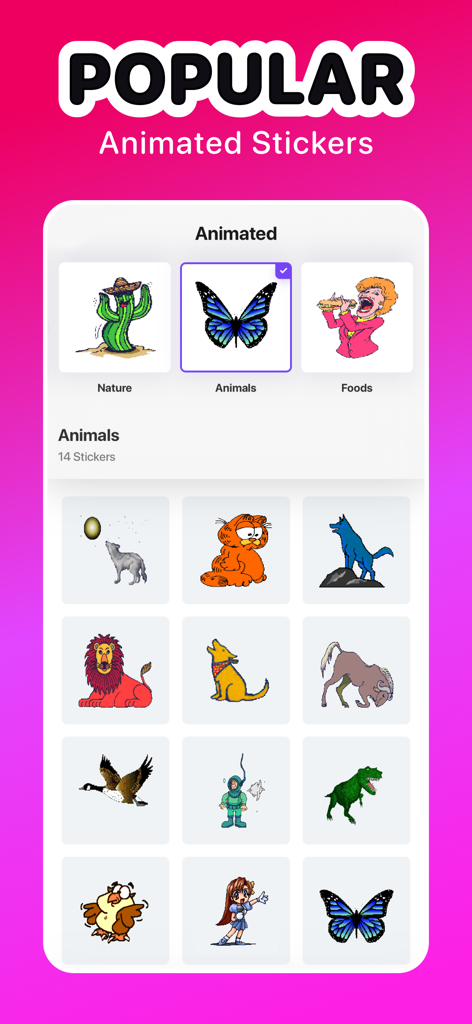
Interfaccia dell'app Sticker Maker Hub che espone una collezione di sticker animati popolari di animali, tra cui una farfalla e un dinosauro.
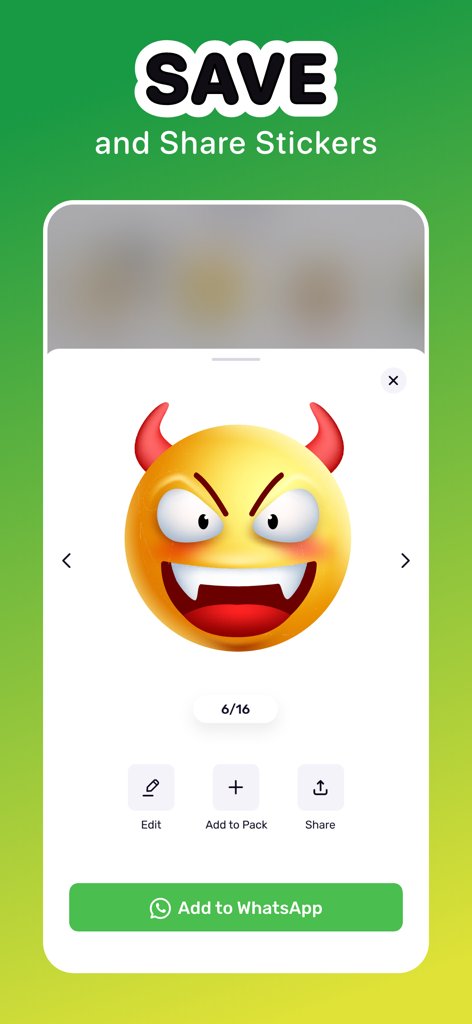
Interfaccia che mostra uno sticker emoji del diavolo con opzioni per salvare e condividere su WhatsApp
Descrizione
Download
App Simili
App con funzionalità ed esperienza simili

Sticker.ly - Sticker Maker
NAVER Z Corporation
Emoji Maker: Emoji Up
Mobile entertainment srl
sticker maker - holos
Maxim Kartuzov
Sticker Maker Studio
Tamara Vardanyan

Gmoji: AI Emoji Maker
MASSIVE APPS SOFTWARE

WhatSticker - Sticker Maker
WHATSTICKER APPS SRL
LINE Sticker Maker
LY Corporation

Top Sticker Maker - WaSticker
Aplicativos Legais LTDA - ME

AI Sticker Maker - Funny Memes
Francesco Lopez
Questa pagina non è una pagina ufficiale dell'app o del suo sviluppatore, ma una pubblicazione editoriale indipendente creata a scopo informativo e di commento. Salvo espressa indicazione contraria, né l'app né il suo sviluppatore sono affiliati, approvati, sponsorizzati, autorizzati o altrimenti ufficialmente collegati a MWM, Apple, Google Play, all'editore dell'app o allo sviluppatore dell'app, e nulla in questa pagina implica che l'app sia stata sviluppata utilizzando i servizi di MWM. Tutti i marchi, loghi, screenshot e altri contenuti rimangono di proprietà dei rispettivi proprietari.