
Questa pagina non è una pagina ufficiale dell'app o del suo sviluppatore, ma una pubblicazione editoriale indipendente creata a scopo informativo e di commento. Salvo espressa indicazione contraria, né l'app né il suo sviluppatore sono affiliati, approvati, sponsorizzati, autorizzati o altrimenti ufficialmente collegati a MWM, Apple, Google Play, all'editore dell'app o allo sviluppatore dell'app, e nulla in questa pagina implica che l'app sia stata sviluppata utilizzando i servizi di MWM. Tutti i marchi, loghi, screenshot e altri contenuti rimangono di proprietà dei rispettivi proprietari.


Surfshark VPN: Fast VPN App
Nel cyberspazio odierno, dove ogni click è tracciato, l'app conferisce agli utenti il superpotere dell'invisibilità. Rimuove confini digitali e sguardi indiscreti, consegnando una rete su misura per chi la usa, non per chi la spia.
Download
12.5M+Valutazione
Valutazioni totali
310.0KEditore
Categoria
ProductivityLingue
13Ultima versione
3.34.0Dimensione
390.4 MBData di lancio
2 ago 2018Analisi delle Funzionalità Chiave di Surfshark VPN
Una valutazione tecnica delle caratteristiche che definiscono l'offerta di sicurezza e privacy dell'applicazione.
Connessioni illimitate per dispositivi
L'app consente agli utenti di proteggere un numero illimitato di dispositivi con un singolo abbonamento, rendendola ideale per famiglie e utenti con molteplici device.
Politica No-Logs rigorosa e auditata
Questo strumento garantisce la massima privacy online attraverso una politica No-Logs verificata indipendentemente, assicurando che nessuna attività utente venga monitorata o memorizzata.
Server ad alta velocità e ampia rete globale
L'app fornisce accesso a una vasta rete di oltre 4.500 server ad alta velocità (10 Gbps) in 100 paesi, garantendo una connessione stabile e veloce per streaming, gaming e navigazione.
Crittografia robusta e protocolli VPN moderni
Consente agli utenti di proteggere i propri dati con una crittografia potente e protocolli VPN all'avanguardia (WireGuard, OpenVPN, IKEv2), salvaguardando l'attività online da terze parti.
Protezione su reti Wi-Fi pubbliche e accesso a contenuti globali
Questo strumento cifra la connessione su reti Wi-Fi pubbliche e permette di modificare la posizione virtuale per accedere a servizi e contenuti geograficamente bloccati, ideale per i viaggiatori.
Ad Blocker integrato (CleanWeb)
L'app include un Ad Blocker efficace che blocca annunci, pop-up, tracker e l'accesso a domini malevoli noti, migliorando l'esperienza di navigazione e la sicurezza.
Domande Frequenti
Tutto quello che devi sapere su Surfshark VPN: Fast VPN App
How does Surfshark keep you safe online?
Surfshark VPN combines VPN security, identity protection, and browsing safety in one app. It supports unlimited device connections, provides a secure connection when traveling, and helps protect personal information online.
How does Surfshark keep your data private?
Surfshark VPN secures your IP address and online activity by encrypting your internet connection. It uses WireGuard, OpenVPN, and IKEv2 protocols to protect traffic from third parties.
Does Surfshark track user activity?
No, Surfshark operates under a strict no-logs policy, independently audited by Deloitte in 2025. It does not track, collect, or store user activity, providing protection wherever the VPN is connected.
Why use Surfshark's Alternative ID email generator?
Surfshark’s Alternative ID creates an alternative email address for online use. It keeps your primary email private when signing up for services, reducing unwanted exposure and data leak risks.
How does Surfshark VPN's ad blocker work?
Surfshark’s ad blocker blocks ads, pop-ups, and trackers. It also blocks access to known malicious domains, helping reduce exposure to harmful websites.
How fast are Surfshark VPN's servers?
Surfshark operates a global network of over 4,500+ servers across 100 countries. Its high-capacity, fast 10Gbps servers support stable connections for browsing and gaming.
Can I secure unlimited devices with Surfshark VPN?
Yes, Surfshark supports unlimited device connections under one account. Users can protect their entire household by using the VPN on phones, laptops, tablets, and smart TVs without limits.
What proxy features does Surfshark VPN include?
Surfshark includes proxy server features for quick, lightweight location changes directly through the browser extension. This masks your IP address without requiring a full VPN connection.
Does Surfshark VPN have its own DNS servers?
Yes, Surfshark operates its own DNS servers to securely handle requests and route users to legitimate websites. This reduces DNS-based attacks and bypasses DNS-level blocking while keeping queries private.
Why is Surfshark VPN good for travelers?
Surfshark encrypts connections on public Wi-Fi networks in hotels, airports, and cafés. It also changes your virtual location, allowing access to home country services like online banking or streaming platforms safely.
Is Surfshark VPN a paid service?
Yes, Surfshark is a paid VPN service requiring a subscription for use. You will be billed through your Apple ID Account upon purchase confirmation.
How is the Surfshark VPN subscription billed?
The Surfshark VPN subscription is billed through your Apple ID Account when you confirm the purchase. It renews automatically unless auto-renew is turned off at least 24 hours before the current billing period ends.
How to manage Surfshark VPN auto-renewal?
You can manage your Surfshark VPN subscriptions and turn off auto-renewal by going to your App Store Account Settings. Auto-renew must be off at least 24 hours before the current billing period ends.
Does Surfshark VPN offer a free trial?
Yes, Surfshark VPN offers a free trial. However, any remaining portion of the free trial will expire when you purchase a subscription for the service.
What VPN protocols does Surfshark VPN use?
Surfshark VPN uses modern VPN protocols, including WireGuard, OpenVPN, and IKEv2. These protocols encrypt your internet connection to protect traffic from third parties and ensure data privacy.
Gli screenshot e la descrizione seguenti provengono direttamente dall'elenco ufficiale dello store dell'app e sono di proprietà dello sviluppatore.
App Store
Screenshot
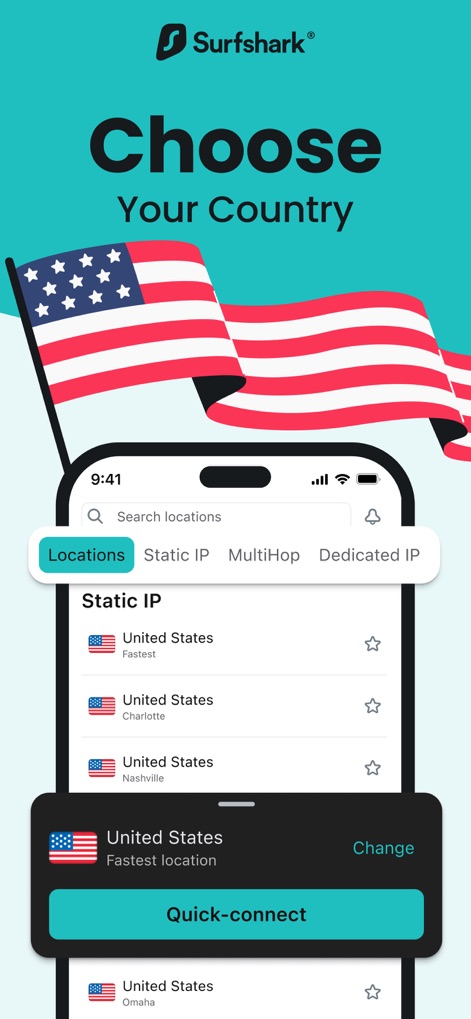
Scegli la tua destinazione
L'app permette agli utenti di selezionare rapidamente la posizione VPN desiderata da una lista di server, con un pratico pulsante "Quick-connect" per una connessione immediata.
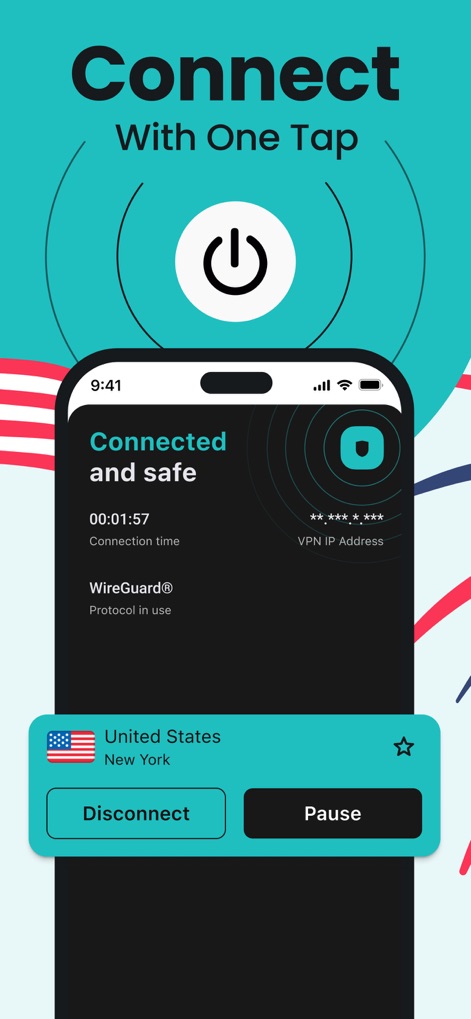
Connessione istantanea
Gli utenti possono stabilire una connessione sicura con un solo tocco, visualizzando immediatamente lo stato "Connected and safe" e gestendo facilmente la sessione tramite i pulsanti "Disconnect" e "Pause".
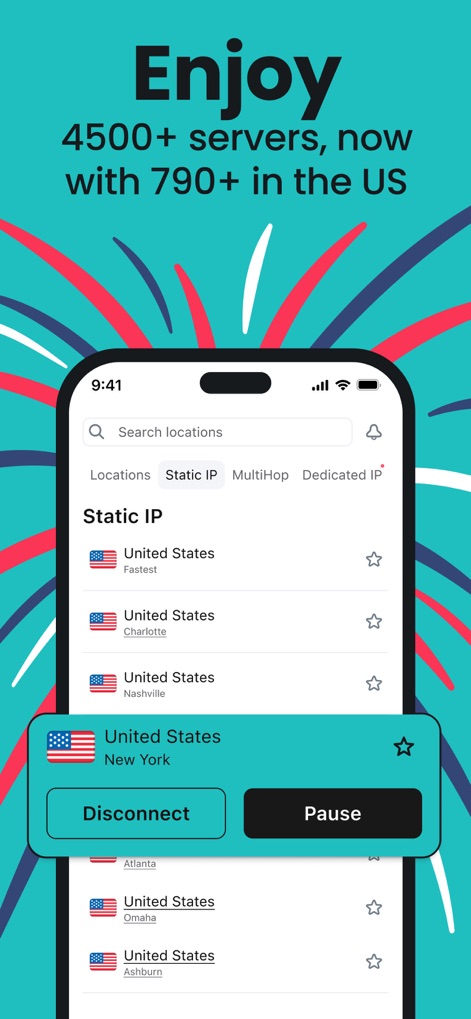
Rete globale estesa
Questo strumento offre accesso a una vasta rete di oltre 4500 server, inclusa la possibilità di scegliere un "Static IP" da località specifiche per esigenze avanzate.
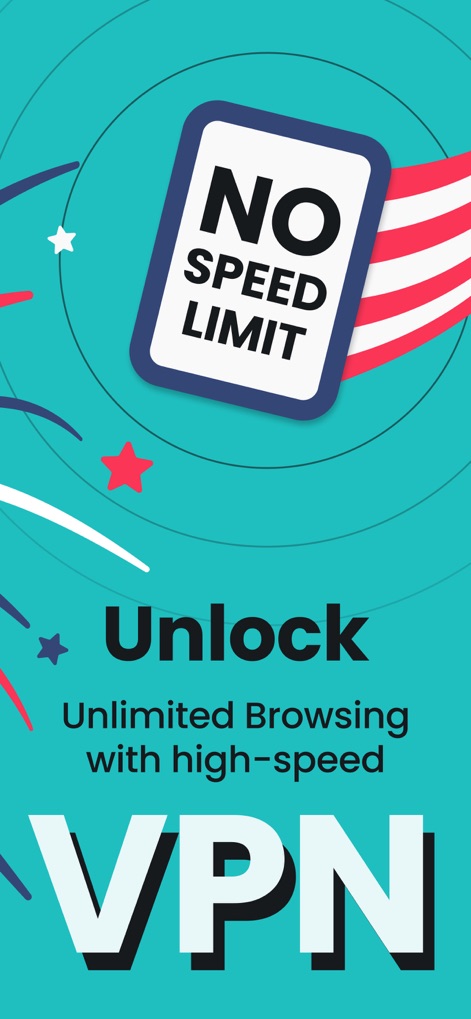
Velocità senza limiti
L'app garantisce una navigazione senza restrizioni, come indicato dal cartello "NO SPEED LIMIT", consentendo agli utenti di godere di "Unlimited Browsing" con prestazioni elevate.
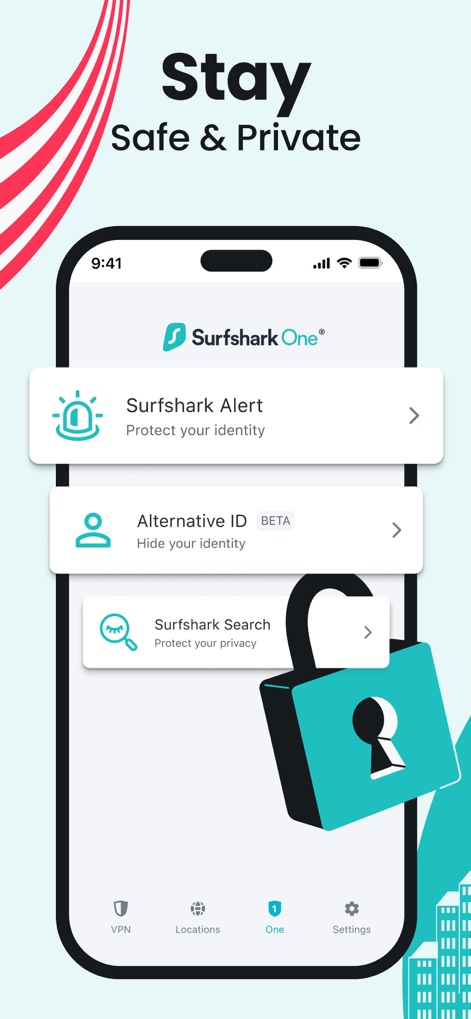
Privacy completa
Per una protezione avanzata, l'app include funzionalità come "Alternative ID (BETA)" per la generazione di email e "Surfshark One® Alert" per la salvaguardia dell'identità online.
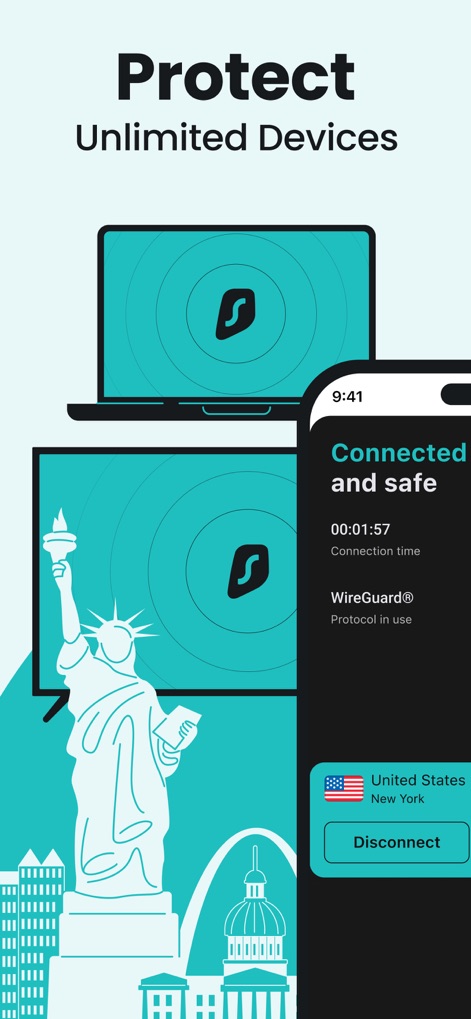
Protezione multidispositivo
La VPN consente di proteggere un numero illimitato di dispositivi, come illustrato dai visual del laptop e della smart TV, mantenendo lo stato di "Connected and safe" visibile sullo smartphone.
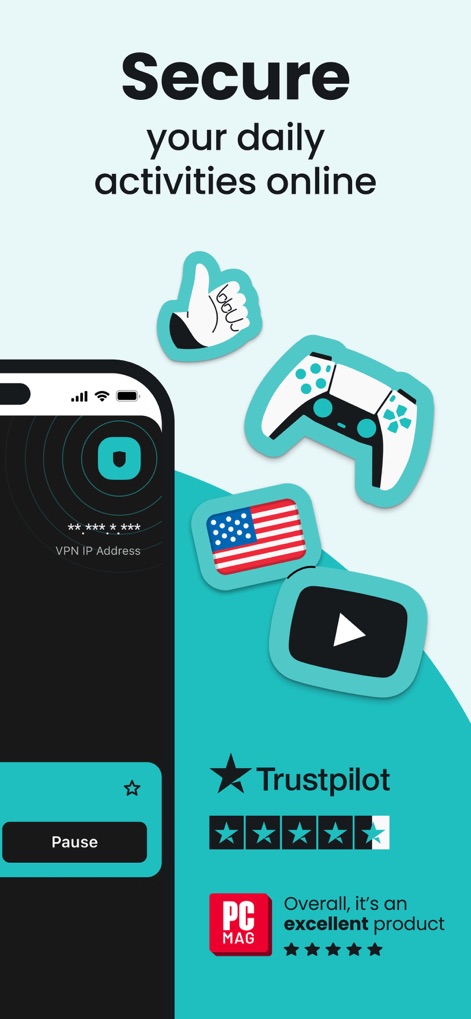
Attività online sicure
Questo strumento garantisce la sicurezza delle attività quotidiane, dal gaming online, rappresentato dall'icona del controller, alla navigazione, ed è riconosciuto da un'eccellente valutazione su "Trustpilot".
Descrizione
Download
App Simili
App con funzionalità ed esperienza simili

VPN Hotspot Browser & More
Baris Gungor

VPN Pro - Unlimited Best VPN
Fireworks Technology Inc.

快连VPN
LetsGo Network Incorporated
Cool VPN Pro-Secure Proxy VPN
CTECH GLOBAL PTE LTD
VPN - Top Fast VPN
Free Fast Connect LLC

PlatoVPN Fast:Super VPN Proxy
MogoTech Inc.
VPN - FREE VPN Fast Ⓡ
AITIMING TECH PTE. LTD.

VPN - Nviper小火箭加速器vpn
Sichuan Yunfumeng Technology Co., Ltd

Hola VPN
Hola VPN Ltd
Questa pagina non è una pagina ufficiale dell'app o del suo sviluppatore, ma una pubblicazione editoriale indipendente creata a scopo informativo e di commento. Salvo espressa indicazione contraria, né l'app né il suo sviluppatore sono affiliati, approvati, sponsorizzati, autorizzati o altrimenti ufficialmente collegati a MWM, Apple, Google Play, all'editore dell'app o allo sviluppatore dell'app, e nulla in questa pagina implica che l'app sia stata sviluppata utilizzando i servizi di MWM. Tutti i marchi, loghi, screenshot e altri contenuti rimangono di proprietà dei rispettivi proprietari.