
Questa pagina non è una pagina ufficiale dell'app o del suo sviluppatore, ma una pubblicazione editoriale indipendente creata a scopo informativo e di commento. Salvo espressa indicazione contraria, né l'app né il suo sviluppatore sono affiliati, approvati, sponsorizzati, autorizzati o altrimenti ufficialmente collegati a MWM, Apple, Google Play, all'editore dell'app o allo sviluppatore dell'app, e nulla in questa pagina implica che l'app sia stata sviluppata utilizzando i servizi di MWM. Tutti i marchi, loghi, screenshot e altri contenuti rimangono di proprietà dei rispettivi proprietari.

Text to Handwriting Converter
Salto gli crampi alla mano e trasforma il tuo testo digitato in una scrittura bellissima e autentica all'istante. Perfetto per studenti e professionisti che desiderano il tocco personale di penna e carta con la velocità della digitazione digitale.
Download
1K+Valutazione
Valutazioni totali
0Editore
Categoria
EducationLingue
65Ultima versione
1.0.1Dimensione
56.2 MBData di lancio
17 ott 2025Dì Addio ai Crampi alla Mano
L'ultimo life hack per gli studenti. Trasforma i tuoi saggi e compiti digitati in documenti scritti a mano realistici in pochi secondi, pronti per qualsiasi consegna.
Da Digitale a Penna Istantaneo
Risparmia ore di noioso lavoro manuale. Incolla semplicemente il tuo testo digitato o bozze generate dall'IA e osservale trasformarsi in scrittura a mano naturale all'istante.
Personalizzazione Ultra-Realistica
Scegli tra molteplici stili di scrittura, colori d'inchiostro e autentici sfondi di carta come carta a righe o quadretti per un look 100% umano.
Gli screenshot e la descrizione seguenti provengono direttamente dall'elenco ufficiale dello store dell'app e sono di proprietà dello sviluppatore.
App Store
Screenshot
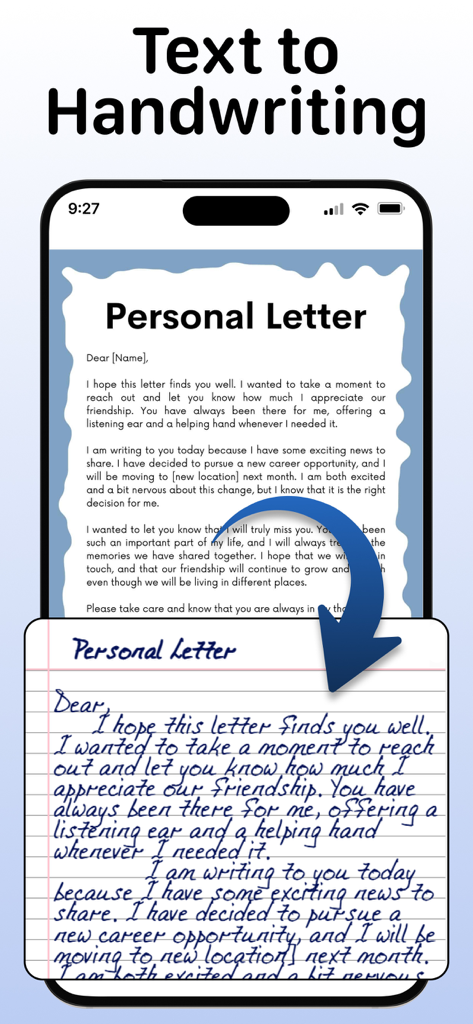
Uno schermo di un telefono che mostra una lettera personale digitata che viene convertita in una nota scritta a mano realistica su carta a righe.
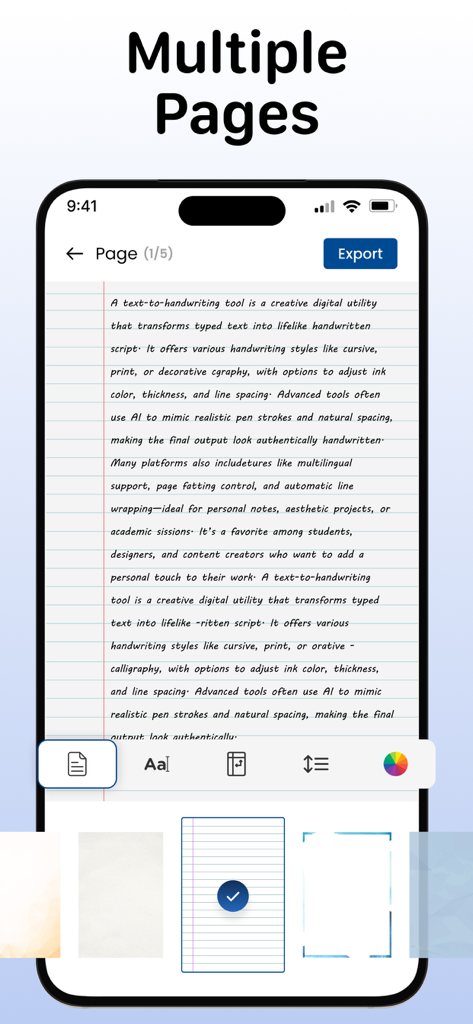
Interfaccia di un'app di conversione da testo a scrittura a mano che mostra un documento scritto a mano su carta a righe con strumenti di personalizzazione
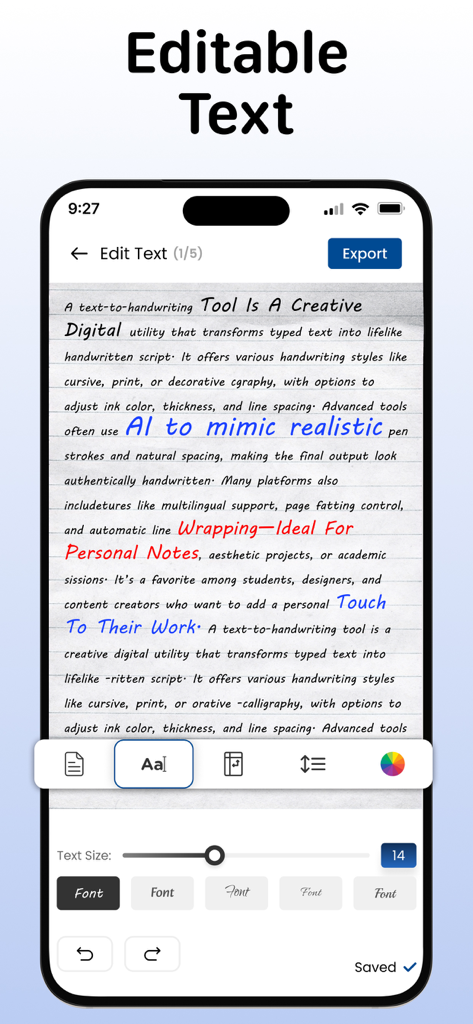
Schermo di un telefono che visualizza testo convertito in scrittura a mano con opzioni di personalizzazione per font e colori d'inchiostro
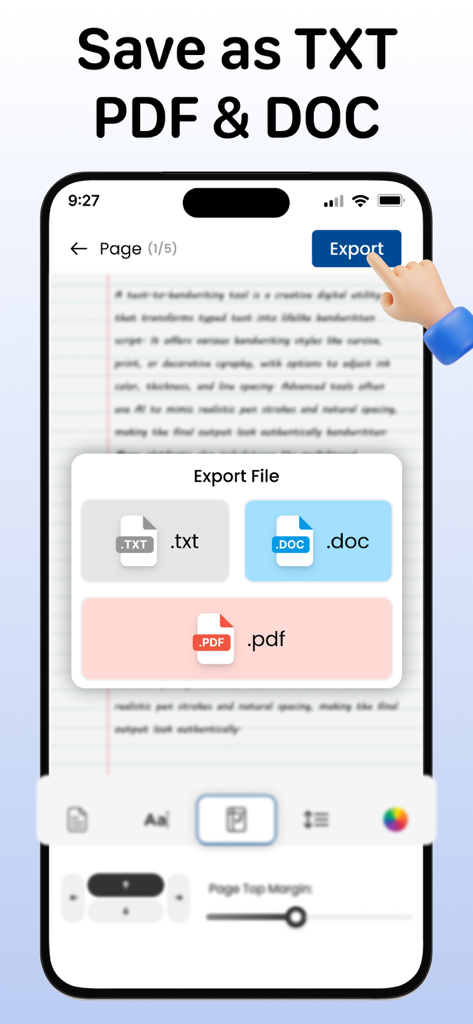
Un'interfaccia mobile che mostra le opzioni di esportazione dei file per i formati TXT, DOC e PDF in un'app di conversione della scrittura a mano.
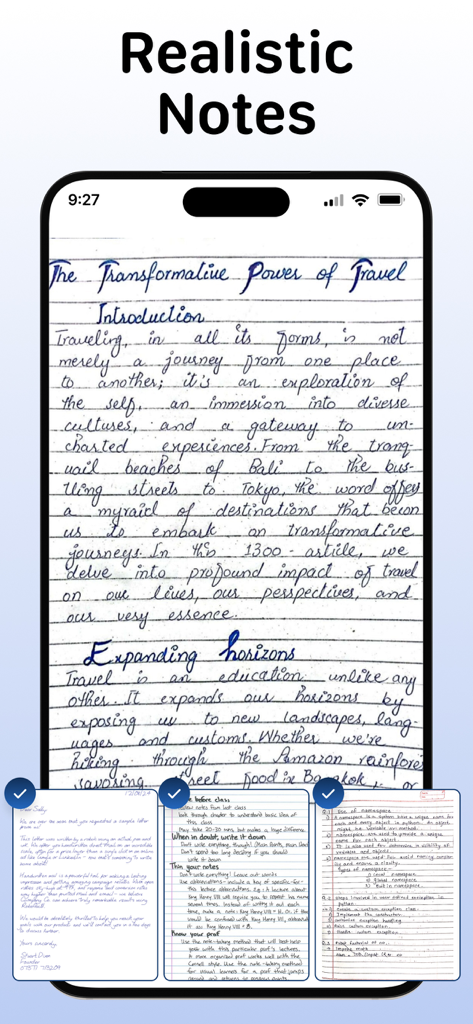
Uno smartphone che visualizza note scritte a mano realistiche su uno sfondo di carta a righe
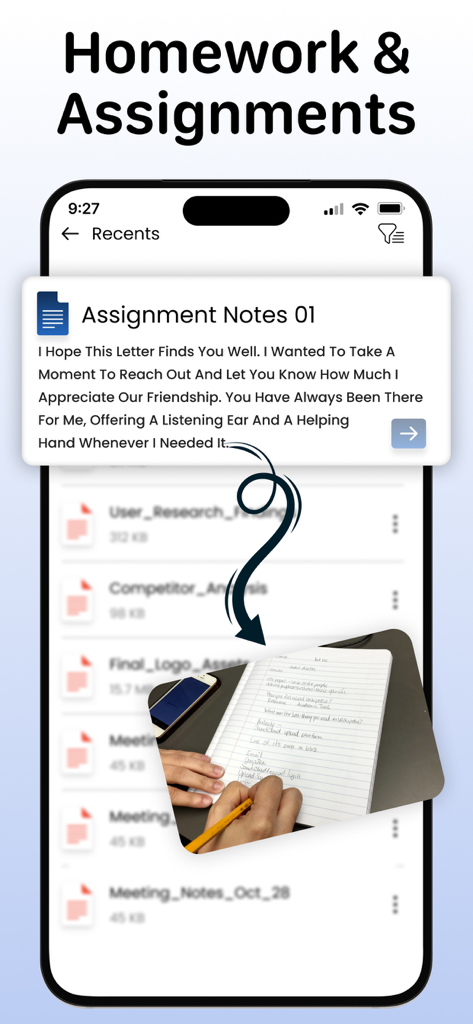
Interfaccia dell'app che mostra la conversione di testo digitale in realistici compiti scritti a mano per i compiti a casa
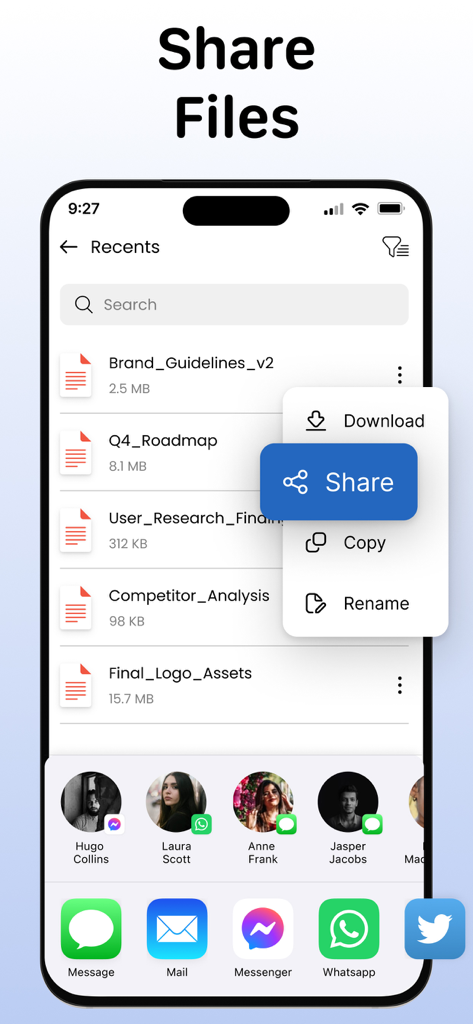
Uno schermo di un'app mobile intitolato Condividi File che mostra un elenco di documenti e un menu di condivisione.
Descrizione
Download
App Simili
App più classificate nella stessa categoria

Duolingo - Language Lessons
Duolingo, Inc

Speak & Learn English: Learna
DEEP FLOW SOFTWARE SERVICES - FZCO

驾考宝典-科一科四驾驶证考试驾考通
Wuhan Jiakaobaodian Information Service Co., Ltd.

Toca Boca World
Toca Boca AB

Google Classroom
Google LLC

作业帮-中小学家长作业检查和辅导工具
Guangzhou Polar Future Culture Technology Co., Ltd

学信网
Student Information Consultation Service Co., Ltd.

Gauth: AI Study Companion
GAUTHTECH PTE. LTD.

ArtWorkout: Learn How to Draw
Aleksandr Ulitin
Questa pagina non è una pagina ufficiale dell'app o del suo sviluppatore, ma una pubblicazione editoriale indipendente creata a scopo informativo e di commento. Salvo espressa indicazione contraria, né l'app né il suo sviluppatore sono affiliati, approvati, sponsorizzati, autorizzati o altrimenti ufficialmente collegati a MWM, Apple, Google Play, all'editore dell'app o allo sviluppatore dell'app, e nulla in questa pagina implica che l'app sia stata sviluppata utilizzando i servizi di MWM. Tutti i marchi, loghi, screenshot e altri contenuti rimangono di proprietà dei rispettivi proprietari.