Text Viewer - txt file viewer

Text Viewer - txt file viewer


Scarica su App Store
Logo di Text Viewer - txt file viewer

Text Viewer - La tua Libreria Portatile Definitiva per Romanzi Txt

La scelta del lettore esperto di tecnologia per un'esperienza senza distrazioni. Sincronizza senza interruzioni dal cloud, personalizza ogni pixel e immergiti nei tuoi web-novel preferiti con scorrimento automatico avanzato e visualizzazioni ottimizzate per iPad.

Editore

kim juyoung

Categoria

Books

Download

590K+

Valutazione

4.7/5

Valutazioni totali

4K+

Lingue

3

La Tua Lettura, A Modo Tuo

Scopri l'interfaccia usata da 590K+ utenti.
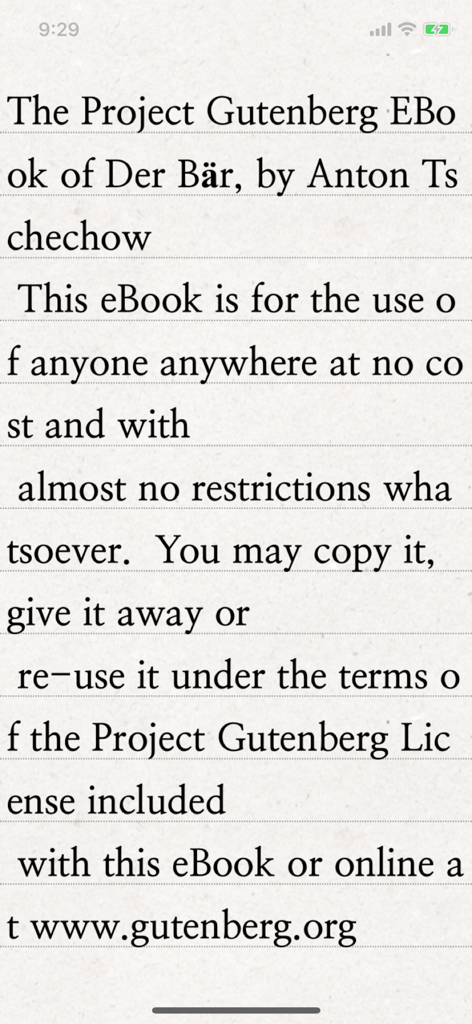
Uno schermo di smartphone che mostra l'app Text Viewer che visualizza un classico e-book dal Progetto Gutenberg con chiara tipografia serif su uno sfondo di carta texturizzata.

Uno schermo di smartphone che mostra l'app Text Viewer che visualizza un classico e-book dal Progetto Gutenberg con chiara tipografia serif su uno sfondo di carta texturizzata.

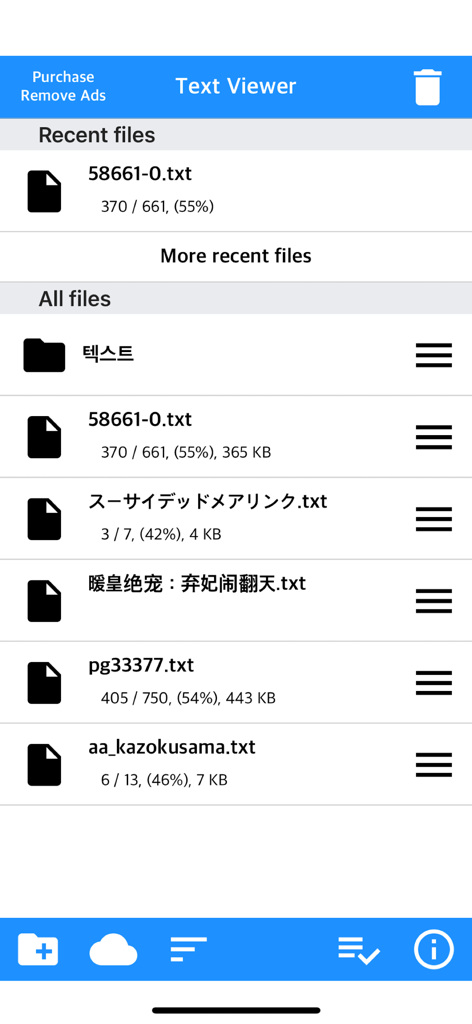
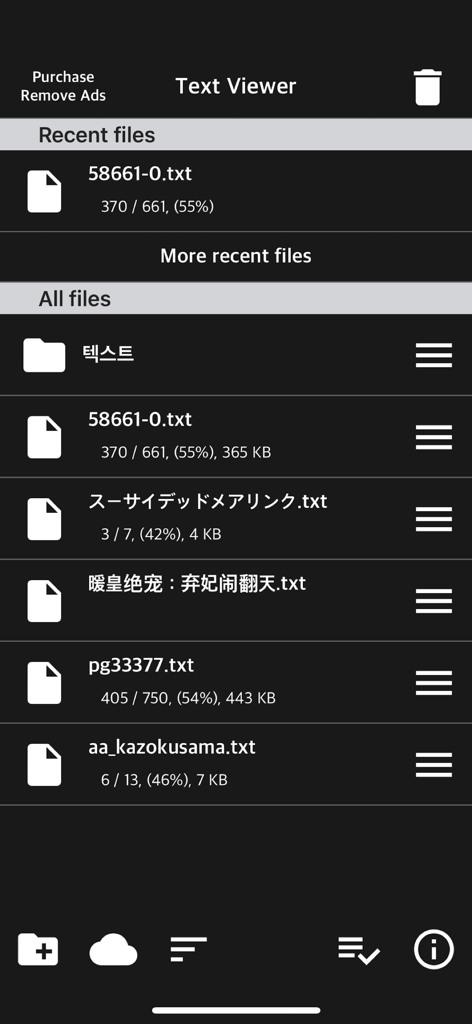
La schermata principale di gestione dei file dell'app Text Viewer che mostra un elenco di file txt con i progressi di lettura

La schermata principale di gestione dei file dell'app Text Viewer che mostra un elenco di file txt con i progressi di lettura

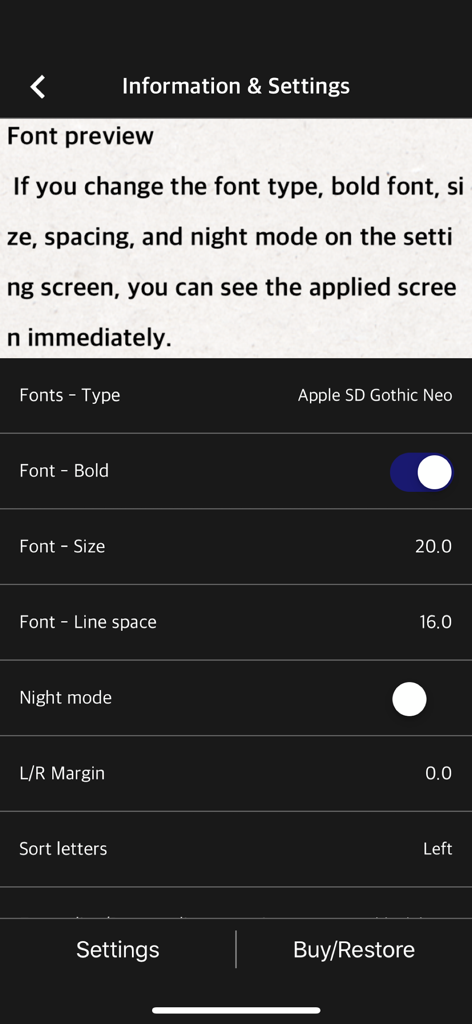
Schermata delle impostazioni dell'app mobile per la regolazione del tipo di carattere, delle dimensioni e dell'interlinea in un lettore di testo

Schermata delle impostazioni dell'app mobile per la regolazione del tipo di carattere, delle dimensioni e dell'interlinea in un lettore di testo

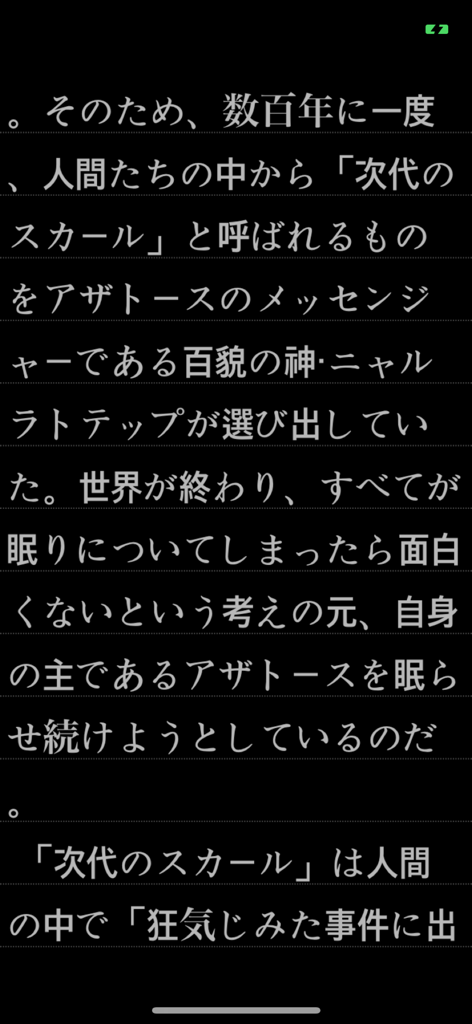
Testo giapponese visualizzato in modalità scura sull'app mobile Text Viewer

Testo giapponese visualizzato in modalità scura sull'app mobile Text Viewer

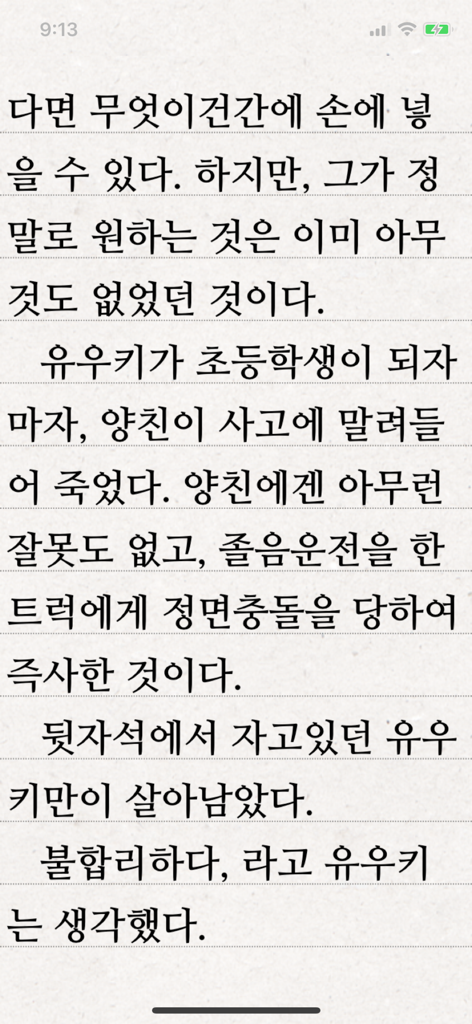
App Text Viewer che mostra una pagina di testo coreano su uno sfondo a righe

App Text Viewer che mostra una pagina di testo coreano su uno sfondo a righe

Interfaccia dell'app Text Viewer che mostra un elenco di file di testo recenti e archiviati in modalità scura

Interfaccia dell'app Text Viewer che mostra un elenco di file di testo recenti e archiviati in modalità scura

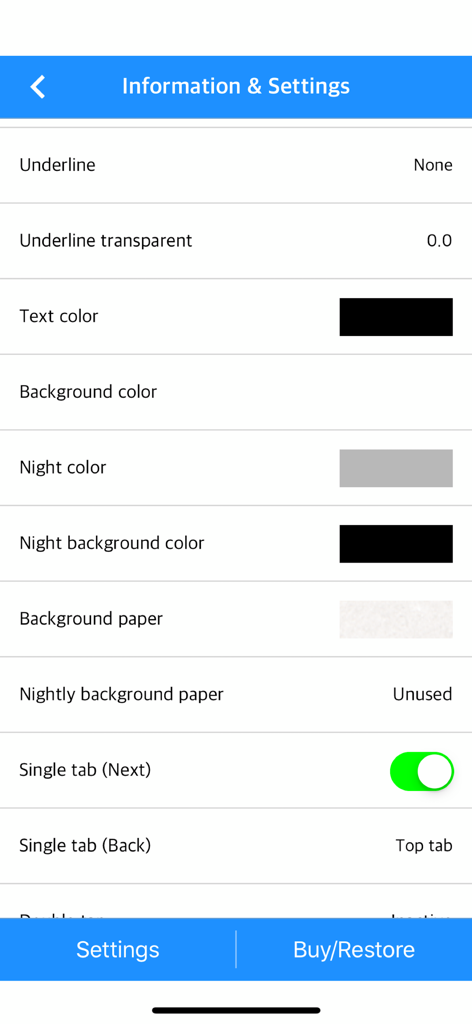
Menu delle impostazioni dell'app Text Viewer che mostra le opzioni di personalizzazione per i colori del testo e dello sfondo

Menu delle impostazioni dell'app Text Viewer che mostra le opzioni di personalizzazione per i colori del testo e dello sfondo

Leggi Esattamente Come Vuoi

Gli strumenti che rendono questa app unica, scelti da 590K+ utenti.

🎨

Controllo Visivo Totale

Replica un e-reader di alta gamma con controlli granulari per lo spessore del carattere, l'interlinea e i margini personalizzati. Passa tra la modalità verticale e orizzontale per trovare il tuo flusso perfetto.

☁️

La Tua Libreria, Ovunque

Dimentica i cavi ingombranti. Importa la tua collezione privata istantaneamente tramite iCloud, Dropbox, FTP o trasferimento Wi-Fi diretto dal tuo PC al tuo dispositivo mobile.

Ottimizzato per Letture Compulsive

Domina web-novel massivi con il nostro strumento unico di suddivisione file e la funzione di scorrimento automatico. Non perdere mai il segno con segnalibri intelligenti e sincronizzazione 'ultima visualizzazione'.

Info sull'app

Tutto quello che devi sapere su Text Viewer - txt file viewer.

Descrizione

Simple text based novel viewer app that can view text file on your smart devices. Now, you can read E-book of text-based novel You can directly transfer text file from PC to App under identical Wi-Fi connection. If you are using iCloud app, the text file uploaded to iCloud can be imported into this App. It supports FTP and iTunes. Pages can be switched using tapping, left-right/up-down dragging, or scrolling. Each switching gesture feature can be turned on and off in the settings. It supports automatic scrolling (in-app purchase required). It is compatible with iPhone and iPad, and it can customize view mode as horizontal or vertical in the setting. In addition, it supports various features such as cutting file, and changing font, color, and brightness. Text viewer app is designed for viewing text-based novels (books) easily. It is being continuously improved for facilitation. If you have any questions or suggestions after installing app, please send an email to junhuloveapple@gmail.com, or click ‘send an email’ button located at the top right of your app's settings screen. We will try to response and update quickly. (It may take a day or so to answer if you ask using the comment system of Apple. If you need immediate response, please email us.) ** FEATURES ** - txt file extension - UTF-8 and multilanguage encodings - Writing direction: Function for languages that are read in the left direction (iOS 14+) - Enables to upload using PC web browser with Wi-Fi - File import from cloud apps such as iCloud, Dropbox, OneDrive, Mega, and Box etc. - FTP: search, download - SSHFTP - Secure FTP not supported - Enables to upload file using iTunes file sharing - File copy in the cloud app or mail attachment - Enables to set text size, space, and thickness - Adds page transition animation effects - Locks app and file - phone/tablet - Choose font types - Adjust screen brightness - Upload and search the compressed file including text file - Cut file feature: split file over 2MB into files of fixed size - Left / Right margin settings - Background / text color settings - Horizontal and vertical rotation for phone / tablet  - iPad multitasking screen support - Create / delete / rename of folder - Move / copy / delete of file - Select multiple files - Move the pages by tapping and left-right/up-down dragging - Search and view the text file from compressed file - Align text (left, right, center) - Search - Bookmark - Insert / delete a blank line - Turn off screen option: Automatically turn off screen at designated time when activated - Start view from the last viewed - Vertical scroll feature: User can scroll down the viewport - Next book auto-switching options: If you automatically change the next book switching option in Settings, tabs on the last page will automatically switch to the next book. - Automatic scroll feature (text file): Enable to scroll down automatically / Enable to set scroll down time from 1 second (fast) to 30 second (slow). (In-app purchase required) - Bluetooth keyboard: Supports page switching and screen closing function, direction key (asdw) page switch, ESC key viewer screen close (In-app purchase required) - "Two-page view" support in pad: left-right, right-left page direction also selectable, please adjust page interval to "left and right margin" value. (In-app purchase required, pad only) ** To import file from cloud, you need to install and login the cloud app. ** For the “file share” of iTunes and the “app file share” of ifunbox, the file should be uploaded using Text Viewer. ** Advertising: Text Viewer includes banner ad. When you watch the video advertising (less than 1-minute length), you can use ad-free Text Viewer for 24 hours per every day; or you can use permanent ad-free Text Viewer by in-app purchase.

Ultima versione

1.377

Dimensione

103.3 MB

Data di lancio

29 nov 2017

La Tua Intera Libreria, Esattamente Come Piace a Te

Unisciti a oltre 590K lettori assidui e appassionati di web-novel. Scarica il visualizzatore di testo più personalizzabile per iPhone e iPad e inizia a leggere oggi stesso.

Scarica su App Store

App information, icons, screenshots, and descriptions displayed on this page are sourced from the Apple App Store and are the property of their respective developers. Download estimates and rankings are based on MWM's proprietary models and may not reflect actual figures. This page is provided for informational and analytical purposes only.

Believe this page infringes your intellectual property? File a dispute