
Questa pagina non è una pagina ufficiale dell'app o del suo sviluppatore, ma una pubblicazione editoriale indipendente creata a scopo informativo e di commento. Salvo espressa indicazione contraria, né l'app né il suo sviluppatore sono affiliati, approvati, sponsorizzati, autorizzati o altrimenti ufficialmente collegati a MWM, Apple, Google Play, all'editore dell'app o allo sviluppatore dell'app, e nulla in questa pagina implica che l'app sia stata sviluppata utilizzando i servizi di MWM. Tutti i marchi, loghi, screenshot e altri contenuti rimangono di proprietà dei rispettivi proprietari.

Thermo Watch for Nest & Ecobee
Comanda la tua casa con i comandi rapidi di Siri e il tuo Apple Watch. Goditi un controllo veloce, privato e completamente indipendente del tuo termostato, anche quando lasci l'iPhone a casa.
Download
114K+Valutazione
Valutazioni totali
500Editore
Categoria
LifestyleLingue
1Ultima versione
15.9Dimensione
63.7 MBData di lancio
21 mar 2016Domina il tuo clima, naturalmente
Il collegamento mancante tra i tuoi termostati intelligenti e l'ecosistema Apple che ami. Veloce, privato e potente.
Integrazione perfetta con Siri
Controlla finalmente il tuo Nest con comandi vocali naturali. Usa comandi rapidi personalizzati come "Ehi Siri, ho freddo" sul tuo Watch, iPhone o HomePod.
Controllo ottimizzato per il polso
Regola la temperatura di casa con un semplice giro della Digital Crown o monitora istantaneamente lo stato del tuo impianto HVAC tramite le complicazioni del quadrante.
Gli screenshot e la descrizione seguenti provengono direttamente dall'elenco ufficiale dello store dell'app e sono di proprietà dello sviluppatore.
App Store
Screenshot
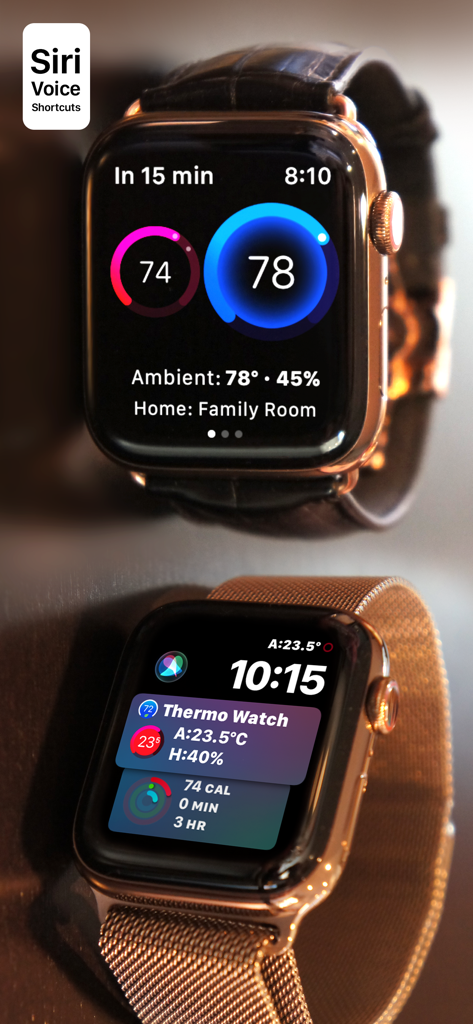
Interfaccia dell'app Thermo Watch su Apple Watch che mostra i controlli del termostato intelligente per Nest ed Ecobee
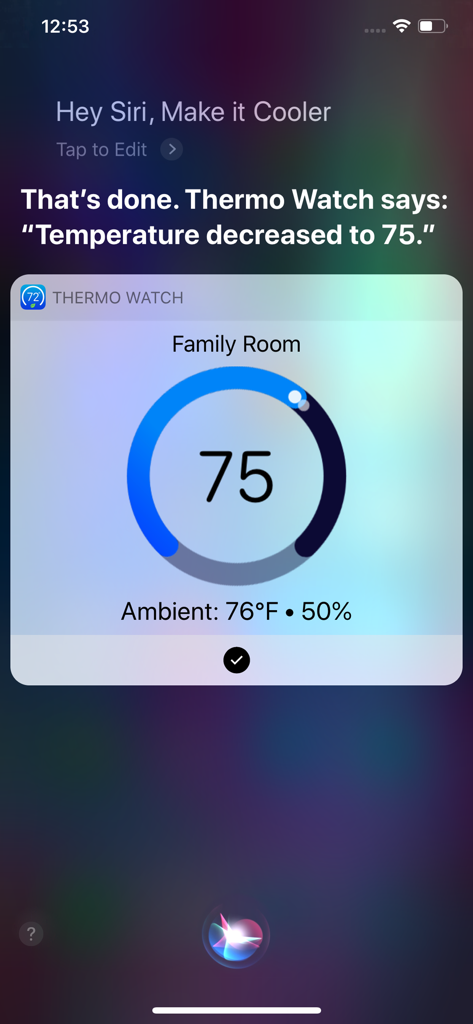
Interfaccia dei comandi vocali di Siri che mostra la regolazione della temperatura con Thermo Watch su un iPhone
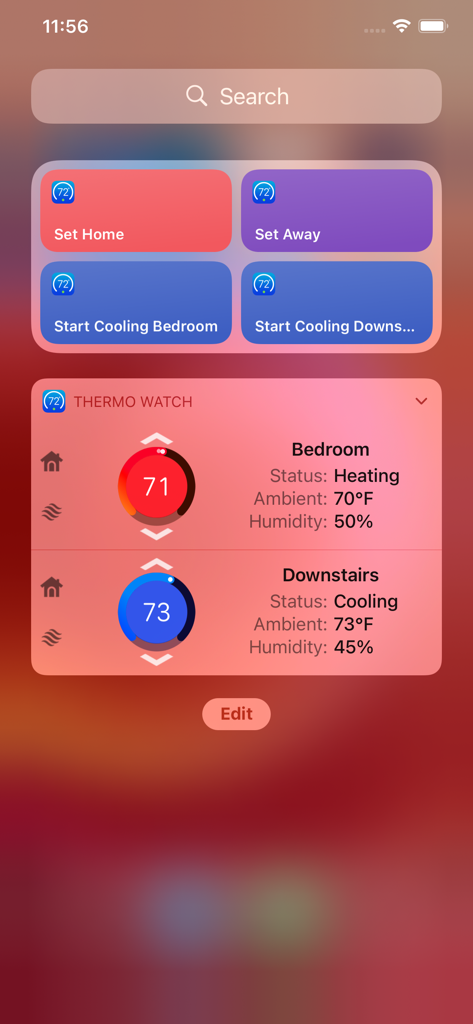
Widget dell'app Thermo Watch su iPhone che mostra temperatura e stato per più zone della casa
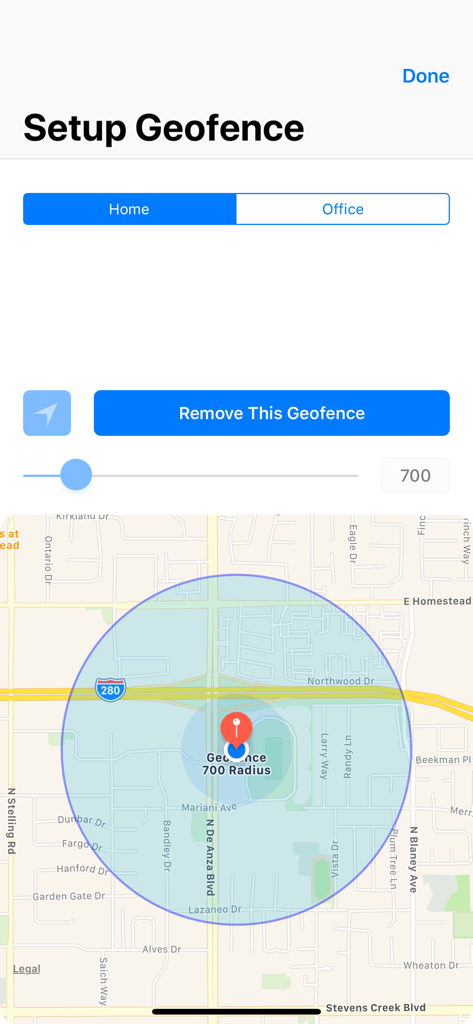
Schermata di configurazione del geofence che mostra una mappa con un raggio circolare per le posizioni di casa e ufficio
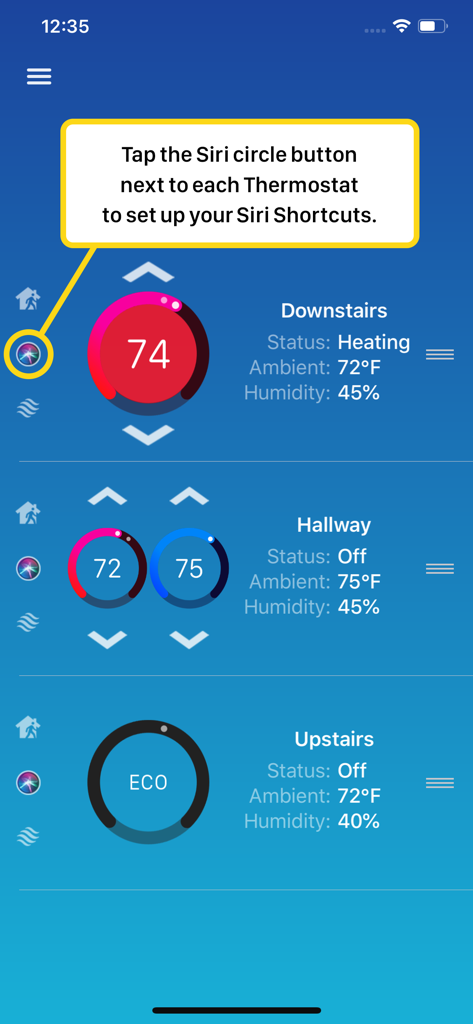
Interfaccia dell'app Thermo Watch che mostra come configurare i comandi rapidi di Siri per più termostati intelligenti
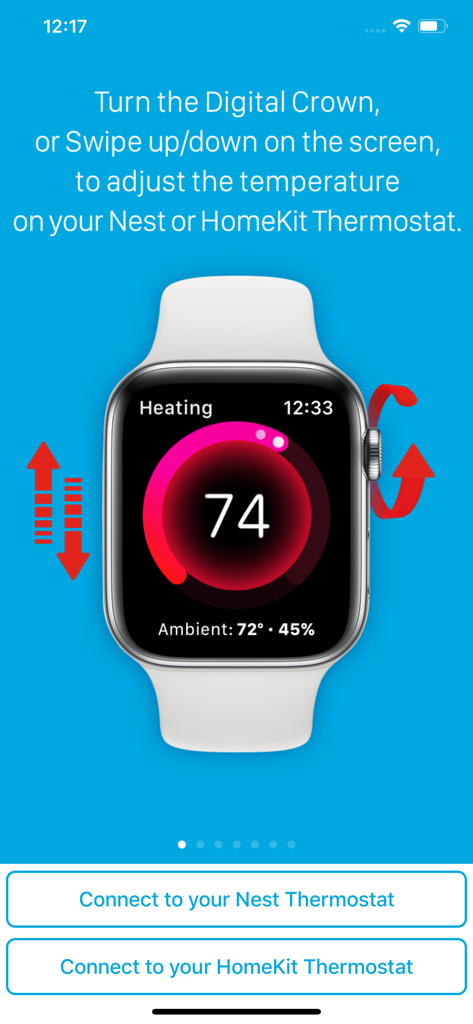
Interfaccia di Apple Watch che mostra il controllo della temperatura per i termostati Nest e HomeKit tramite digital crown e scorrimento
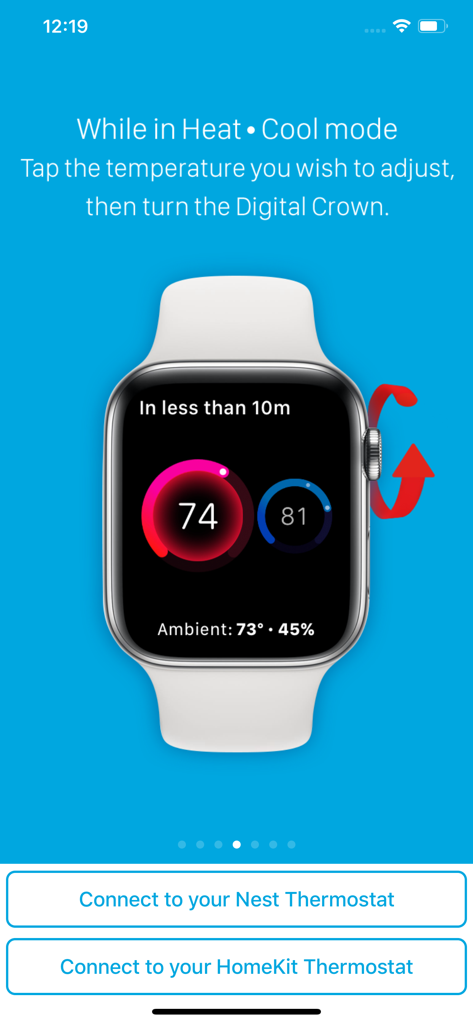
Interfaccia di Apple Watch che mostra la regolazione della temperatura per i termostati Nest e HomeKit utilizzando la Digital Crown
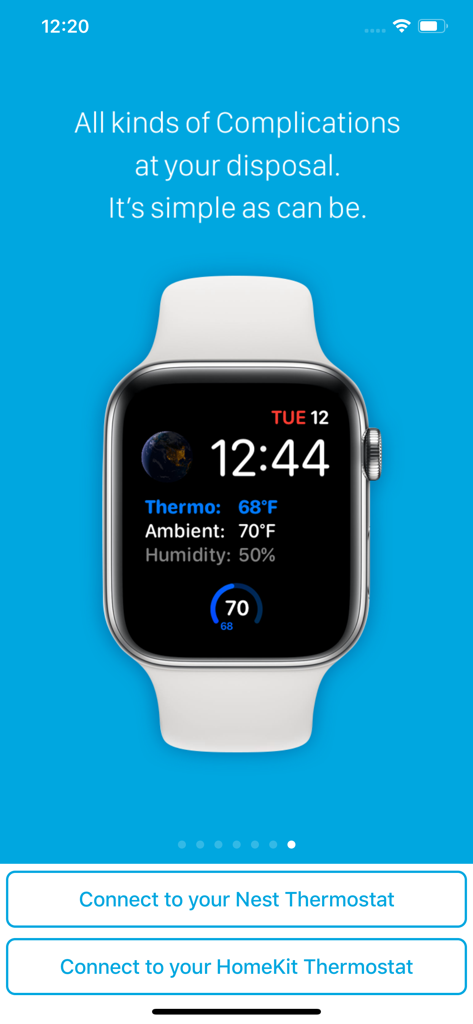
Quadrante di Apple Watch che mostra la temperatura del termostato, la temperatura ambiente e le complicazioni dell'umidità dall'app Thermo Watch.
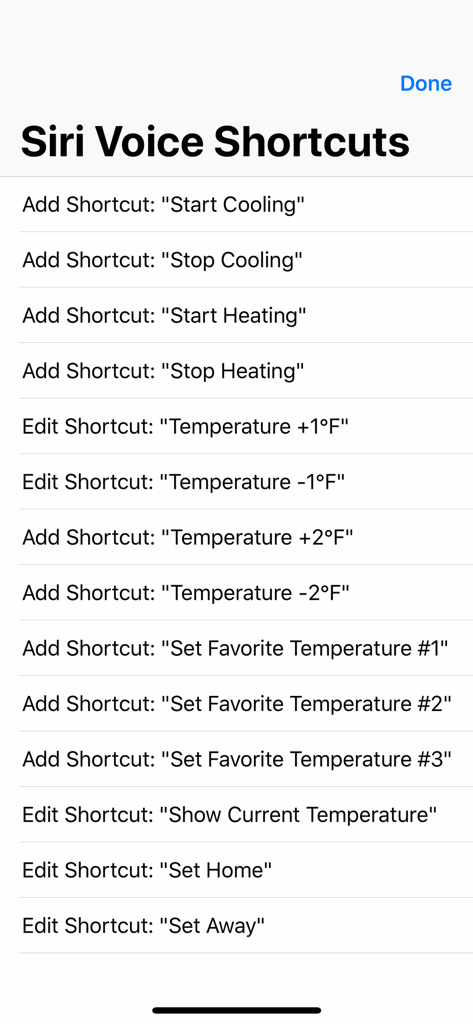
Un elenco di comandi rapidi vocali di Siri nell'app Thermo Watch per controllare i termostati Nest ed Ecobee.
Descrizione
Download
App Simili
App più classificate nella stessa categoria

Pinterest, Inc.

Alipay - Simplify Your Life
Alipay (Hangzhou) Technology Co., Ltd.

Dianping: Discover Good Places
Hanhai Information Technology (Shanghai) Co.Ltd

美团-美好生活小帮手
Sankuai Technology Co., Ltd.

Lemon8 - Lifestyle Community
TIKTOK PTE. LTD.

Xiaomi Home
Beijing Xiaomi Co., Ltd

Tinder Dating App: Date & Chat
Tinder LLC

SmartThings
Samsung Electronics Co., Ltd.

VNeTraffic
GLOBAL TECHNOLOGY - TELECOMMUNICATIONS CORPORATION
Questa pagina non è una pagina ufficiale dell'app o del suo sviluppatore, ma una pubblicazione editoriale indipendente creata a scopo informativo e di commento. Salvo espressa indicazione contraria, né l'app né il suo sviluppatore sono affiliati, approvati, sponsorizzati, autorizzati o altrimenti ufficialmente collegati a MWM, Apple, Google Play, all'editore dell'app o allo sviluppatore dell'app, e nulla in questa pagina implica che l'app sia stata sviluppata utilizzando i servizi di MWM. Tutti i marchi, loghi, screenshot e altri contenuti rimangono di proprietà dei rispettivi proprietari.