
Questa pagina non è una pagina ufficiale dell'app o del suo sviluppatore, ma una pubblicazione editoriale indipendente creata a scopo informativo e di commento. Salvo espressa indicazione contraria, né l'app né il suo sviluppatore sono affiliati, approvati, sponsorizzati, autorizzati o altrimenti ufficialmente collegati a MWM, Apple, Google Play, all'editore dell'app o allo sviluppatore dell'app, e nulla in questa pagina implica che l'app sia stata sviluppata utilizzando i servizi di MWM. Tutti i marchi, loghi, screenshot e altri contenuti rimangono di proprietà dei rispettivi proprietari.


TNMaker - Multiple Choice Test
Trasforma il tuo smartphone in uno Scantron portatile. Scansiona i fogli delle risposte in pochi secondi, elimina gli errori di correzione manuale e recupera i tuoi fine settimana con lo strumento definitivo per gli educatori moderni.
Download
74K+Valutazione
Valutazioni totali
1K+Editore
Categoria
EducationLingue
16Ultima versione
4.43.89Dimensione
19.6 MBData di lancio
13 ott 2017Recupera il tuo tempo con la correzione istantanea
Trasforma il tuo smartphone in uno scanner di test professionale ad alta velocità. TNMaker ti aiuta a eliminare gli errori di correzione manuale e a tornare a ciò che conta di più: insegnare.
Scansione rapida della fotocamera
Valuta un'intera classe in pochi minuti. Punta semplicemente la fotocamera sui fogli delle risposte per ottenere punteggi istantanei, eliminando la necessità di costosi e ingombranti hardware Scantron.
Personalizzazione completa dell'esame
Progetta test che si adattino al tuo piano di lezione. Personalizza le chiavi di risposta per 20, 40 o 50 domande e assegna valori in punti specifici per adattarli perfettamente alla tua scala di valutazione.
Gli screenshot e la descrizione seguenti provengono direttamente dall'elenco ufficiale dello store dell'app e sono di proprietà dello sviluppatore.
App Store
Screenshot
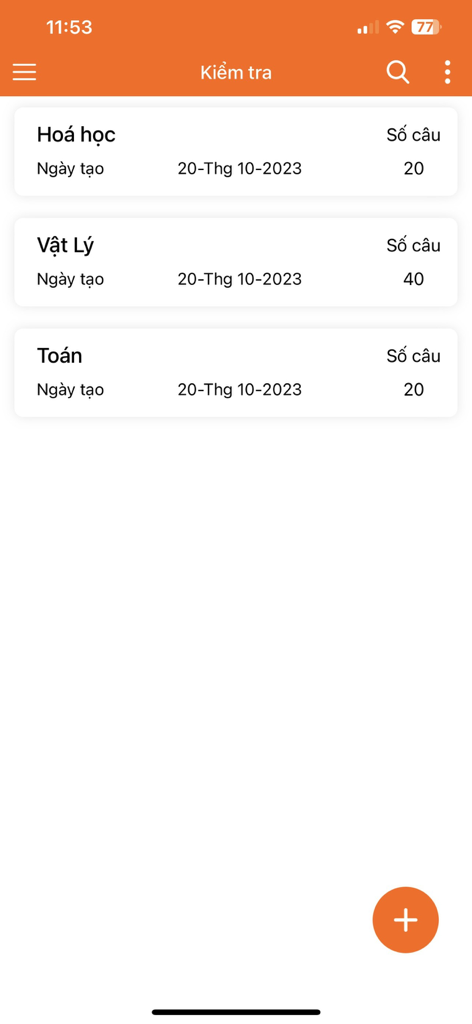
Uno schermo di app mobile che mostra un elenco di test a scelta multipla per chimica fisica e matematica con il rispettivo numero di domande
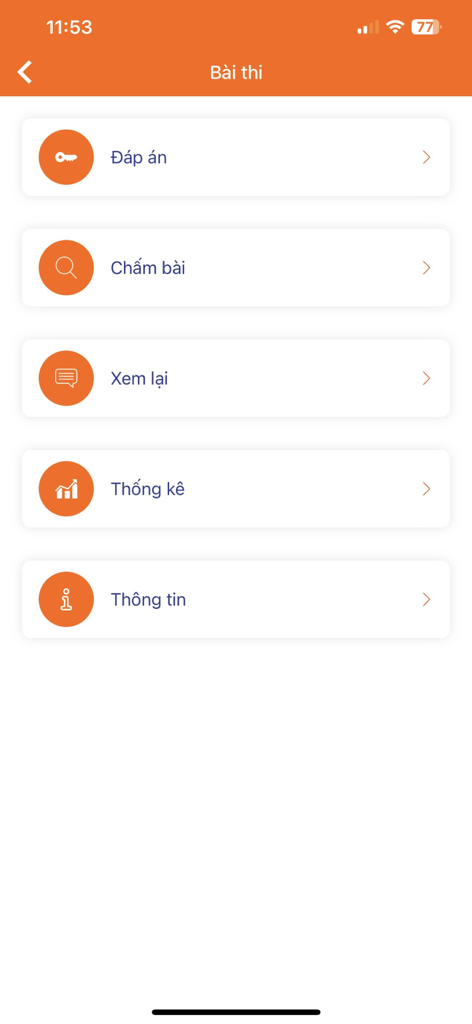
Menu principale dell'app TNMaker che mostra le opzioni per la valutazione delle chiavi di risposta, la revisione e le statistiche
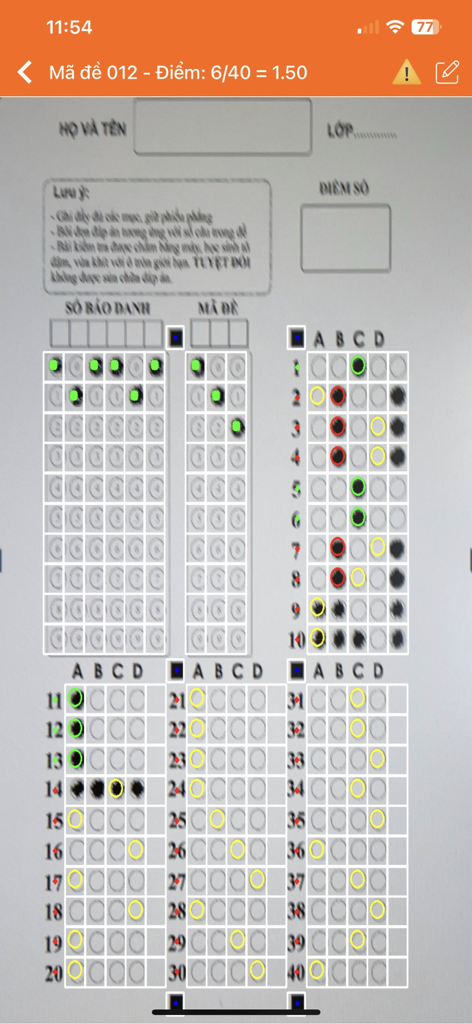
Un'interfaccia smartphone che utilizza l'app TNMaker per scansionare e valutare automaticamente un test a foglio a bolle a scelta multipla.
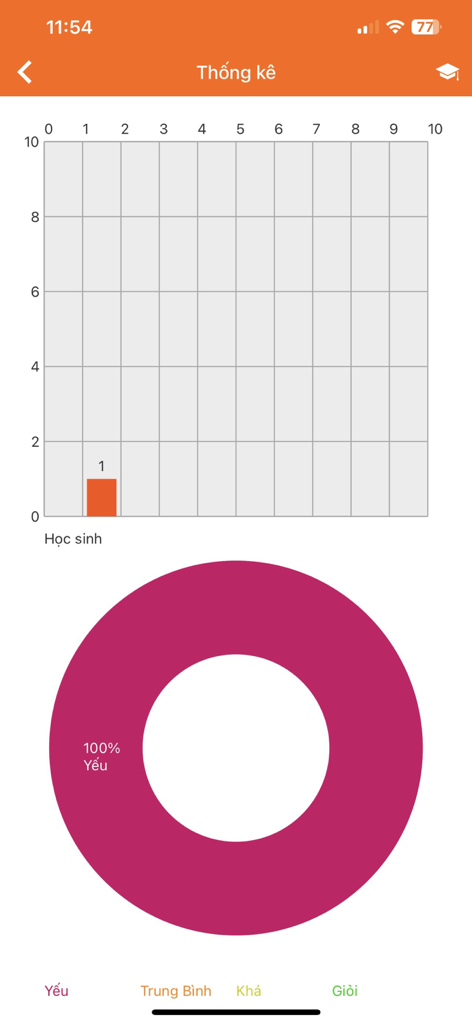
Schermata delle statistiche dell'app TNMaker che mostra un grafico a barre dei punteggi degli studenti e un grafico a torta delle prestazioni.
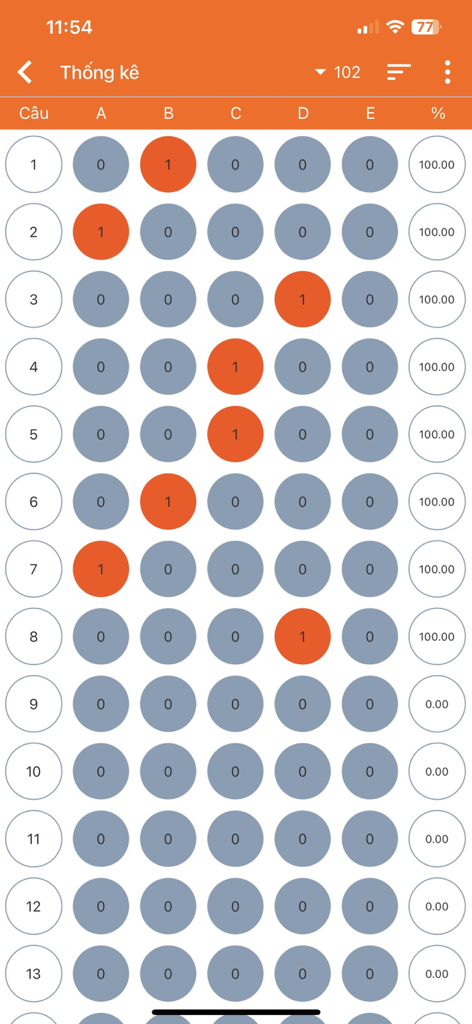
Una vista del report digitale che mostra bolle di risposta a scelta multipla e punteggi percentuali per un test
Descrizione
Download
App Simili
App con funzionalità ed esperienza simili

组卷-中小学智能题库
XKW(Beijing)CO.,LTD.

Twinkl USA
Twinkl Limited

ZipGrade
ZipGrade LLC

Учи.ру для учителей
Uchi.ru, OOO

JustTeacher
Igor Furmanenko

TeacherKit Classroom Manager
ITWorx Egypt SAE

智学网教师端
Anhui Zhixue Technology Co.,Ltd.

七天网络
Anhui Septnet Co.,Ltd.

Showbie
Showbie Inc.
Questa pagina non è una pagina ufficiale dell'app o del suo sviluppatore, ma una pubblicazione editoriale indipendente creata a scopo informativo e di commento. Salvo espressa indicazione contraria, né l'app né il suo sviluppatore sono affiliati, approvati, sponsorizzati, autorizzati o altrimenti ufficialmente collegati a MWM, Apple, Google Play, all'editore dell'app o allo sviluppatore dell'app, e nulla in questa pagina implica che l'app sia stata sviluppata utilizzando i servizi di MWM. Tutti i marchi, loghi, screenshot e altri contenuti rimangono di proprietà dei rispettivi proprietari.