TouchControl Telecomando Universale: Il Sistema di Controllo Professionale Definitivo per la Tua Intera Casa
Assumi il controllo totale con un'interfaccia completamente personalizzabile. Dalle vecchie apparecchiature A/V alla moderna automazione della smart home e al controllo HTPC, crea il telecomando perfetto per il tuo stile di vita con flessibilità di livello professionale.
Editore
Touch App Technologies, LLC
Categoria
Entertainment
Download
170K+
Valutazione
3.6/5
Valutazioni totali
100
Lingue
1
Il Tuo Centro di Comando Personalizzato
Scopri l'interfaccia usata da 170K+ utenti.
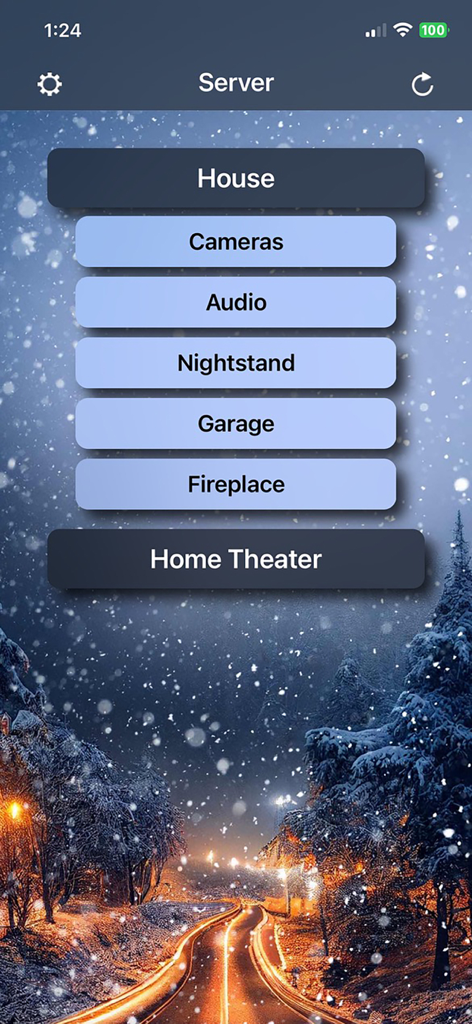
Interfaccia principale dell'app TouchControl con pulsanti personalizzati per il controllo di telecamere domestiche, audio e home theater
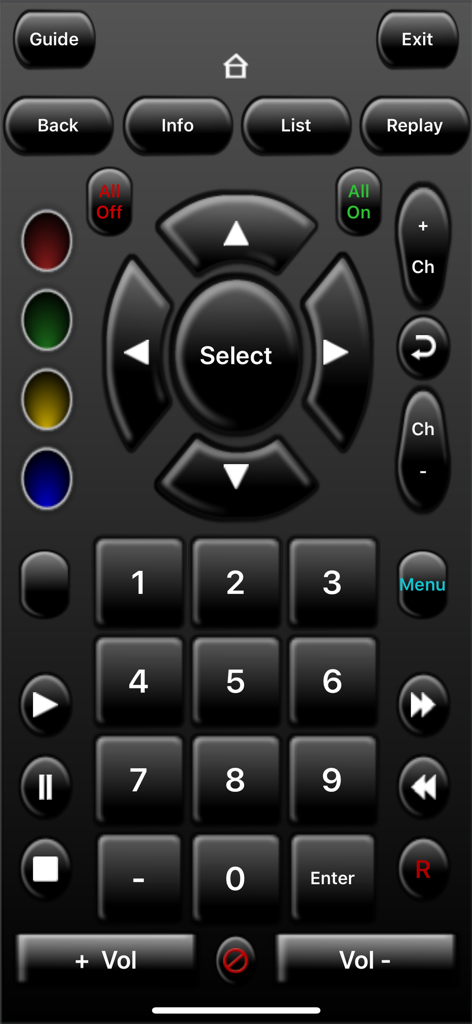
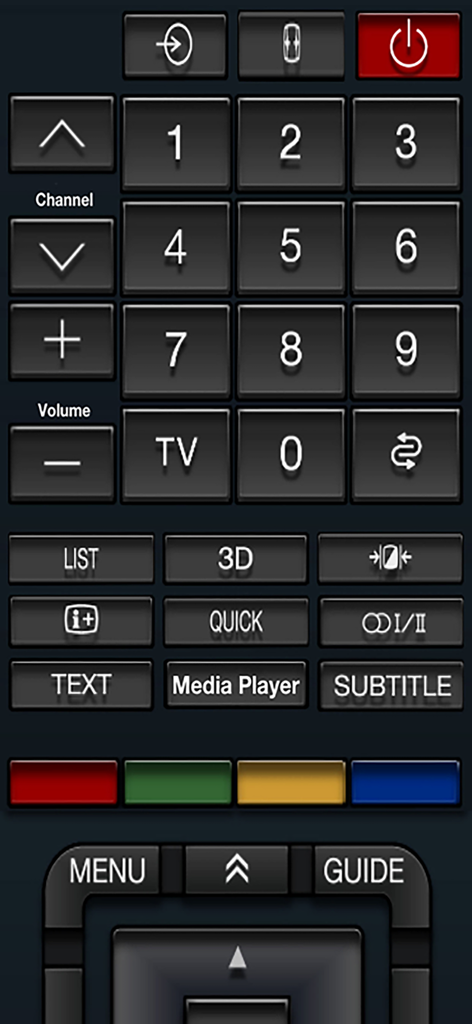
Interfaccia di telecomando digitale personalizzabile con schema scuro per dispositivi home theater.
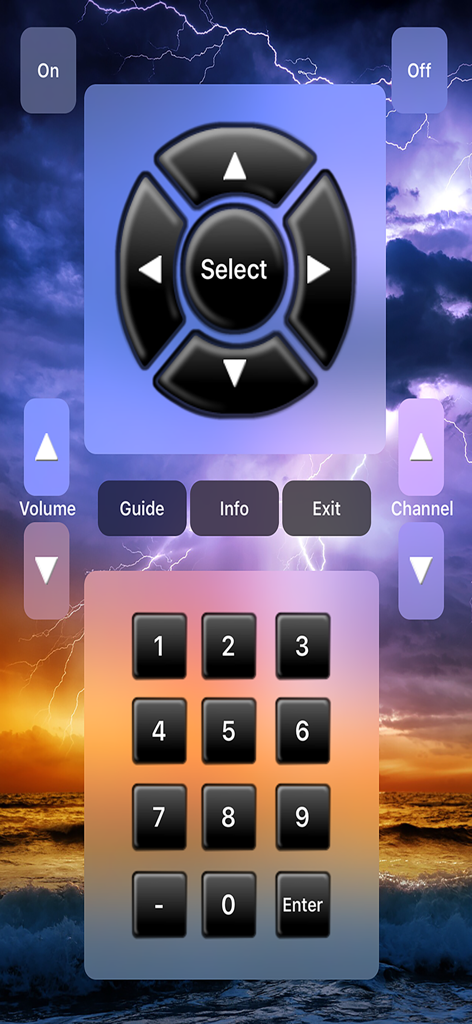
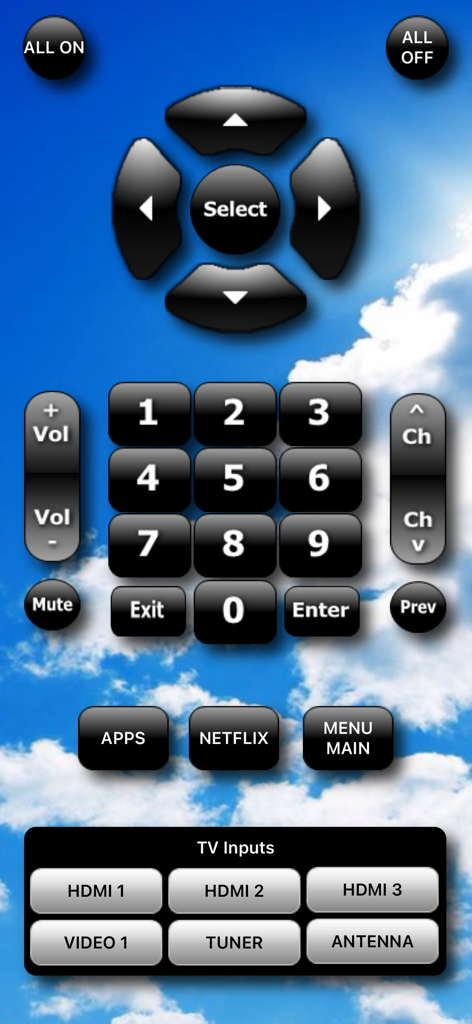
Un layout di telecomando personalizzato con un pad direzionale, controlli di volume e canale e una tastiera numerica su uno sfondo di temporale
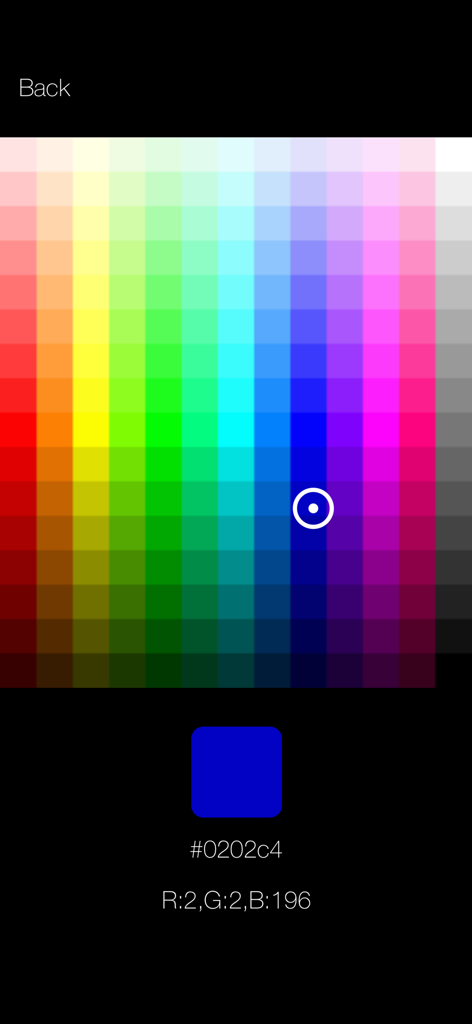
Interfaccia per la selezione di colori personalizzati con valori esadecimali e RGB nell'app TouchControl
Interfaccia di telecomando universale digitale con tastierino numerico e pulsanti di riproduzione multimediale
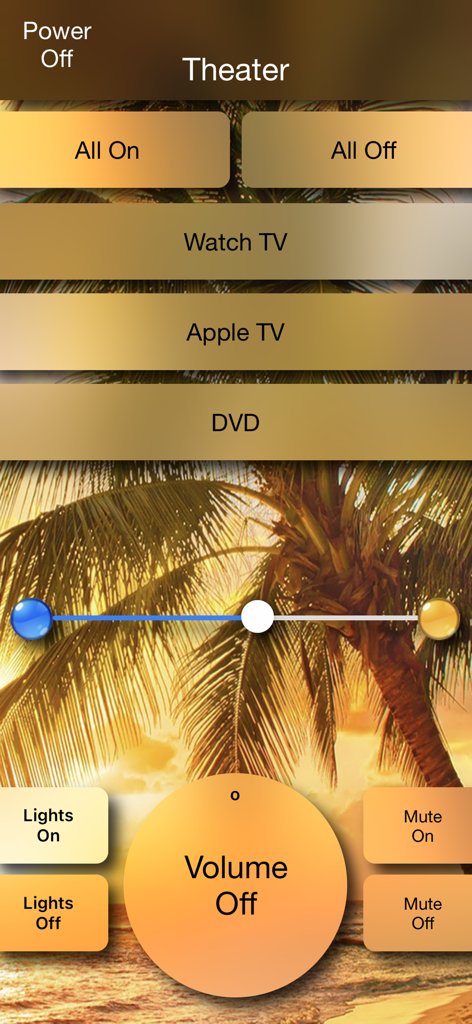
Interfaccia di telecomando home theater personalizzabile che mostra controlli di volume, illuminazione e dispositivi su uno sfondo tropicale
Interfaccia di telecomando universale personalizzabile con pad di navigazione e controlli TV
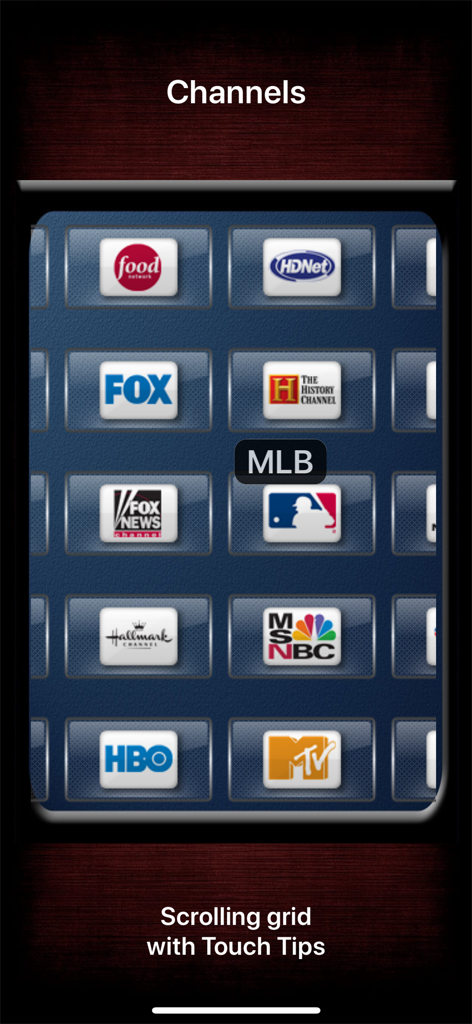
Una griglia scorrevole personalizzabile di loghi di canali TV con un tooltip in punta di tocco nell'app TouchControl
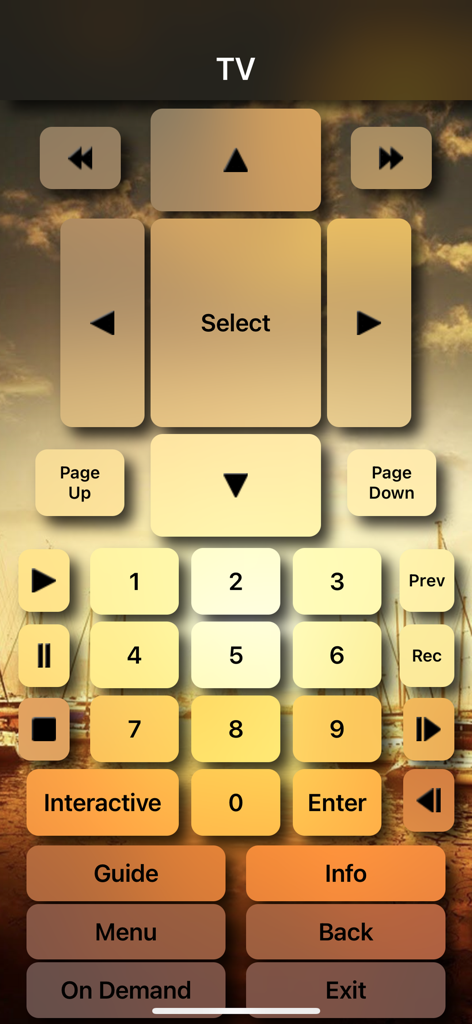
Interfaccia di telecomando TV personalizzabile per il controllo dell'home theater su iPhone
Autorità Totale sul Tuo Dominio Digitale
Gli strumenti che rendono questa app unica, scelti da 170K+ utenti.
🎨
Designer di Interfacce Professionali
Abbandona i modelli generici. Usa il nostro software desktop designer per creare schermate di controllo su misura, perfette nei pixel, adattate alle tue apparecchiature e al tuo gusto estetico specifici.
📡
Controllo Unificato Legacy e Smart
Il ponte definitivo tra le epoche. Controlla apparecchiature A/V legacy di fascia alta tramite adattatori IR insieme ai moderni elettrodomestici smart collegati in rete da un'unica interfaccia.
⌨️
Integrazione Avanzata PC e HTPC
Vai oltre il semplice playback. Esegui script complessi tramite AutoHotKey, gestisci input di mouse e tastiera e attiva l'automazione tramite Scorciatoie Siri o JavaScript.
Info sull'app
Tutto quello che devi sapere su TouchControl Universal Remote.
Descrizione
Please get the FREE TouchControl Server (designer) app for macOS (from the Mac App Store) or Windows (at www.touchapptech.com) and try it out before purchasing this app for your iOS device to make sure that TouchControl will meet your needs. Also please note that the server/designer does *NOT* need to be running 24/7 to use TouchControl on your iOS device!
With TouchControl, you can turn any iOS device into a universal network, infrared, and PC remote control! With TouchControl you can create FULLY CUSTOMIZED remote control screens for your Mac or PC, A/V and other infrared- or network-controlled devices (IMPORTANT: additional hardware required for IR control). The free Mac or Windows PC software provides user interface (remote control) design functionality, and can also optionally enable running programs, executing commands and scripts, and controlling the mouse and keyboard on your Windows computer directly from your iOS device, giving you almost unlimited control. The Windows server also natively supports the USB-UIRT for PC-based IR control.
TouchControl gives you more than any other iOS remote automation app:
• Direct device-to-device control of iTach and GC-100 network adapters (www.globalcache.com), iRTrans LAN adapters (www.irtrans.com), network attached A/V equipment, Keene IR Anywhere, smart bulbs and other smart appliances, and more (just about anything that's network attached)!
• Integrated IR code database for Global Caché adapters. Over 138,000 searchable IR code sets freely available in an easy-to-use interface to quickly and easily configure your Global Caché buttons!
• DIrect control of Windows automation software such as AutoHotKey, EventGhost, Kodi, Girder, IRCommand2, and more!
• Full 2-way control and TRUE automation with device feedback, custom scripting (Javascript), iCloud state, and more!
• Build activities that can automatically discover and control any devices on your network that support Simple Service Discovery Protocol (SSDP).
• Build activities for Apple Watch! (Direct control of HTTP devices from the watch is available, other TCP device control and 2-way communication provided via the paired iPhone app.)
• Control your devices from a browser and schedule commands to run at set times via the built-in web server (in-app purchase required).
• Execute buttons from Siri Shortcuts and Search results.
• Mouse & keyboard control of your Windows PC, plus control of HTPC software such as WIndows Media Center, JRiver, XBMC, WinAmp, Pandora, and more!
• Monitor your Mac or Windows desktop from your iOS device using the exclusive TouchControl Screen Grabber!
• Fully customizable user interface on your iOS device!
REQUIREMENTS: A Mac or Windows PC is required to design and configure the remote control activities (screens, devices, buttons, etc.) used in TouchControl via the FREE TouchControl Server software. However, the server DOES NOT need to be running 24x7 on your network to use TouchControl on your iOS device (only required for those features that require a Mac or PC, such as running desktop commands & programs, mouse/keyboard control, screen grabber, AutoHotKey, etc.).
Please visit http://www.touchapptech.com to learn more about the devices that can be controlled with TouchControl, and to make sure you meet the requirements. You are encouraged to install and try the FREE Mac or Windows server/designer software before purchasing the iOS app and verify it meets your needs. Mac server available in the Mac App Store. Windows server available on the TouchControl web site.
** IMPORTANT ** All feedback is welcome in the App Store; however, support for this app is provided via the TouchControl website/email only, as there is no mechanism available to address problems reported via the App Store. If you have any problems with TouchControl, PLEASE contact support via the web site contact form.
Ultima versione
13.3
Dimensione
40.3 MB
Data di lancio
14 mar 2010
Assumi il Controllo Totale del Tuo Ecosistema Domestico
Scarica l'app iOS e accoppiala con il nostro software desktop gratuito per creare oggi stesso la tua interfaccia remota personalizzata definitiva.
App information, icons, screenshots, and descriptions displayed on this page are sourced from the Apple App Store and are the property of their respective developers. Download estimates and rankings are based on MWM's proprietary models and may not reflect actual figures. This page is provided for informational and analytical purposes only.
Believe this page infringes your intellectual property? File a dispute