Tracing projector & Lightbox

Tracing projector & Lightbox

Scarica su App Store
Logo di Tracing projector & Lightbox

Proiettore di Tracciamento e Lightbox: Padroneggia l'Arte del Disegno con AR

Trasforma il tuo smartphone in una camera lucida digitale. Sovrapponi qualsiasi immagine sulla carta per creare schizzi perfetti e dall'aspetto professionale, senza bisogno di esperienza di disegno.

Scarica su App Store

Editore

Alexey Goryachev

Categoria

Graphics & Design

Download

193K+

Valutazione

2.0/5

Valutazioni totali

0

Lingue

11

Visualizza il Tuo Capolavoro

Scopri l'interfaccia usata da 193K+ utenti.

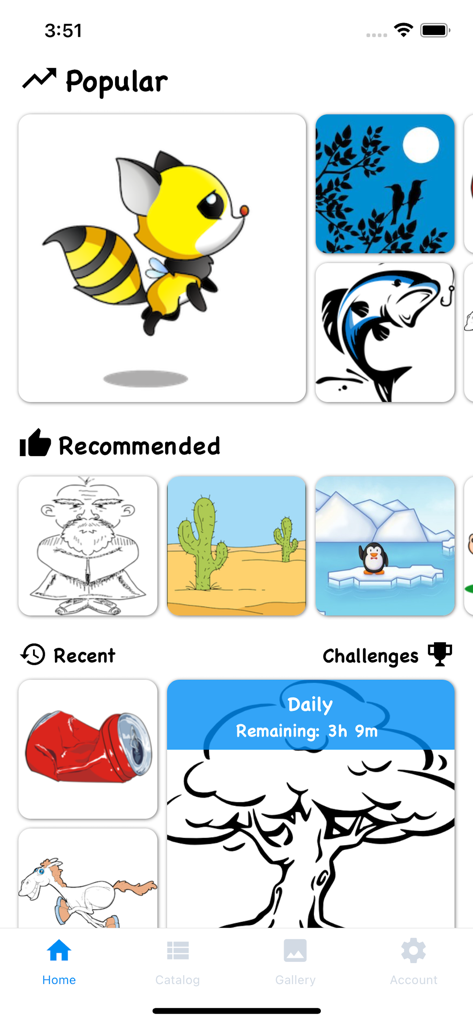
Schermata principale dell'app Tracing projector and Lightbox che mostra modelli di disegno popolari e consigliati, inclusi animali e paesaggi.
Schermata principale dell'app Tracing projector and Lightbox che mostra modelli di disegno popolari e consigliati, inclusi animali e paesaggi.

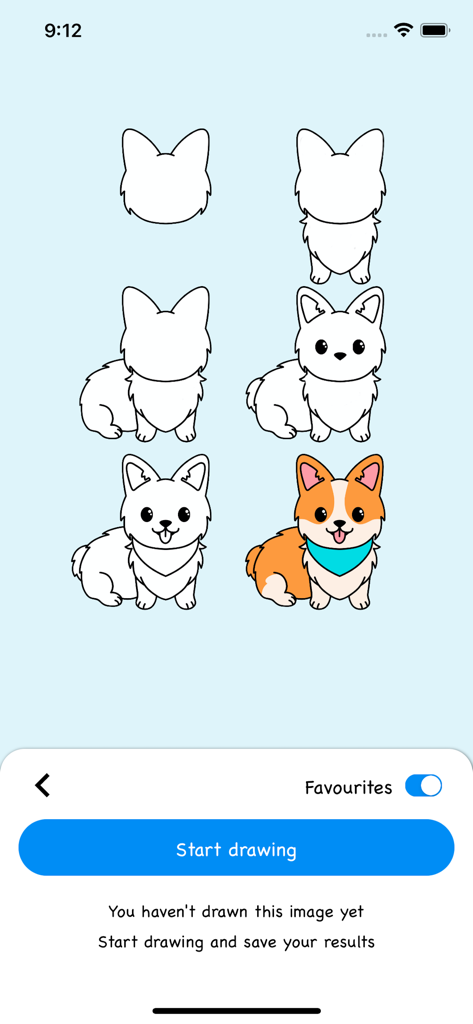
Schermata del tutorial passo-passo che mostra come disegnare e colorare un simpatico cane corgi.
Schermata del tutorial passo-passo che mostra come disegnare e colorare un simpatico cane corgi.

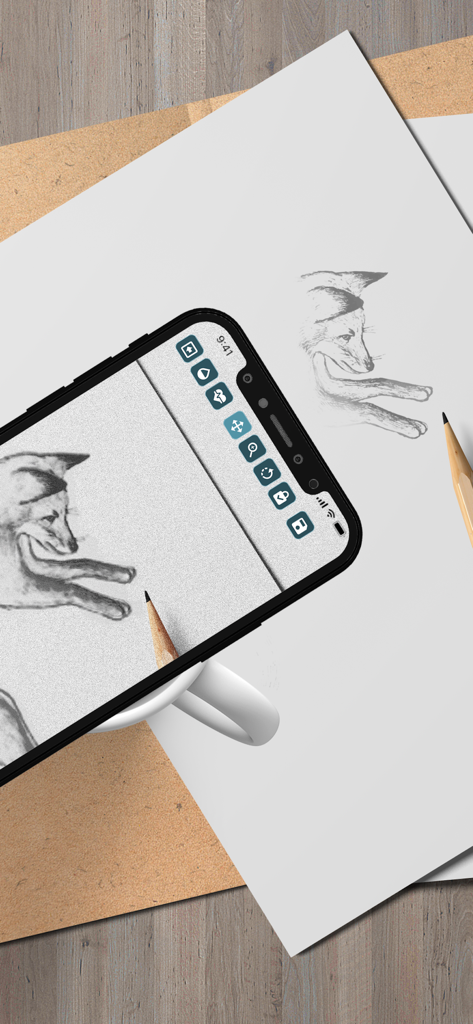
Uno smartphone che proietta un disegno di una volpe su carta utilizzando la realtà aumentata per il tracciamento.
Uno smartphone che proietta un disegno di una volpe su carta utilizzando la realtà aumentata per il tracciamento.

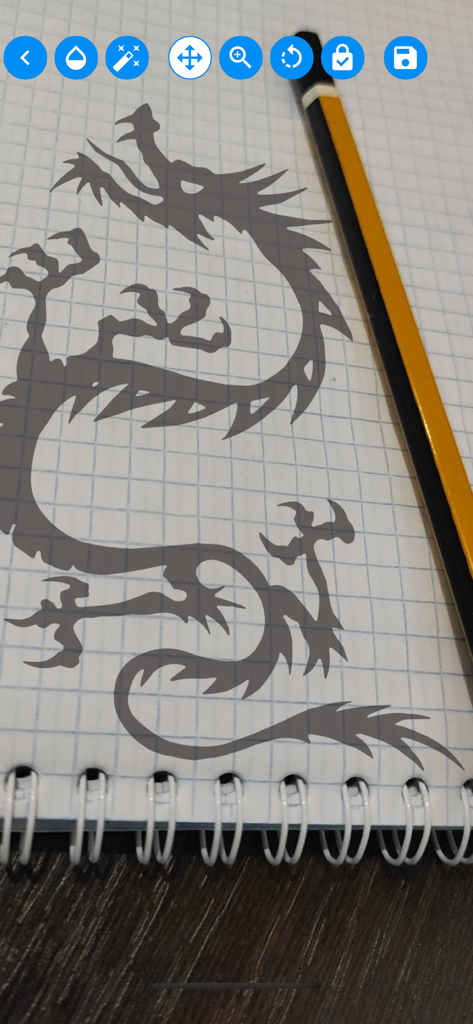
Una silhouette di drago proiettata su un taccuino per il tracciamento con un'app mobile.
Una silhouette di drago proiettata su un taccuino per il tracciamento con un'app mobile.

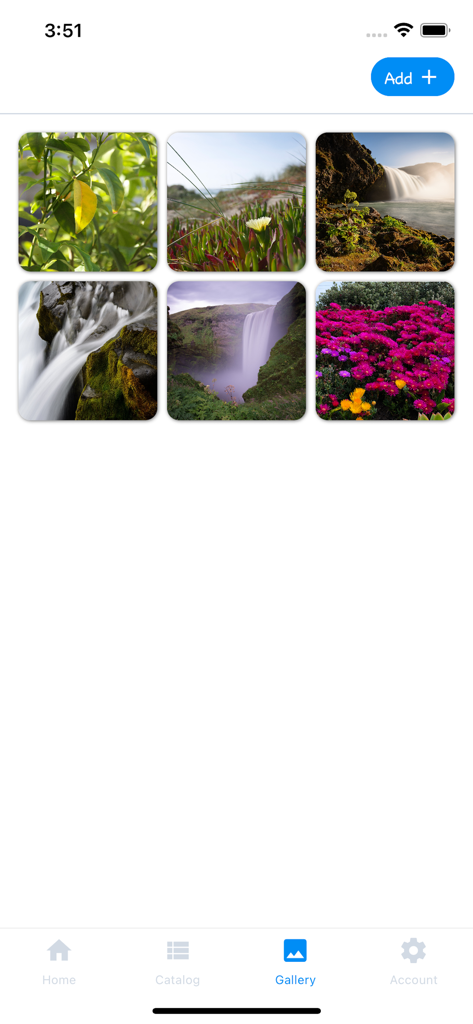
Schermata della galleria dell'app Tracing projector che visualizza foto di natura tra cui gli utenti possono selezionare e tracciare.
Schermata della galleria dell'app Tracing projector che visualizza foto di natura tra cui gli utenti possono selezionare e tracciare.

Una griglia di modelli di disegno per il tracciamento con animali e natura.
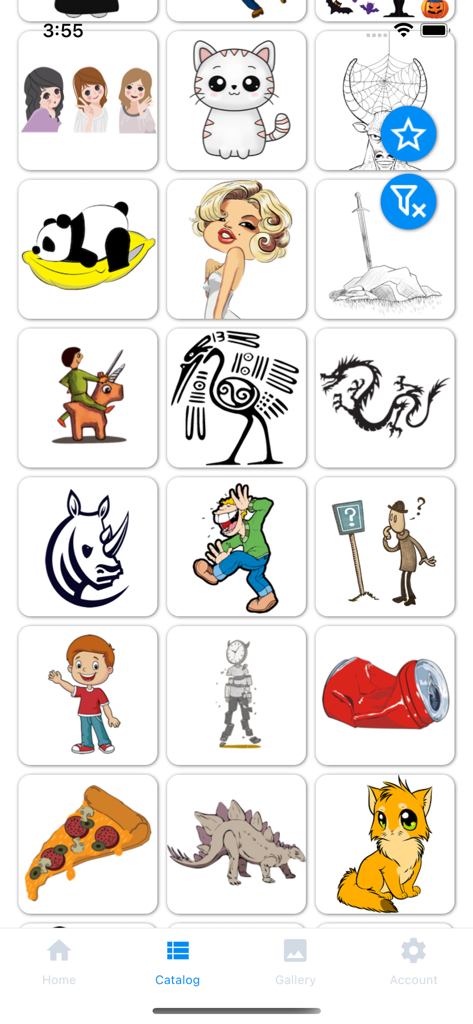
Una griglia di modelli di disegno per il tracciamento con animali e natura.

Una schermata che mostra il catalogo di immagini dell'app Tracing Projector and Lightbox con vari disegni da tracciare.
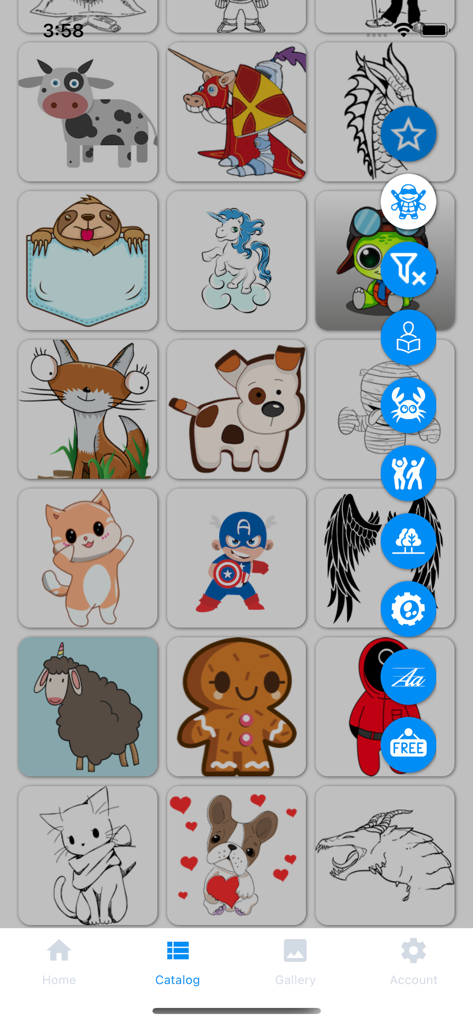
Una schermata che mostra il catalogo di immagini dell'app Tracing Projector and Lightbox con vari disegni da tracciare.

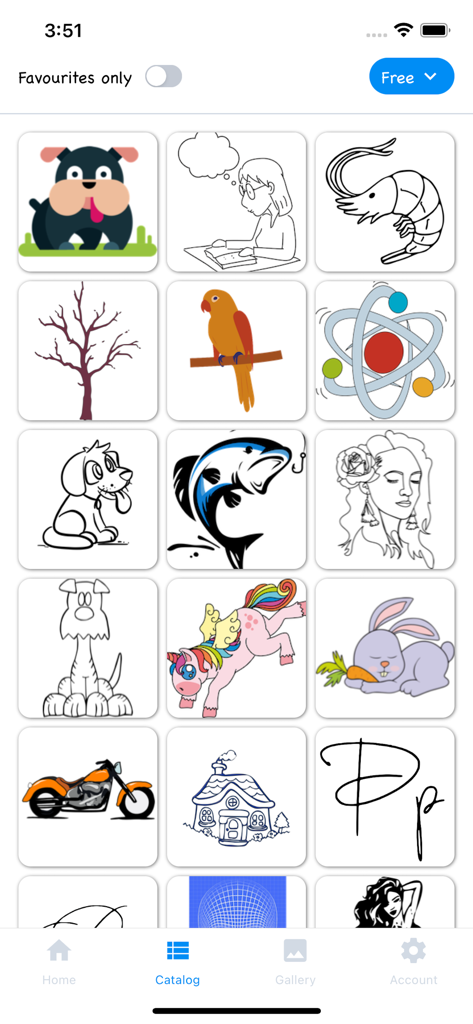
Schermata del catalogo dell'app Tracing Projector che mostra una griglia di vari modelli di disegno, inclusi animali e supereroi.

Schermata del catalogo dell'app Tracing Projector che mostra una griglia di vari modelli di disegno, inclusi animali e supereroi.

Sblocca il Tuo Potenziale Artistico

Gli strumenti che rendono questa app unica, scelti da 193K+ utenti.

🪄

Magica Sovrapposizione AR

Sovrapponi qualsiasi immagine direttamente sulla tua carta attraverso la fotocamera. Padroneggia proporzioni complesse e linee fluide senza anni di pratica.

📱

Traccia il Tuo Mondo

Importa qualsiasi foto dalla tua galleria per disegnare i tuoi ricordi preferiti, animali domestici o celebrità. Trasforma le tue foto personali in capolavori disegnati a mano.

🎯

Strumenti di Precisione Pro

Regola finemente trasparenza, scala e rotazione per la guida perfetta. Usa la modalità 'Onda' per catturare dettagli intricati con assoluta sicurezza.

Analisi recensioni

Approfondimenti dalle recensioni degli utenti.

Punteggio sentimento

23%
Negativo

Riepilogo

The app receives overwhelmingly negative feedback, primarily due to its aggressive paid content model and high subscription costs, with many features locked behind paywalls after a very limited or non-existent free trial. Users, including parents, are frustrated by the expectation to pay for almost every drawing, with some calling the prices excessive (e.g., 749₽/month or $200). While a few users acknowledge the core drawing concept as "cool" or "excellent," these positive sentiments are often overshadowed by complaints about pricing and occasional app instability. Users also reported issues with unexpected charges during trial periods and difficulty in cancelling subscriptions.

Temi comuni

Paid Content Model(33)
Limited Free Trial(5)
Core App Concept(4)
App Stability/Quality(3)
Pricing for Children(3)
Cancellation Issues(2)
Missing Features(1)

Info sull'app

Tutto quello che devi sapere su Tracing projector & Lightbox.

Descrizione

Application's functionality resembles transferring an image to paper with the help of tracing paper or carbon paper. We can say that this is a digital carbon copy of the modern world. Camera Lucida and Camera Obscura are also great for explaining the principle of the operation of the application. To start drawing, point your smartphone camera at a piece of paper. Choose a picture you like from the application catalog or your own phone gallery, it will be superimposed on top of the camera image. Set the necessary transparency and get creative! This app is for you if: • You want to learn how to draw as a professional artist, but you have little experience • Just starting the path of creativity and experiencing problems with the proportion of the image • Do not get smooth beautiful lines in the picture • You want to draw something beautiful but there are few ideas for creativity • You want to surprise your friends with a beautiful drawing • You need to copy the image exactly from the original to paper without a printer • You need to redraw the original image at a different scale Everyone will find something to their liking, install the app and start your journey of the artist now! You will be able to learn how to draw by copying any images and achieve really impressive results in a short time. The application catalog has a large selection of the images on various topics: cute animals, beautiful calligraphic fonts, nature, superheroes, comics and much more. You can select your image from the phone gallery. The drawing you want to draw is superimposed on the image coming from the smartphone camera, forming an augmented reality effect. Adjust the parameters of the drawing location, turn on the "ripple" mode of transparency of the original image and start drawing. Save the result, share it with your friends and enjoy the process. Place your smartphone on a mug, a stack of books, or place it on a tripod over a piece of paper or a notepad for a better result. Application functions: • Many categories and a large selection of images in the catalog • Select an image from the catalog or the gallery of your smartphone • Add your favourite images to favourites to hone your skills • When starting to draw, change the size of the image, the angle of rotation and the position of the drawing • Choose a comfortable transparency of the image, for a clearer display on top of the smartphone camera • You can turn on a "ripple" mode of image transparency, this will help to achieve a better result when redrawing • Enjoy the drawing process! • You can combine several images on one canvas by drawing them sequentially, creating unique drawings • When you finish drawing - save the result and share it with your friends Terms of Use (EULA): https://www.apple.com/legal/internet-services/itunes/dev/stdeula/

Ultima versione

2.1.12

Dimensione

19.2 MB

Data di lancio

25 ott 2021

Pronto a Disegnare Come un Professionista?

Unisciti a oltre 193.000 creatori che utilizzano il nostro proiettore AR per colmare il divario tra immaginazione e carta. Scarica ora e trasforma la tua prossima foto in un capolavoro!

Scarica su App Store

App information, icons, screenshots, and descriptions displayed on this page are sourced from the Apple App Store and are the property of their respective developers. Download estimates and rankings are based on MWM's proprietary models and may not reflect actual figures. This page is provided for informational and analytical purposes only.

Believe this page infringes your intellectual property? File a dispute