TrafficCamNZ

TrafficCamNZ

Scarica su App Store
Logo di TrafficCamNZ

TrafficCamNZ: la tua dashboard personale di traffico e meteo in diretta

Vedi la strada davanti a te prima di metterti alla guida. Ottieni una conferma visiva istantanea del traffico e del meteo con un feed personalizzabile di oltre 7.000 telecamere o i tuoi collegamenti manuali.

Editore

David Wilson

Categoria

Navigation

Download

250K+

Valutazione

2.2/5

Valutazioni totali

500

Lingue

1

Occhi sulla strada

Scopri l'interfaccia usata da 250K+ utenti.
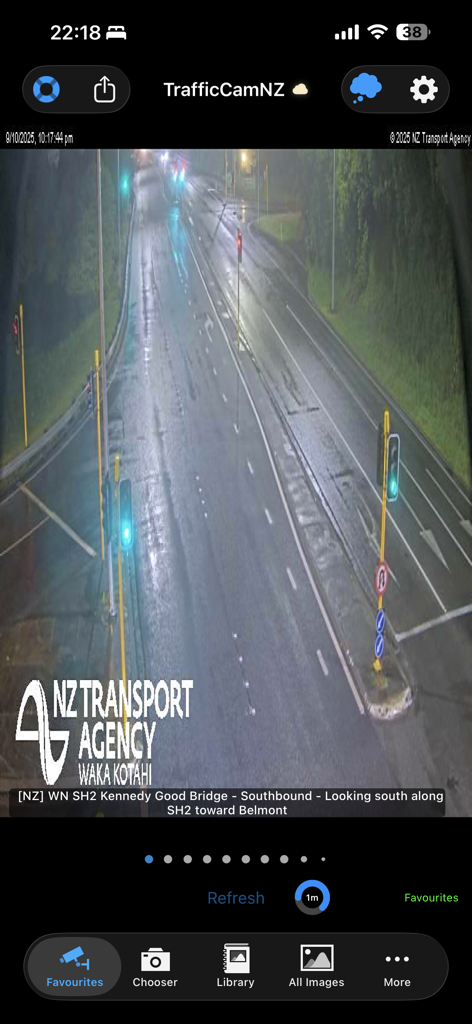
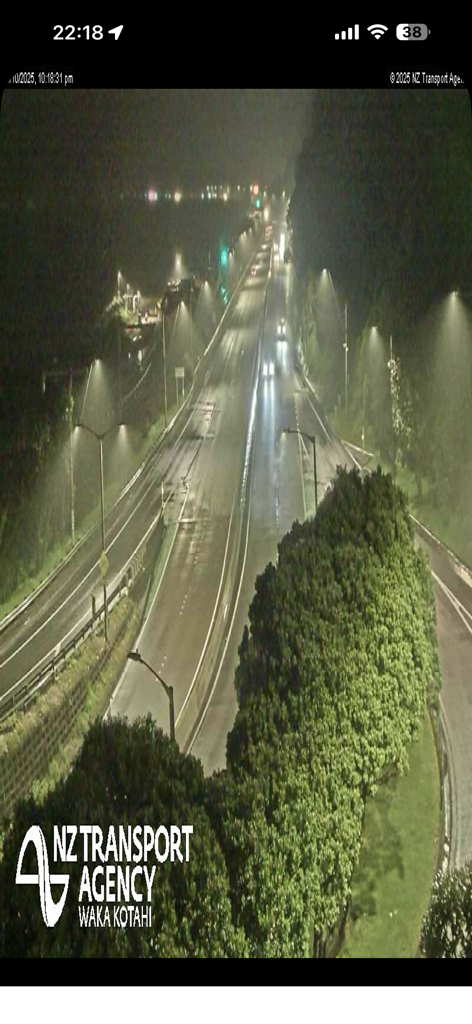
App TrafficCamNZ che mostra un feed di telecamera del traffico notturna in diretta di un'autostrada bagnata dall'Agenzia dei trasporti della Nuova Zelanda

App TrafficCamNZ che mostra un feed di telecamera del traffico notturna in diretta di un'autostrada bagnata dall'Agenzia dei trasporti della Nuova Zelanda

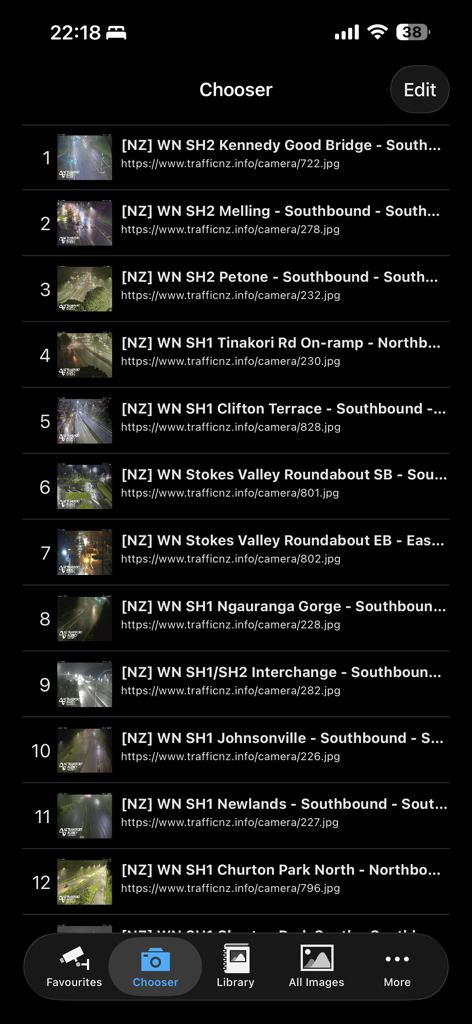
La schermata Chooser dell'app TrafficCamNZ che visualizza un elenco numerato di telecamere del traffico con le loro posizioni e indirizzi web.

La schermata Chooser dell'app TrafficCamNZ che visualizza un elenco numerato di telecamere del traffico con le loro posizioni e indirizzi web.

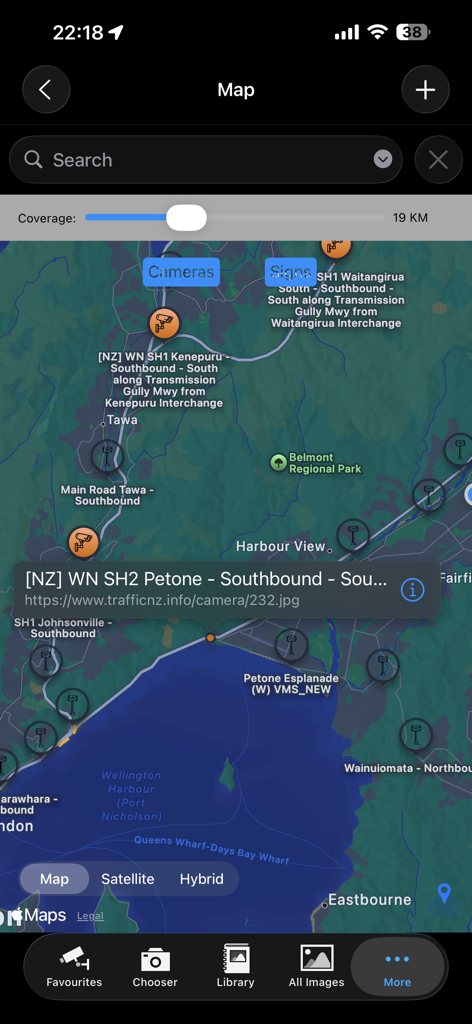
Vista mappa dell'app TrafficCamNZ che mostra le posizioni delle telecamere del traffico con un popup di dettaglio della telecamera selezionata

Vista mappa dell'app TrafficCamNZ che mostra le posizioni delle telecamere del traffico con un popup di dettaglio della telecamera selezionata

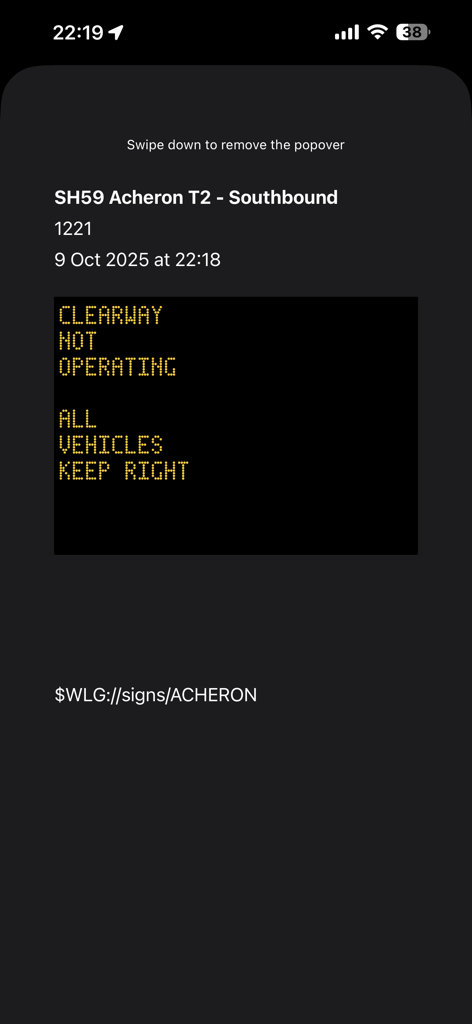
Aggiornamento del segnale stradale digitale in tempo reale per SH59 in direzione sud sull'app TrafficCamNZ.

Aggiornamento del segnale stradale digitale in tempo reale per SH59 in direzione sud sull'app TrafficCamNZ.

Vista notturna della telecamera del traffico di un'autostrada a più corsie con illuminazione stradale

Vista notturna della telecamera del traffico di un'autostrada a più corsie con illuminazione stradale

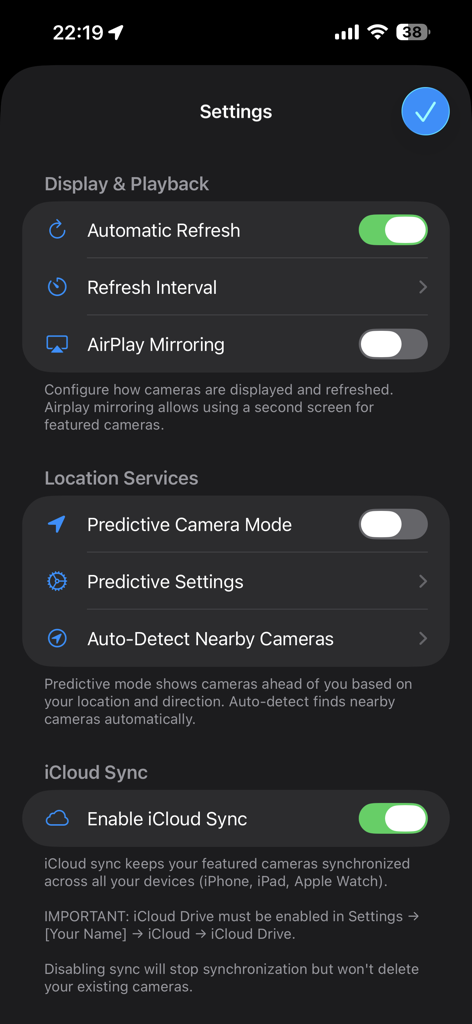
Schermata delle impostazioni dell'app TrafficCamNZ che mostra le opzioni di servizi di localizzazione di visualizzazione e riproduzione e sincronizzazione iCloud

Schermata delle impostazioni dell'app TrafficCamNZ che mostra le opzioni di servizi di localizzazione di visualizzazione e riproduzione e sincronizzazione iCloud

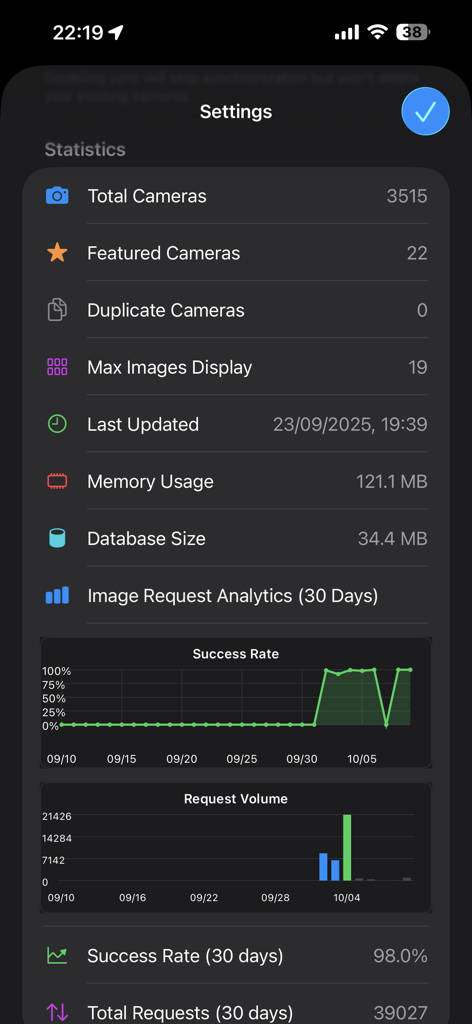
Schermata delle impostazioni dell'app che mostra statistiche per telecamere totali, telecamere in primo piano e analisi delle richieste di immagini con grafici del tasso di successo e del volume.

Schermata delle impostazioni dell'app che mostra statistiche per telecamere totali, telecamere in primo piano e analisi delle richieste di immagini con grafici del tasso di successo e del volume.

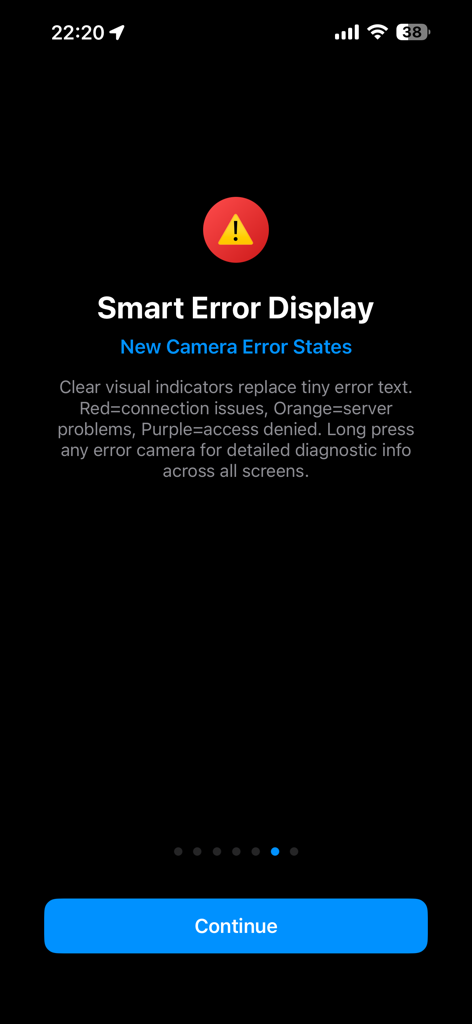
Schermata dell'app TrafficCamNZ che spiega gli indicatori visivi a colori per gli stati di errore della telecamera

Schermata dell'app TrafficCamNZ che spiega gli indicatori visivi a colori per gli stati di errore della telecamera

Vedi la strada prima di metterti alla guida

Gli strumenti che rendono questa app unica, scelti da 250K+ utenti.

🛠️

Crea la tua dashboard personalizzata

Prendi il controllo totale aggiungendo qualsiasi URL di webcam. Crea un feed personalizzato delle specifiche intersezioni e uscite che contano di più per il tuo tragitto quotidiano.

Scorri il traffico in pochi secondi

Risparmia tempo con la nostra interfaccia esclusiva swipe-to-view. Scorri senza sforzo le tue telecamere in primo piano per valutare l'intero percorso con un unico rapido movimento prima di partire.

🛰️

Modalità GPS predittiva intelligente

Guida con sicurezza utilizzando una tecnologia che anticipa il tuo viaggio. La nostra modalità predittiva visualizza automaticamente le telecamere in arrivo lungo il tuo percorso mentre viaggi.

Info sull'app

Tutto quello che devi sapere su TrafficCamNZ.

Descrizione

TrafficCamNZ displays internet accessible pictures of Traffic Cameras all over the world. Use it for any image with a fixed URL (web address). Images you choose as "Featured" are downloaded and setup side by side so that you can swipe across the screen to view multiple images quickly. TrafficCamNZ works over the cellular network though it works best with WiFi because, usually, it's faster! TrafficCamNZ can also use the GPS features in your device to show cameras around you. Try the predictive mode that predicts where you are travelling to display the next cameras (with known GPS coordinates) on your journey. TrafficCamNZ now contains details of more than 7000 cameras from around the world. You choose which cameras are the "featured" ones. Featured cameras are easily identified in the Library; they have a Green dot next to them. Managing your own personal list of cameras is easy too. This can be done in two ways: 1. Enter a new camera directly on the iPhone and key in the entire URL (http://mywebsite/image.jpg) or 2. Create your own XML file for importing into the application. Instructions on how to do this are available at the support web site or by contacting the developer. Usage Notes: * Pictures are displayed in the order they are received unless you set the image sequence number, you can then order the images how you want them * Check your network usage when downloading over the cellular network * Images are not cached, if you receive an image that isn't right (i.e. daylight when you know it is night time, that camera may not be functioning) * Sometimes the traffic camera pictures are not up-to-date. You may see night pictures when it is supposed to be daylight or perhaps pictures don't change. TrafficCamNZ has no control over that * You receive updates to the camera list automatically; a check is performed every 7 days when the application starts * Tap the image on the main window to display it full screen Features: * Easily flick through the loaded images with your finger - this was the original idea behind the application * Load your own web images * Free version available, loads up to 3 images * Full version available, loads up to 19 images on iPhone and 32 images on iPad * Allows XML import of camera list * Camera list (XML Import file) can be updated from a web site - doesn't require the release of a new application * No advertising Many great comments from around the world have been made about TrafficCamNZ: * Great little app, what a time saver. I would often leave work to find the traffic all congested, now I can check before I leave and even if it gets busy I can check on the road and take a different route. I have set my own cameras and can quickly check what's what. A real must for driving commuters, couriers or even taxi's. * This app works very well and is awesome if you travel a lot. Going on a road trip for work or vacation? Google the cameras for your cities, insert the URL into the app, and cameras appear * I set it up for all the traffic cameras from Douglas County down through El Paso County (Colorado) and it works great! So well in fact, that I sprung for the paid version * Make sure you enter in the URL's correctly - that's where some people mess up. What you see is basically what the traffic/weather cam sees wherever they are. They have to be viewable on the Internet first. Awesome app! * App is very easy to use and I use it for going to work every day * I put 2 of the most important traffic cams on the way to work and it works perfect

Ultima versione

1.15.0

Dimensione

39.6 MB

Data di lancio

13 dic 2008

Prendi il controllo del tuo tragitto con immagini in tempo reale

Unisciti a oltre 250.000 automobilisti strategici che smettono di indovinare e iniziano a vedere. Scarica TrafficCamNZ oggi stesso per creare la tua dashboard personalizzata del traffico e vedere la strada esattamente com'è.

Scarica su App Store

App information, icons, screenshots, and descriptions displayed on this page are sourced from the Apple App Store and are the property of their respective developers. Download estimates and rankings are based on MWM's proprietary models and may not reflect actual figures. This page is provided for informational and analytical purposes only.

Believe this page infringes your intellectual property? File a dispute