TV Cast for DLNA Smart TV
Scarica su App Store

Questa pagina non è una pagina ufficiale dell'app o del suo sviluppatore, ma una pubblicazione editoriale indipendente creata a scopo informativo e di commento. Salvo espressa indicazione contraria, né l'app né il suo sviluppatore sono affiliati, approvati, sponsorizzati, autorizzati o altrimenti ufficialmente collegati a MWM, Apple, Google Play, all'editore dell'app o allo sviluppatore dell'app, e nulla in questa pagina implica che l'app sia stata sviluppata utilizzando i servizi di MWM. Tutti i marchi, loghi, screenshot e altri contenuti rimangono di proprietà dei rispettivi proprietari.

Logo di TV Cast for DLNA Smart TV
Scarica su App Store

TV Cast for DLNA Smart TV

La soluzione definitiva per chi ha tagliato il cavo. Trasmetti senza sforzo film online, sport in diretta e media personali dal tuo iPhone o iPad alla tua TV Samsung, LG, Sony o Xbox, senza hardware aggiuntivo.

Numeri Chiave

Download

557K+

Valutazione

3.5/5

Valutazioni totali

1K+

Editore

Kraus und Karnath GbR 2Kit Consulting

Categoria

Photo & Video

Lingue

1

Ultima versione

3.6

Dimensione

41.4 MB

Data di lancio

9 apr 2015
Funzioni

Sblocca tutto il potenziale della tua TV

Il ponte definitivo tra il tuo iPhone e la tua Smart TV. Trasmetti video web, eventi dal vivo e media personali direttamente sul grande schermo senza bisogno di hardware aggiuntivo.

Streaming Web Universale

Sfoglia qualsiasi sito web e trasmetti sport di nicchia, notizie in diretta o film esclusivi del web che non hanno un'app nativa sulla tua TV.

Connettività senza hardware

Salta l'Apple TV da 130€. Trasforma la tua Samsung, Sony o LG Smart TV esistente in una centrale di intrattenimento con una semplice connessione a un solo tocco.

Gli screenshot e la descrizione seguenti provengono direttamente dall'elenco ufficiale dello store dell'app e sono di proprietà dello sviluppatore.

App Store

Screenshot
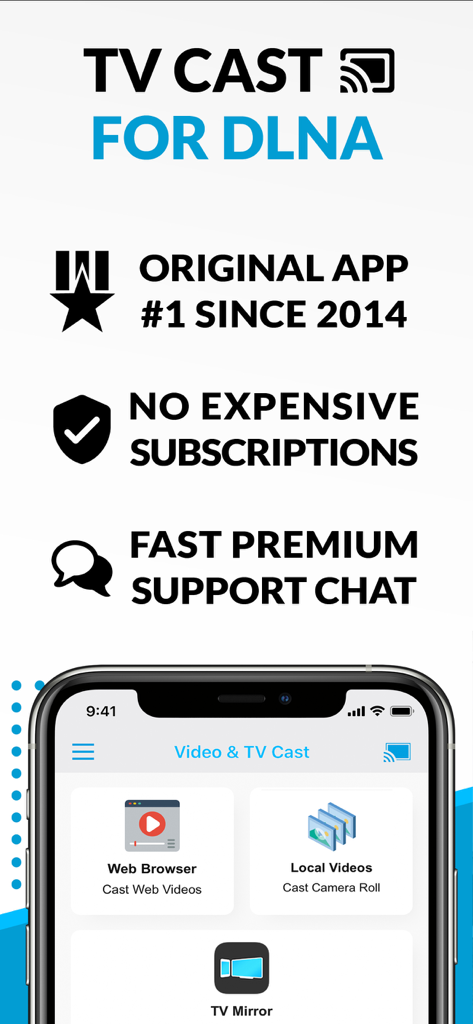
TV Cast for DLNA Smart TV - Screenshot dell'app TV Cast per DLNA che mostra il casting di video web, lo streaming di video locali e le opzioni di mirroring TV.
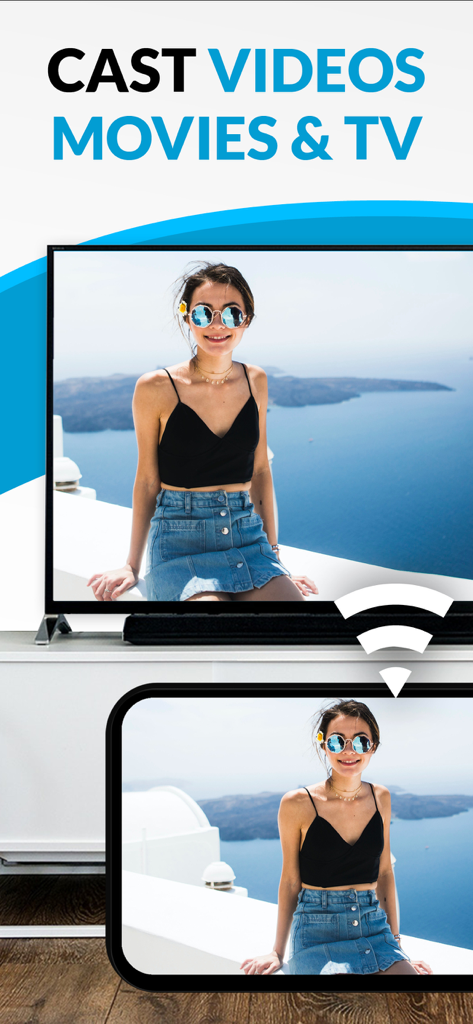
Screenshot dell'app TV Cast per DLNA che mostra il casting di video web, lo streaming di video locali e le opzioni di mirroring TV.

TV Cast for DLNA Smart TV - Trasmissione di una foto da un dispositivo mobile a una smart TV utilizzando l'app TV Cast.
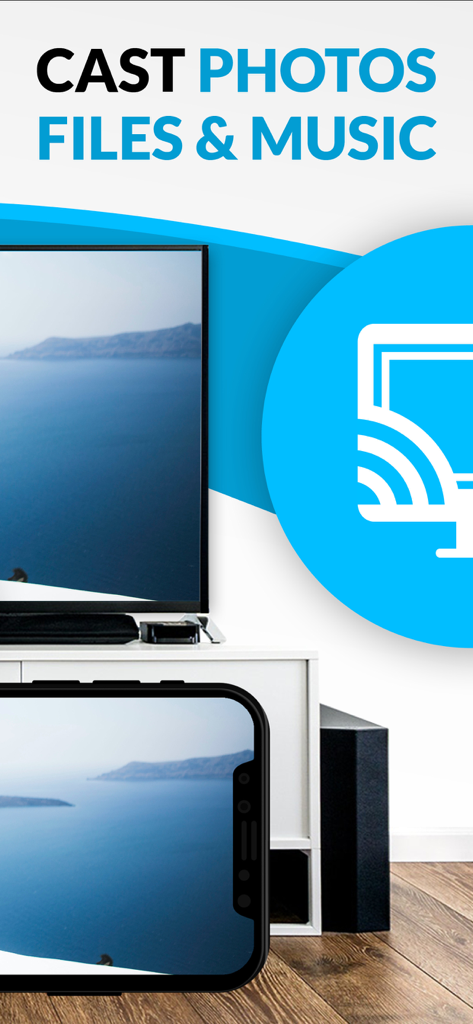
Trasmissione di una foto da un dispositivo mobile a una smart TV utilizzando l'app TV Cast.

TV Cast for DLNA Smart TV - Uno schermo di iPhone che mostra un paesaggio costiero trasmesso su un grande schermo di smart TV

Uno schermo di iPhone che mostra un paesaggio costiero trasmesso su un grande schermo di smart TV

Descrizione

Watch webvideos, online movies, live tv streams and your personal photos, videos & music on your DLNA powered TV, video game console or blu-ray player. Enjoy the show on your big screen. Browse the web and stream your favorite webvideo or online TV show on a DLNA player like Hisense TV, Grundig TV, Samsung TV, LG TV, Sony TV, Philips TV, Toshiba TV, Panasonic TV, Xbox 360, Xbox One, EZCast, WD TV, Kodi (XBMC), SONOS and many other devices that use DLNA / UPnP / AllShare. Please try the free app version to check if your specific DLNA player is supported. Mp4, m3u8, hls live streaming, video over https and of course Full HD are supported. And there is no time limit at all! Just open Video & TV Cast, navigate to a website, wait for video link detection and send the video with a single tap to your DLNA player. The discovered link is shown below the browser. A tap on the link will start the show. * The app only works with a DLNA player that is capable of "media rendering". * Sony Bravia TVs: Please enable the renderer function of your TV to enable casting. See http://bit.ly/1VKM60A * iTunes movies, Flash video and DRM protected videos like Amazon Prime, Netflix, Hulu, Vudu, DirecTV, Xfinity, HBO now are not supported! * Please test your favorite videos with the free edition before upgrading! * Please use the hardware remote of your DLNA player to forward, rewind and pause a running video. * The app streams only the video part of a website and not the whole website content (No screen or tab mirroring!). * Sometimes it is necessary to play the video on your iPad or iPhone first before it gets discovered by the app for streaming. It may also be neccessary to try it multiple times until it works on your specific DLNA player. * If a video does not cast, please check the FAQ on the app startpage. FAQ did not help? Please drop us a mail and give us the chance to help you before leaving a negative comment on the App Store. We will try to add support for that website as soon as possible. >>> UPGRADE FEATURES (available as in-app purchases) * Premium Edition: Unlocks all of the features listed here. Also future features are included, so you do not have to pay for them when they are released in an updated app version. * Personal Media: Cast unlimited personal photos, videos and music directly from your device or from cloud services like iCloud and Dropbox. * Ad-Blocker: Blocks ads & popups on most websites and removes the sponsoring ads from the app. You can update and enable/disable ad-blocking at any time in the settings. * Bookmarks: Save unlimited website bookmarks. Synchronize and transfer them between different TV Cast apps and iOS devices by using backup and restore via iCloud. * Desktop Mode: Change the browser user-agent and cloak your iPhone/iPad as a desktop PC to load the desktop website instead of a mobile website. Please note that this will NOT enable video casting on websites that serve Flash videos in desktop mode. * Change Homepage: Set your personal homepage in the settings. >>> A MESSAGE FROM THE DEVELOPERS Please note that this app may not work with all DLNA devices out there. But we are working hard to improve this app with every update. Your feedback will drive our work ahead and you’ll see improvements and new features in the next update. Please send your feedback to info@video-tv-cast.com Disclaimer: This app is not affiliated with the Digital Living Network Alliance or any other trademark mentioned here.

Download

Scarica su App Store

Questa pagina non è una pagina ufficiale dell'app o del suo sviluppatore, ma una pubblicazione editoriale indipendente creata a scopo informativo e di commento. Salvo espressa indicazione contraria, né l'app né il suo sviluppatore sono affiliati, approvati, sponsorizzati, autorizzati o altrimenti ufficialmente collegati a MWM, Apple, Google Play, all'editore dell'app o allo sviluppatore dell'app, e nulla in questa pagina implica che l'app sia stata sviluppata utilizzando i servizi di MWM. Tutti i marchi, loghi, screenshot e altri contenuti rimangono di proprietà dei rispettivi proprietari.








