
Questa pagina non è una pagina ufficiale dell'app o del suo sviluppatore, ma una pubblicazione editoriale indipendente creata a scopo informativo e di commento. Salvo espressa indicazione contraria, né l'app né il suo sviluppatore sono affiliati, approvati, sponsorizzati, autorizzati o altrimenti ufficialmente collegati a MWM, Apple, Google Play, all'editore dell'app o allo sviluppatore dell'app, e nulla in questa pagina implica che l'app sia stata sviluppata utilizzando i servizi di MWM. Tutti i marchi, loghi, screenshot e altri contenuti rimangono di proprietà dei rispettivi proprietari.

TV Remote - Universal Control・
Smetti di cercare telecomandi smarriti e inizia lo streaming. Controlla qualsiasi TV, digita con la tastiera e trasmetti le tue foto o video preferiti istantaneamente, tutto dal palmo della tua mano.
Download
290K+Valutazione
Valutazioni totali
6K+Editore
Categoria
UtilitiesLingue
35Ultima versione
1.7.2Dimensione
125.1 MBData di lancio
3 gen 2023L'ultimo telecomando di cui avrai mai bisogno
Elimina il disordine e la frustrazione dal tavolino da caffè. La nostra app universale trasforma il tuo iPhone in un potente centro di comando ad alta velocità per ogni Smart TV in casa tua.
Un'app, ogni marca
Controlla senza interruzioni Samsung, LG, Roku, Vizio e altri. Passa da una stanza all'altra e da un marchio TV all'altro senza dover mai più cercare un telecomando fisico smarrito.
Ricerca rapida da tastiera
Smetti di cercare faticosamente sullo schermo del TV. Usa la tastiera del tuo iPhone per digitare titoli di film e password in secondi, non minuti.
Domande Frequenti
Tutto quello che devi sapere su TV Remote - Universal Control・
Cos'è TV Remote - Universal Control・?
TV Remote - Universal Control・ è un'app che funziona come telecomando universale per lettori multimediali in streaming e TV. È dotata di un'interfaccia utente semplice per un facile accesso a film, musica e giochi sul tuo dispositivo.
Come collego TV Remote - Universal Control・ alla mia televisione?
Collega il tuo iPhone e la smart TV alla stessa rete Wi-Fi. Scansiona la TV all'interno dell'app, quindi accetta il popup di connessione sulla tua TV o inserisci un PIN visualizzato sullo schermo della TV.
TV Remote - Universal Control・ supporta lo screen mirroring da iPhone?
Sì, TV Remote - Universal Control・ supporta lo screen mirroring. Questa funzione consente agli utenti di visualizzare lo schermo del proprio iPhone sulla TV direttamente tramite l'app.
Posso usare i comandi vocali per controllare la mia TV con TV Remote - Universal Control・?
Sì, TV Remote - Universal Control・ include una funzione di ricerca vocale. Gli utenti possono utilizzare i comandi vocali per trovare contenuti, consentendo una scoperta più rapida delle parole chiave senza digitare.
TV Remote - Universal Control・ è un'applicazione gratuita da scaricare?
Sì, TV Remote - Universal Control・ è gratuito da scaricare. Gli utenti possono provare l'app gratuitamente, ma è richiesta una sottoscrizione Premium per l'accesso completo a tutte le funzionalità.
TV Remote - Universal Control・ può inviare foto e video dal mio telefono alla TV?
Sì, TV Remote - Universal Control・ consente il casting. Gli utenti possono condividere istantaneamente foto e video ad alta definizione dalla galleria del proprio telefono alla TV utilizzando la pagina "Cast" dedicata.
Quali canali di streaming sono accessibili tramite TV Remote - Universal Control・?
TV Remote - Universal Control・ fornisce un accesso rapido a canali come Netflix, YouTube, Prime, Hulu, Spectrum e Disney+ tramite la sua scheda "Canali" dedicata.
TV Remote - Universal Control・ funziona con le smart TV Samsung o LG?
No, TV Remote - Universal Control・ non è un'applicazione ufficiale per Samsung, LG, Sony o Philips. Supporta le funzionalità premium di Roku TV e i dispositivi Hisense.
Come consente la navigazione TV Remote - Universal Control・?
TV Remote - Universal Control・ fornisce sia la navigazione touchpad che quella tramite pulsanti. Gli utenti possono utilizzare gesti basati sullo scorrimento per un controllo più semplice o pressioni di pulsanti tradizionali sull'interfaccia del telecomando.
TV Remote - Universal Control・ ha una tastiera per la ricerca di contenuti?
Sì, TV Remote - Universal Control・ include una tastiera intuitiva. Questa funzione consente agli utenti di cercare rapidamente parole chiave, semplificando il processo di scoperta dei contenuti.
Gli screenshot e la descrizione seguenti provengono direttamente dall'elenco ufficiale dello store dell'app e sono di proprietà dello sviluppatore.
App Store
Screenshot
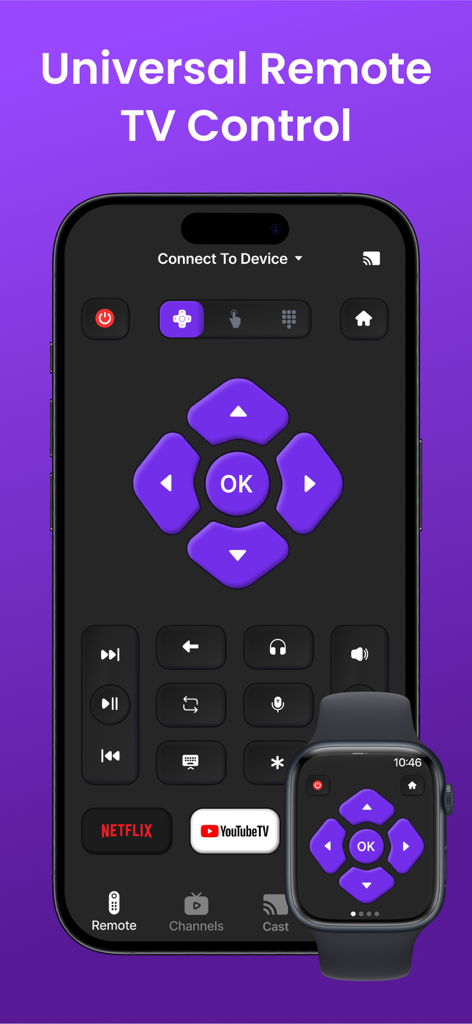
Interfaccia di controllo universale del telecomando TV su iPhone e Apple Watch
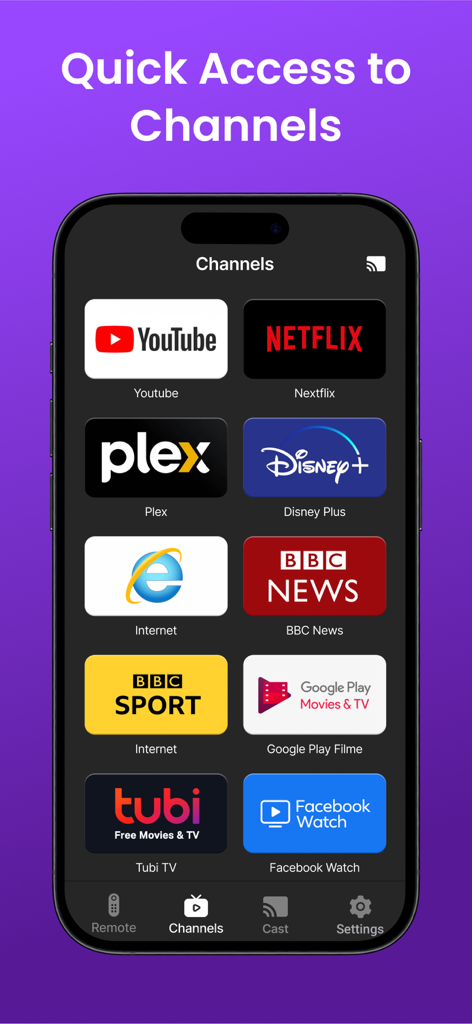
Uno smartphone che visualizza la scheda Canali di un'app di telecomando TV universale con icone per Netflix, YouTube, Disney Plus e altri servizi di streaming.
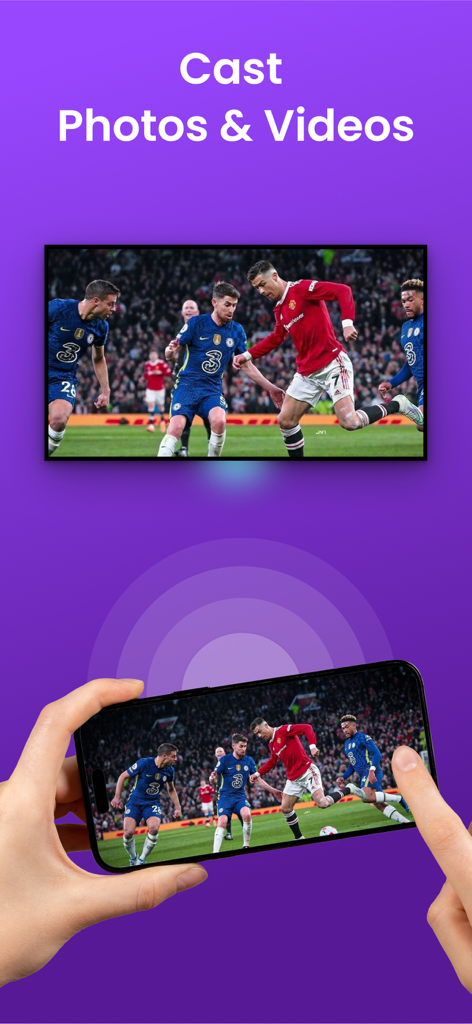
Una persona che usa un iPhone per trasmettere una partita di calcio su un grande schermo TV
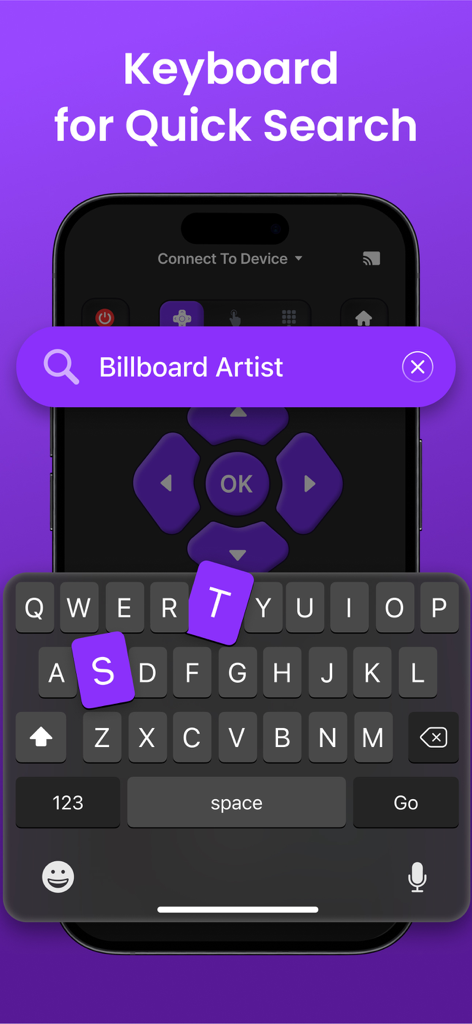
Tastiera dell'app telecomando TV universale per ricerche rapide su iPhone
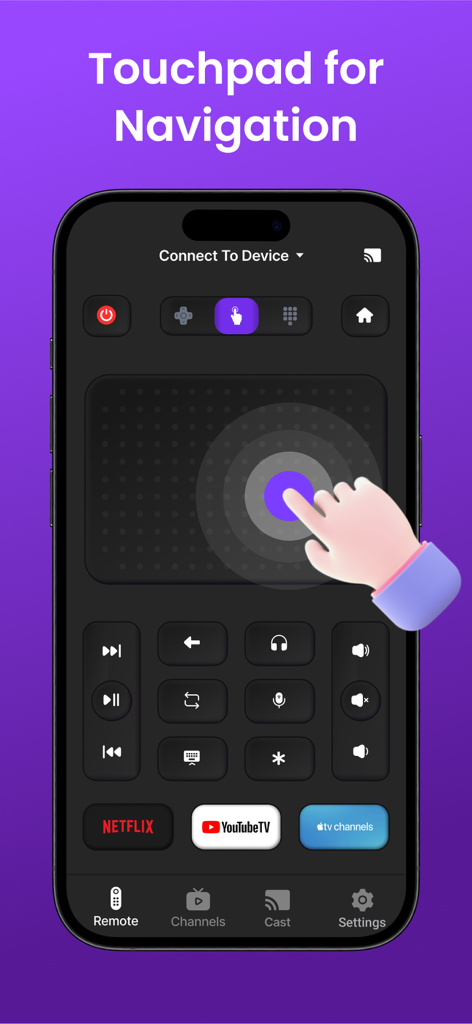
Schermata di un iPhone che mostra un'app telecomando TV universale con un grande touchpad per la navigazione e scorciatoie per Netflix e YouTube TV
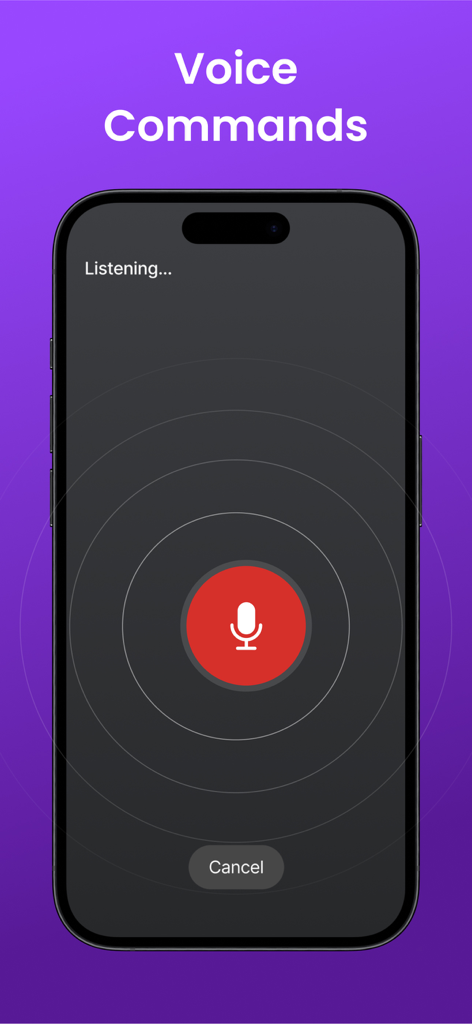
Interfaccia iPhone per la funzione comandi vocali del telecomando TV universale
Descrizione
Download
App Simili
App con funzionalità ed esperienza simili

The Roku App (Official)
ROKU INC

TV Remote & Smart TV Control
To Ngoc Mai

Universal TV Remote Control .
Apps Venture Inc.

TV Remote, Universal Remote
Hangzhou Yingshitong Technology Co., Ltd.

TV Remote Control “Universo”
Nemo Apps LLC

TV Remote・Universal Control #1
Mihai Turlea

Remote Smart Tv Universal
clement gasner

Remote TV Control TCL Onn App
CEMAL CAGLAR KIRICI

TV Remote Control Universal AI
Anh Ngo
Questa pagina non è una pagina ufficiale dell'app o del suo sviluppatore, ma una pubblicazione editoriale indipendente creata a scopo informativo e di commento. Salvo espressa indicazione contraria, né l'app né il suo sviluppatore sono affiliati, approvati, sponsorizzati, autorizzati o altrimenti ufficialmente collegati a MWM, Apple, Google Play, all'editore dell'app o allo sviluppatore dell'app, e nulla in questa pagina implica che l'app sia stata sviluppata utilizzando i servizi di MWM. Tutti i marchi, loghi, screenshot e altri contenuti rimangono di proprietà dei rispettivi proprietari.