
Questa pagina non è una pagina ufficiale dell'app o del suo sviluppatore, ma una pubblicazione editoriale indipendente creata a scopo informativo e di commento. Salvo espressa indicazione contraria, né l'app né il suo sviluppatore sono affiliati, approvati, sponsorizzati, autorizzati o altrimenti ufficialmente collegati a MWM, Apple, Google Play, all'editore dell'app o allo sviluppatore dell'app, e nulla in questa pagina implica che l'app sia stata sviluppata utilizzando i servizi di MWM. Tutti i marchi, loghi, screenshot e altri contenuti rimangono di proprietà dei rispettivi proprietari.

Video Effects Editor: Riveo
Trasforma i tuoi filmati iPhone in capolavori pronti a diventare virali con maschere basate sull'IA, animazioni di fotogrammi chiave ed effetti di movimento 3D. Crea reel e shorts mozzafiato che si distinguono in ogni feed.
Download
84K+Valutazione
Valutazioni totali
3K+Editore
Categoria
Photo & VideoLingue
12Ultima versione
3.91Dimensione
268.2 MBData di lancio
16 mar 2021Scatena il Tuo Potere Creativo
Riveo colma il divario tra montaggio di base e produzione di livello studio, progettato specificamente per la prossima generazione di creator virali.
Mascheratura Guidata dall'IA
Nessun green screen? Nessun problema. Utilizza l'IA avanzata per isolare istantaneamente i soggetti e scambiare gli sfondi per un look da studio professionale.
Qualità Cinematografica 4K
Distinguetevi con esportazioni 4K ultra nitide a 60fps e filtri pronti per i trend che conferiscono ai tuoi contenuti un'estetica raffinata e cinematografica.
Gli screenshot e la descrizione seguenti provengono direttamente dall'elenco ufficiale dello store dell'app e sono di proprietà dello sviluppatore.
App Store
Screenshot
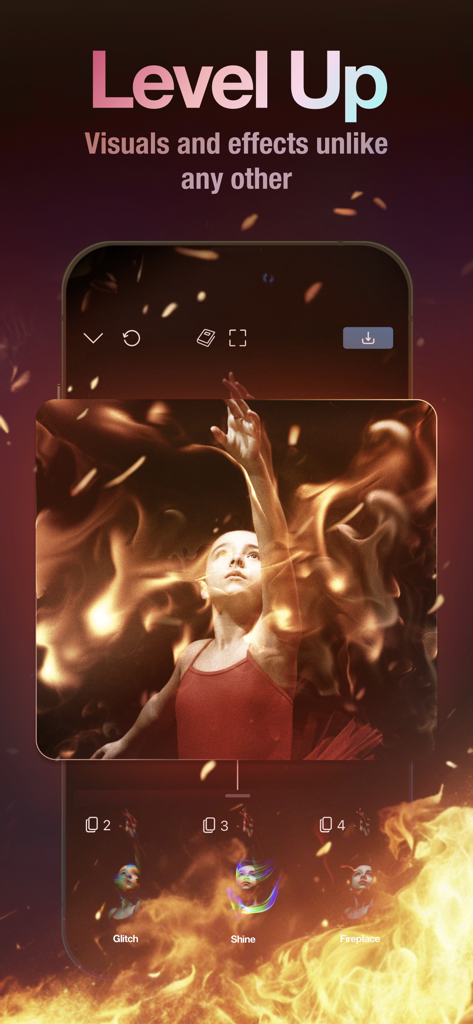
Interfaccia dell'app mobile Riveo che mostra una sovrapposizione di effetti cinematografici di fuoco su un video di un ballerino
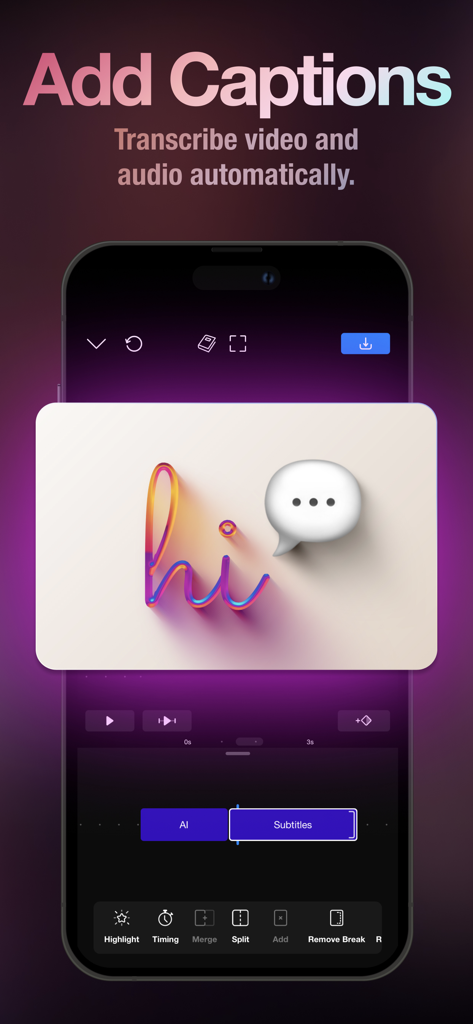
Schermata dell'app Riveo che mostra la trascrizione automatica di sottotitoli tramite IA e la timeline di montaggio video
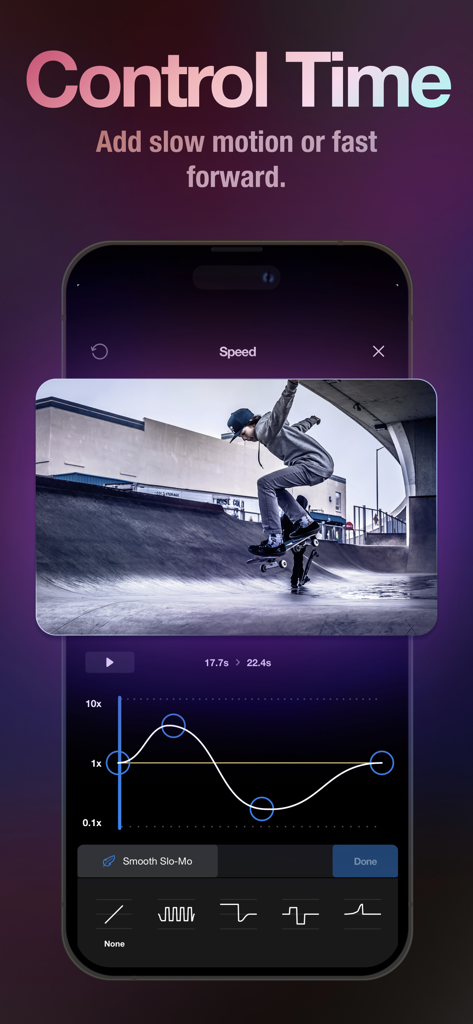
Interfaccia di controllo della velocità video in Riveo con una clip di skateboard e un grafico di ramp speed
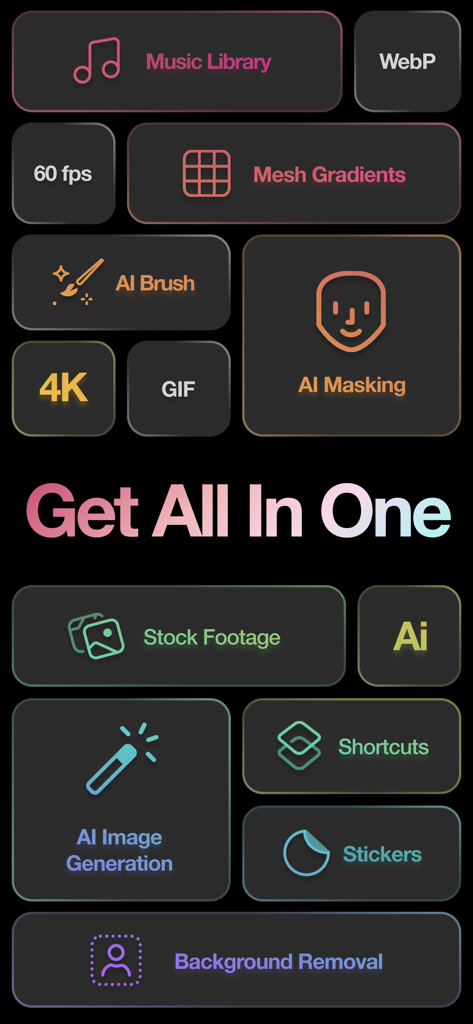
Una visualizzazione delle funzionalità dell'app Riveo, tra cui la rimozione dello sfondo con maschera IA e filmati d'archivio
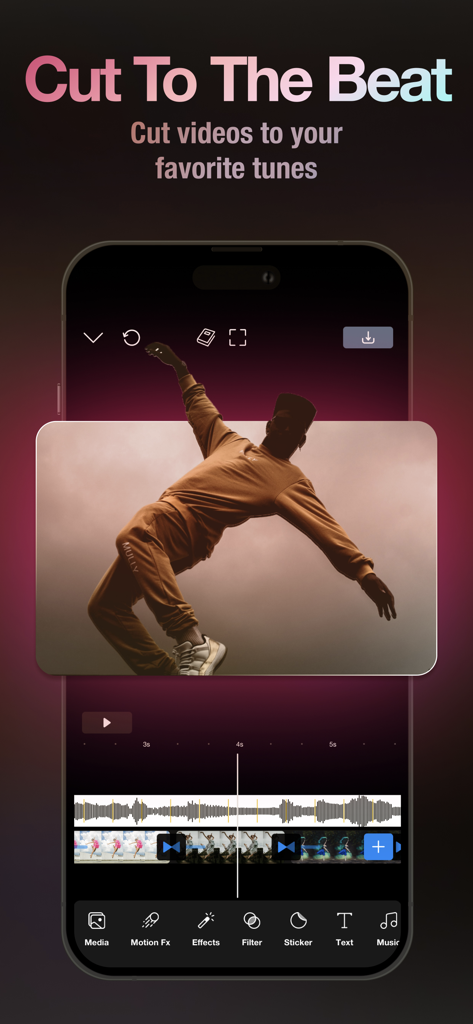
Interfaccia della timeline video dell'app Riveo sincronizzata con una forma d'onda musicale per tagliare clip a tempo
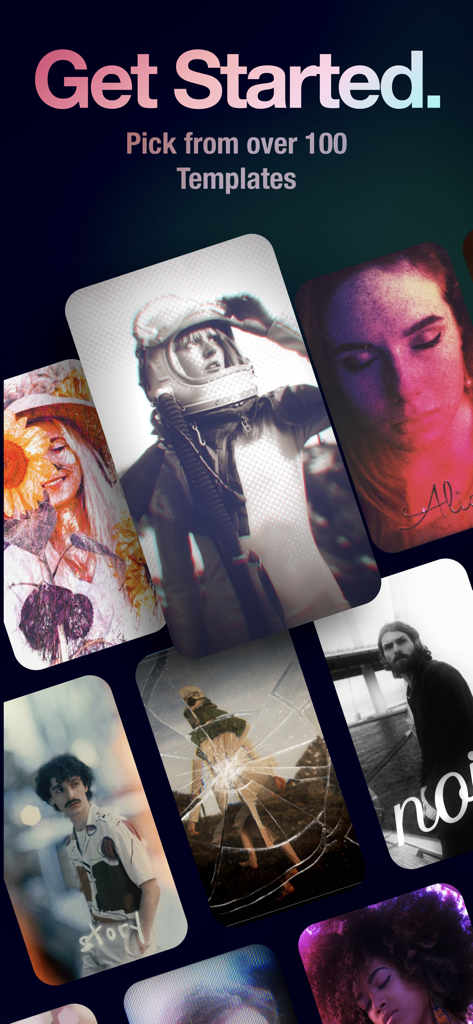
Selezione di modelli ed effetti video creativi nell'app Riveo
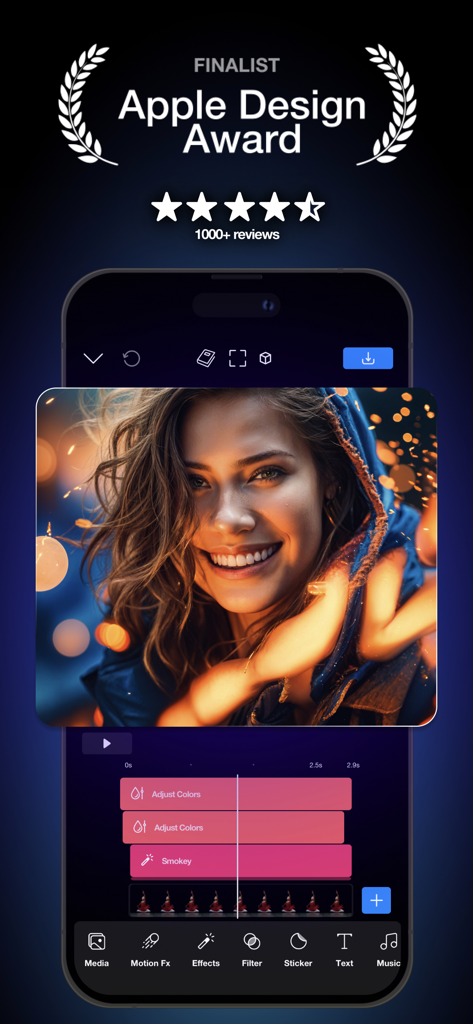
Interfaccia dell'editor video Riveo su uno smartphone con un badge di finalista Apple Design Award e editing ritratto cinematografico con una timeline multilivello
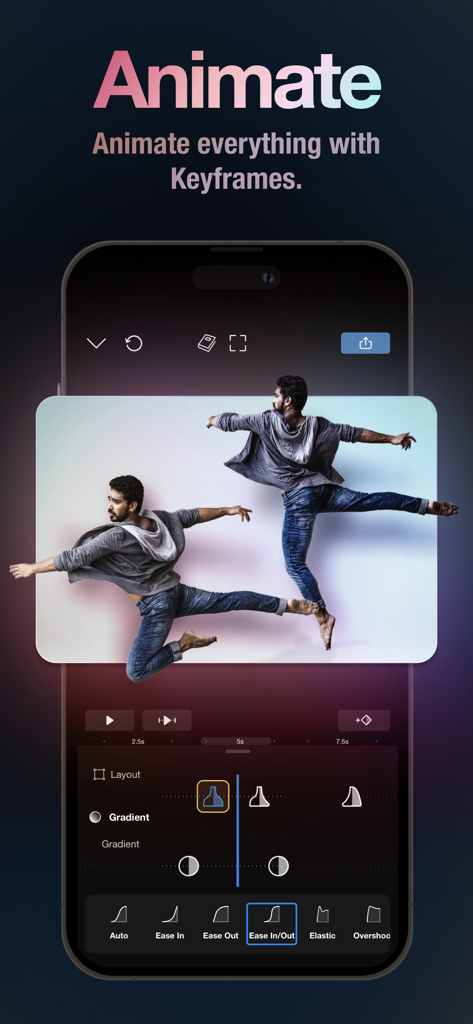
Interfaccia dell'app mobile Riveo che mostra animazioni professionali di fotogrammi chiave e strumenti per curve di easing per il montaggio video
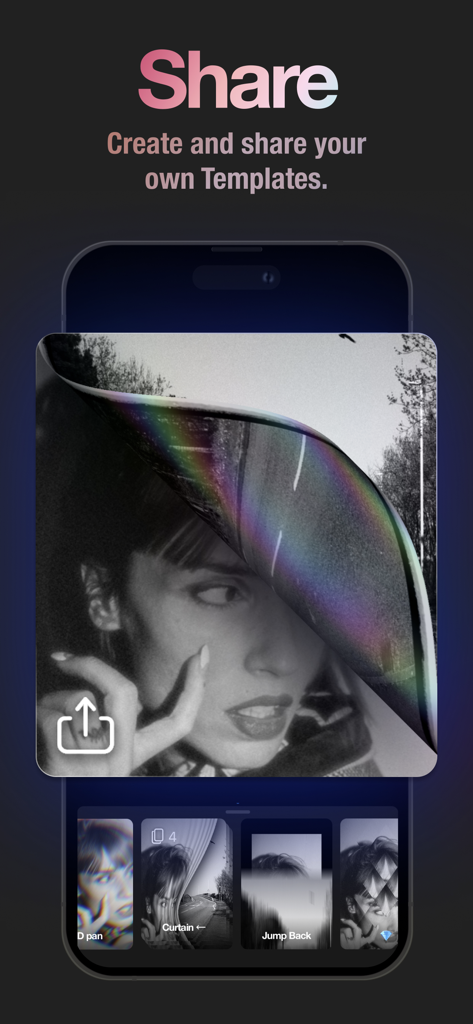
Schermata dell'app Riveo che dimostra la capacità di creare e condividere modelli video personalizzati con effetti professionali
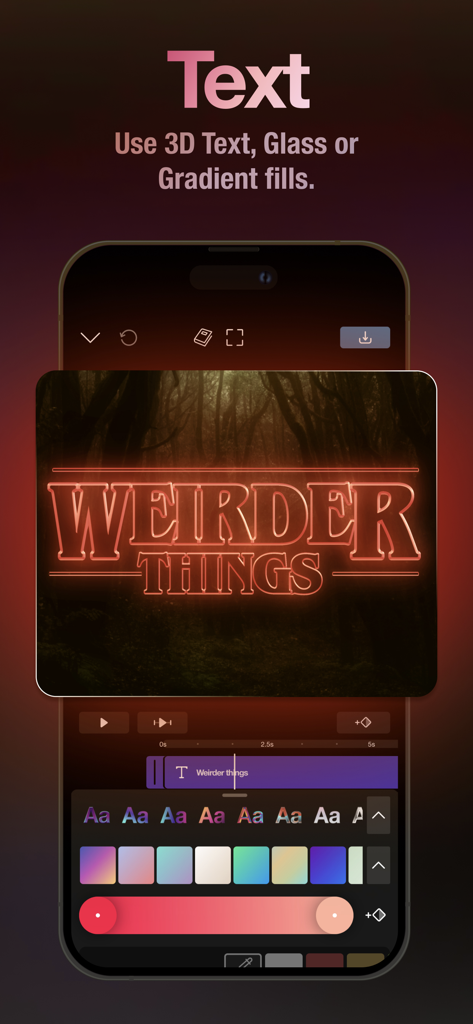
Interfaccia dell'app mobile Riveo che mostra l'editing di testo neon 3D per video cinematografici
Descrizione
Download
App Simili
App con funzionalità ed esperienza simili

VN: AI Video Editor
Ubiquiti Labs, LLC

Splice - Video Editor & Maker
Bending Spoons Apps ApS

Blurrr-Music video editor
TBPS INTERNATIONAL TECHNOLOGY PTE. LTD.

Node Video
小为 罗

Filmmaker Pro - Video Editor
Tinkerworks Apps

Time Cut: Smooth Slow Motion
立亚 林

LumaFusion
Luma Touch LLC

Slow Motion Video Fx Editor
Brain Craft Ltd

WEILO - My Last Video Editor
vimosoft
Questa pagina non è una pagina ufficiale dell'app o del suo sviluppatore, ma una pubblicazione editoriale indipendente creata a scopo informativo e di commento. Salvo espressa indicazione contraria, né l'app né il suo sviluppatore sono affiliati, approvati, sponsorizzati, autorizzati o altrimenti ufficialmente collegati a MWM, Apple, Google Play, all'editore dell'app o allo sviluppatore dell'app, e nulla in questa pagina implica che l'app sia stata sviluppata utilizzando i servizi di MWM. Tutti i marchi, loghi, screenshot e altri contenuti rimangono di proprietà dei rispettivi proprietari.