
Questa pagina non è una pagina ufficiale dell'app o del suo sviluppatore, ma una pubblicazione editoriale indipendente creata a scopo informativo e di commento. Salvo espressa indicazione contraria, né l'app né il suo sviluppatore sono affiliati, approvati, sponsorizzati, autorizzati o altrimenti ufficialmente collegati a MWM, Apple, Google Play, all'editore dell'app o allo sviluppatore dell'app, e nulla in questa pagina implica che l'app sia stata sviluppata utilizzando i servizi di MWM. Tutti i marchi, loghi, screenshot e altri contenuti rimangono di proprietà dei rispettivi proprietari.

WatchTalk: Chat on Watch
Resta connesso mentre corri, nuoti o lavori. Invia note vocali, visualizza contenuti multimediali HD e rispondi con una tastiera completa anche quando il tuo iPhone è lontano chilometri.
Download
130K+Valutazione
Valutazioni totali
2K+Editore
Categoria
Social NetworkingLingue
26Ultima versione
2.36Dimensione
69.8 MBData di lancio
22 set 2023Gestisci le tue conversazioni da qualsiasi luogo
Colma il divario nel tuo ecosistema Apple con un client WhatsApp potente e indipendente, progettato per il tuo Apple Watch e iPad.
Vera Libertà senza Telefono
Attiva la Modalità Cloud per inviare e ricevere messaggi anche quando il tuo iPhone è a casa. Perfetto per corse, nuotate e sessioni di digital detox.
Contenuti Multimediali Ricchi e Note Vocali
Non solo leggere: ascolta. Riproduci messaggi vocali, visualizza foto HD e guarda video direttamente sul tuo polso senza dover cercare in tasca.
Gli screenshot e la descrizione seguenti provengono direttamente dall'elenco ufficiale dello store dell'app e sono di proprietà dello sviluppatore.
App Store
Screenshot
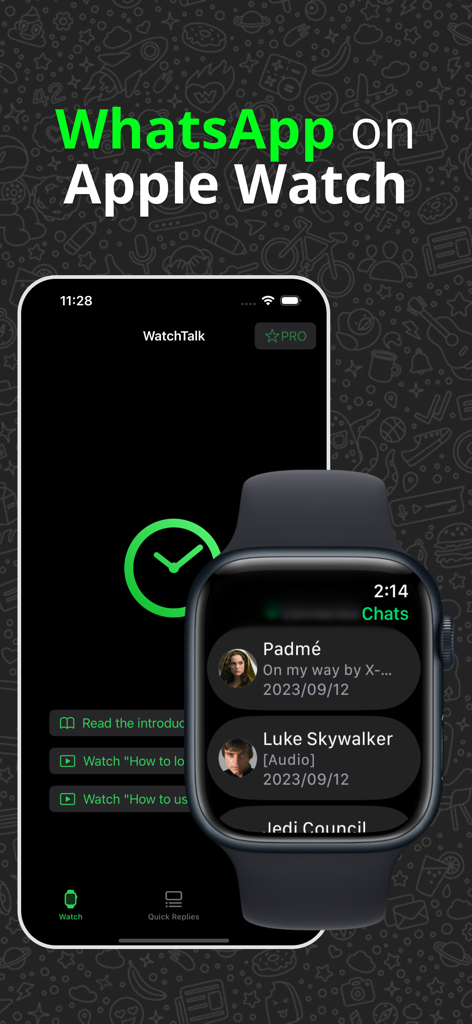
App WatchTalk che mostra un elenco di chat WhatsApp su un Apple Watch e l'interfaccia principale su un iPhone
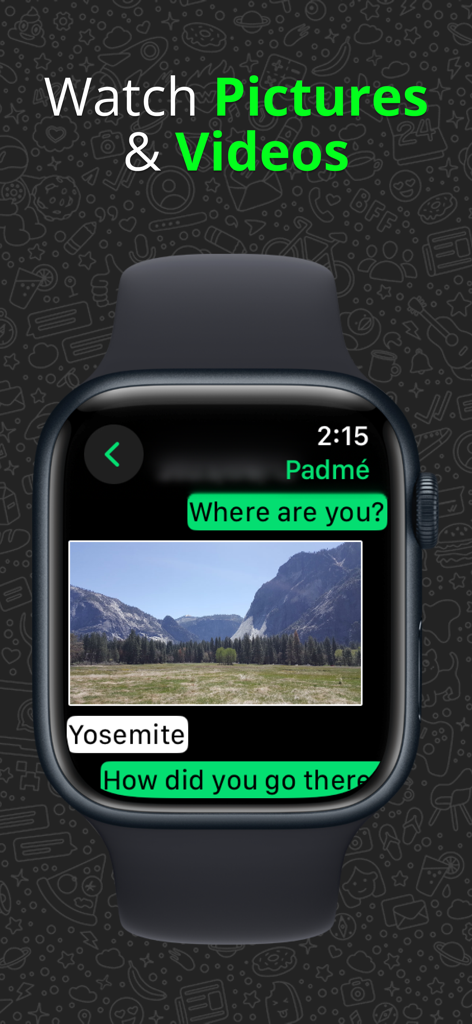
Un Apple Watch che visualizza una conversazione di chat con un'immagine di un paesaggio montano
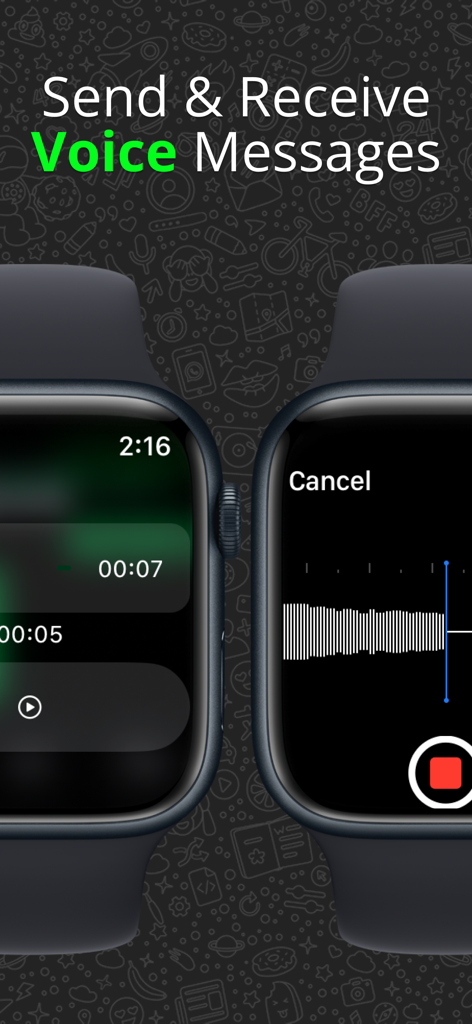
Interfaccia per inviare e ricevere messaggi vocali WhatsApp su un Apple Watch utilizzando l'app WatchTalk
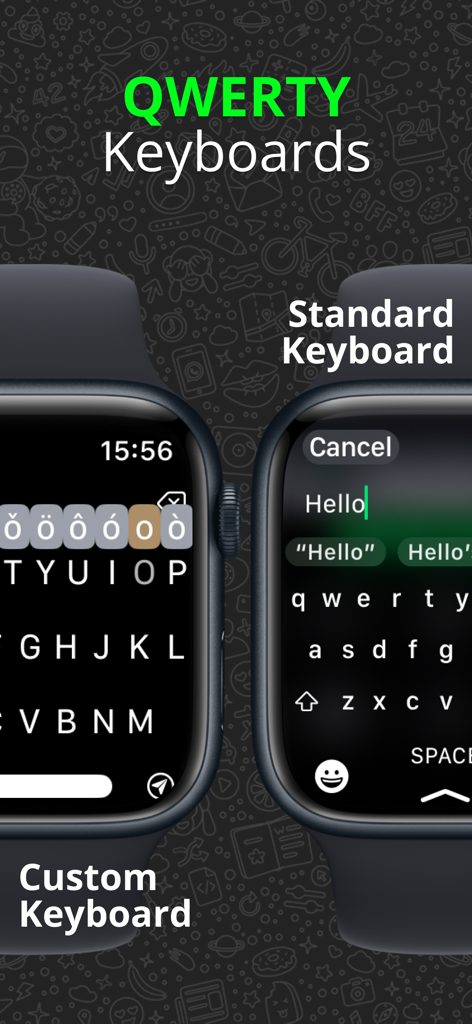
Confronto tra tastiere QWERTY personalizzate e standard per WhatsApp su Apple Watch
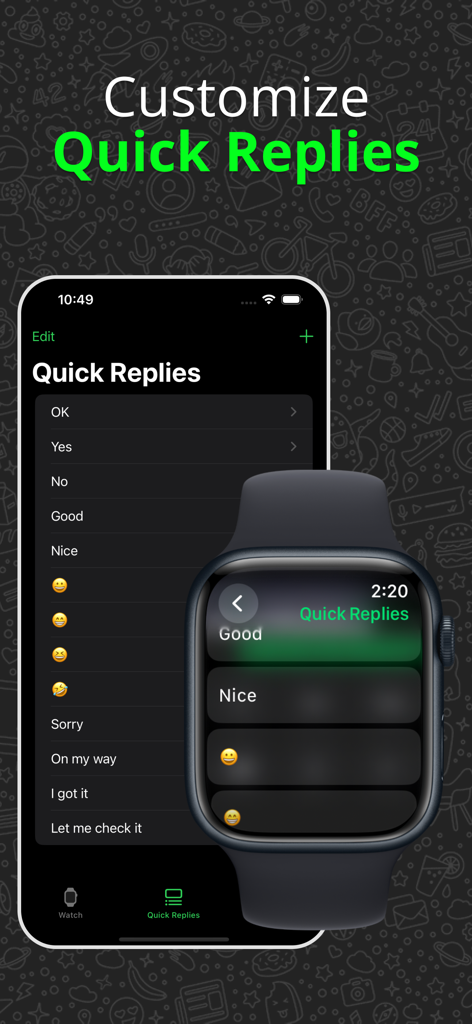
Interfaccia per personalizzare le risposte rapide di WhatsApp su iPhone e Apple Watch nell'app WatchTalk.
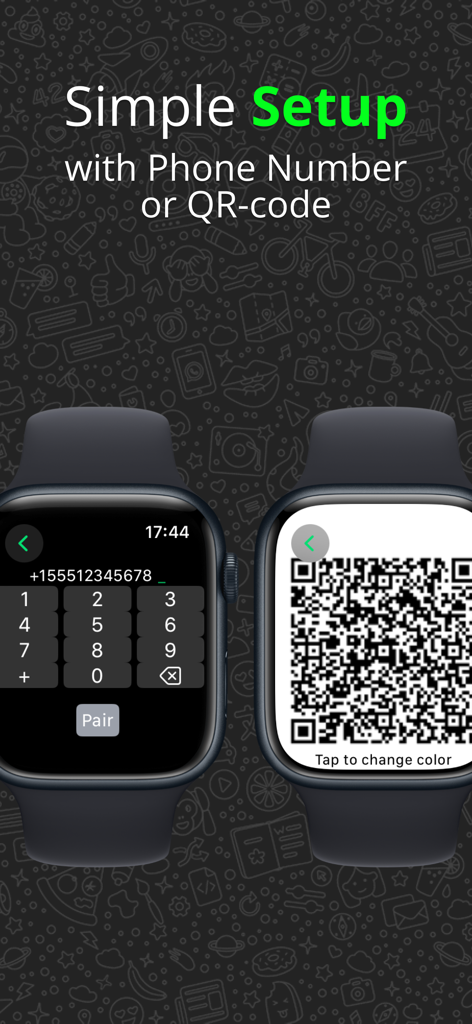
Schermata Apple Watch che mostra semplici opzioni di configurazione utilizzando un tastierino numerico del telefono o un codice QR per la connessione a WhatsApp.
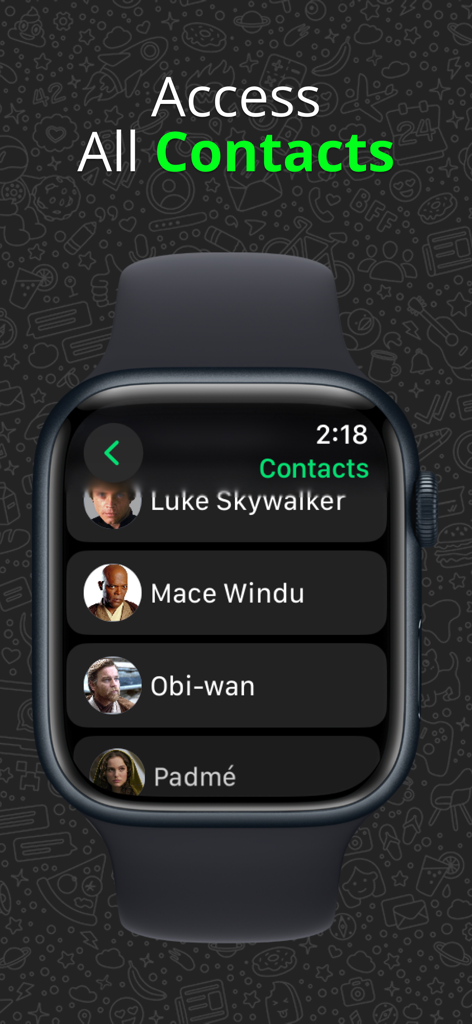
Un elenco di contatti WhatsApp visualizzato su un Apple Watch utilizzando l'app WatchTalk.
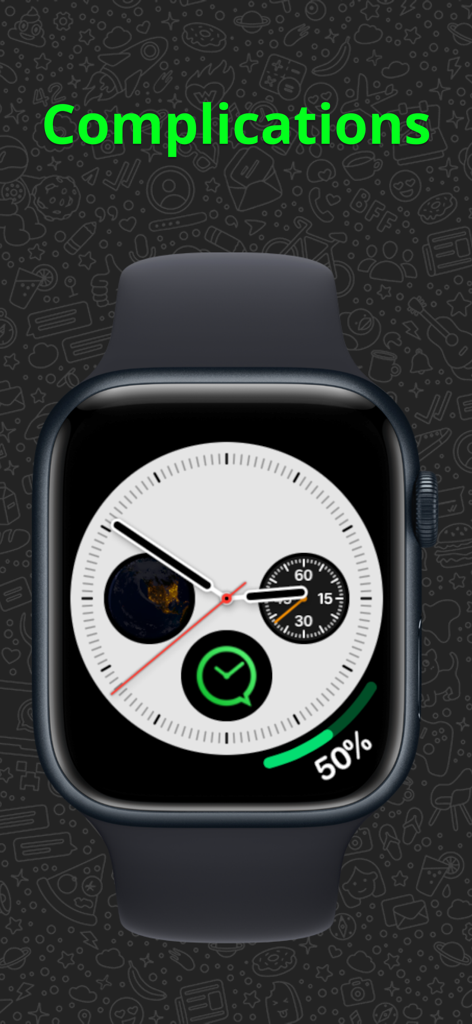
Un quadrante di Apple Watch con la complicazione dell'app WatchTalk per un accesso rapido.
Descrizione
Download
App Simili
App con funzionalità ed esperienza simili

WatchsApp - Chat for Watch
BEYLER SAGLIK BILISIM SAVUNMA DANISMANLIK SANAYI VE TICARET LIMITED SIRKETI

Battery Life - check runtimes
RBT Digital LLC
Web Scanner - Dual App
Kokila Ukani
Whats-App Web Scanner
Sudhir Donga
WatchsApp - Chat on Watch
芳 王

WristTube for YouTube
ALL RADIO DEVELOPMENT TECHNOLOGY JOINT STOCK COMPANY

WatchChat 2: Chat on Watch
XAN Software GmbH & Co. KG

WatchApp+ for Watch
Jennifer Kirby

Whats Messenger App
Michael Knochen
Questa pagina non è una pagina ufficiale dell'app o del suo sviluppatore, ma una pubblicazione editoriale indipendente creata a scopo informativo e di commento. Salvo espressa indicazione contraria, né l'app né il suo sviluppatore sono affiliati, approvati, sponsorizzati, autorizzati o altrimenti ufficialmente collegati a MWM, Apple, Google Play, all'editore dell'app o allo sviluppatore dell'app, e nulla in questa pagina implica che l'app sia stata sviluppata utilizzando i servizi di MWM. Tutti i marchi, loghi, screenshot e altri contenuti rimangono di proprietà dei rispettivi proprietari.