
Questa pagina non è una pagina ufficiale dell'app o del suo sviluppatore, ma una pubblicazione editoriale indipendente creata a scopo informativo e di commento. Salvo espressa indicazione contraria, né l'app né il suo sviluppatore sono affiliati, approvati, sponsorizzati, autorizzati o altrimenti ufficialmente collegati a MWM, Apple, Google Play, all'editore dell'app o allo sviluppatore dell'app, e nulla in questa pagina implica che l'app sia stata sviluppata utilizzando i servizi di MWM. Tutti i marchi, loghi, screenshot e altri contenuti rimangono di proprietà dei rispettivi proprietari.

xFormula - Equation Editor
Digitalizza la matematica istantaneamente con il riconoscimento AI, organizza librerie di formule personalizzate ed esporta equazioni LaTeX o Word perfette direttamente dalla tastiera del tuo iPad.
Download
77K+Valutazione
Valutazioni totali
500Editore
Categoria
EducationLingue
12Ultima versione
4.8Dimensione
55.9 MBData di lancio
5 ott 2019Il Toolkit Matematico Definitivo per il Tuo Percorso STEM
Colma il divario tra appunti scritti a mano e documenti digitali professionali. xFormula fornisce la precisione e la velocità richieste per la ricerca avanzata e l'eccellenza accademica.
Riconoscimento Matematico Potenziato dall'AI
Scatta una foto di qualsiasi equazione complessa da un libro di testo o una lavagna. Il nostro modello avanzato la converte istantaneamente in codice LaTeX o Word modificabile, eliminando gli errori di inserimento manuale.
Integrazione Fluida nell'Ecosistema
Esporta il tuo lavoro esattamente dove ti serve. Piena compatibilità con Microsoft Word, Pages, Keynote e Overleaf tramite esportazioni MathML, UnicodeMath e SVG di alta qualità.
Gli screenshot e la descrizione seguenti provengono direttamente dall'elenco ufficiale dello store dell'app e sono di proprietà dello sviluppatore.
App Store
Screenshot
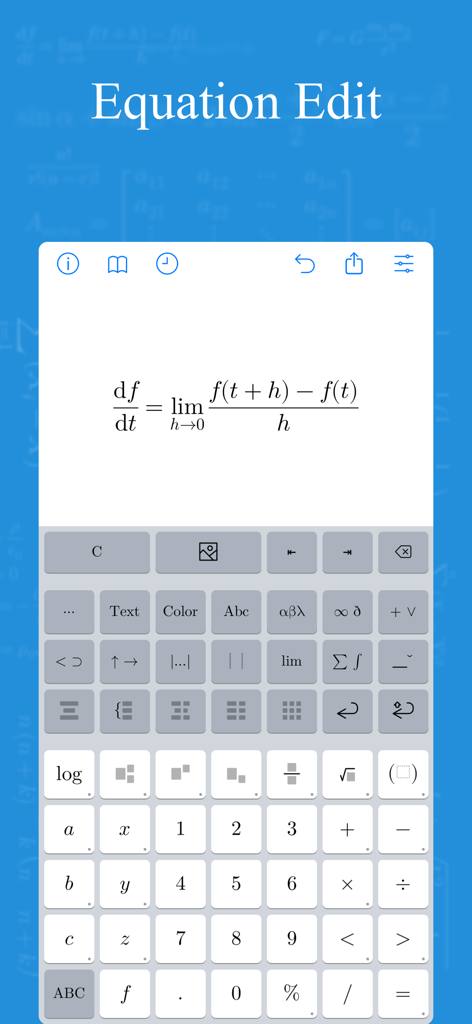
L'interfaccia dell'app xFormula che mostra un'equazione di calcolo in fase di modifica con una tastiera matematica specializzata.
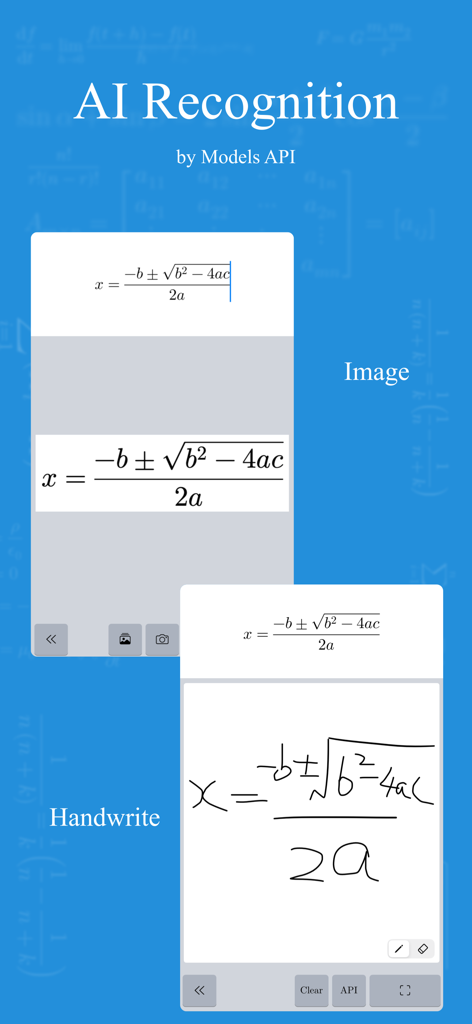
Riconoscimento AI di immagini e formule matematiche scritte a mano nell'editor di equazioni xFormula
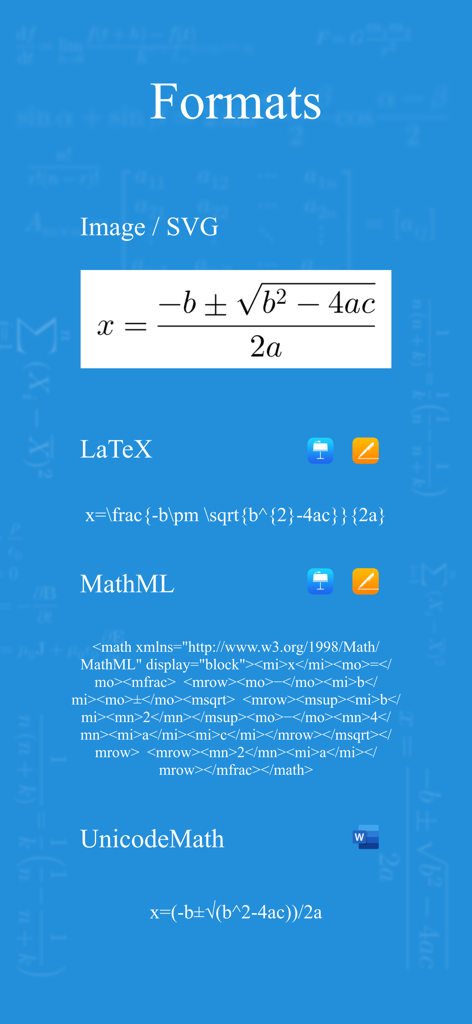
Uno screenshot che mostra diversi formati di esportazione per l'app xFormula, inclusi Immagine, LaTeX, MathML e UnicodeMath
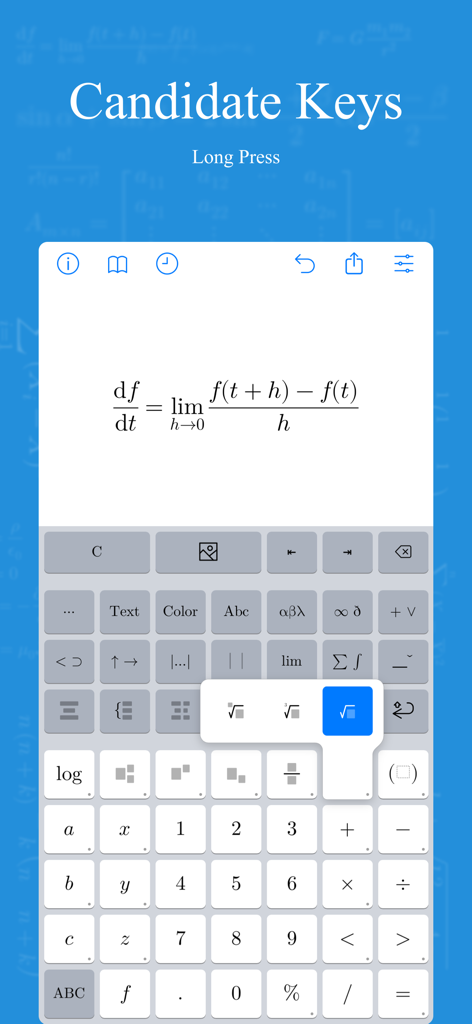
Interfaccia dell'app xFormula che visualizza un'equazione di calcolo e una tastiera con simboli matematici specializzati
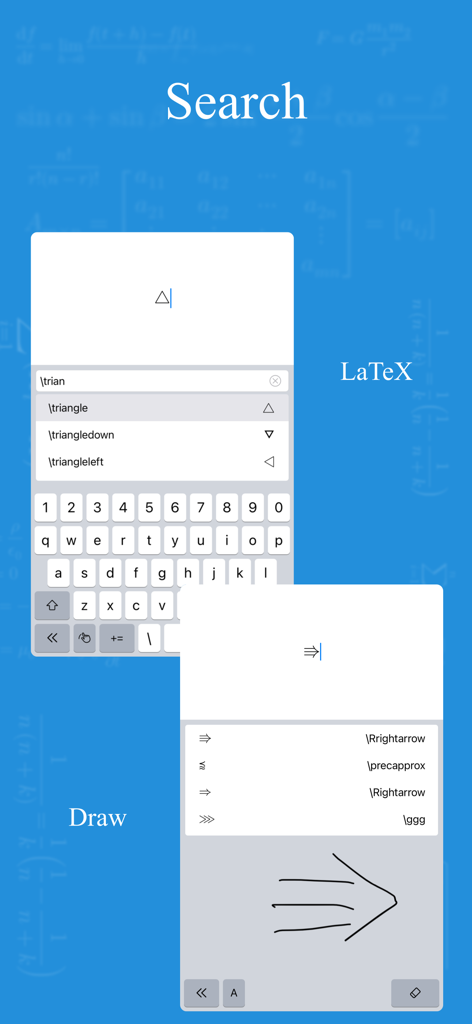
Interfaccia dell'app xFormula che mostra la ricerca di simboli LaTeX e le funzionalità di riconoscimento di scrittura a mano
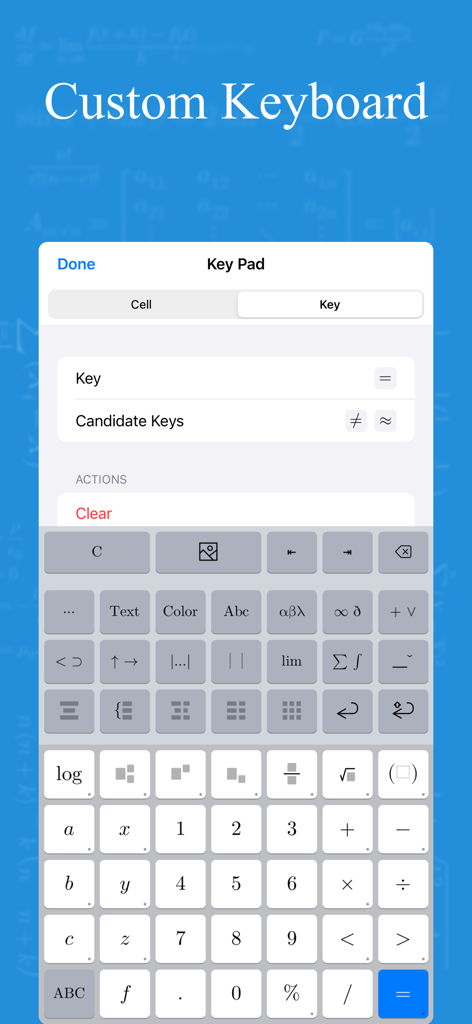
Interfaccia di una tastiera matematica personalizzabile con simboli scientifici e strumenti di modifica delle equazioni
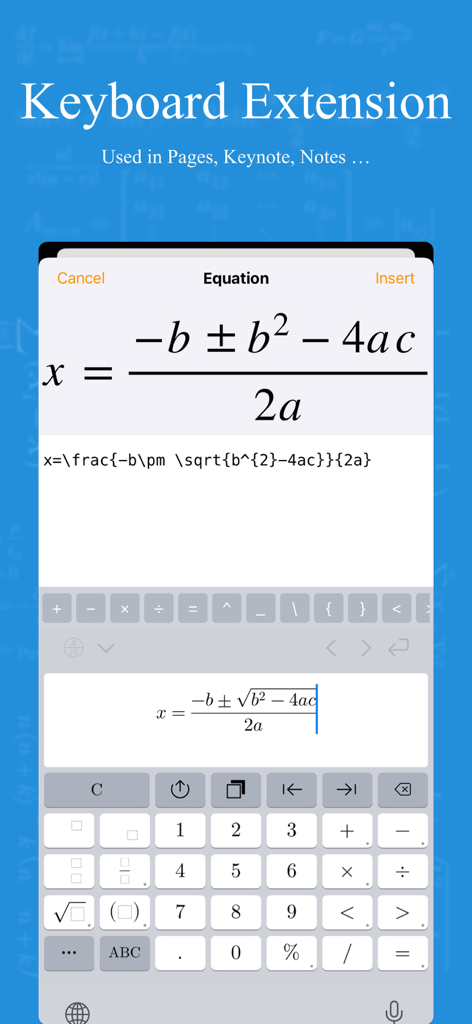
Screenshot dell'estensione da tastiera dell'app xFormula che mostra la formula quadratica in fase di modifica su un dispositivo mobile
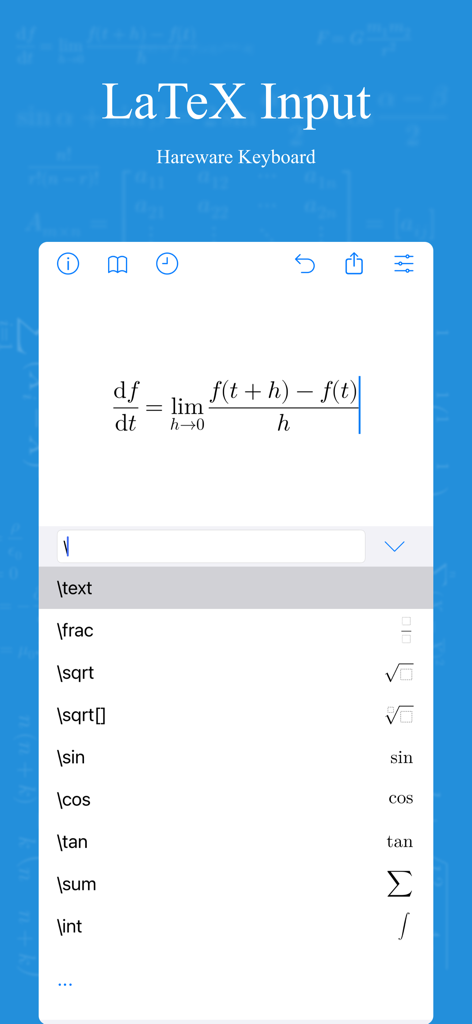
Interfaccia dell'app xFormula che mostra una formula di limite di calcolo e un elenco di scorciatoie per comandi LaTeX
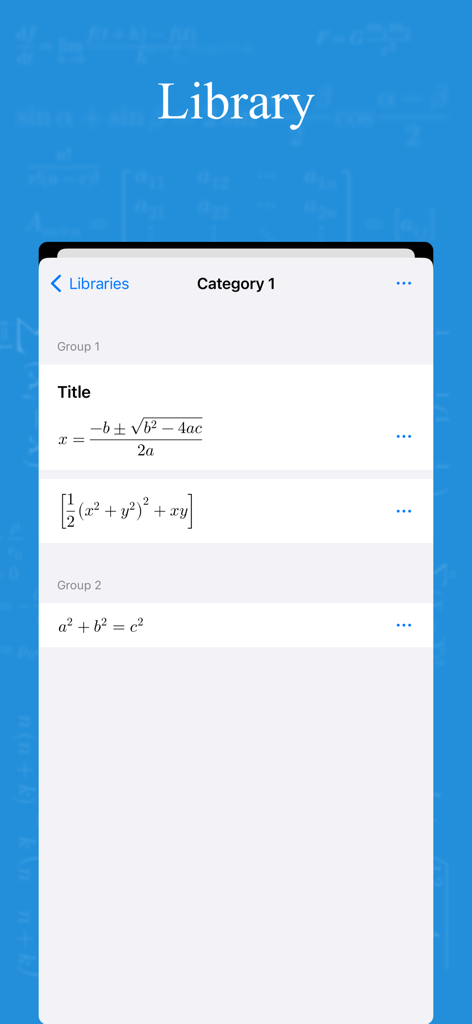
Interfaccia della libreria dell'app xFormula che mostra equazioni matematiche e categorie organizzate
Descrizione
Download
App Simili
App più classificate nella stessa categoria

Duolingo - Language Lessons
Duolingo, Inc

Speak & Learn English: Learna
DEEP FLOW SOFTWARE SERVICES - FZCO

驾考宝典-科一科四驾驶证考试驾考通
Wuhan Jiakaobaodian Information Service Co., Ltd.

Toca Boca World
Toca Boca AB

Google Classroom
Google LLC

作业帮-中小学家长作业检查和辅导工具
Guangzhou Polar Future Culture Technology Co., Ltd

学信网
Student Information Consultation Service Co., Ltd.

Gauth: AI Study Companion
GAUTHTECH PTE. LTD.

ArtWorkout: Learn How to Draw
Aleksandr Ulitin
Questa pagina non è una pagina ufficiale dell'app o del suo sviluppatore, ma una pubblicazione editoriale indipendente creata a scopo informativo e di commento. Salvo espressa indicazione contraria, né l'app né il suo sviluppatore sono affiliati, approvati, sponsorizzati, autorizzati o altrimenti ufficialmente collegati a MWM, Apple, Google Play, all'editore dell'app o allo sviluppatore dell'app, e nulla in questa pagina implica che l'app sia stata sviluppata utilizzando i servizi di MWM. Tutti i marchi, loghi, screenshot e altri contenuti rimangono di proprietà dei rispettivi proprietari.