
Questa pagina non è una pagina ufficiale dell'app o del suo sviluppatore, ma una pubblicazione editoriale indipendente creata a scopo informativo e di commento. Salvo espressa indicazione contraria, né l'app né il suo sviluppatore sono affiliati, approvati, sponsorizzati, autorizzati o altrimenti ufficialmente collegati a MWM, Apple, Google Play, all'editore dell'app o allo sviluppatore dell'app, e nulla in questa pagina implica che l'app sia stata sviluppata utilizzando i servizi di MWM. Tutti i marchi, loghi, screenshot e altri contenuti rimangono di proprietà dei rispettivi proprietari.


xTerminal - SSH Terminal Shell
Il terminale professionale definitivo per DevOps e SysAdmin. Gestisci in modo sicuro multi-sessione, automatizza attività con snippet e gestisci file tramite SFTP, tutto dalla tua tasca.
Download
463K+Valutazione
Valutazioni totali
100Editore
Categoria
Developer ToolsLingue
1Ultima versione
3.12Dimensione
97.8 MBData di lancio
17 dic 2020Comanda la Tua Infrastruttura
Il tuttofare SSH e SFTP per sviluppatori e amministratori di sistema. Gestisci, monitora e risolvi i problemi dei tuoi server in modo sicuro dalla tua tasca o dal tuo iPad.
Automatizza con gli Snippet
Smetti di digitare ripetutamente. Salva comandi complessi ed eseguili su più server contemporaneamente con un singolo tocco per aumentare la tua efficienza on-call.
Terminale di Livello Desktop
Sperimenta una shell interattiva senza lag con supporto completo per vi/vim e SFTP integrato per una gestione fluida dei file e il monitoraggio dei log in movimento.
Gli screenshot e la descrizione seguenti provengono direttamente dall'elenco ufficiale dello store dell'app e sono di proprietà dello sviluppatore.
App Store
Screenshot
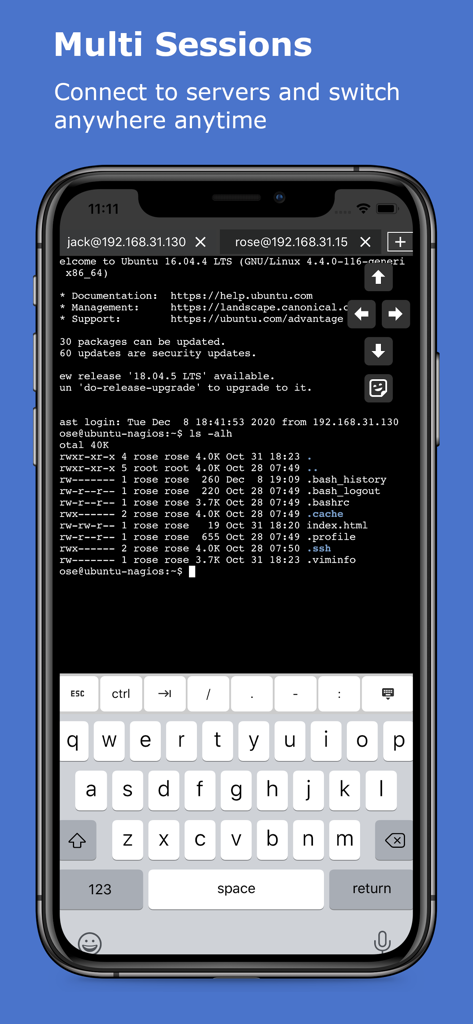
App xTerminal che mostra più sessioni SSH su uno schermo mobile
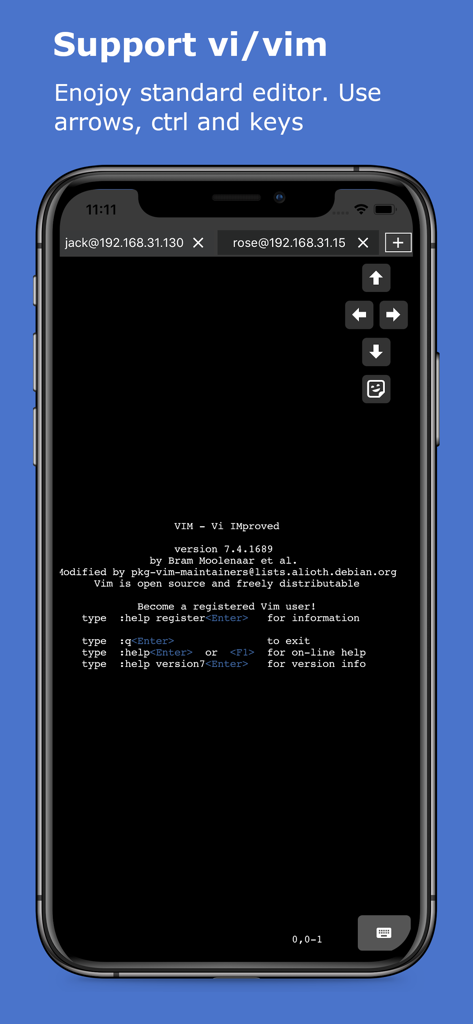
Schermata iPhone che mostra l'editor di testo Vim in esecuzione all'interno della shell SSH di xTerminal con tasti freccia sullo schermo
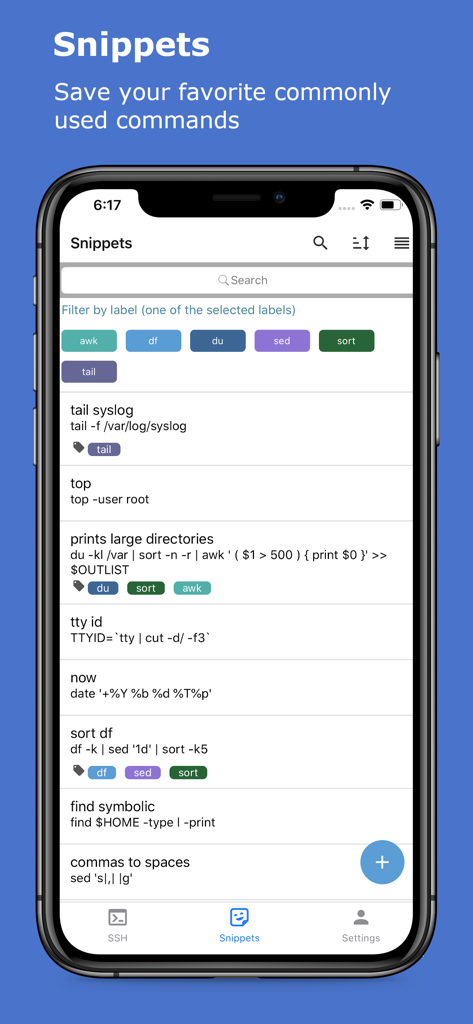
Schermata snippet dell'app xTerminal che mostra un elenco di comandi SSH salvati con etichette e filtri
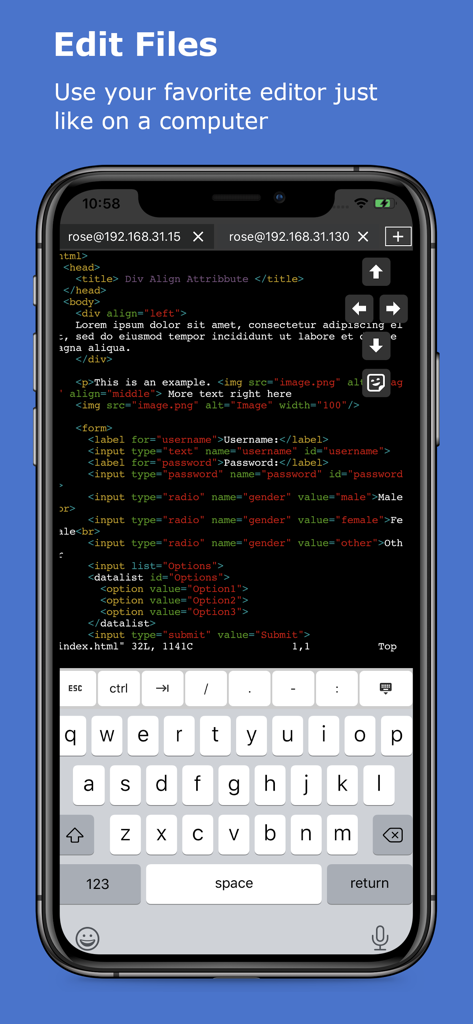
Modifica di codice nel terminale SSH di xTerminal su iPhone
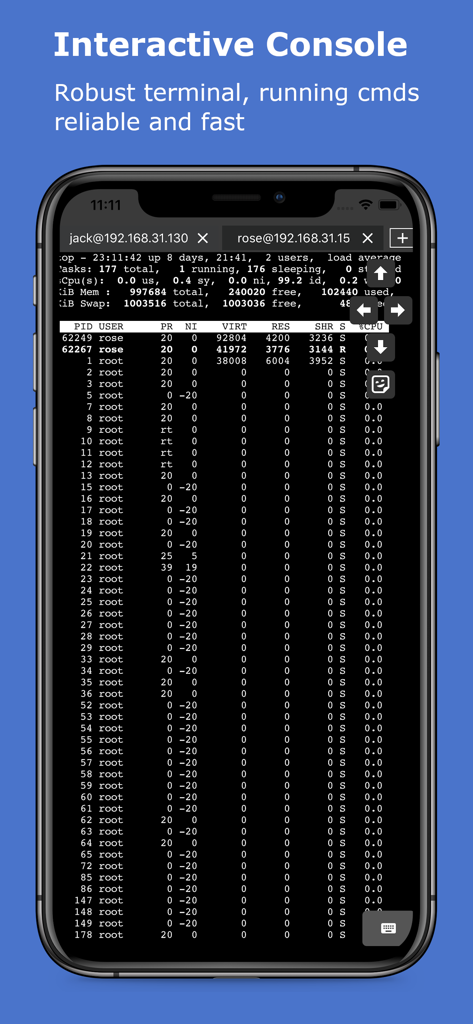
Terminale SSH interattivo che mostra i processi del server su un dispositivo mobile
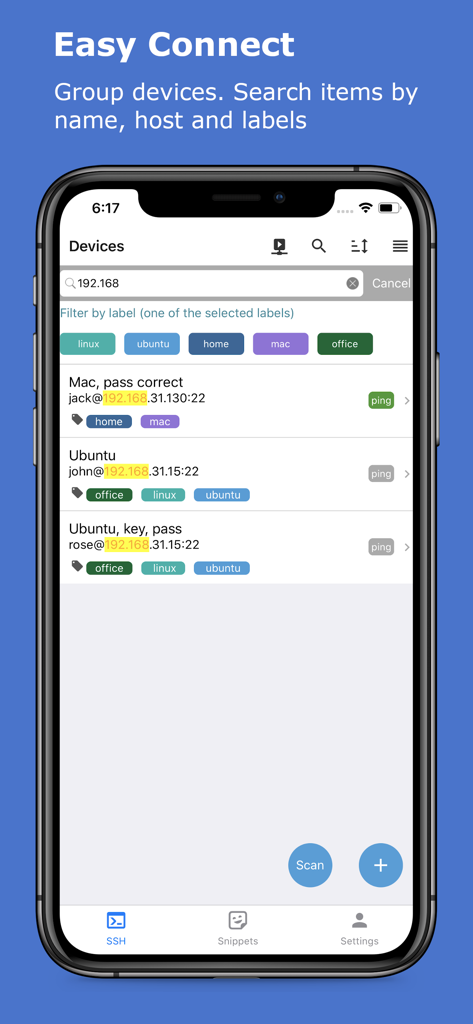
Interfaccia dell'app xTerminal che mostra un elenco di server SSH gestiti con etichette di filtro e barra di ricerca
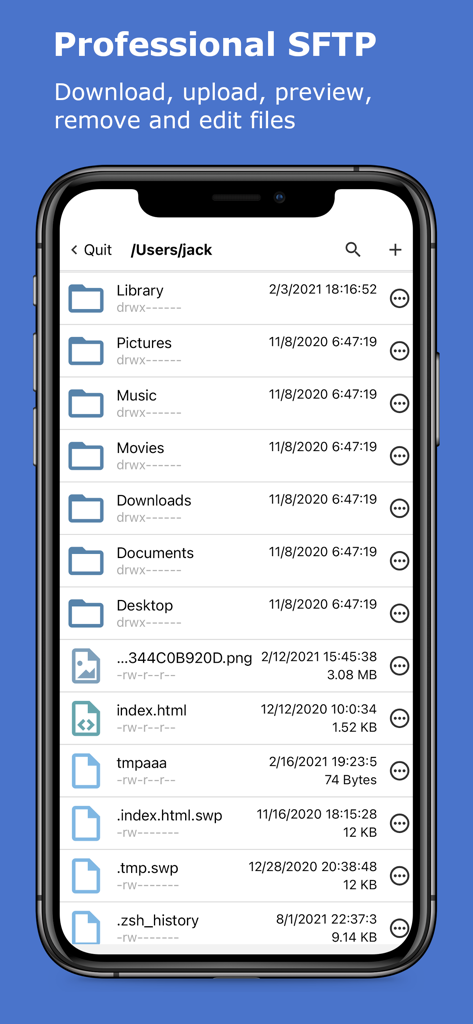
App xTerminal che mostra l'interfaccia SFTP professionale per la gestione di file e cartelle del server
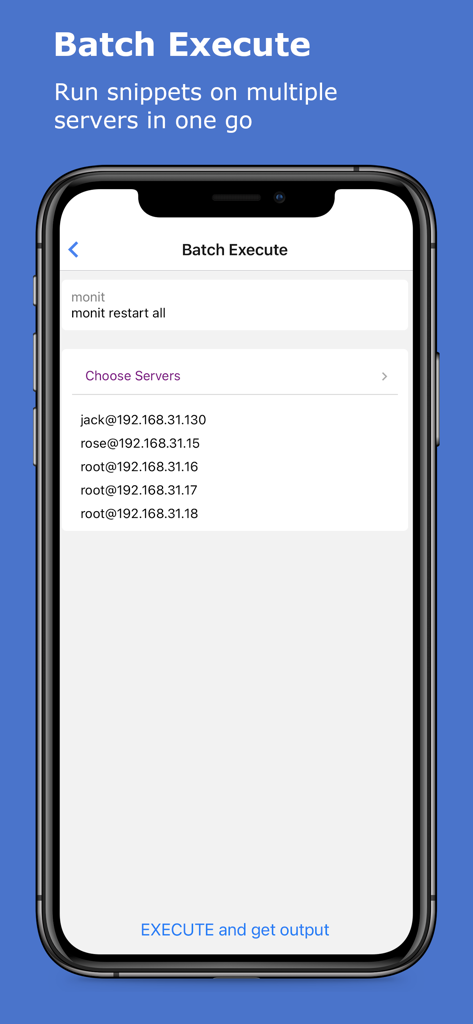
Interfaccia per l'esecuzione batch di comandi SSH su più server nell'app xTerminal
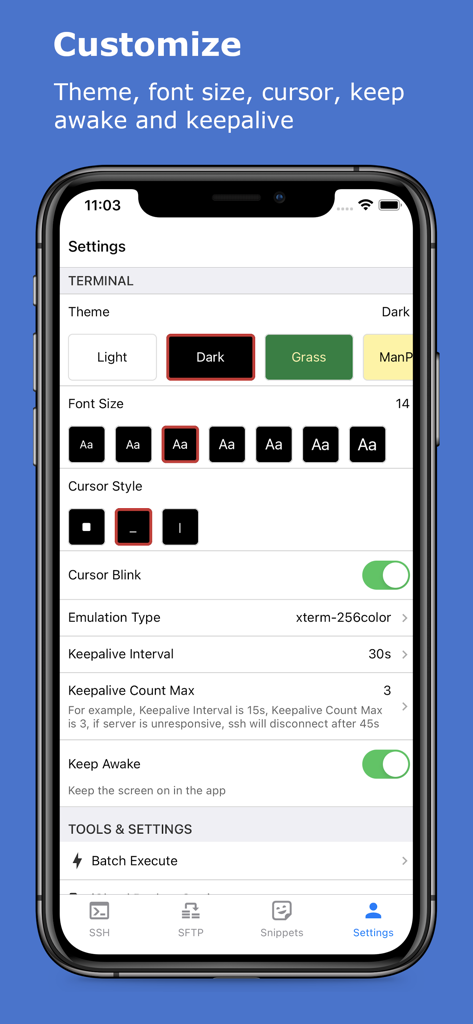
Schermata delle impostazioni dell'app xTerminal per personalizzare temi del terminale e dimensione del carattere
Descrizione
Download
App Simili
App con funzionalità ed esperienza simili

SSH Client - Secure ShellFish
Anders Borum

FTPManager - FTP, SFTP client
Skyjos Co., Ltd.

FTP Client Pro
Anders Havn

Termux
FREE AI UTILS COMPANY LIMITED
TN5250
Jan Frydendal

Blink Shell, Build & Code
Blink Shell, Inc

Terminal#
Vasiliy Shaydullin

Prompt 3
Panic, Inc.

NovaAccess - Tailnet Tools
GalaxNet Ltd.
Questa pagina non è una pagina ufficiale dell'app o del suo sviluppatore, ma una pubblicazione editoriale indipendente creata a scopo informativo e di commento. Salvo espressa indicazione contraria, né l'app né il suo sviluppatore sono affiliati, approvati, sponsorizzati, autorizzati o altrimenti ufficialmente collegati a MWM, Apple, Google Play, all'editore dell'app o allo sviluppatore dell'app, e nulla in questa pagina implica che l'app sia stata sviluppata utilizzando i servizi di MWM. Tutti i marchi, loghi, screenshot e altri contenuti rimangono di proprietà dei rispettivi proprietari.