Audio Kit

Audio Kit

ダウンロード: App Store
ロゴ: Audio Kit

Audio Kit: オーディオエンジニアリングとサウンド解析のためのプロレベルツール

リアルタイムFFTスペクトラムアナライザ、オシロスコープ、キャリブレーション済みSPLメーター、マルチモード信号ジェネレータによる、現代のオーディオプロフェッショナルのための精密なツールを手元に。

ダウンロード: App Store

開発元

Sinusoid Pty Ltd

カテゴリ

Music

ダウンロード

170K+

ユーザー評価

4.3/5

評価数

0

対応言語

1

一目でわかる精度

このインターフェースを利用する 170K+ 人のユーザー.

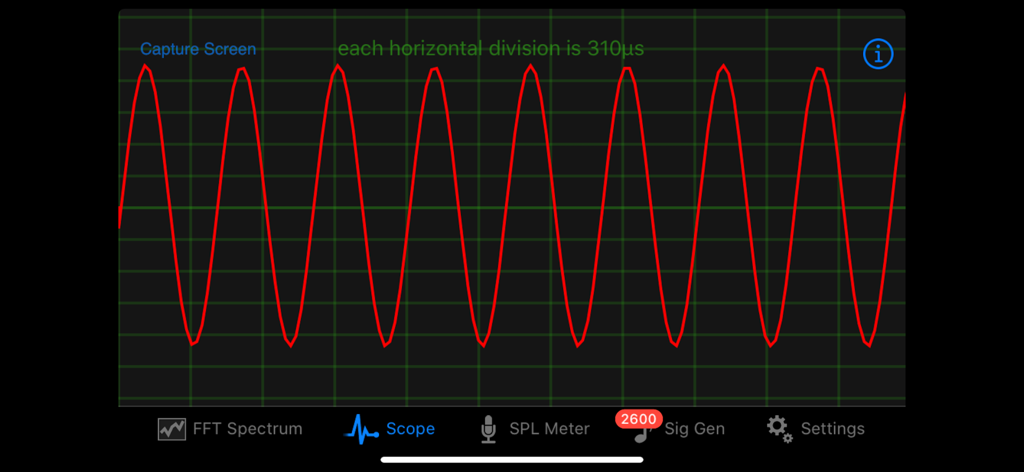
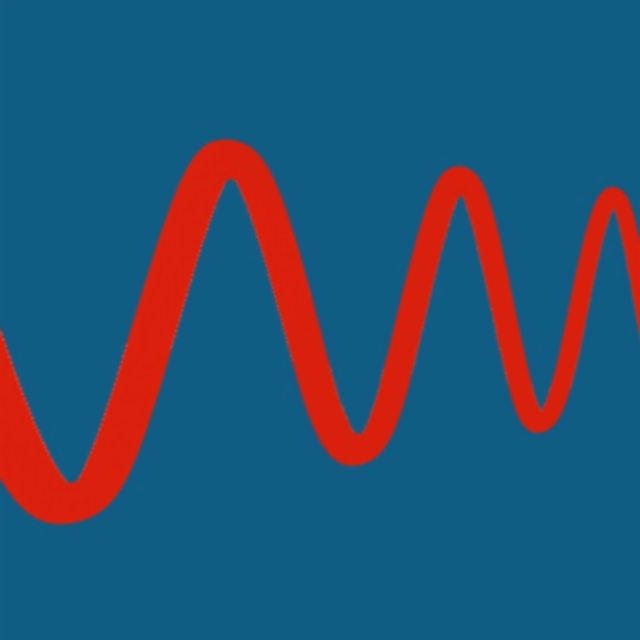
Audio Kitアプリのオシロスコープに赤いサイン波形が表示されています。

Audio Kitアプリのオシロスコープに赤いサイン波形が表示されています。

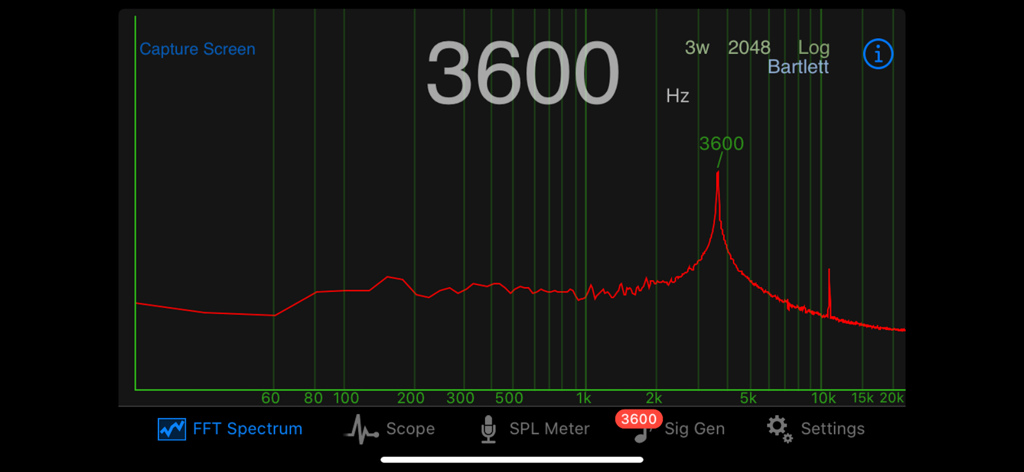
Audio Kit FFTスペクトラムアナライザが対数スケールで3600Hzの周波数ピークを表示しています。

Audio Kit FFTスペクトラムアナライザが対数スケールで3600Hzの周波数ピークを表示しています。

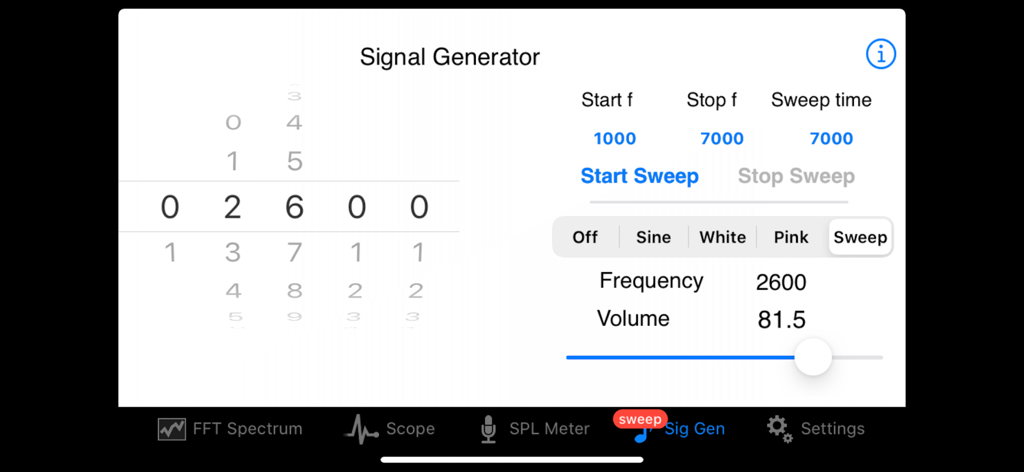
Audio Kit信号ジェネレータインターフェースに周波数スイープ設定が表示されています。

Audio Kit信号ジェネレータインターフェースに周波数スイープ設定が表示されています。

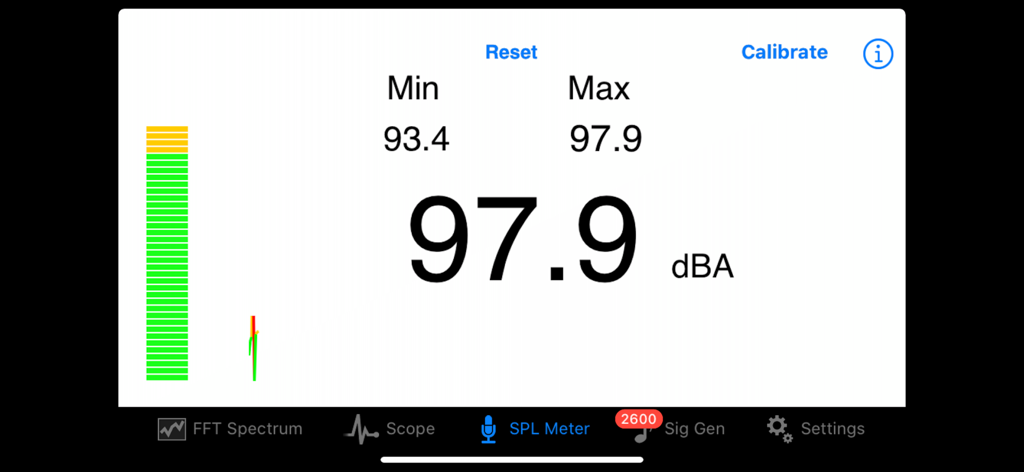
Audio Kitアプリのインターフェースに、プロフェッショナルなサウンド分析のためのリアルタイムデシベルレベル表示付きSPLメーターが表示されています。

Audio Kitアプリのインターフェースに、プロフェッショナルなサウンド分析のためのリアルタイムデシベルレベル表示付きSPLメーターが表示されています。

ポケットに入るプロレベルのオーディオ分析

このアプリを際立たせるツール、 170K+ 人のユーザーが選択.

📊

精密なスペクトラム分析

最大8192のFFTサイズと正確なピーク検出で周波数をリアルタイムに視覚化し、完璧な音響チューニングを実現します。

🔊

キャリブレーション済みSPL測定

A特性とピークトラッキングで音圧レベルを測定し、最適な音量と規制遵守を保証します。

〰️

プロ信号生成

1Hzの精度でサイン波、ホワイトノイズ、ピンクノイズを生成し、システム応答のテストやオーディオパスのトラブルシューティングを行います。

アプリについて

について知っておくべきこと Audio Kit.

説明

Audio Kit is a collection of four tools which are essential for those working in audio, sound and music. A real time Spectrum Analyser, a Scope to display waveforms, an SPL (Sound Pressure Level) Meter, and a Signal Generator producing sine waves, white noise and pink noise. Sweep generation with In App Purchase. 
 -View a real time spectrum of audio with the Spectrum Analyser and identify peak frequencies precisely 
-View the actual waveform of the audio signal with the Scope 
-An SPL Meter provides measurement of sound levels using an A-weighting 
-The Signal Generator provides a sine wave output up to 20,000Hz in 1 Hz steps, along with noise generators for white and pink noise. Sweep generation with In App Purchase ** Spectrum
 ** FFT (Fast Fourier Transform) is used to calculate the frequencies in the Spectrum Analyser and these are displayed in real time. The frequency is displayed in either logarithmic or linear scale. Three FFT sizes of 8192, 4096 and 2048 are selectable, giving fine resolution of frequencies. Interpolation gives resolution to within 1Hz. 
6 different FFT window function types can be selected - Hamming, Hann, Rectangular, Bartlett, Triangular and Blackman. 
 Number of FFT windows can be selected from 1 through 4. The strongest frequency is displayed both above the peak, and optionally, in a large number display in the center of the screen. The large number display can be quickly switched on or off by double tapping the screen.
 There is a screen capture facility in the Spectrum Analyser allowing you to save the spectra for future reference along with details of the FFT parameters, time and date.
 A single tap freezes the screen. Other features such as screen capture and double tap to toggle large number display still work during the freeze. This feature can be turned off in preferences if it’s not desired.
 ** Scope ** The display of the Scope can be adjusted easily using pinch gestures in both horizontal and vertical directions. Zero crossing detection of the waveform provides a smooth display and can be set to either positive or negative direction zero crossing. 

There is a screen capture facility in the Scope allowing you to save waveforms for future reference.
 ** SPL Meter ** 
The SPL Meter continuously displays the sound pressure level using an A-weighting, and has resettable minimum and maximum displays also. SPL Meter can be calibrated against a reference standard or meter. SPL Meter has a continuous ticker style trace of the SPL over time.
 ** Signal Generator ** 
 The Signal Generator has 3 different output types: - Sine wave - White noise - Pink noise 
The output of the Signal Generator can be viewed on the other parts of the App.
 The sine wave frequency selected using picker wheels allows for accurate control of frequency to within 1Hz. Volume for the sine wave and noise signals is continuously adjustable.

 With an In App Purpose one can add a sine wave sweep generator functionality to the Signal Generator. The sweep generator can sweep increasing and decreasing frequencies, and using either a linear or log sweep rate. **Settings
 ** All of the user preferences in each of the above applications can be made persistent between restarts of the App. All parts of the App have direct access to a help document. Audio Kit - essential for those working in audio, sound and music.

最新バージョン

2.3

サイズ

1.9 MB

リリース日

2010年6月18日

精密な分析。プロフェッショナルな結果。

170,000人以上のオーディオエンジニアとプロデューサーの仲間入りを。リアルタイムスペクトラム分析、SPL測定、波形モニタリングのための必須ツールセットをiPhoneに装備しましょう。

ダウンロード: App Store

App information, icons, screenshots, and descriptions displayed on this page are sourced from the Apple App Store and are the property of their respective developers. Download estimates and rankings are based on MWM's proprietary models and may not reflect actual figures. This page is provided for informational and analytical purposes only.

Believe this page infringes your intellectual property? File a dispute