
Brother iPrint&Label


iPhoneまたはiPadをパワフルなデザインスタジオに変えましょう。PCやドライバー不要で、数秒でラベルをワイヤレスで作成、カスタマイズ、印刷できます。
開発元
カテゴリ
Utilitiesダウンロード
609K+ユーザー評価
評価数
16K+対応言語
26このインターフェースを利用する 609K+ 人のユーザー.
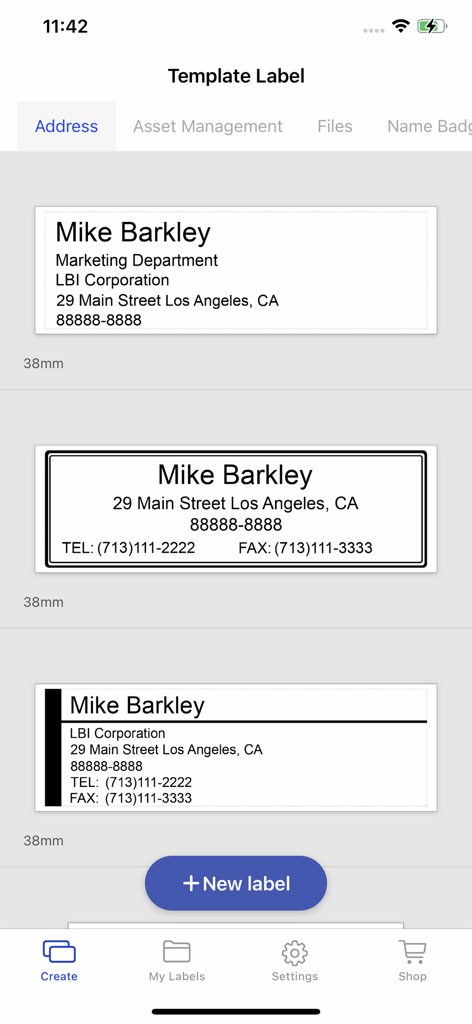
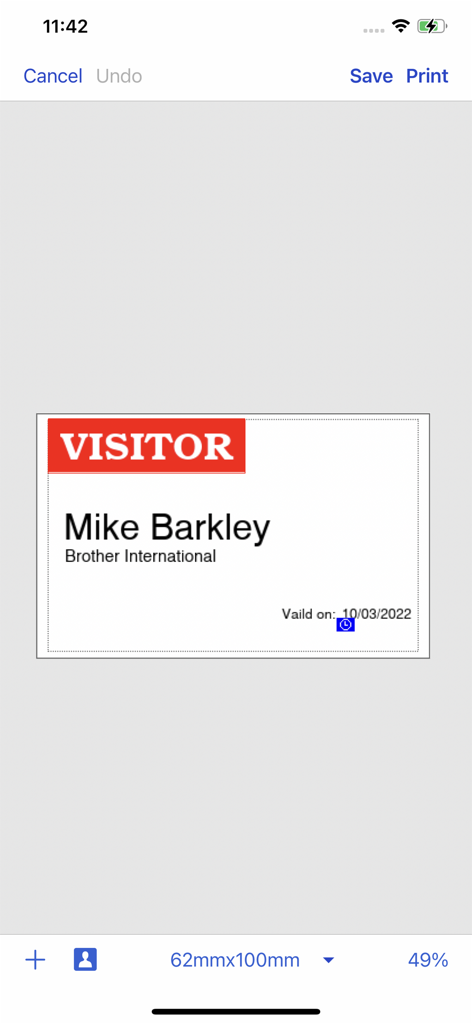
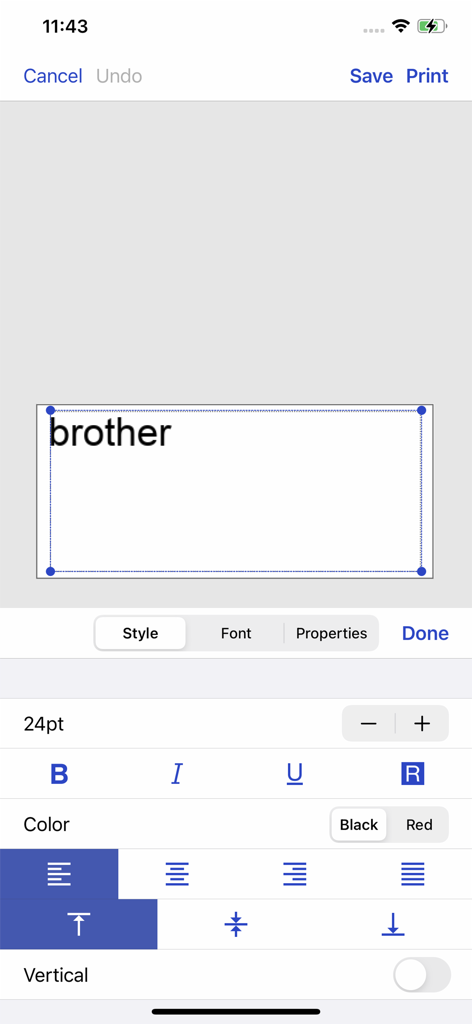
このアプリを際立たせるツール、 609K+ 人のユーザーが選択.
PCや煩雑なドライバーは不要です。Brotherプリンターにワイヤレスで接続し、お気に入りのiOSデバイスから直接印刷して、すぐに満足感を得られます。
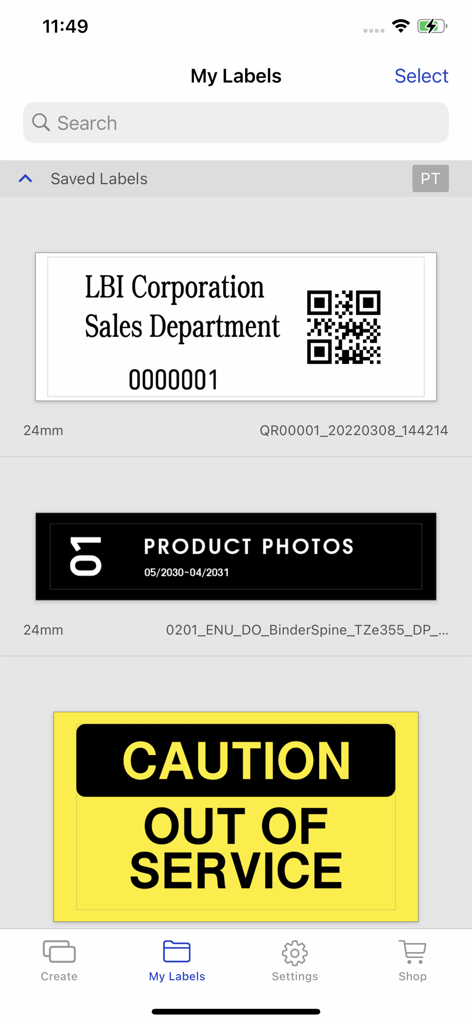
洗練されたテンプレートから選択するか、独自の画像やグラフィックを使用してカスタムラベルを作成し、独自のブランドアイデンティティや家の装飾に合わせましょう。
自動フォーマットで時間を節約しましょう。連絡先から直接住所をプルしたり、次のイベントやポップアップショップのために写真付きの名前バッジを印刷したりできます。
について知っておくべきこと Brother iPrint&Label.
説明
最新バージョン
5.3.13
サイズ
155.7 MB
リリース日
2012年5月31日
Brother iPrint&Labelを今すぐダウンロードして、iPhoneまたはiPadから直接プロフェッショナルなラベルを作成・印刷しましょう。PC不要で、指先ひとつで楽に整理とブランディングができます。
について知っておくべきこと Brother iPrint&Label
Brother iPrint&Labelは、Apple iPhoneやiPadから、共動のBrotherラベルプリンターへ、カスタムデザイン、住所ラベル、名前バッジなど、さまざまなラベルを作成し、プリントすることができる無料アプリケーションです。
はい、Brother iPrint&Labelは無料のアプリケーションです。これにより、ユーザーはローカルワイヤレスネットワークを使用して、Apple iPhoneまたはiPadデバイスからBrotherラベルプリンターに簡単にラベルを印刷できます。
Brother iPrint&Labelは、ユーザーのローカルワイヤレスネットワーク上で対応したBrotherラベルプリンターを自動的に検索します。コンピュータや分離のプリンタードライバーを必要としずに直接接続します。
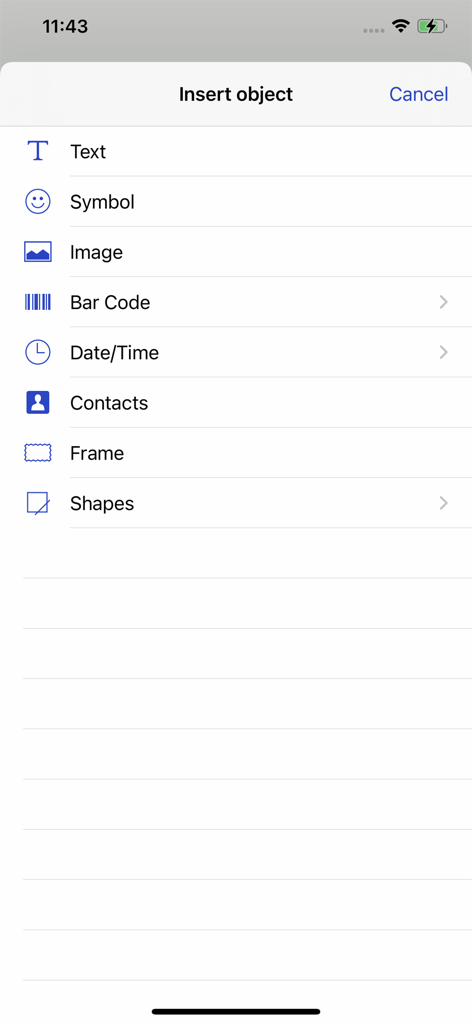
みとりBrother iPrint&Labelでは、カスタムラベルを作成することができます。グラフィックや写真を内包し、「オブジェクトの捲う」機能を使用して、テキスト、符号、バーコード、形などのアイテムも追加することができます。
Brother iPrint&Labelでは、地址ラベル、変更できる写真を使った名前バッジ、カスタムラベルなど、さまざまなラベルの印刷をサポートしています。また、ぷれでざいんされたラベルも取り収り、バーコードや画像を内包することもできます。
Brother iPrint&Labelは、PT-P300BT、PT-P710BT、PT-P910BT、QL-1110NWB、QL-810Wなど、いくつかのモデルと共動します。対応できる装置の完全な一覧については、お客様のBrotherホームページをご覧ください。
みとりBrother iPrint&Labelでは、完備したテキスト形式設定オプションが参照できます。ユーザーはフォントのスタイル、サイズ、カラー(黒や赤など)、およびアラインメントを調整することができます。
似た機能とユーザー体験を持つアプリ

WUHAN JINGCHEN INTELLIGENT IDENTIFICATION TECHNOLOGY CO., LTD

E-z Ink Technology Co., Ltd

PHOMEMO PTE. LTD.

E-z Ink Technology Co., Ltd

WUHAN JINGCHEN INTELLIGENT IDENTIFICATION TECHNOLOGY CO., LTD
Polaroid International B.V.

JADENS COMPANY LIMITED

Xiamen Print Future Technology Co.Ltd.

Shanghai ThanMore Network Technology Co., Ltd.
App information, icons, screenshots, and descriptions displayed on this page are sourced from the Apple App Store and are the property of their respective developers. Download estimates and rankings are based on MWM's proprietary models and may not reflect actual figures. This page is provided for informational and analytical purposes only.
Believe this page infringes your intellectual property? File a dispute
