BT Basketball Scoreboard

BT Basketball Scoreboard


ダウンロード: App Storeダウンロード: Google Play
ロゴ: BT Basketball Scoreboard
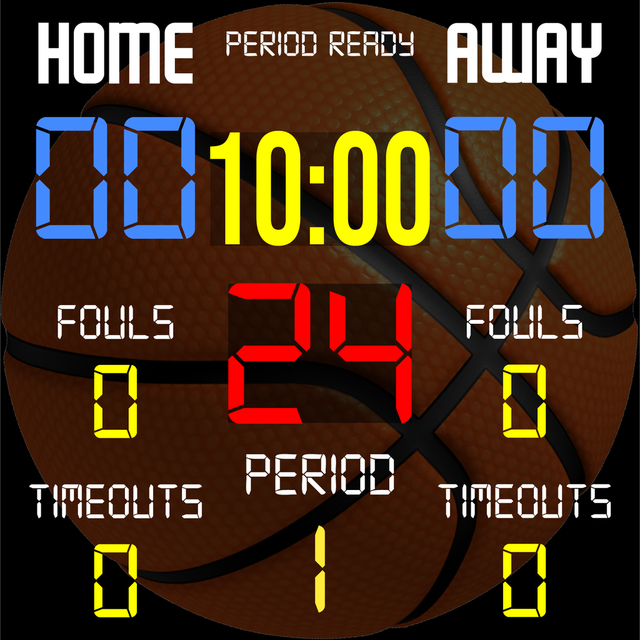
BT バスケットボールスコアボード: どんな画面もプロのアリーナディスプレイに変える

コーチやリーグディレクター向けのオールインワン採点ソリューション。高価なハードウェアなしで、エリートレベルのコントロール、カスタマイズ可能なルール、シームレスなリモート管理を体験してください。

開発元

The Basketball Temple LLC

カテゴリ

Sports

ダウンロード

34K+

ユーザー評価

4.3/5

評価数

0

対応言語

1

コートサイドの完璧

このインターフェースを利用する 34K+ 人のユーザー.

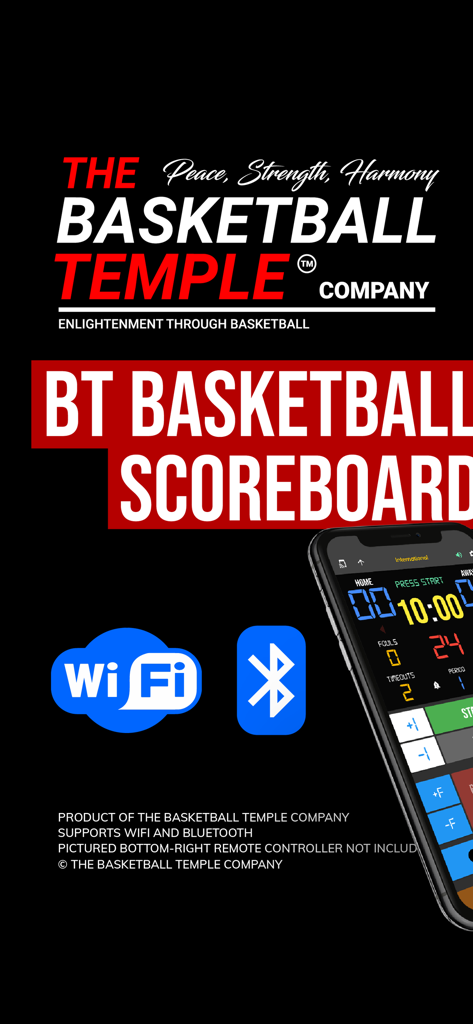
BT バスケットボールスコアボードアプリがWiFiとBluetooth接続アイコン、およびスマートフォンインターフェースを表示しています。

BT バスケットボールスコアボードアプリがWiFiとBluetooth接続アイコン、およびスマートフォンインターフェースを表示しています。

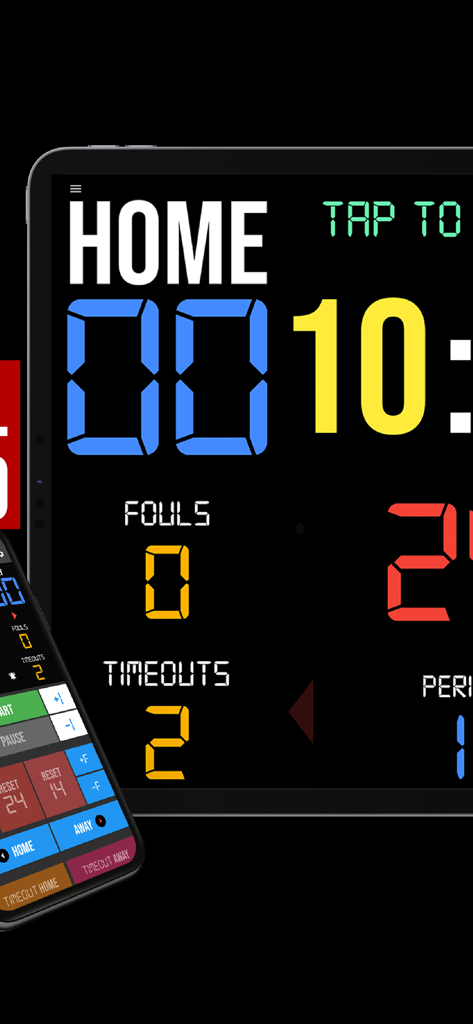
タブレット上のデジタルバスケットボールスコアボードアプリとスマートフォンリモートコントローラーインターフェース

タブレット上のデジタルバスケットボールスコアボードアプリとスマートフォンリモートコントローラーインターフェース

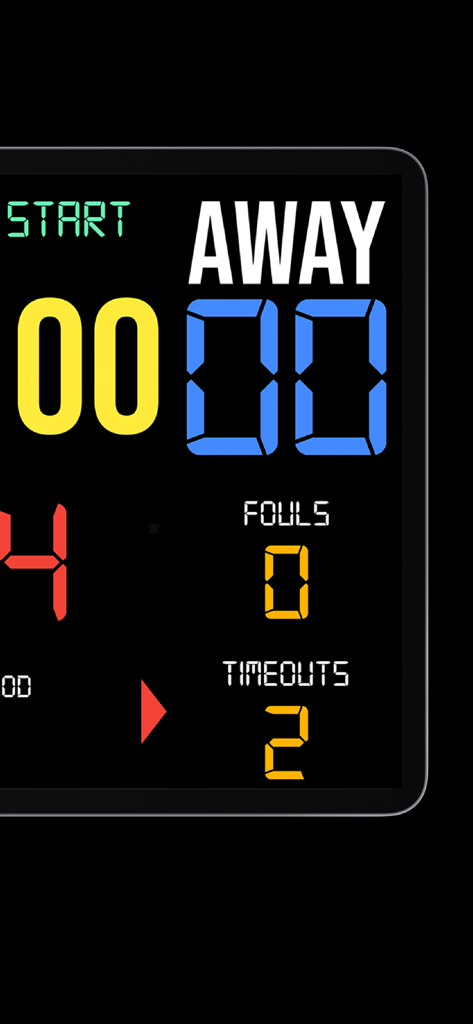
アウェイチームのスコアとファウルを表示するデジタルバスケットボールスコアボードインターフェース

アウェイチームのスコアとファウルを表示するデジタルバスケットボールスコアボードインターフェース

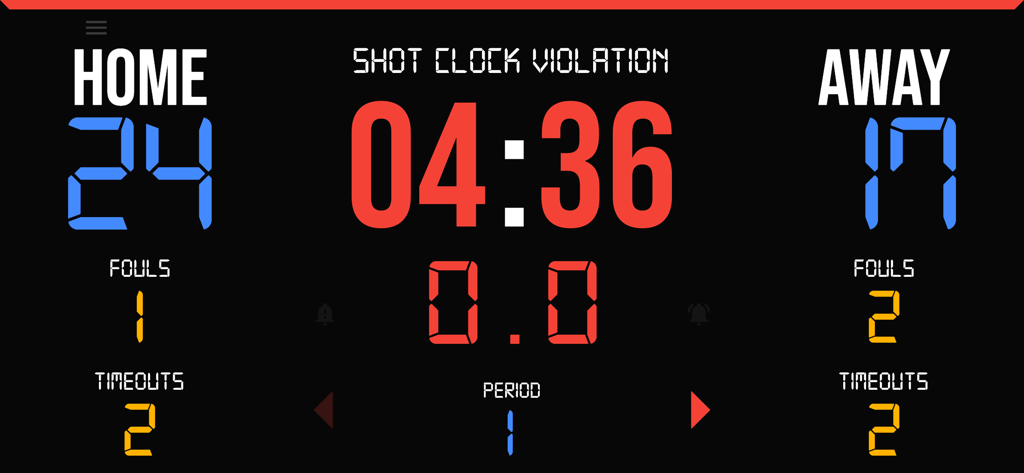
スコア、ファウル、タイムアウト、ショットクロック違反を表示するデジタルバスケットボールスコアボード

スコア、ファウル、タイムアウト、ショットクロック違反を表示するデジタルバスケットボールスコアボード

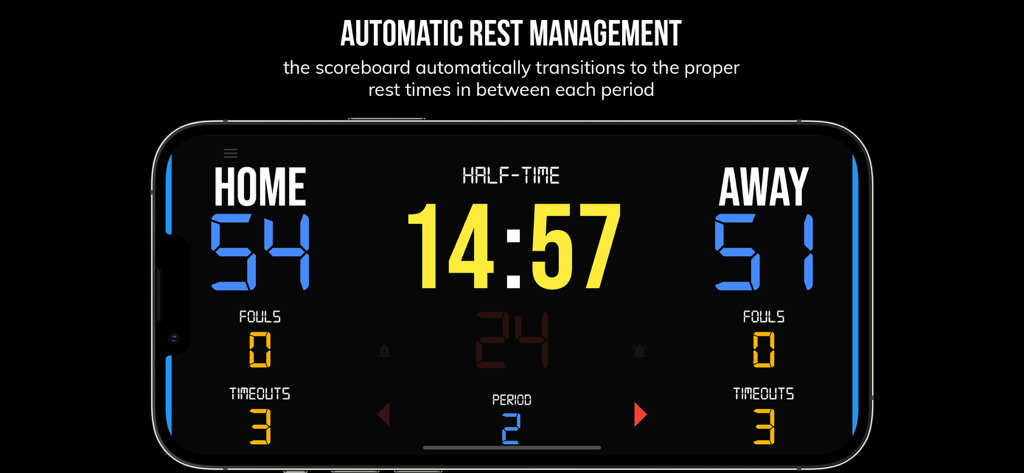
BT バスケットボールスコアボードアプリがゲーム期間間のハーフタイムタイマーを表示しています

BT バスケットボールスコアボードアプリがゲーム期間間のハーフタイムタイマーを表示しています

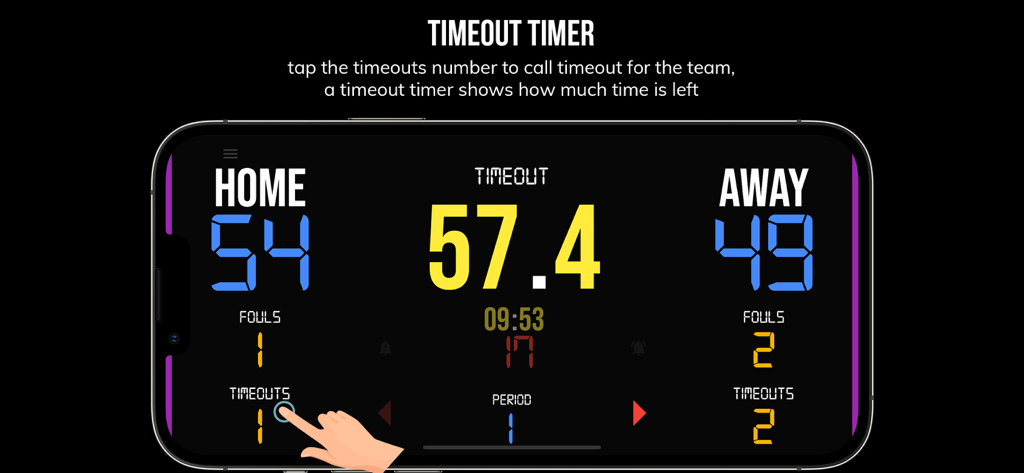
BT バスケットボールスコアボードアプリのタイムアウトタイマーインターフェースを表示するスマートフォン

BT バスケットボールスコアボードアプリのタイムアウトタイマーインターフェースを表示するスマートフォン

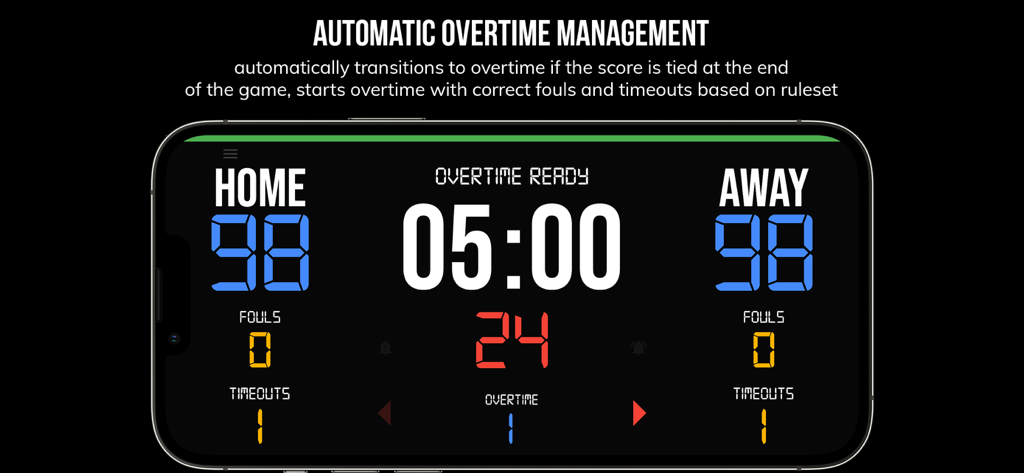
BT バスケットボールスコアボードアプリのインターフェースが、同点のスコアで自動延長管理を表示しています

BT バスケットボールスコアボードアプリのインターフェースが、同点のスコアで自動延長管理を表示しています

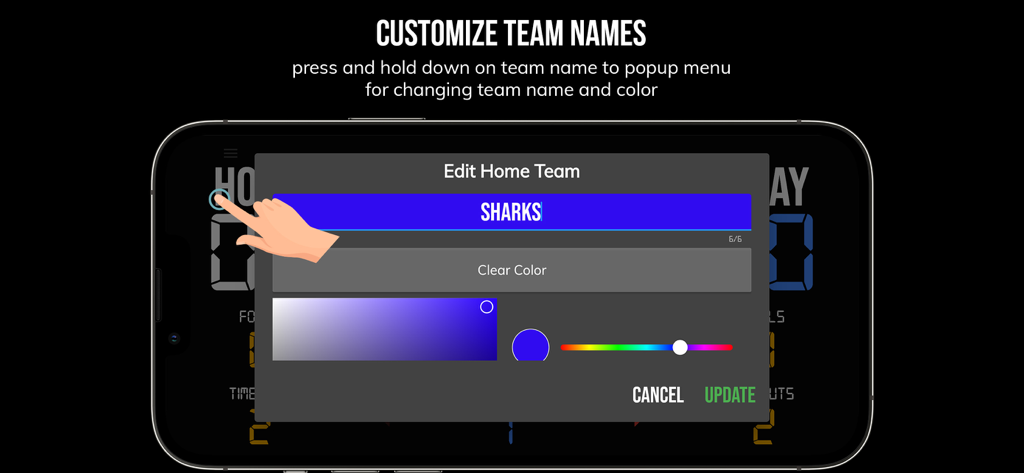
BT バスケットボールスコアボードアプリのチーム名と色のカスタマイズ画面

BT バスケットボールスコアボードアプリのチーム名と色のカスタマイズ画面

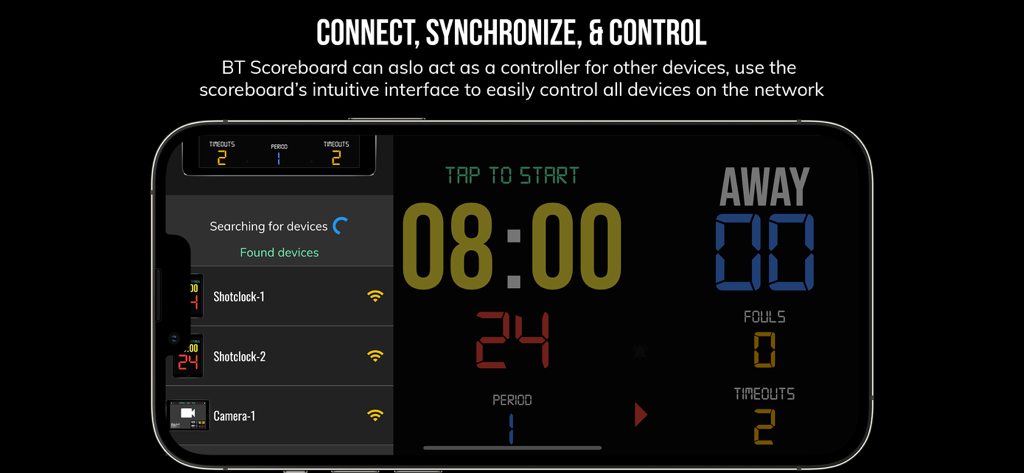
BT バスケットボールスコアボードアプリのインターフェースが、スマートフォンでマルチデバイス同期とリモートコントロール機能を表示しています

BT バスケットボールスコアボードアプリのインターフェースが、スマートフォンでマルチデバイス同期とリモートコントロール機能を表示しています

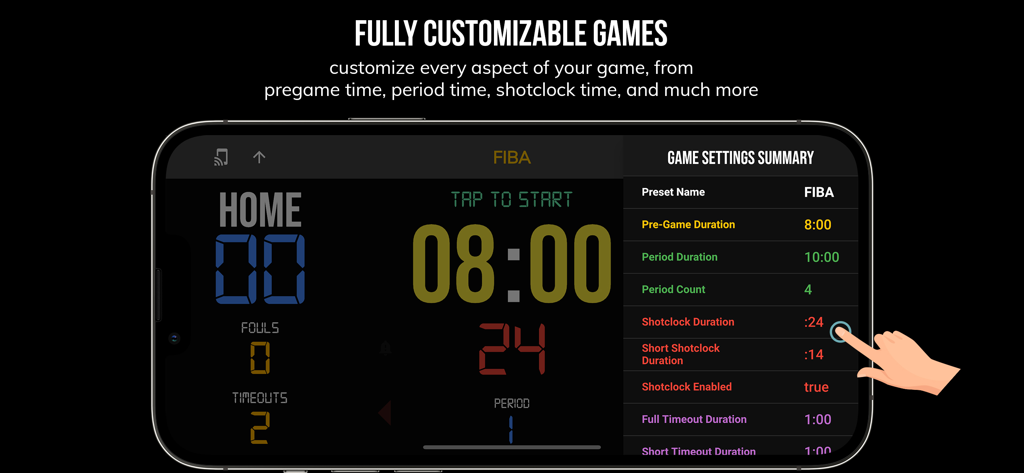
BT バスケットボールスコアボードアプリのインターフェースが、スマートフォンのFIBAルール用のカスタマイズ可能なゲーム設定を表示しています。

BT バスケットボールスコアボードアプリのインターフェースが、スマートフォンのFIBAルール用のカスタマイズ可能なゲーム設定を表示しています。

すべてのゲームをメジャーリーグに引き上げよう

このアプリを際立たせるツール、 34K+ 人のユーザーが選択.

📲

シームレスなリモート管理

BluetoothまたはWiFi経由で、スマートフォンをタブレットやテレビと同期し、サイドラインのどこからでもクロックとスコアを管理できます。

⏱️

あらゆるレベルに対応する事前設定済み

高校、NCAA、またはFIBAのルールにすぐに適用できるプリセットと、高強度のチーム練習ドリル用のカスタムモード。

💎

広告なしのプロフェッショナリズム

プロジェクターや大画面に完璧にスケーリングする、クリーンで邪魔にならないインターフェース。ハードウェアコストなしで、真のアリーナ品質の体験を提供します。

アプリについて

について知っておくべきこと BT Basketball Scoreboard.

説明

One of the cleanest scoreboard apps on the market with many convenient features. The BT Scoreboard app, developed by and for a basketball company that runs it's own basketball leagues, is the next best option to investing in an expensive professional grade scoreboard. Scoreboard equipment which can cost you thousands is now available and affordable to everyone in the basketball community. Use the scoreboard by itself or download the free BT Controller app to remotely control the scoreboard and optionally multiple devices such as shotclocks (available on the app store as the "BT Shotclock" app). To connect to the scoreboard open the connect menu on the BT Controller app, the scoreboard is automatically detected, hit the WiFi or Bluetooth button next to the scoreboard name on the BT Controller app to connect. BT Scoreboard Features: - Clean design, no ads - Intuitive direct tap and swipe controls - Remotely control scoreboard with WiFi or Bluetooth using free BT Controller App - Convenient Presets (International, US, College, High School, ...) - Convenient timers: pregame timer, period timer, rest timer, timeout timer, overtime, etc. - Fully customizable game in the settings - Practice modes configured in settings is great for running practices - Audio buzzers for shotclock violation, end of period, substitutions, etc. - Warning beep near end of pregame, timeout, or rest times (customizable) - BT Scoreboard App can also act as a controller similar to BT Controller App - Quick Start Documentation below For the best experience, use the application on a large tablet, or hook your phone/tablet up to a large display or video projector. You'll feel like you have just bought a professional scoreboard! The BT Scoreboard app was created by The Basketball Temple Company. The Basketball Temple Company focuses on high quality basketball academies, basketball leagues, and technologies that are used to support those academies and leagues. We open our technology to the public so everyone in the basketball community can experience the same technologies that we use within our institutions. # Quick Start Documentation: Exiting Game and Reseting Times: - Click top right settings icon (if top bar is hidden, click top left hamburger icon to open top app bar) - Scroll down and hit "Exit Game" button Score Controls: - Tap score to increase quickly - Swipe up/down score to increase/decrease - Hold down on team names to adjust name and color of teams Time Controls: - Tap period timer to start/pause - Tap pregame, timeout, rest timers to early transition to next stage Shotclock Controls: - Tap shotclock to reset/go - Swipe shotclock up/down to reset/go to short shotclock Timeout Controls: - Tap timeout number to call timeout - Swipe up/down timeouts to adjust numbers - Red indicates violation when calling timeout with no timeouts left Fouls Controls - Swipe up/down fouls to adjust numbers - Red indicates bonus situation (customizable in settings) - Purple indicates double bonus situation (customizable in settings) Connect and Remote Control Settings (IMPORTANT: only needed when using the scoreboard as a controller, not needed if the scoreboard is being controlled by another device): - Tap on top-left icon (or swipe left-to-right on the left edge) to open connect menu - Hit "Refresh" to find devices - Tap on WiFi or Bluetooth icon to connect, green icon indicates connected - If unable to connect or having connection errors try one of the following: 1) please ensure all devices are on the same WiFi network 2) please ensure bluetooth is turned ON on all devices 3) lastly, try to restart the app on all devices Time and Game Settings: - Tap on top-right icon (or swipe right-to-left on the right edge) to open settings menu - Edit and save the many settings available Audio Buzzer: - There are two faint colored bell icons next to the period number - Tap to play buzzer or energy horn

最新バージョン

1124

サイズ

116.7 MB

リリース日

2020年8月8日

あなたのリーグをプロレベルに引き上げよう

高価なハードウェアはもう必要ありません。今日、広告なしでカスタマイズ可能なスコアボードを使用して、プロのゲームや練習を実行している34,000人以上の「フープアーキテクト」に参加しましょう。

ダウンロード: App Storeダウンロード: Google Play

App information, icons, screenshots, and descriptions displayed on this page are sourced from the Apple App Store and are the property of their respective developers. Download estimates and rankings are based on MWM's proprietary models and may not reflect actual figures. This page is provided for informational and analytical purposes only.

Believe this page infringes your intellectual property? File a dispute