Jump into a world of endless reading with Books Pro! It's the eBook reader that handles all kinds of file formats, making sure you get the most out of every reading session. Whether you're learning something new or just enjoying a good story, Books Pro's got you covered. Happy reading!
Supported Formats:
- Text, Books and Documents: ePub Document (.epub), PDF Document (.pdf), Plain Text Document (.txt), Pages (.pages), Numbers (.numbers), Keynote (.key), HTML (.html), Markdown files (.md), Tex Document (.tex), TrueType Collection Font (.ttc), TrueType Font (.ttf), XLS (Excel files) (.xls), PPT (PowerPoint files) (.ppt), PPTX (PowerPoint files) (.pptx), XLSX (Excel files) (.xlsx), Zip Archive (.zip), RTFD Document (.rtfd), Plain Text Document (.txt), Microsoft Word document (.doc, .docx), RTF Document (.rtf)
- Video: MP4 (.mp4), iTunes video (.m4v), H.264 Images, 3GPP (.3gp), 3GPP2 (.3g2), QuickTime movie (.mov)
- Audio: MP3 (.mp3), AC-3 audio, AIFC audio (.aifc), AIFF audio (.aiff), AMR Audio (.amr), Sun/NeXT audio (.au), Enhanced AC-3, Apple m4a (.m4a), Core Audio, WAVE audio (.wav)
- Images: HEIC (.heic), Adobe DNG (.dng), HEIF (.heif), Image File (includes .png, .jpg, .jpeg, .jpeg-2000), SVG Document (.svg)
Main Features:
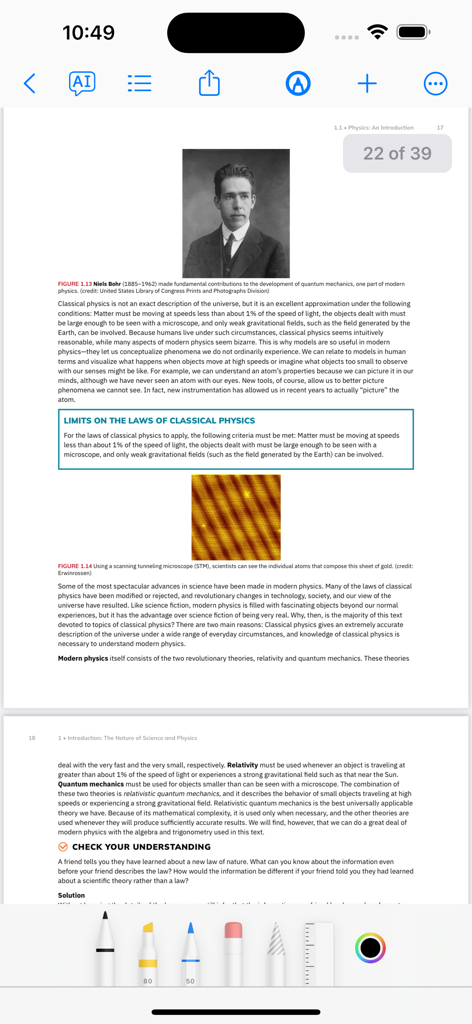
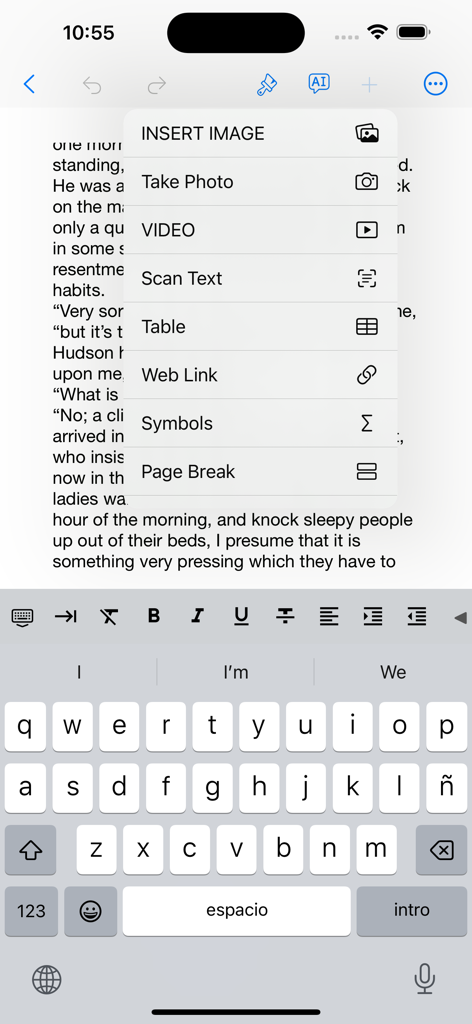
- It's not just about reading; you can write and edit too! With Books Pro, easily edit documents right in the app in formats such as PDF, TXT, RTF, TeX, Markdown, and HTML.
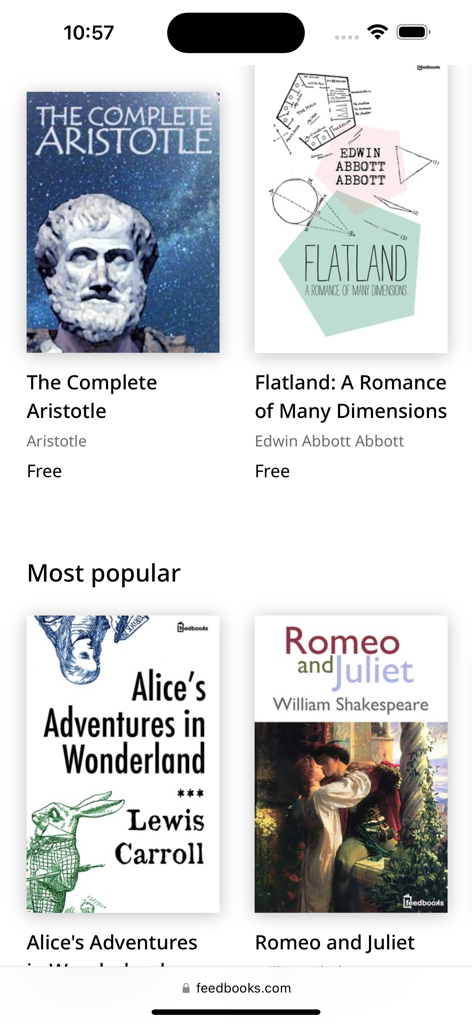
- Import and Export Ease: Directly import files from and export to various cloud services like iCloud Drive, Google Drive, Dropbox, and more.
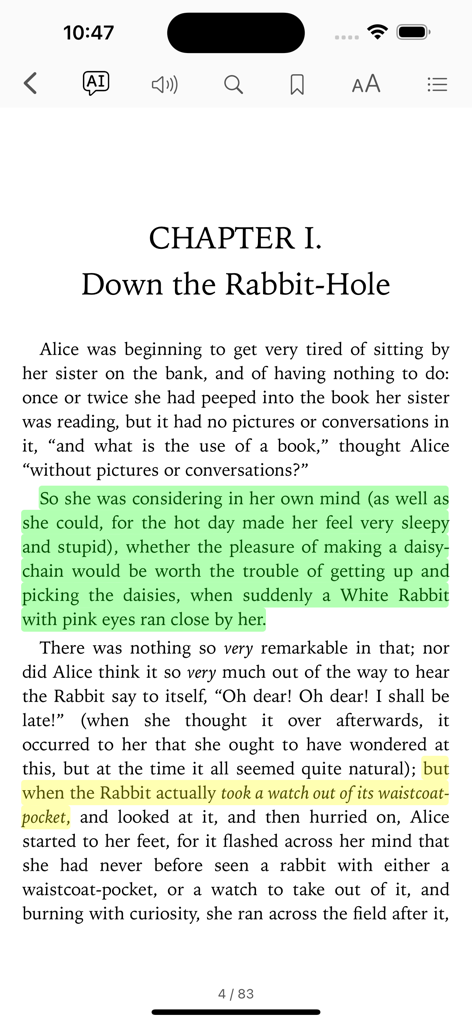
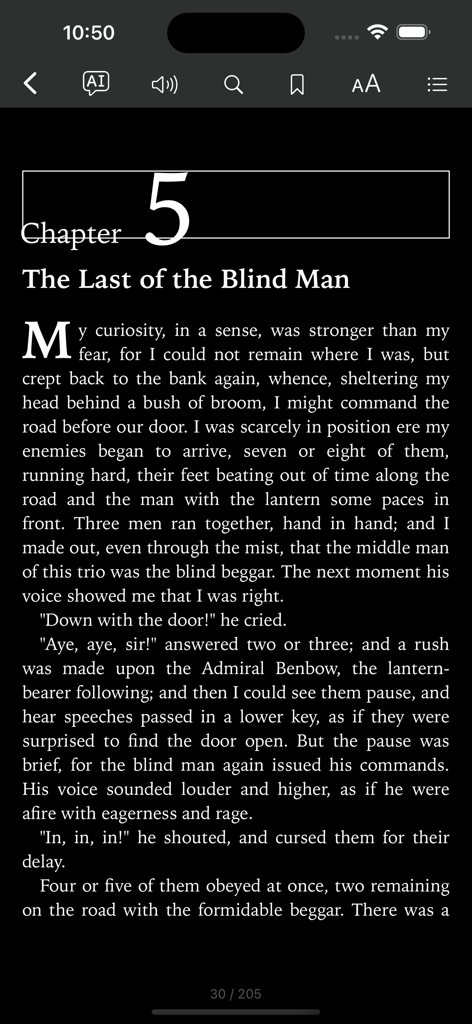
- Customizable Reading: Choose from multiple themes (dark, light, sepia) and font sizes. Enjoy text-to-speech in ePub and PDF files for a hands-free experience.
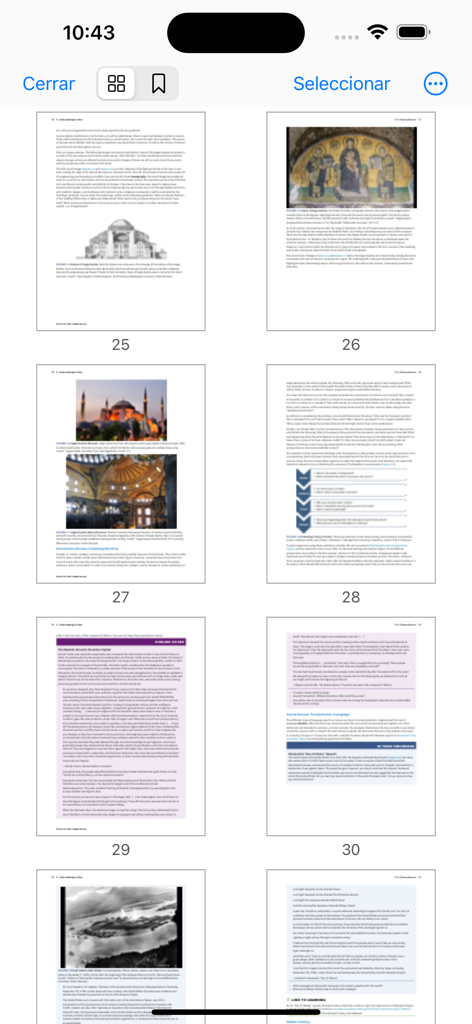
- Interactive Annotations: Utilize the powerful PDF engine for extensive documents, including form fill-ins. Annotate, highlight, and insert text or images in your eBooks.
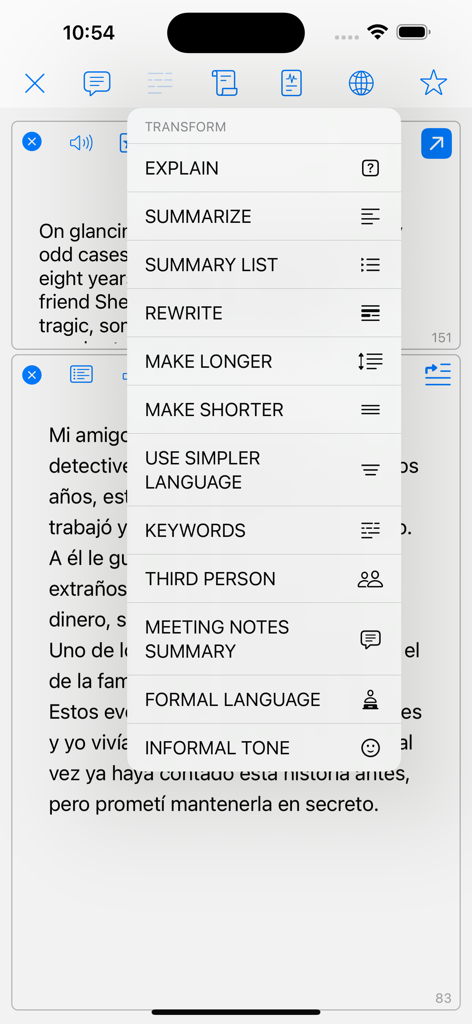
- AI-Powered Assistance: Leverage the AI Assistant for summaries, translations, and even engaging discussions about your reading material.
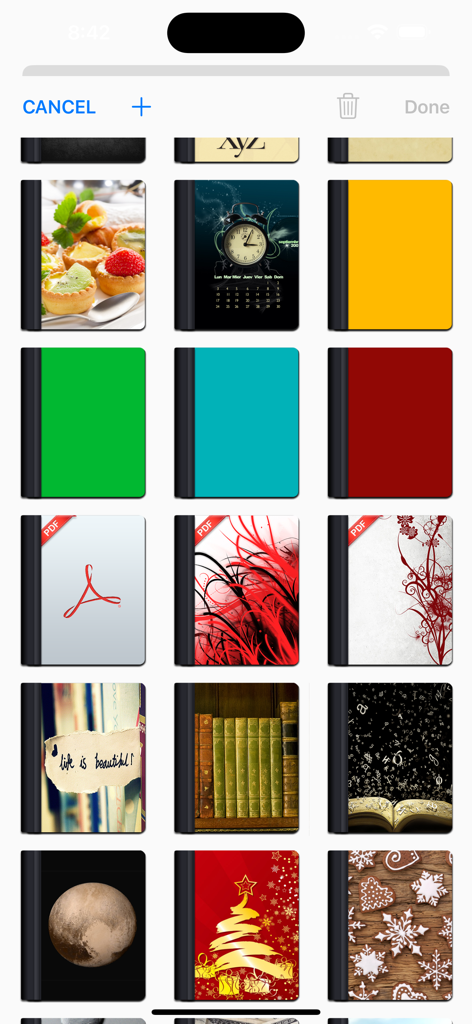
- Organization and Personalization: Manage your library with customizable folders, subfolders, and book covers.
Privacy Policy
http://www.noteswriter.com/Kairoos_Privacy_Policy.html
EULA
https://www.apple.com/legal/internet-services/itunes/dev/stdeula/
This app requires users to have a subscription to unlock all the features after a 3-day risk-free trial.
App information, icons, screenshots, and descriptions displayed on this page are sourced from the Apple App Store and are the property of their respective developers. Download estimates and rankings are based on MWM's proprietary models and may not reflect actual figures. This page is provided for informational and analytical purposes only.
Believe this page infringes your intellectual property? File a dispute