EvoWallet Premium, the personal finance application for iOS devices (iPhone, iPad, and iPod), is designed to help you keep track of the balances of all of your money accounts on the go and is extremely easy to use.
The app's user interface is sleek, intuitive, and easy to use, with a built-in mini cash calculator and calendar picker. Cut off any complicated user interfaces.The app's user interface is sleek, intuitive, and easy to use, with a built-in mini cash calculator and calendar picker. Eliminate any complicated user interface elements.
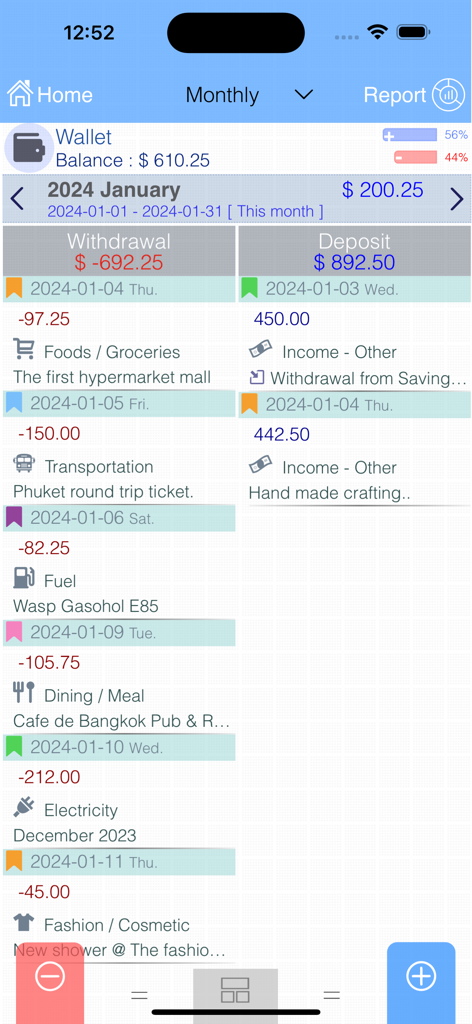
With the most intuitive UI and a two-sided transaction list design, you can scroll and view both income and outcome transactions in separate lists easily.
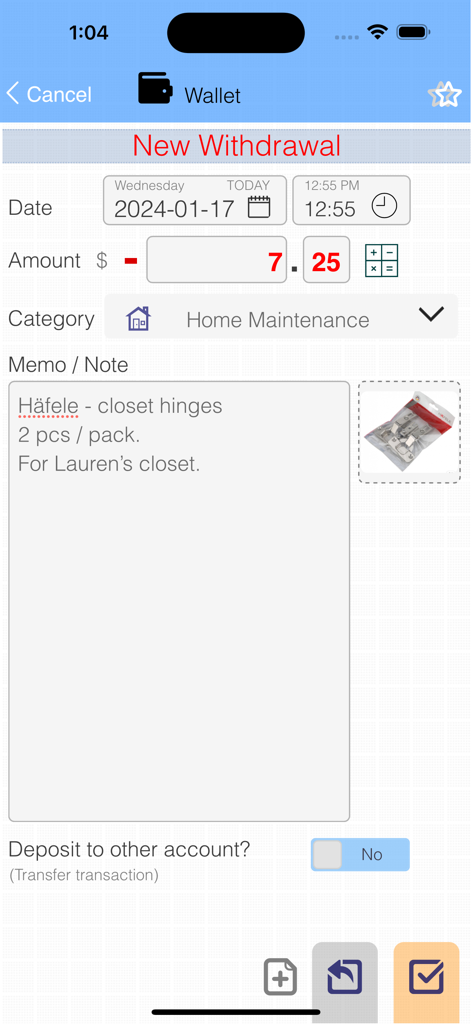
Clean, fast, and super easy deposit, withdrawal, or transfer transaction input screen without any unnecessary fields. The app allows you to enter an empty (zero amount) transaction, and then you can enter or edit all the details when you have time.
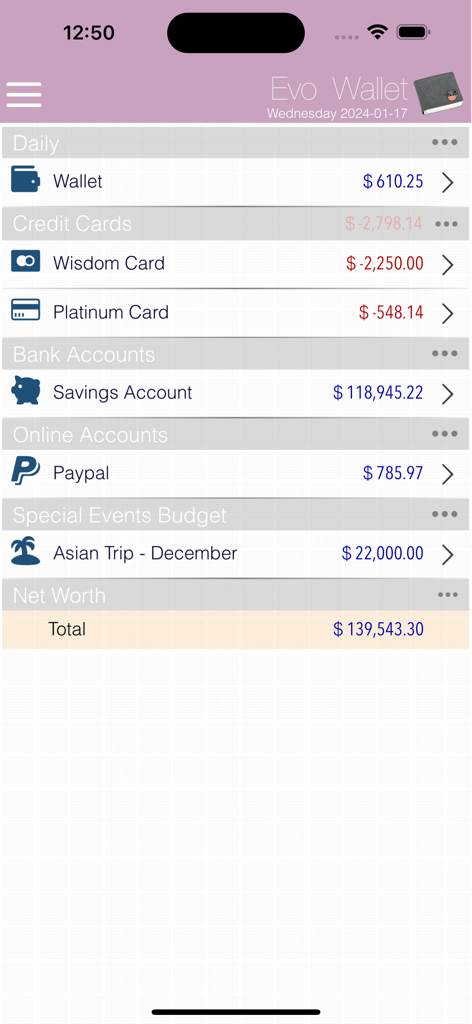
With the multiple accounts feature, you can track lots of things, such as cash in the wallet, bank accounts, savings, current, online wallets, credit/debit cards, events, payments, project expenses, money budget for special events, cash flow, etc.
Key features:
- Supports multiple accounts. !!!.
- Unlimited categories with a lot of icons.
- Multiple account groups.
- Multiple currencies.
- Instant account balance calculation.
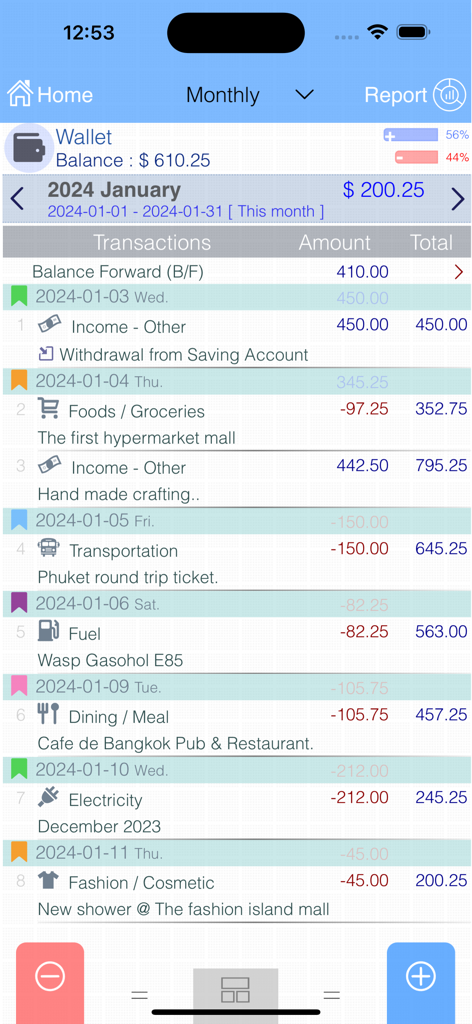
- Two styles for the transaction viewer (the independent debit and credit transactions list and the legacy transactions list).
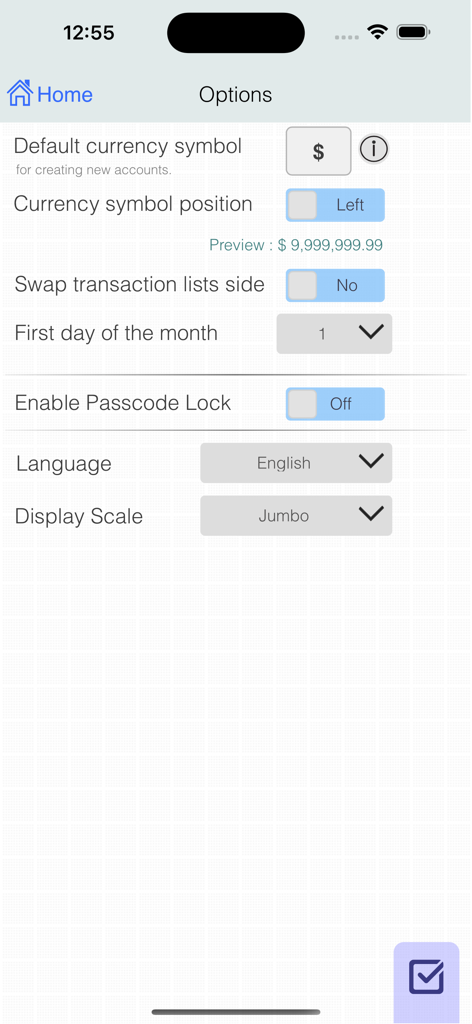
- Configurable to swap deposit/withdrawal lists side in transaction viewer, so no problem with left or right handed.
- Super easy input for deposit and withdrawal transactions.
- Supports transfering (in-out) between account transactions.
- Favorites transaction list allows you to create frequency-use transactions and use them as templates for new transactions.
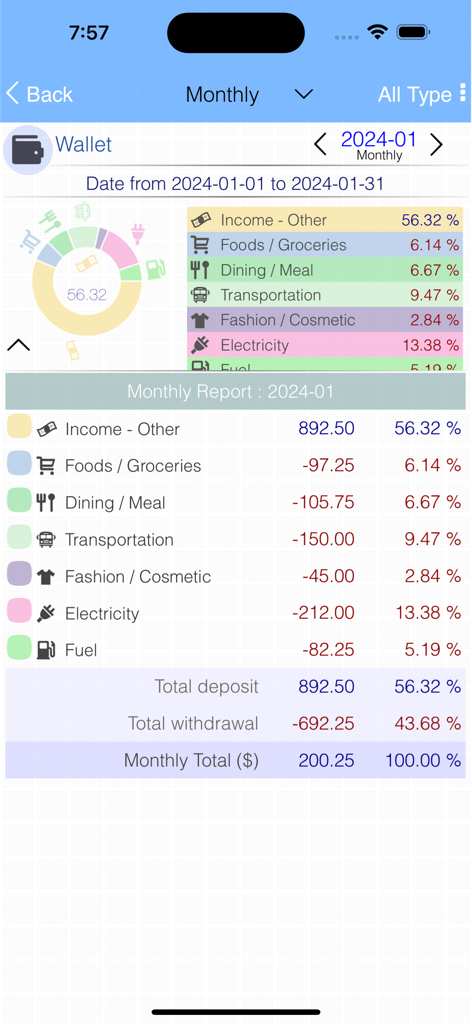
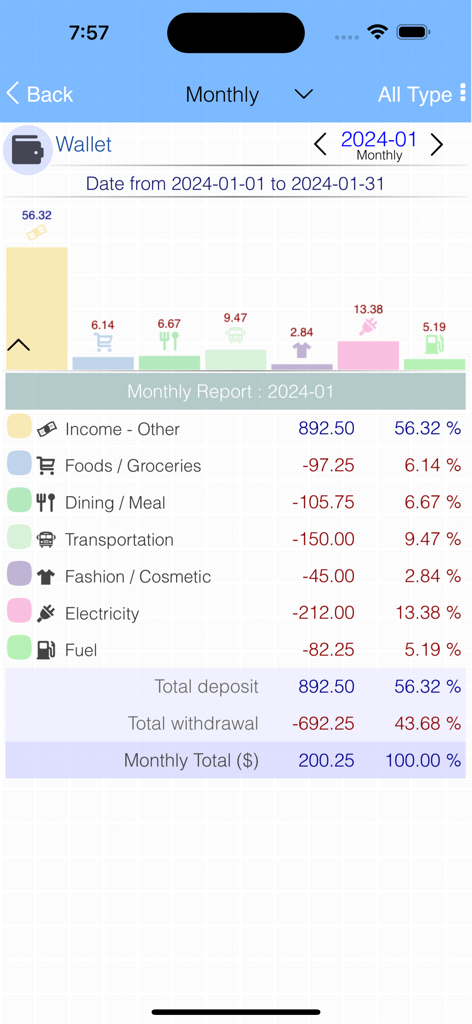
- Instant daily, weekly, monthly, and yearly reports with pie or bar graphs and percentages for each category Filter by only deposits, withdrawals, or both to be summarized.
- Report by each account, group of accounts/net worth.
- Simple search function for transactions.
- Configurable first date of the month for system-wide or for each account.
- Passcode Lock (with Touch ID and Face ID) immediately locks when switching to another app. Also, no one can see the screen with your private money data in the iOS task list's snapshot.
- Build-in simple calculator on the transaction input screen.
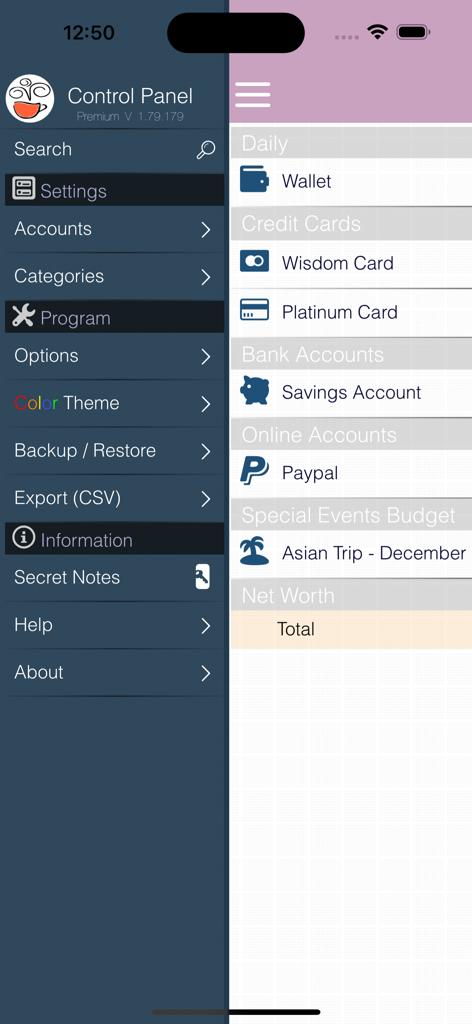
- Database backup and restore (iCloud support), easy access to the files via iTune file sharing.
- Option to send the backup file via email right after successfully backing up.
- Automatic database backup every two days (iCloud support), if the user did not do a manual backup.
- Export transactions to a CSV file for a spreadsheet with the option to send via email.
- More than 550 icons to choose from! with Thai bank icons In this premium version.
- Built-in secret notes feature that allows you to write and keep simple notes in the app's database.
- Clean, easy, and intuitive user interfaces.
- Take a picture of the transaction-related thing, such as the receipt, goods, etc.
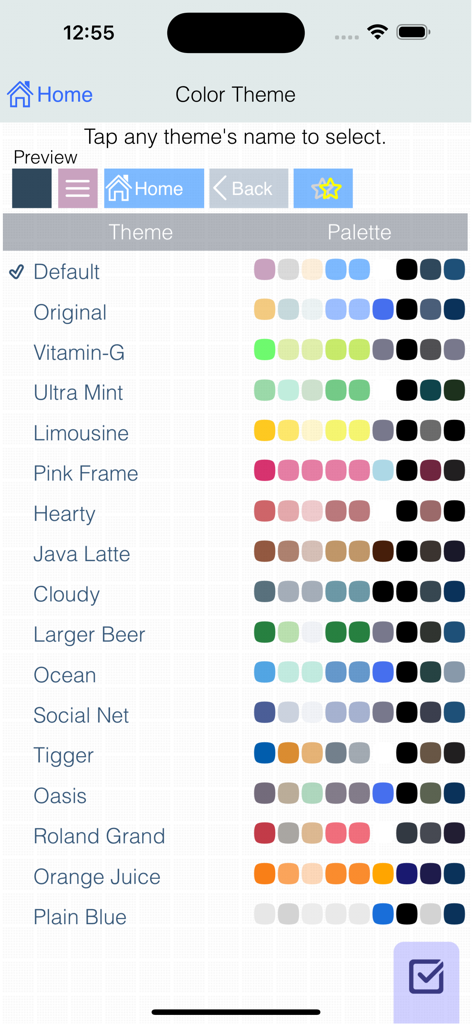
- Many color themes.
- Multiple screen scale sizes are available for all retina-displayed devices.
If you are looking for a kind of money manager, cash control, or expense logger that is simple, easy, and elegant, then try our evo wallet.
Don't put your personal financial status into complexity, but always manage it with simplicity.
You want to easily keep track of your money like cashbooks, do you?
Let 'Evo-Wallet' always be with you.
** There is a "EvoWallet Lite" version for free use (unlimited transactions, no expiration date). Check out the "More by this Developer" section below. **
最新バージョン
1.79.407
サイズ
5.9 MB
リリース日
2013年7月31日
家計をシンプルにする準備はできましたか?
139,000人以上のユーザーが、複雑さゼロ、完全なプライバシーで資産を追跡しています。今すぐEvo Wallet for iOSをダウンロードして、あなたのお金を完全に管理しましょう。
App information, icons, screenshots, and descriptions displayed on this page are sourced from the Apple App Store and are the property of their respective developers. Download estimates and rankings are based on MWM's proprietary models and may not reflect actual figures. This page is provided for informational and analytical purposes only.
Believe this page infringes your intellectual property? File a dispute