KB Klíč

KB Klíč

ダウンロード: App Store
ロゴ: KB Klíč

KB Klíč: どこからでもチェコの銀行口座へ安全かつ即座にアクセス

信頼性の低い国際SMSコードを銀行レベルの生体認証に置き換えます。MojeBankaにログインし、タップまたは一目でグローバル送金を承認することで、どの大陸からでも資産の安全を確保します。

ダウンロード: App Store

開発元

Komercni banka a.s.

カテゴリ

Finance

ダウンロード

649K+

ユーザー評価

4.7/5

評価数

14K+

対応言語

3

あなたのデジタルキー

このインターフェースを利用する 649K+ 人のユーザー.

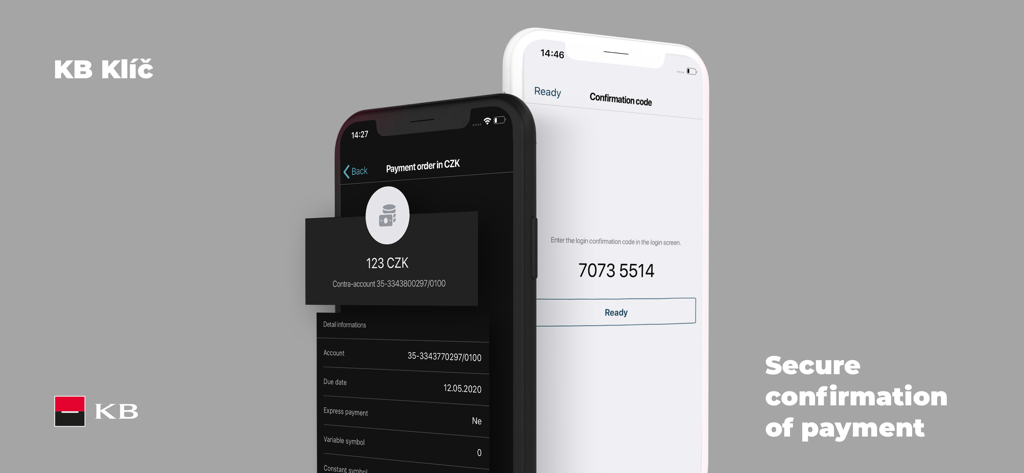
KB Klíčアプリの画面:安全な支払い確認とログインコードを表示

KB Klíčアプリの画面:安全な支払い確認とログインコードを表示

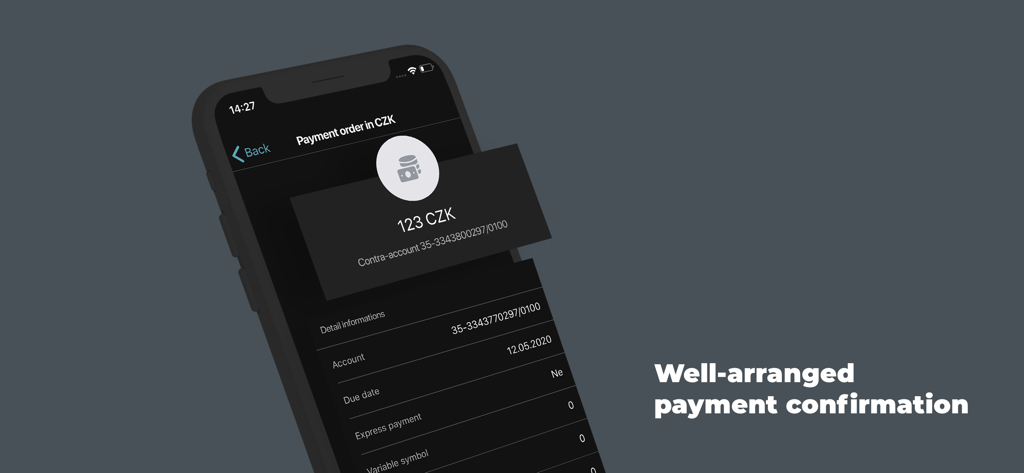
KB Klíčのモバイルアプリ画面:ダークインターフェースで123チェココルナの支払い注文確認を表示

KB Klíčのモバイルアプリ画面:ダークインターフェースで123チェココルナの支払い注文確認を表示

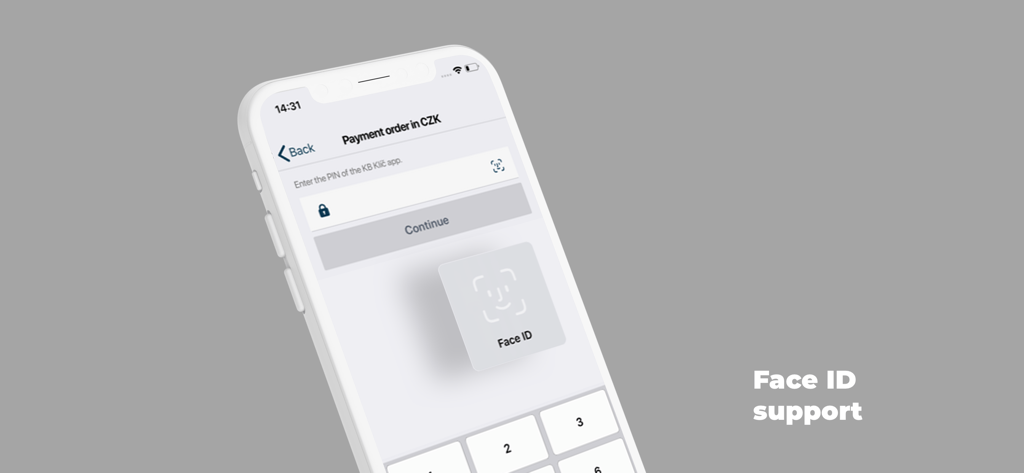
KB Klíčアプリの支払い画面:安全な認証のためのFace IDサポートを表示

KB Klíčアプリの支払い画面:安全な認証のためのFace IDサポートを表示

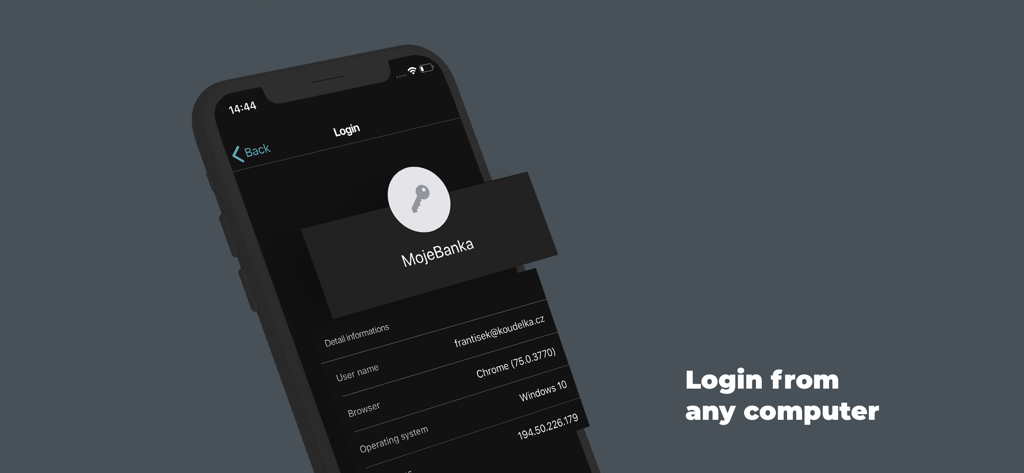
KB Klíčアプリのインターフェース:コンピューター上のMojeBankaのログイン認証画面を表示

KB Klíčアプリのインターフェース:コンピューター上のMojeBankaのログイン認証画面を表示

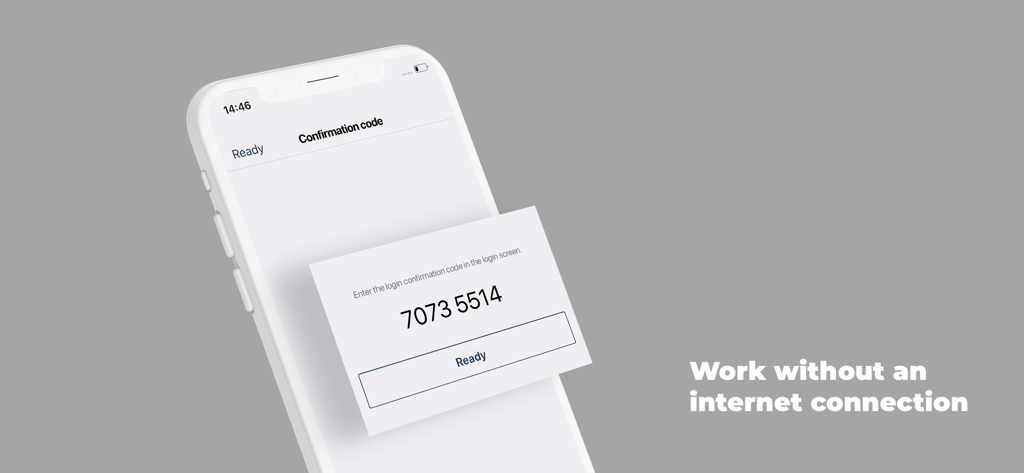
KB Klíčアプリ画面:オフライン認証用の数字確認コードを表示

KB Klíčアプリ画面:オフライン認証用の数字確認コードを表示

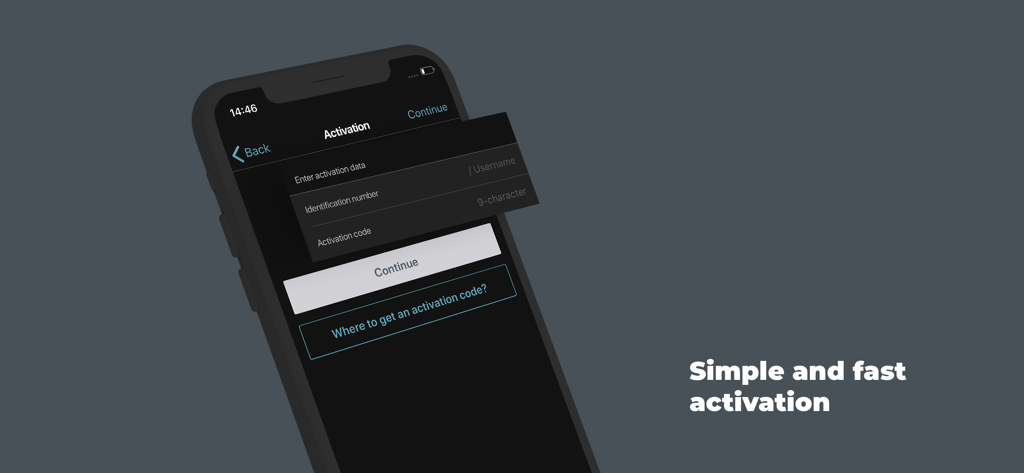
スマートフォンのKB Klíč銀行セキュリティアプリのアクティベーション画面

スマートフォンのKB Klíč銀行セキュリティアプリのアクティベーション画面

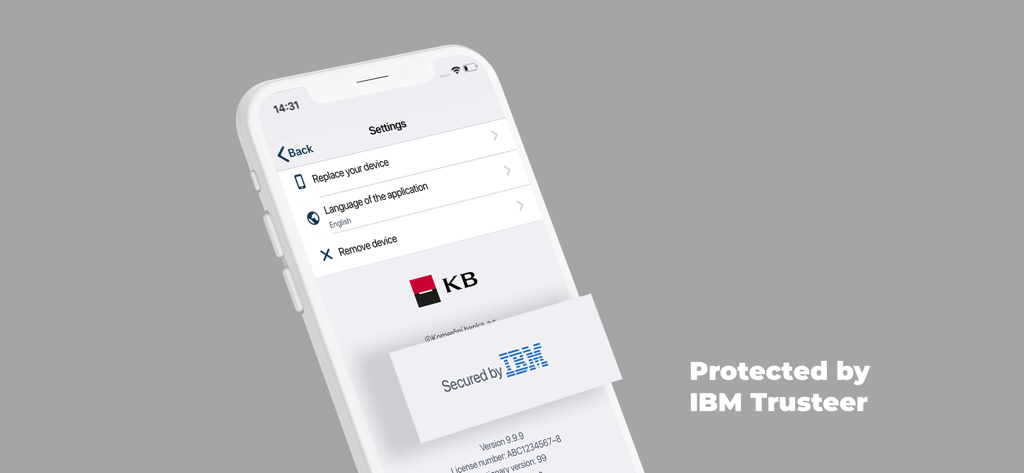
KB Klíčアプリの設定画面:デバイス管理オプションとIBM Trusteerセキュリティ保護を表示

KB Klíčアプリの設定画面:デバイス管理オプションとIBM Trusteerセキュリティ保護を表示

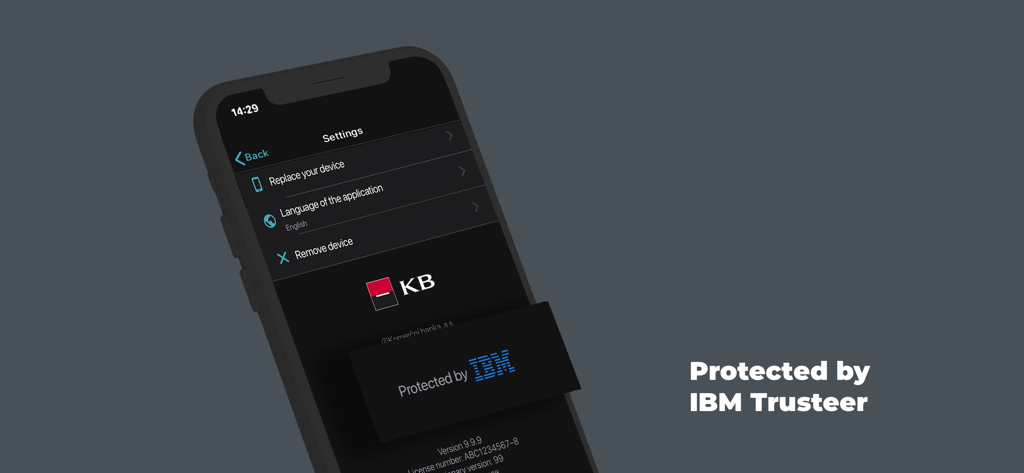
KB Klíčアプリの設定インターフェース:IBM Trusteerによって保護されているセキュリティバッジを表示

KB Klíčアプリの設定インターフェース:IBM Trusteerによって保護されているセキュリティバッジを表示

指先でセキュアなグローバルアクセス

このアプリを際立たせるツール、 649K+ 人のユーザーが選択.

🌐

SMSの遅延はもうありません

国際SMSコードを待つイライラを解消します。Wi-Fiまたは米国内のローカルデータ経由で銀行にアクセスし、どこからでも瞬時に信頼性の高いログインを実現します。

👤

生体認証の利便性

複雑なパスワードをスキップし、TouchIDまたはFaceIDを使用して数秒で取引を承認します。これにより、欧州の銀行取引に米国式の使いやすさをもたらします。

🛡️

銀行レベルのセキュリティ

暗号化されたPINと高度なルート検出技術で資産を保護し、海外から金融を管理する際も安心を提供します。

アプリについて

について知っておくべきこと KB Klíč.

説明

The KB Klíč app verifies your identity and safely logs you into MojeBanka online banking and Komerční banka's other online apps. You don't have to enter a texted code and you also authorise payments through the app. You need the following for KB Klíč activation: - KB ID, which you will find in the Electronic Signature Agreement. You can also use your username/email - An activation code that you will receive at a KB branch or when you log into mujprofil.kb.cz otherwise than via KB Klíč The activation guide is available at https://www.kb.cz/en/faq-and-support/how-to-sign-in Set the PIN on the occasion of activation. You can set up your fingerprint if your phone supports them. Komerční banka will never see your fingerprints; they are retained in a secure repository in the phone. If your phone is connected to the internet the request to confirm the activation will be received automatically in your phone. Check and confirm the request. If offline, select 'The device is not connected to the internet' option in your computer. Using the KB Klíč app, scan the pictorial code from the computer's screen. Then confirm the code by the PIN or fingerprint. Finally, type the generated code in your computer. Please note: If you enter an incorrect PIN five times KB Klíč blocks access. You will then activate the apps using an activation code that you will receive in an ATM, at a KB branch or after logging into mujprofil.kb.cz otherwise than via KB Klíč. KB Klíč will not work for you if you have reinstalled software on your phone and your platform (root) is therefore not protected. All of this for the sake of security.

最新バージョン

4.4.1

サイズ

81.8 MB

リリース日

2018年6月12日

米国からチェコの銀行口座を安全に管理

649,000人以上のユーザーに参加しましょう。信頼性の低い国際SMSコードを捨て、今すぐコメルチニー銀行口座の即時生体認証に切り替えましょう。

ダウンロード: App Store

App information, icons, screenshots, and descriptions displayed on this page are sourced from the Apple App Store and are the property of their respective developers. Download estimates and rankings are based on MWM's proprietary models and may not reflect actual figures. This page is provided for informational and analytical purposes only.

Believe this page infringes your intellectual property? File a dispute