Lock + Home Widgets widgetopia

Lock + Home Widgets widgetopia


ダウンロード: App Storeダウンロード: Google Play
ロゴ: Lock + Home Widgets widgetopia
widgetopia:あなたのホーム&ロック画面のための究極のパーソナライズスタジオ

50万人以上のユーザーに加わり、10万以上のデザイナーウィジェット、カスタムアイコンパック、プロレベルの作成ツールでiPhoneを生まれ変わらせましょう。美しいテーマからリアルタイムデータダッシュボードまで、あなたと同じくらいユニークなデジタル空間を構築しましょう。

ダウンロード: App Store

開発元

Watch Faces & Widgets Ltd

カテゴリ

Productivity

ダウンロード

576K+

ユーザー評価

4.5/5

評価数

13K+

対応言語

1

あなたの画面を再定義

このインターフェースを利用する 576K+ 人のユーザー.

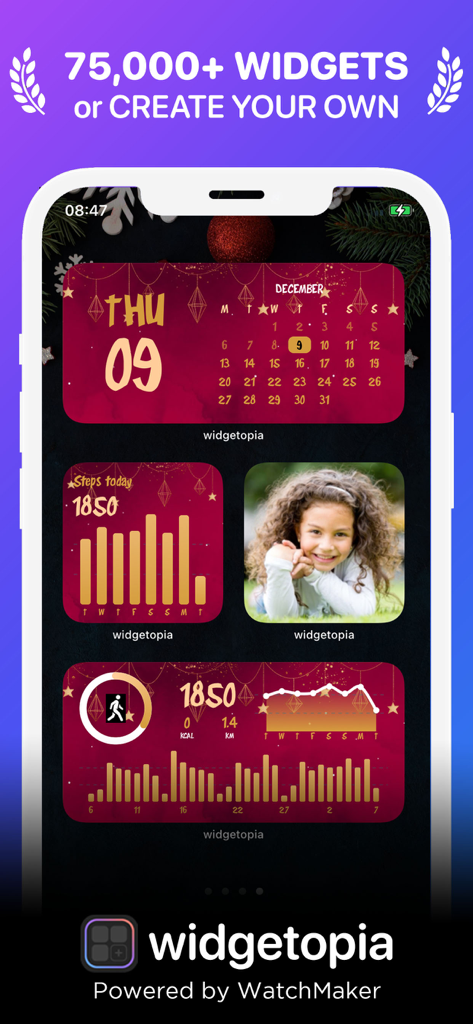
カレンダーとアクティビティ追跡のためのカスタムの赤と金のホリデーテーマのウィジェットが特徴のiPhone画面

カレンダーとアクティビティ追跡のためのカスタムの赤と金のホリデーテーマのウィジェットが特徴のiPhone画面

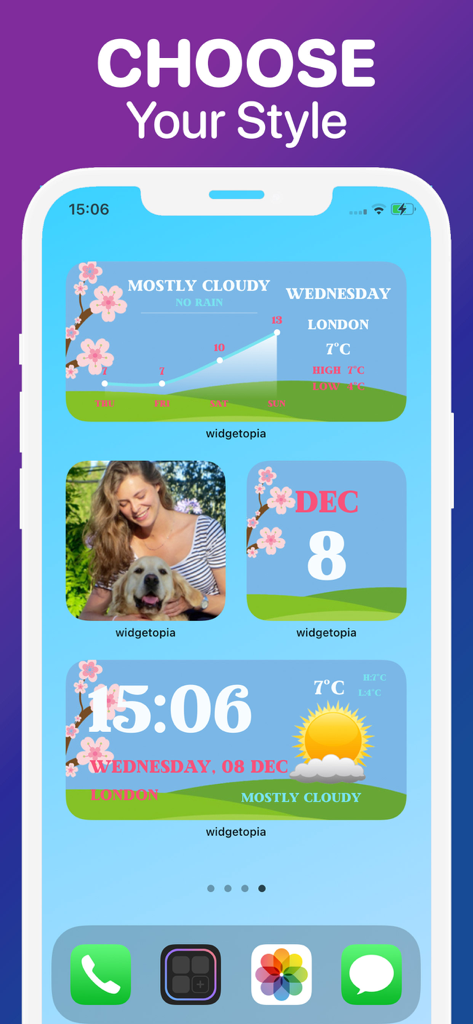
美しい天気とカレンダーのウィジェットが特徴のカスタムiPhoneホーム画面

美しい天気とカレンダーのウィジェットが特徴のカスタムiPhoneホーム画面

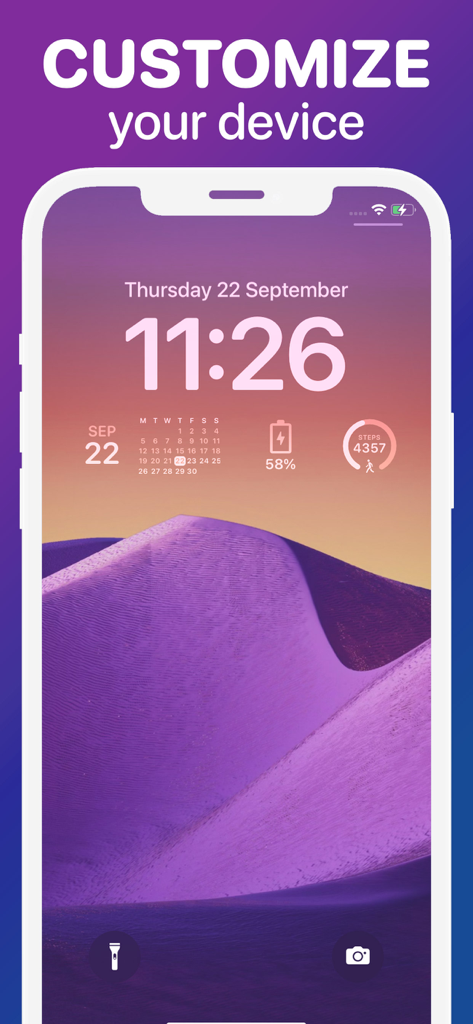
紫色の砂漠の壁紙でカスタムカレンダー、バッテリー、歩数カウントウィジェットを表示するiPhoneロック画面

紫色の砂漠の壁紙でカスタムカレンダー、バッテリー、歩数カウントウィジェットを表示するiPhoneロック画面

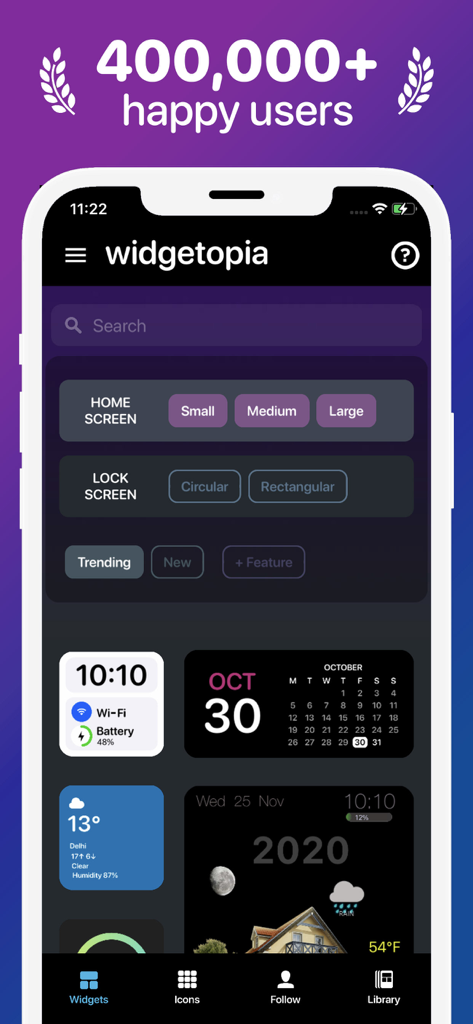
さまざまなデザインテンプレートを使用して、ホーム画面とロック画面のウィジェットカスタマイズのオプションを表示するwidgetopiaアプリインターフェースのスクリーンショット。

さまざまなデザインテンプレートを使用して、ホーム画面とロック画面のウィジェットカスタマイズのオプションを表示するwidgetopiaアプリインターフェースのスクリーンショット。

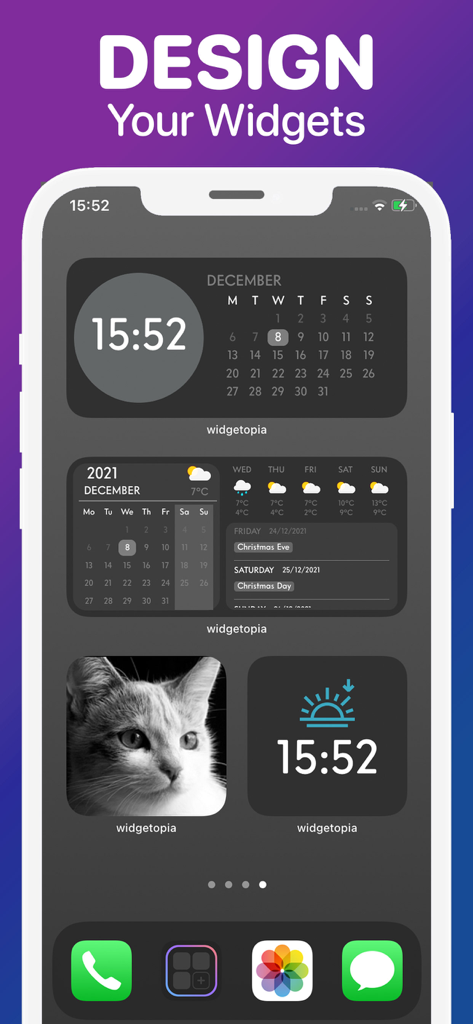
widgetopiaで作成された時計、カレンダー、天気、写真のさまざまなカスタムウィジェットを表示するiPhoneホーム画面。

widgetopiaで作成された時計、カレンダー、天気、写真のさまざまなカスタムウィジェットを表示するiPhoneホーム画面。

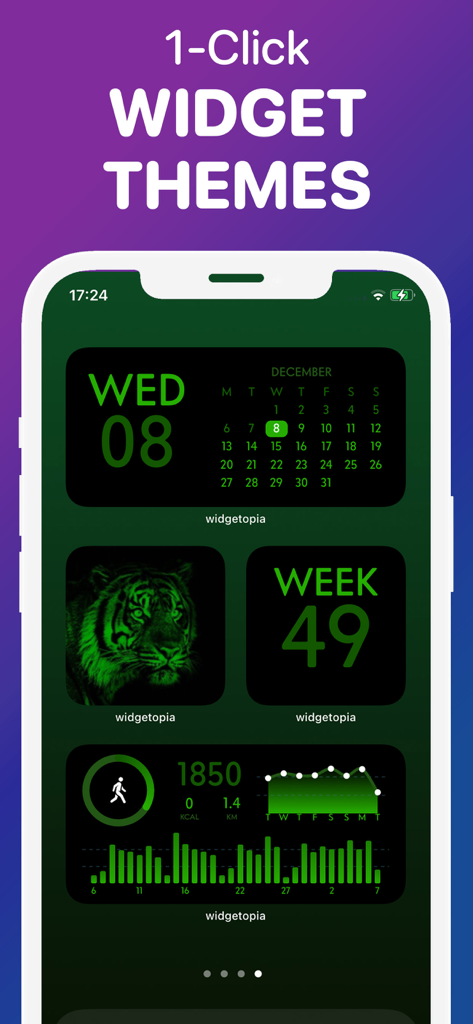
カレンダーと健康追跡のための統一された緑の美的ウィジェットテーマを表示するiPhoneホーム画面

カレンダーと健康追跡のための統一された緑の美的ウィジェットテーマを表示するiPhoneホーム画面

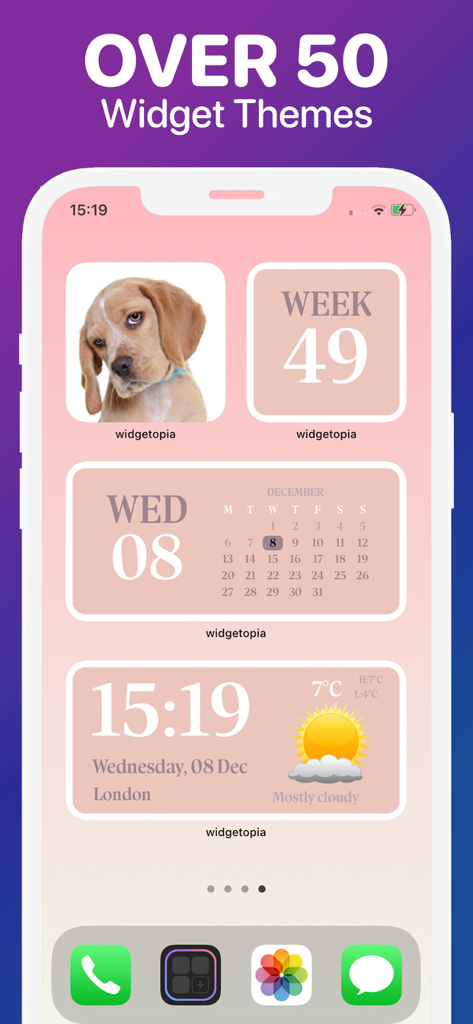
iPhoneでカレンダーと天気を含むソフトピンクの美的ウィジェットテーマを表示するwidgetopiaアプリディスプレイ

iPhoneでカレンダーと天気を含むソフトピンクの美的ウィジェットテーマを表示するwidgetopiaアプリディスプレイ

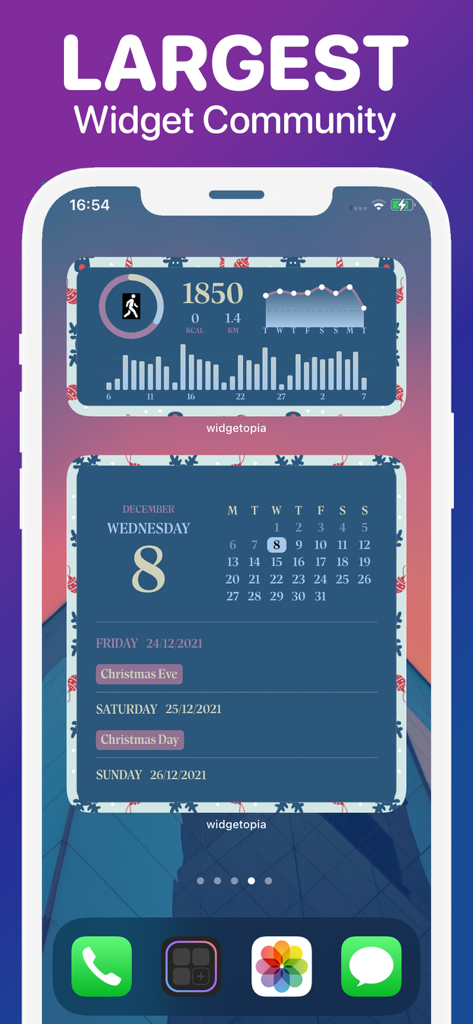
widgetopiaを使用したiPhoneホーム画面のカスタム健康とカレンダーのウィジェット。

widgetopiaを使用したiPhoneホーム画面のカスタム健康とカレンダーのウィジェット。

あなたのホーム画面をパーソナルな傑作に変える

このアプリを際立たせるツール、 576K+ 人のユーザーが選択.

🎨

無限の美的可能性

コミュニティ作成の10万以上のウィジェットを即座に適用するか、あらゆるデザインをリミックスして、あなたの個人的な雰囲気とカラーパレットに完璧に合わせましょう。

📊

あなたのパーソナルデータダッシュボード

Apple Healthの歩数、天気、カレンダー、バッテリー残量を、美しく一目でわかるウィジェットに統合し、一日を整理しましょう。

ワンクリックアイコンカスタマイズ

5,000以上のスタイリッシュなアイコンとマッチする壁紙で、完全に統一された外観を実現し、ホーム画面の散らかりを永遠に解消しましょう。

アプリについて

について知っておくべきこと Lock + Home Widgets widgetopia.

説明

From the team behind WatchMaker, the largest watchface design community in the world - get ready to make your home screen unique with widgetopia! THOUSANDS OF WIDGETS There are 100,000+ pre-built widgets which you can use right away! CREATE YOUR OWN WIDGET With widgetopia, you can use our powerful design tools to make your own designs and display any data you need. - 100,000+ widgets, more each day! - 5,000+ icons to make your iPhone look neat and stylish! - 100+ wallpapers for your home / lock screen! - Home and iOS 16 lock screen widgets! - Install the whole icon pack at once! - Over 70 widget themes! - Full designer tools - Weather Widget (current, hourly, daily) - Calendar Widget - Health Widget - Photo Widget - Battery Widget - Reminders Widget - Time & date - Digital clock - Analog clock including seconds - 100,000 Watch Hands + Backgrounds - Steps - Charts - Countdowns - Javascript expressions - Moon phase - Activity rings - Progress bars - Import widgets - Themeable Widgets - Transparent Widgets - Custom JSON Endpoints - Animated GIFs - Much more coming soon! REMIX EXISTING WIDGETS You can remix any widget you like and customize to your heart's content! Requires iOS 14+ PRICING AND TERMS Free version allows use of all widgets excluding those with weather data, including full design tools. Upgrade to the VIP version to unlock all widgets, get regular content updates and remove ads! – 1 week subscription price starts at $3.99 USD/week – 12 months subscription price starts at $19.99 USD/year - Payment will be charged to iTunes Account at confirmation of purchase - Subscription automatically renews unless auto-renew is turned off at least 24-hours before the end of the current period - Account will be charged for renewal within 24-hours prior to the end of the current period, and identify the cost of the renewal - Subscriptions may be managed by the user and auto-renewal may be turned off by going to the user's Account Settings after purchase - Any unused portion of a free trial period, if offered, will be forfeited when the user purchases a subscription to that publication, where applicable The prices above are in US dollars. Pricing in other countries may vary and actual charges may be converted to your local currency depending on the country. Privacy Policy: https://widgetopia.io/privacy/wm Terms of Use: https://widgetopia.io/terms/wm Requested access: Photos - use your own photos in your widget Notification - access to receive notifications about updates, new content, app news Calendar - display calendar data on widgets Bluetooth - display Bluetooth status on widgets Health - widgetopia optionally integrates with Apple Health. This data is used to display your step count and activity if you select one of those widget types. Permission for widgetopia to access this data is controlled through the Apple Health app.

最新バージョン

2.7.2

サイズ

40.7 MB

リリース日

2020年10月21日

究極のホーム画面を構築する準備はできましたか?

50万人以上のクリエイターに加わり、あなたのデジタルアイデンティティを解き放ちましょう。美しいテーマから強力なデータダッシュボードまで、あなたの完璧なiPhone設定がタップするだけで手に入ります。

ダウンロード: App Storeダウンロード: Google Play

App information, icons, screenshots, and descriptions displayed on this page are sourced from the Apple App Store and are the property of their respective developers. Download estimates and rankings are based on MWM's proprietary models and may not reflect actual figures. This page is provided for informational and analytical purposes only.

Believe this page infringes your intellectual property? File a dispute