Loyalty Cards: Add to Wallet

Loyalty Cards: Add to Wallet


ダウンロード: App Store
ロゴ: Loyalty Cards: Add to Wallet

ロイヤルティカード:ウォレットに追加 — ポイントカードを整理整頓

あらゆるポイントカードを整理する、高速で広告のない方法。サインアップ不要—スキャン、カスタマイズして、Apple Walletに直接同期し、スムーズなチェックアウトを実現。

ダウンロード: App Store

開発元

Maksim Chentsov

カテゴリ

Shopping

ダウンロード

100

ユーザー評価

1.0/5

評価数

0

対応言語

59

一目でわかるシンプルさ

このインターフェースを利用する 100 人のユーザー.

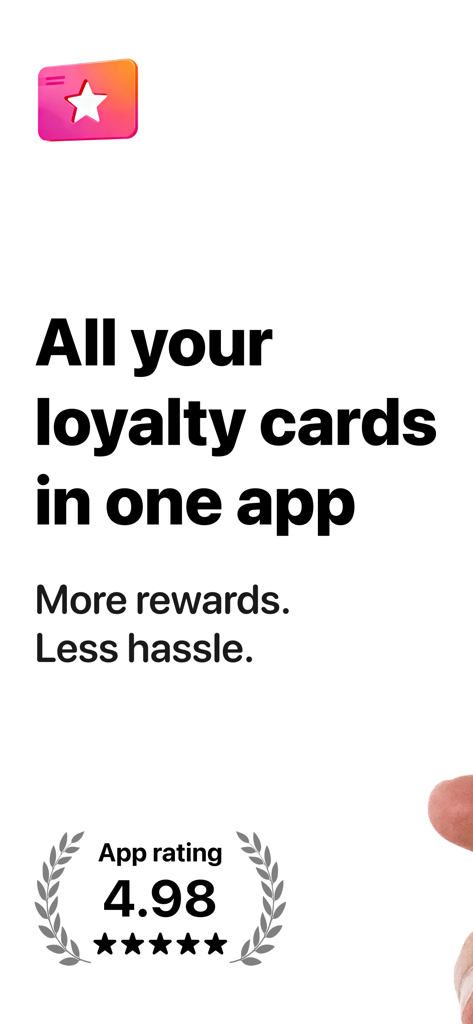
ロイヤルティカードアプリのマーケティング画面、評価4.98と「すべてのポイントカードを1つのアプリに」というスローガンを表示

ロイヤルティカードアプリのマーケティング画面、評価4.98と「すべてのポイントカードを1つのアプリに」というスローガンを表示

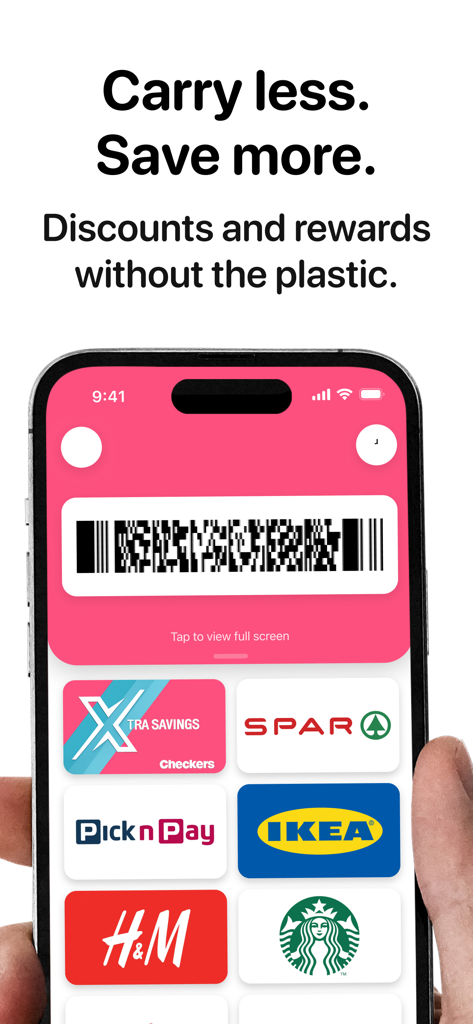
複数のデジタルポイントカードと簡単なチェックアウト用のバーコードを表示するモバイルアプリインターフェース

複数のデジタルポイントカードと簡単なチェックアウト用のバーコードを表示するモバイルアプリインターフェース

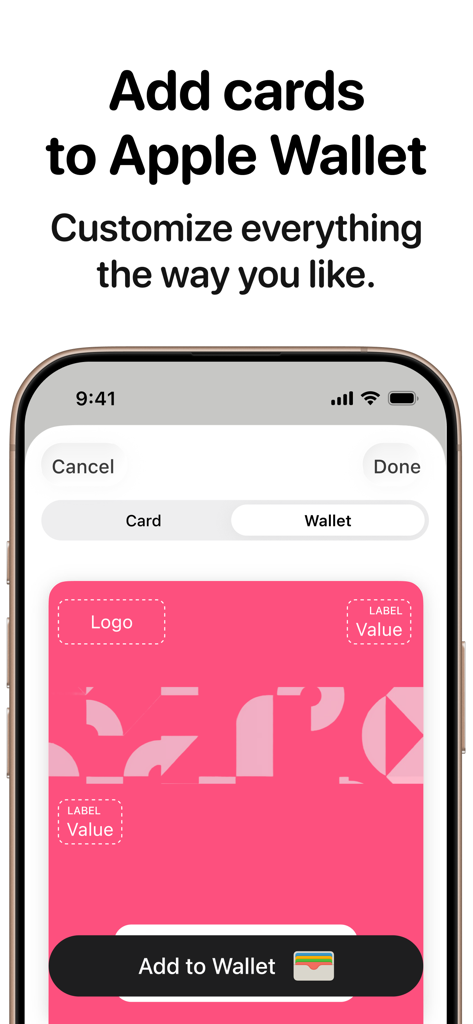
Apple Walletにポイントカードを追加するためのカスタマイズオプションを表示するモバイルインターフェース

Apple Walletにポイントカードを追加するためのカスタマイズオプションを表示するモバイルインターフェース

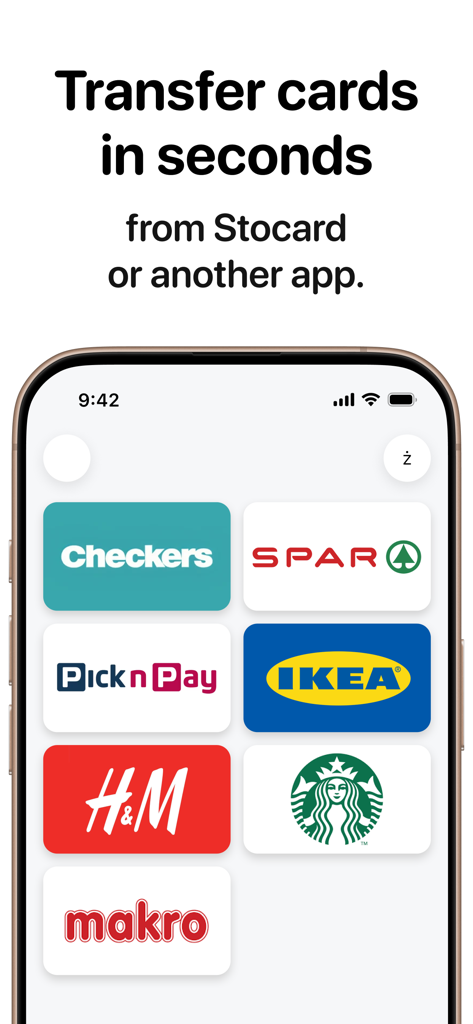
IKEA、H&M、Starbucksなどの大手小売業者のロゴをフィーチャーし、Stocardからポイントカードを転送する方法を示すモバイルアプリ画面

IKEA、H&M、Starbucksなどの大手小売業者のロゴをフィーチャーし、Stocardからポイントカードを転送する方法を示すモバイルアプリ画面

割引を見逃さないこととサインアップ不要であることを示すテキストを含むロイヤルティカードアプリのスプラッシュスクリーン

割引を見逃さないこととサインアップ不要であることを示すテキストを含むロイヤルティカードアプリのスプラッシュスクリーン

必要なものがすべて、不要なものはない

このアプリを際立たせるツール、 100 人のユーザーが選択.

📸

インスタントスクリーンショットインポート

Stocardから移行しますか?スクリーンショットをアップロードするだけです。AIがカードを識別し、数秒でインポート、手入力は不要です。

🎨

カスタムApple Walletカード

アプリを超えて。エディターを使用してロゴや色をカスタマイズし、Apple Walletにネイティブに配置できる、ブランドに完璧に合ったパスを作成します。

🛡️

広告なしのプライバシー

強制的なサインアップ、データ収集、広告は一切ありません。チェックアウト時にあなたのプライバシーと時間を尊重する、超高速ユーティリティを体験してください。

アプリについて

について知っておくべきこと Loyalty Cards: Add to Wallet.

説明

Cards and savings at your fingertips This app does one thing: store and show your loyalty, discount, and rewards cards—fast, with zero clutter. • Truly simple: open → find a card → show the barcode. • No ads and no “storefronts” — just your cards. • No sign‑up required. Use it right away. Want to keep access when you switch devices? Sign in with Apple. 1) All your cards in one place Keep discount cards and loyalty cards together so you can find the right one in seconds and never miss a deal. 2) Bulk import from screenshots Moving from Stocard or another app? Upload screenshots and your cards appear neatly—no re‑adding them one by one. 3) Add to Apple Wallet — clean and customizable Export to Apple Wallet with a handy editor, so each card looks the way you want. 4) Geo recommendations (beta) When you’re near a store, the app can suggest the cards you’ll likely need at checkout. 5) AI assistant for quick adding Snap the barcode side—AI identifies the card name, finds a logo, and speeds up adding. You can use the app for free, or upgrade to Plus or Pro. Payment for the Plus or Pro plan will be charged to your iTunes account at confirmation of purchase. Subscription automatically renews unless auto‑renew is turned off at least 24 hours before the end of the current period. You can easily manage your subscription in your account settings. Terms of Use: https://cards-wallet.com/terms/ Privacy Policy: https://cards-wallet.com/privacy/

最新バージョン

1.2.1

サイズ

39.9 MB

リリース日

2025年12月29日

ウォレットを数秒で軽量化

スピードとプライバシーを重視する何千人もの買い物客に加わりましょう。広告なし、サインアップ不要—整理されたカードをApple Walletで即座に利用できます。

ダウンロード: App Store

App information, icons, screenshots, and descriptions displayed on this page are sourced from the Apple App Store and are the property of their respective developers. Download estimates and rankings are based on MWM's proprietary models and may not reflect actual figures. This page is provided for informational and analytical purposes only.

Believe this page infringes your intellectual property? File a dispute