MagicWidgets - Photo Widgets

MagicWidgets - Photo Widgets


ダウンロード: App Store
ロゴ: MagicWidgets - Photo Widgets

MagicWidgets - 写真ウィジェット:あなたのユニークな美学を表現

かわいいカウントダウン、カスタム写真ギャラリー、あなたのバイブにぴったりのスタイリッシュなウィジェットで、夢のホーム画面とロック画面をデザインしましょう。

ダウンロード: App Store

開発元

DXPLORER TECHNOLOGY LIMITED

カテゴリ

Utilities

ダウンロード

2M+

ユーザー評価

4.6/5

評価数

6K+

対応言語

27

あなたのバイブをデザイン

このインターフェースを利用する 2M+ 人のユーザー.

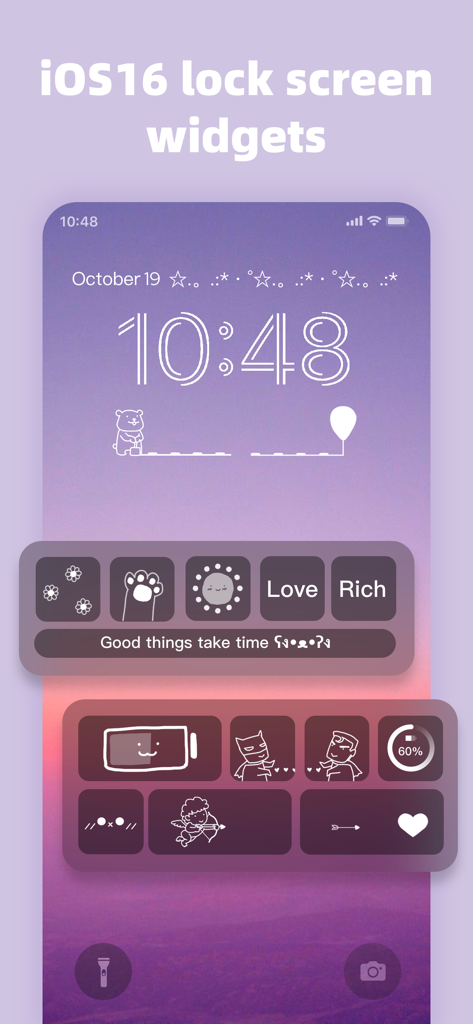
カスタムされた美学ウィジェットとかわいいアイコンを備えたiPhoneロック画面

カスタムされた美学ウィジェットとかわいいアイコンを備えたiPhoneロック画面

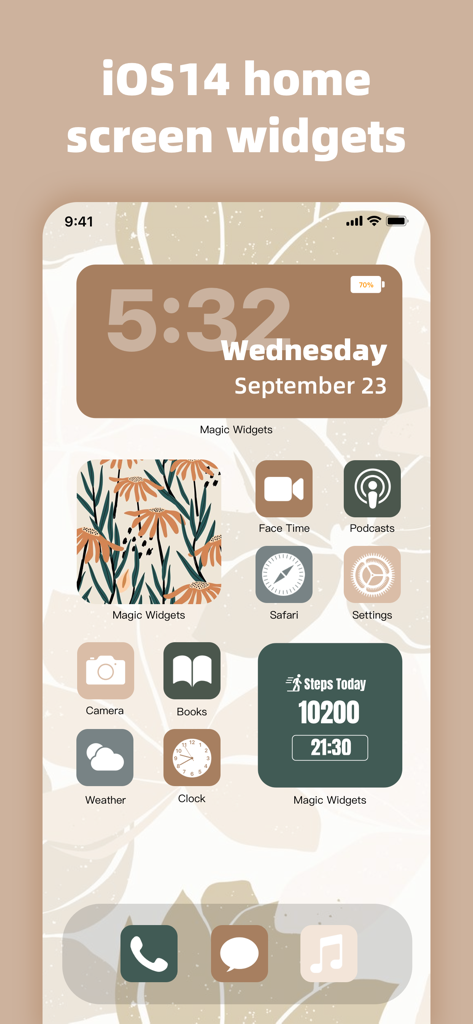
茶色のテーマの時計とステップトラッカーウィジェットを備えた、カスタマイズされた美学のiPhoneホーム画面。

茶色のテーマの時計とステップトラッカーウィジェットを備えた、カスタマイズされた美学のiPhoneホーム画面。

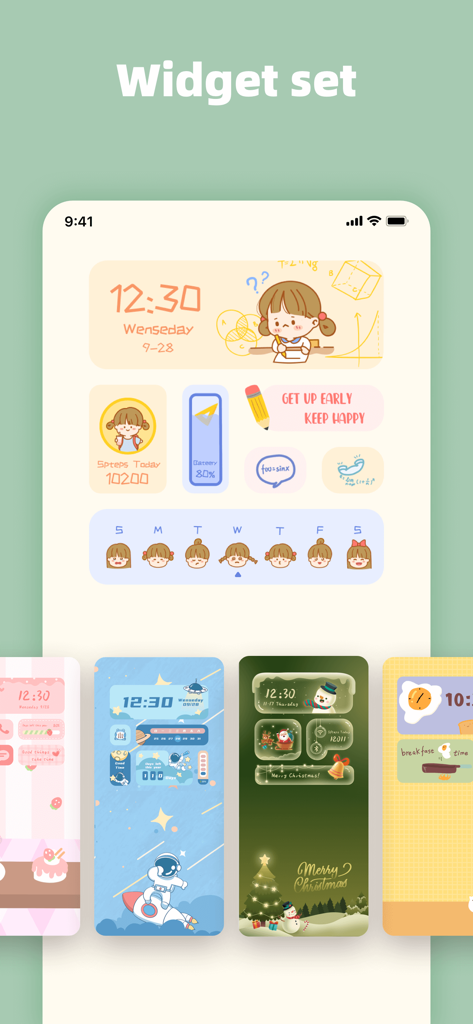
手描きのアイコンとホリデーテーマを含む、かわいいと美学のカスタムホーム画面ウィジェットセットのコレクション

手描きのアイコンとホリデーテーマを含む、かわいいと美学のカスタムホーム画面ウィジェットセットのコレクション

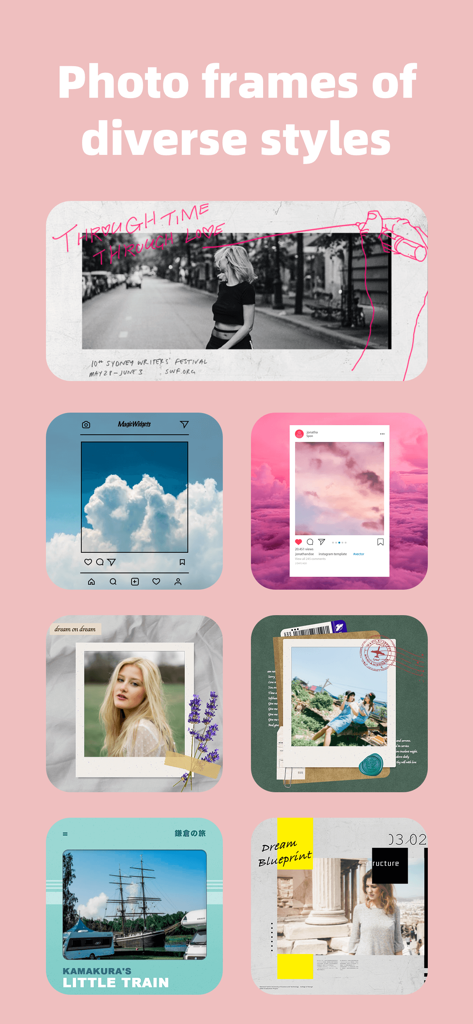
ポラロイドやソーシャルメディアのレイアウトを含む、モバイルウィジェットの多様な美学の写真フレームスタイルのコレクション。

ポラロイドやソーシャルメディアのレイアウトを含む、モバイルウィジェットの多様な美学の写真フレームスタイルのコレクション。

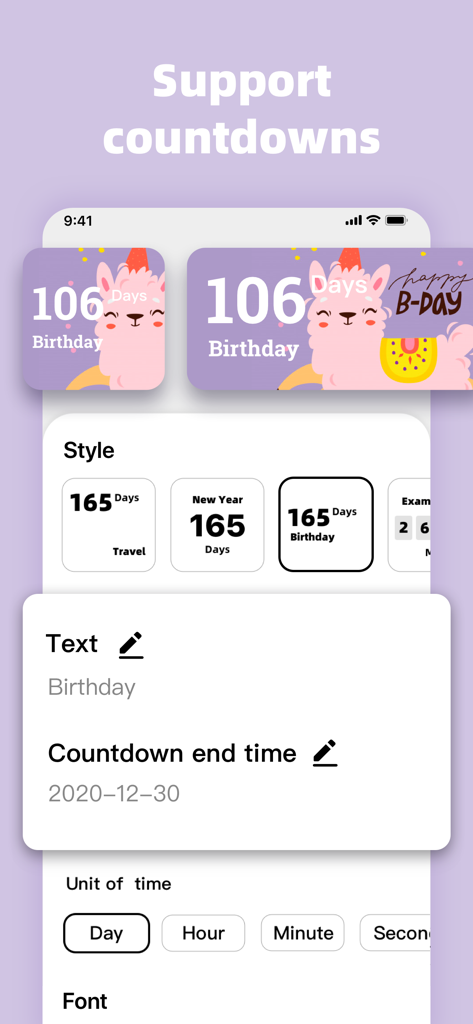
アルパカのデザインを備えたかわいい美学のカウントダウンウィジェットのカスタマイズオプションを示すMagicWidgetsアプリのインターフェース

アルパカのデザインを備えたかわいい美学のカウントダウンウィジェットのカスタマイズオプションを示すMagicWidgetsアプリのインターフェース

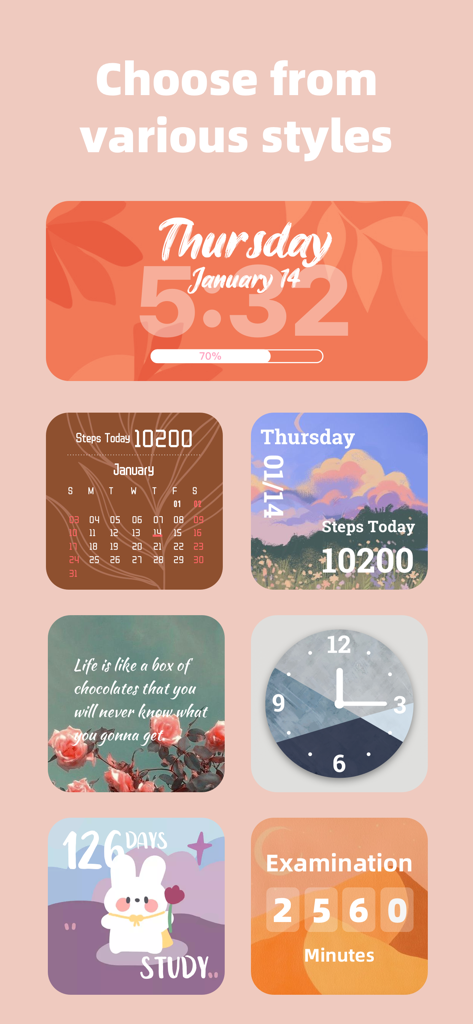
時計、カレンダー、ステップカウンター、カウントダウンを含む、美学のiOSウィジェットのコレクション。

時計、カレンダー、ステップカウンター、カウントダウンを含む、美学のiOSウィジェットのコレクション。

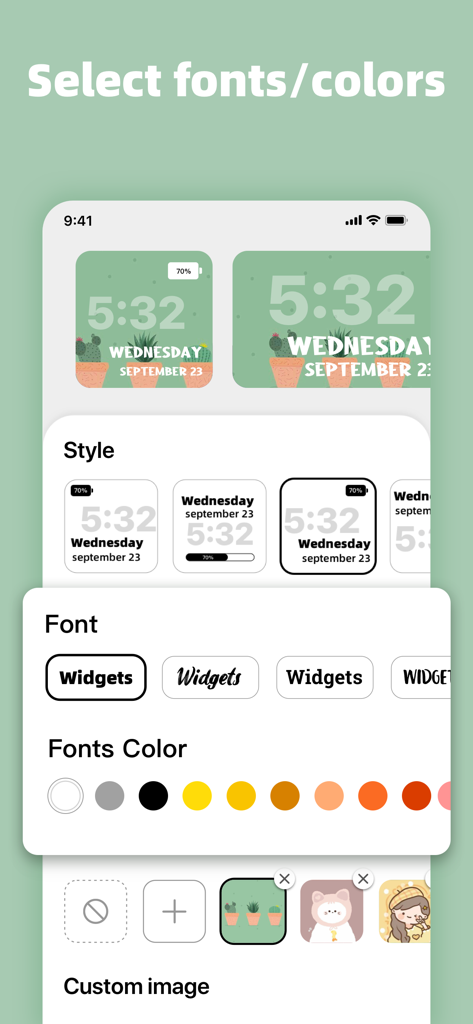
iOSウィジェットのフォントスタイル、色、背景画像オプションを示すMagicWidgetsアプリのカスタマイズインターフェース。

iOSウィジェットのフォントスタイル、色、背景画像オプションを示すMagicWidgetsアプリのカスタマイズインターフェース。

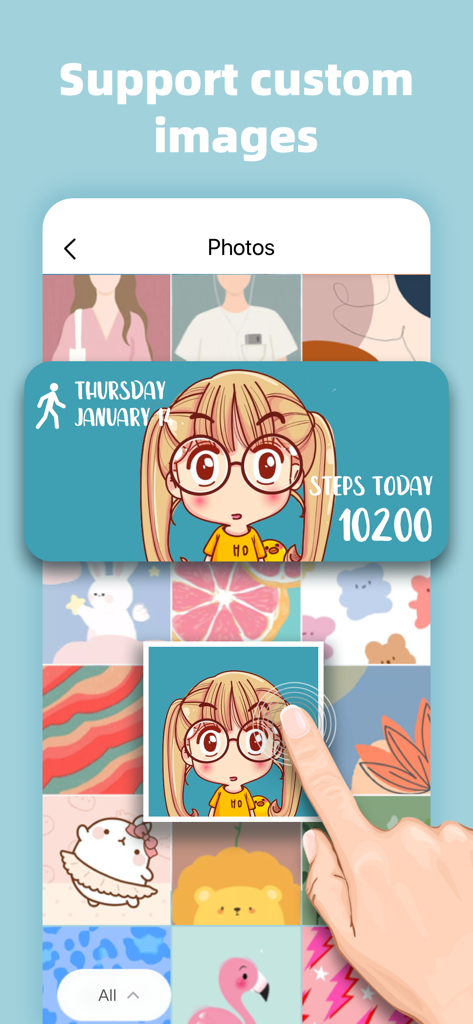
ユーザーが、ステップカウンターと日付付きのカスタム写真ウィジェットを作成するために、かわいいアニメイラストを選択します。

ユーザーが、ステップカウンターと日付付きのカスタム写真ウィジェットを作成するために、かわいいアニメイラストを選択します。

あなたのユニークな美学を表現

このアプリを際立たせるツール、 2M+ 人のユーザーが選択.

完全なDIYの自由

あなたの個人的な美学に合うカスタムフォントと色で、数十種類の時計とカレンダーのスタイルを組み合わせて、あなたの完璧なバイブをデザインしましょう。

📸

心温まる写真ウィジェット

お気に入りの人、ペット、思い出を、ローカルアルバムを美しいホーム&ロック画面ギャラリーに変えることで、前面中央に配置しましょう。

🗓️

エキサイティングなイベントカウントダウン

誕生日、祝日、大きな旅行への期待感を、次の大きなマイルストーンまでの毎秒を追跡するかわいいタイマーで高めましょう。

アプリについて

について知っておくべきこと MagicWidgets - Photo Widgets.

説明

MagicWidgets supports lock screen widget for iOS 16. With MagicWidgets, you can add all kinds of cute and funny pictures, texts and other features to your lock screen to make your lock screen more lively and functional! MagicWidgets is an app that allows you to customize your iOS14 home screen. The app offers dozens of clock and calendar styles. You can upload images from the local album as well. Add MagicWidgets to your home screen in a few simple steps to make your home screen beautiful and fun! MagicWidgets allows you to add the countdown widget for reminders and time management. Countdowns can be accurate to seconds. You can customize countdown widgets for important upcoming events such as holidays, birthdays, anniversaries, parties, Thanksgivings, Christmas, Halloween, Valentine’s Day, exams, goals, etc. MagicWidgets offers various styles for you to choose from. You can follow your preferences: - Add large/medium/small widgets - Choose from various clock and calendar styles - Show/hide elements on custom widgets - Choose from multiple fonts and colors - Upload images from local album as widget background - Countdown widget: look forward to every important moment! Download MagicWidgets now and start your DIY journey for your home screen! MagicWidgets Membership: - Subscribed users have unlimited access to all features and widget styles. - Subscriptions are charged on a weekly/monthly/yearly basis depending on the plan - Payment will be charged to your iTunes account at confirmation of purchase - Subscription automatically renews unless auto-renew is turned off at least 24-hours before the end of the current period - The account will be charged for renewal within 24-hours prior to the end of the current period. Subscriptions may be managed by the user and auto-renewal may be turned off in your Apple ID account settings anytime after purchase. If you have any suggestions or comments, please feel free to contact us at magicwidgetsfeedback@yandex.com. Thank you for your support for MagicWidgets! Privacy Policy: https://sites.google.com/view/magicwidgets-privacy-notice/ User Agreement: https://sites.google.com/view/magicwidgets-useragreement/

最新バージョン

1.5.1

サイズ

265.2 MB

リリース日

2020年10月27日

今日からDIYジャーニーを始めましょう

200万人以上のクリエイターに参加して、あなたのiPhoneを完全にバイブのあるものに変えましょう。カスタム写真、カウントダウン、スタイルで夢の美学をデザインするために、今すぐMagicWidgetsをダウンロードしてください。

ダウンロード: App Store

App information, icons, screenshots, and descriptions displayed on this page are sourced from the Apple App Store and are the property of their respective developers. Download estimates and rankings are based on MWM's proprietary models and may not reflect actual figures. This page is provided for informational and analytical purposes only.

Believe this page infringes your intellectual property? File a dispute