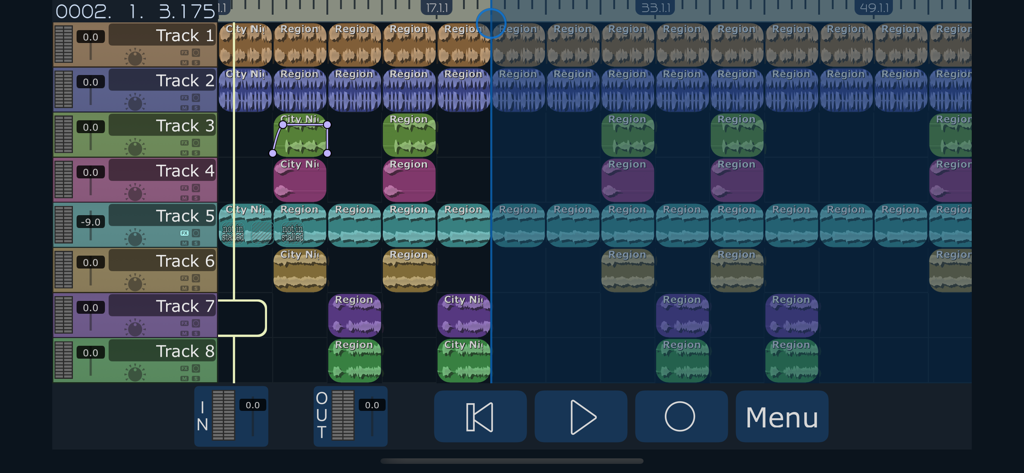
The power of a digital audio workstation in the palm of your hand.
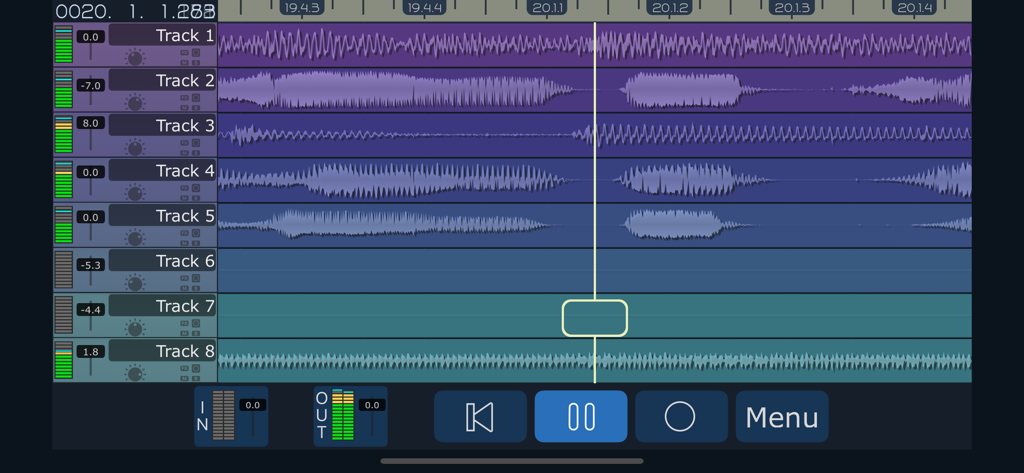
Release your creativity with up to 32 high quality audio tracks. Record multiple takes, harmonies, solos, and experiments. No more worrying about bouncing - each instrument can have its own track. More cowbell? No problem!
Build new songs like a recording studio, with the monitoring and overdubbing capabilities of MultiTrack DAW. Move and trim audio until it's perfect, and mix the sound until it's just right. Export your work with a multitude of sharing options.
INPUT
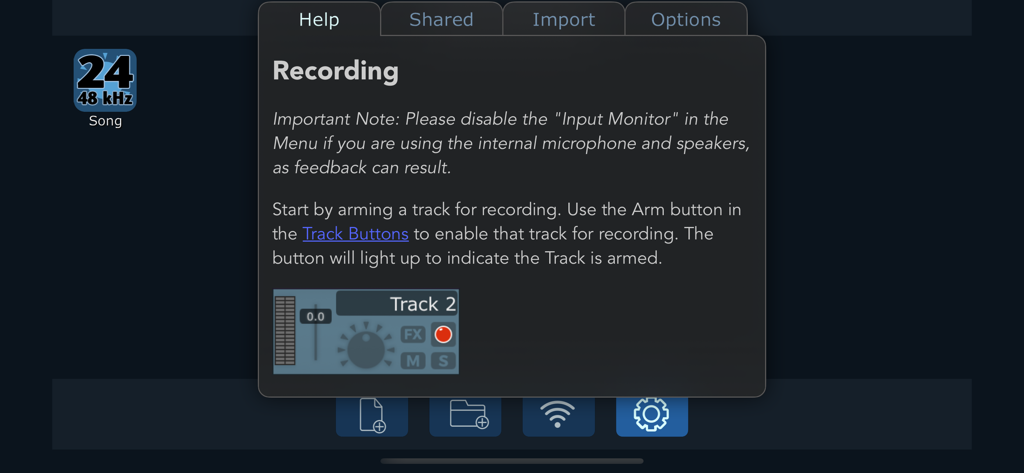
MultiTrack has a wide range of input capabilities, including the built-in mic, headset mics, and USB interfaces and mics. AudioUnits (AUv3) and IAA (Inter-App Audio) are also supported as inputs and as effects.
AUDIO FILES
File types for import include mp3, ogg, wav, aac, m4a, aif, and m4a. MultiTrack now offers 8 ways to get audio files in and out: iTunes/Finder File Sharing, Wi-Fi, Drag&Drop, Copy/Paste, 'Open in...', Airdrop, the Files app, and importing from the Music Library. Whole projects can be archived in-app and shared, and sent directly to other devices using AirDrop, Wi-Fi, or any other iOS sharing method.
FEATURES
2 stereo audio tracks, upgradable to 32, for simultaneous playback.
16 inputs simultaneously (USB interface required).
16, 24, or 32 bit floating point at 44.1, 48, 88.2 or 96 kHz, professional quality lossless audio for each track.
Inter-App Audio / AudioUnits v3 - Generators, Instruments, and Effects supported.
Up to 4 AU/IAA plugins on each track, the 2 effects busses, and the master out.
Sidechain capable, use the 'SC' button to pick a source track pre/post FX.
Audiobus 3 - Can be used as a sender for any track or master out. Supports saving and restoring state.
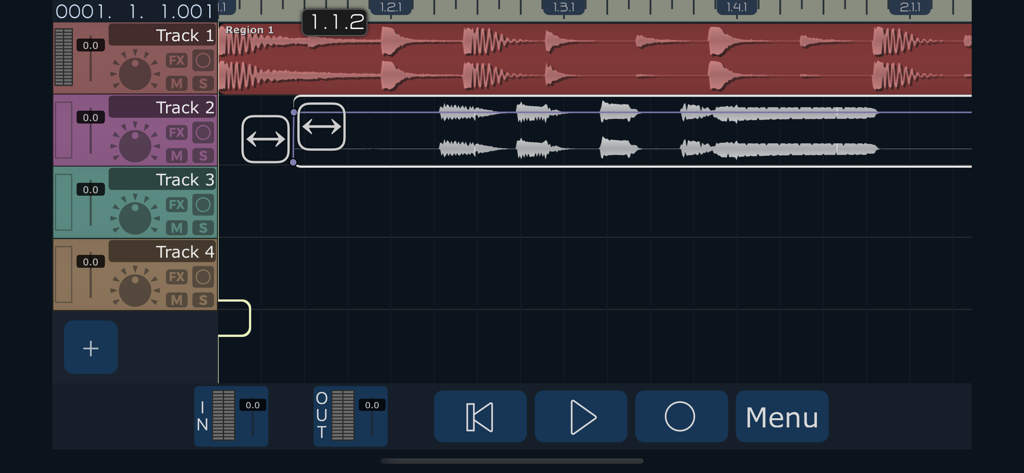
Non-linear, non-destructive editing using Regions and Bins.
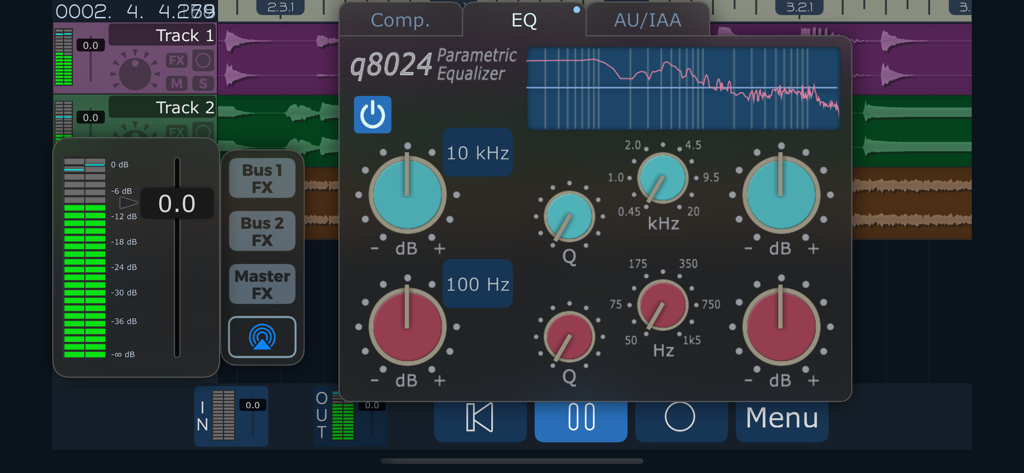
Built-in track Compressor and EQ (2 bands parametric, 2 bands shelving).
Built-in Sweet Reverb and Stereo Delay available as bus effects.
Grid View with Snap to easily align regions.
Freeze tracks for improved performance.
Metronome adjustable from 40 to 240 BPM.
Various musical Time Signatures.
Ruler showing bars/beats/divisions/ticks or timecode.
Volume faders have +12db of gain boost.
Per-Region volume and fade in and out, with realtime audio monitoring while editing.
Ability to monitor the input signal with effects, while recording the raw input.
Looping with the Loop Markers.
Hotbox popup control (Long-touch over track) with context sensitive buttons.
Audio Browser allows preview of audio files in the song.
Snap, Punch, Input Monitor, Auto Input, Undo and Redo, and many more features.
Smart Snap displays red vertical lines with exact snapping placement, snaps to any other region or ruler line.
MORE FEATURES
Beautifully rendered waveforms at multiple zoom levels.
Low latency VU meters for each track.
64 bit audio processing.
Latency compensation with selectable buffer sizes.
Zip compression of song projects for backup/restore.
Wav, mp3, ogg, ALAC, FLAC, and m4a compression for mixdown with selectable bitrates.
Free 'Sound Copy' app extension allows copying audio to the General Pasteboard from outside MultiTrack.
Many, many more features.
For more information visit harmonicdog.com
* USB Audio requires Lightning to USB Camera Adapter.
App information, icons, screenshots, and descriptions displayed on this page are sourced from the Apple App Store and are the property of their respective developers. Download estimates and rankings are based on MWM's proprietary models and may not reflect actual figures. This page is provided for informational and analytical purposes only.
Believe this page infringes your intellectual property? File a dispute