QR Code Reader | Scanner

QR Code Reader | Scanner

ダウンロード: App Store
ロゴ: QR Code Reader | Scanner

QRコードリーダー | スキャナー:すべてのスキャンを作成、カスタマイズ、追跡

プロフェッショナルやマイクロ起業家向けの究極のオールインワンツールキット。ブランド化されたソーシャルコードを生成し、小売価格を即座に比較し、すべてを1か所で整理された安全な履歴を保持します。

開発元

Oleg Kolesnyk

カテゴリ

Utilities

ダウンロード

109K+

ユーザー評価

4.2/5

評価数

800

対応言語

13

効率性を視覚化

このインターフェースを利用する 109K+ 人のユーザー.

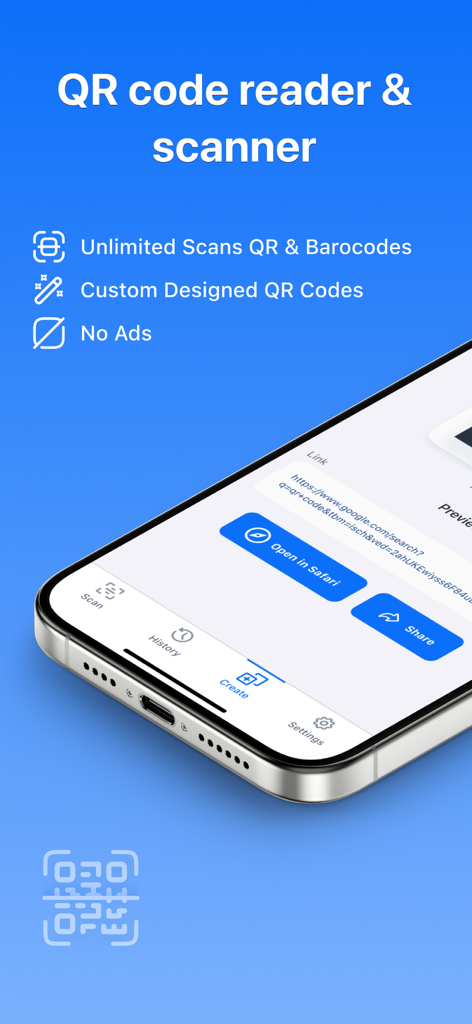
QRコードリーダーとスキャナーアプリのインターフェイス。iPhoneで無制限のスキャンとカスタムデザイン機能を表示。

QRコードリーダーとスキャナーアプリのインターフェイス。iPhoneで無制限のスキャンとカスタムデザイン機能を表示。

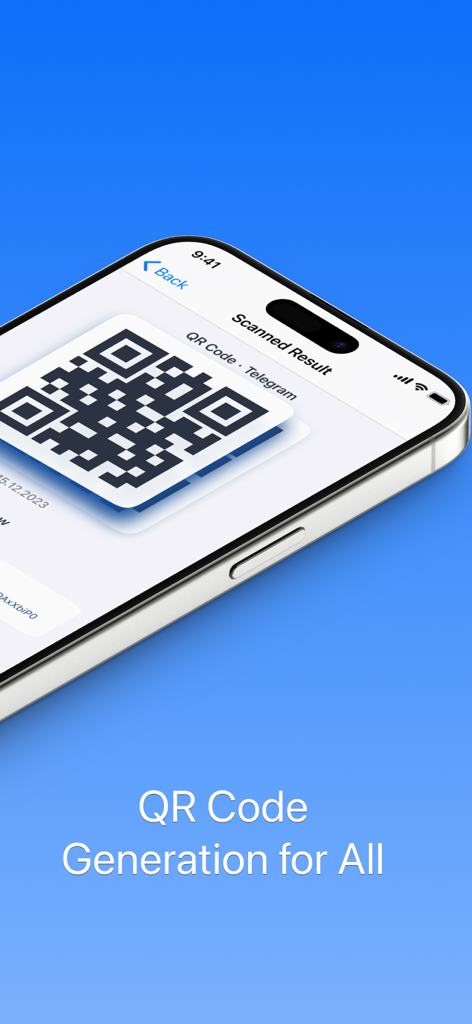
iPhone画面。QRコードリーダーアプリによって生成されたTelegram QRコードを表示。

iPhone画面。QRコードリーダーアプリによって生成されたTelegram QRコードを表示。

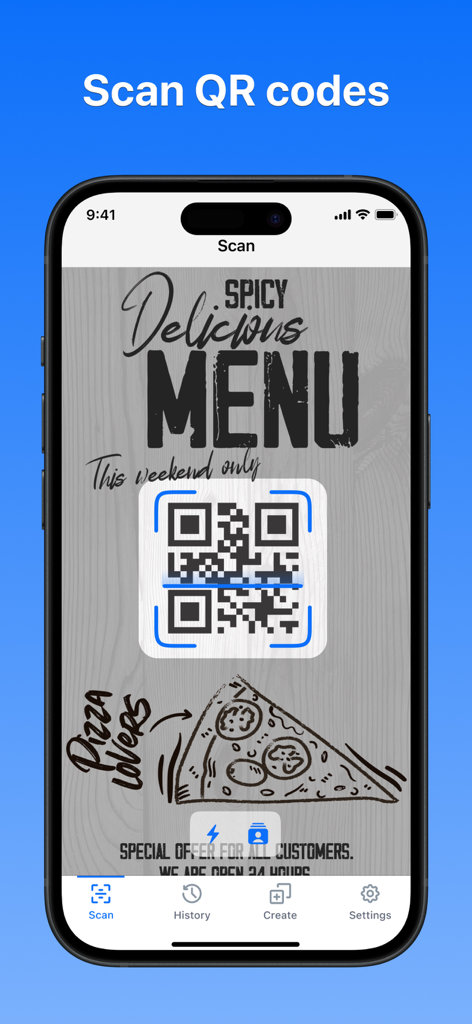
QRスキャナーアプリを使用して、スパイシーでおいしいピザメニューのQRコードをスキャンするスマートフォン。

QRスキャナーアプリを使用して、スパイシーでおいしいピザメニューのQRコードをスキャンするスマートフォン。

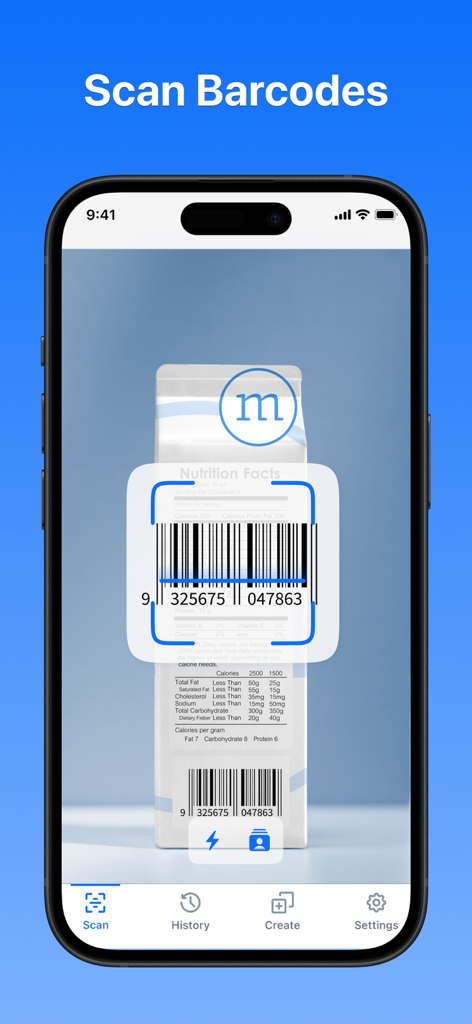
QRおよびバーコードスキャナーアプリを使用して製品バーコードをスキャンするスマートフォンの画面。

QRおよびバーコードスキャナーアプリを使用して製品バーコードをスキャンするスマートフォンの画面。

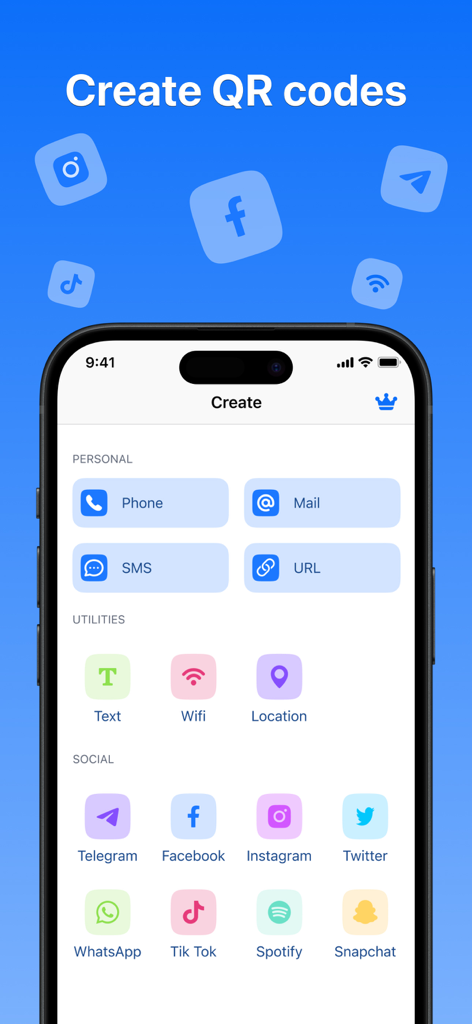
iPhoneアプリのインターフェイス。個人使用、ユーティリティ、ソーシャルメディアプラットフォーム用のQRコード生成オプションを表示。

iPhoneアプリのインターフェイス。個人使用、ユーティリティ、ソーシャルメディアプラットフォーム用のQRコード生成オプションを表示。

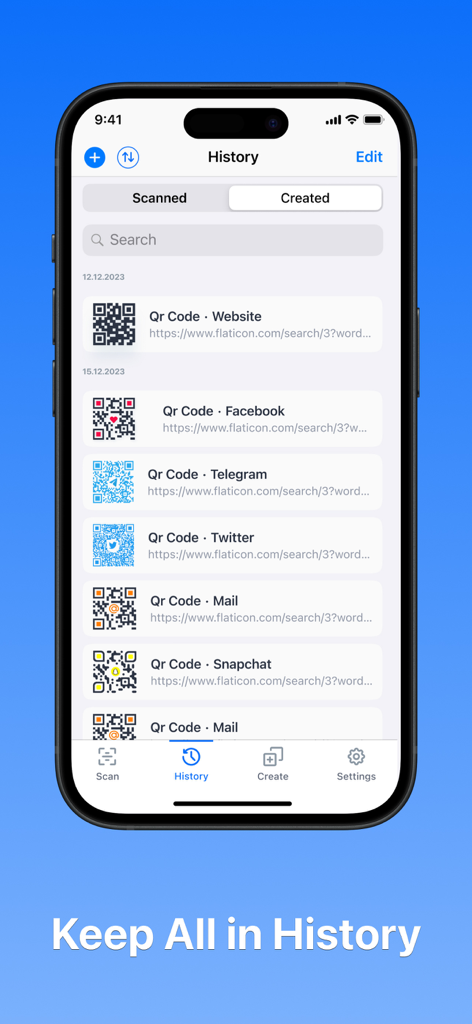
QRコードリーダーアプリの履歴セクションに、スキャンおよび作成されたQRコードのリストを表示するiPhone画面。

QRコードリーダーアプリの履歴セクションに、スキャンおよび作成されたQRコードのリストを表示するiPhone画面。

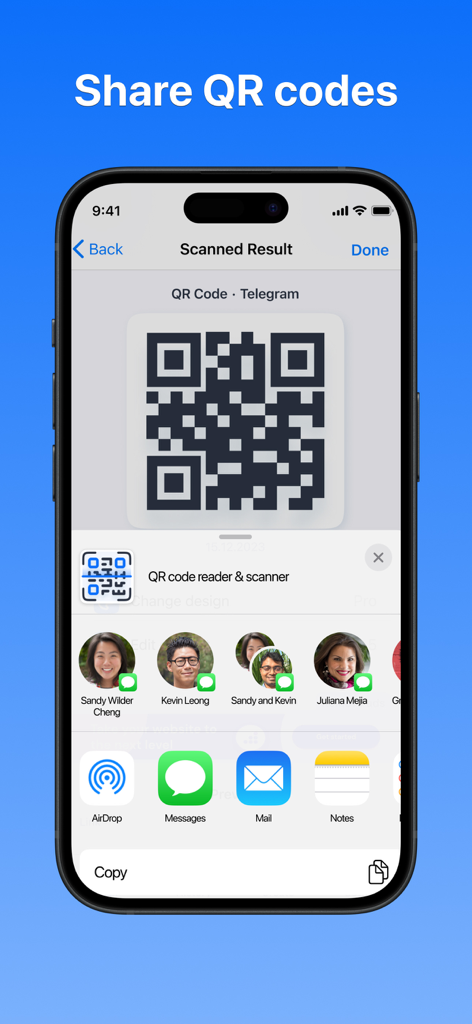
iPhoneインターフェイス。iOS共有シートを介して連絡先やソーシャルアプリにTelegram QRコードが共有されている様子を表示。

iPhoneインターフェイス。iOS共有シートを介して連絡先やソーシャルアプリにTelegram QRコードが共有されている様子を表示。

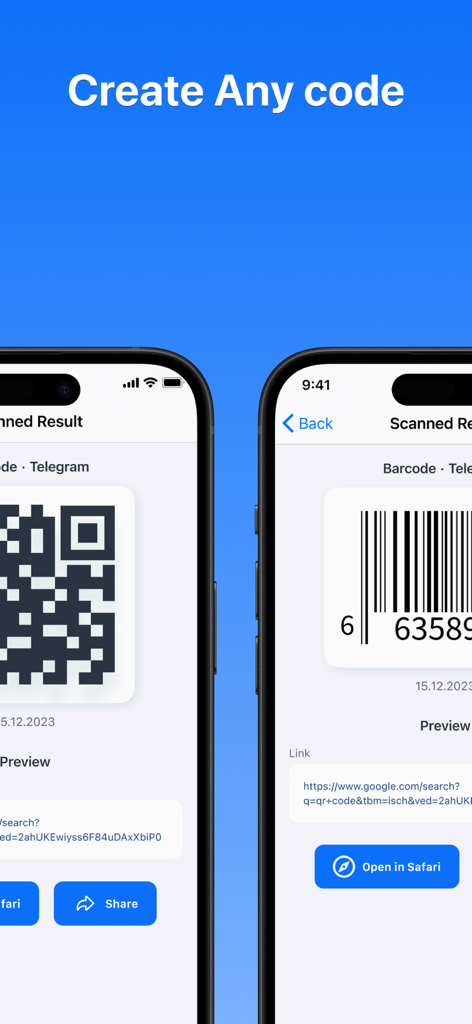
Telegram用のQRコードおよびバーコード生成を表示するiPhone画面。

Telegram用のQRコードおよびバーコード生成を表示するiPhone画面。

スキャナー以上の機能

このアプリを際立たせるツール、 109K+ 人のユーザーが選択.

🎨

パーソナルブランドをデザインする

プレミアムで美しいテンプレートを使用して、ソーシャルプロフィールやビジネスフライヤー用のカスタムカラーQRコードで目立ちましょう。

🗃️

デジタルファイルキャビネット

カテゴリ別に整理され、iCloud経由でバックアップされた完全なスキャン履歴にアクセスし、重要なリンクや連絡先を失うことがないようにします。

即座に接続して保存

ソーシャルリンクやWiFiを簡単に共有したり、バーコードスキャナーを使用して価格を比較し、買い物の際に最良の取引を見つけたりできます。

アプリについて

について知っておくべきこと QR Code Reader | Scanner.

説明

Introducing QR Сode Reader | Scanner – the ultimate QR code and barcode scanning app for your iPhone! Unleash the power of your device's camera to effortlessly scan and decode QR codes and barcodes of various formats. Our app is not just a scanner, it's a complete QR code solution with features that set it apart. Key Features: - Easy to Use: Our QR code reader and barcode scanner are designed for simplicity. Whether in low-light environments or broad daylight, the app's automatic detection ensures a seamless scanning experience. Fully compatible with iOS 16 and optimized for all iPhones. - Create QR Codes & Share: Generate an array of QR codes, including: Phone, Email, SMS, URL, Text, Wifi, Location, Telegram, Facebook, Instagram, Twitter, WhatsApp, TikTok, Spotify, and Snapchat. Share your QR code reader and scanner results effortlessly through popular platforms like Telegram, WhatsApp, Facebook, Twitter, Gmail, WeChat, Line, E-mail, and SMS. - Scan Multiple Types: Swiftly and securely scan diverse QR codes and barcodes, from Weblinks to WiFi, contacts, ISBN, and products. Seamlessly jump to websites, connect to WiFi without passwords, gather product information, and compare prices online to save money. - View and Retrieve Scan History: Keep track of all your scans, conveniently organized by category in the scan history. iCloud backup ensures your scan results are safe. Activate the history option for easy retrieval even if you switch phones. - Customize QR Code Color: Personalize your QR codes by choosing different colors to make them uniquely yours. Use many ready-made templates, as well as create your own unique designs, improving every detail of your QR code. Download QR Сode Reader | Scanner now to elevate your QR code and barcode scanning experience! SUBSCRIPTION TERMS: Enjoy unrestricted access to QR Сode Reader | Scanner during the subscription period. Choose from 1-week with a 3-day free trial, 1-month, or 1-year. Subscriptions automatically renew unless canceled 24 hours before the current period ends. Manage subscriptions and turn off auto-renewal in your iTunes Account Settings. For suggestions or questions, contact us at contact@qrscanread.com. Read more about our terms and conditions: Terms of Service: https://qrscanread.com/terms.html Privacy Policy: https://qrscanread.com/privacy.html

最新バージョン

1.0.4

サイズ

13.6 MB

リリース日

2024年1月9日

スキャン体験をアップグレードする準備はできましたか?

100,000人以上のプロフェッショナルやクリエイターが参加しています。iPhoneで簡単にスキャンを開始し、カスタムQRコードをデザインし、デジタルペーパートレイルを整理しましょう。

ダウンロード: App Store

App information, icons, screenshots, and descriptions displayed on this page are sourced from the Apple App Store and are the property of their respective developers. Download estimates and rankings are based on MWM's proprietary models and may not reflect actual figures. This page is provided for informational and analytical purposes only.

Believe this page infringes your intellectual property? File a dispute