Sequincer: MIDI Sequencer

Sequincer: MIDI Sequencer

ダウンロード: App Store
ロゴ: Sequincer: MIDI Sequencer

Sequincer: MIDIシーケンサー – 本格的な作曲家向けのハーモニック精度

最もインテリジェントなグリッドベースのシーケンサーで、外出先でも音楽をマスターしましょう。簡単なスケッチから本格的な交響曲まで、現代のiPadミュージシャンのために設計されたプロフェッショナルなAUv3統合と高度なハーモニック認識を体験してください。

ダウンロード: App Store

開発元

Alexis Doualle

カテゴリ

Music

ダウンロード

400

ユーザー評価

4.3/5

評価数

0

対応言語

2

精度の芸術

このインターフェースを利用する 400 人のユーザー.

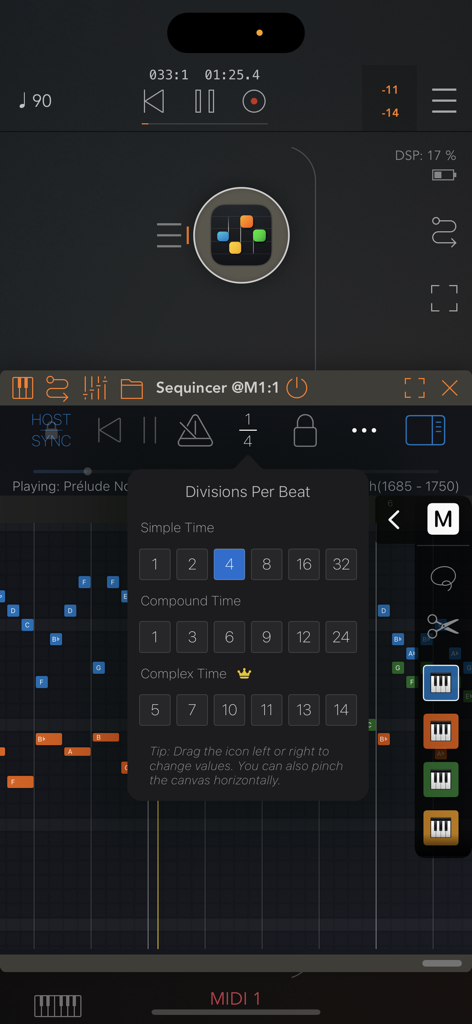
Sequincer MIDIシーケンサーアプリの「Divisions Per Beat」メニュー

Sequincer MIDIシーケンサーアプリの「Divisions Per Beat」メニュー

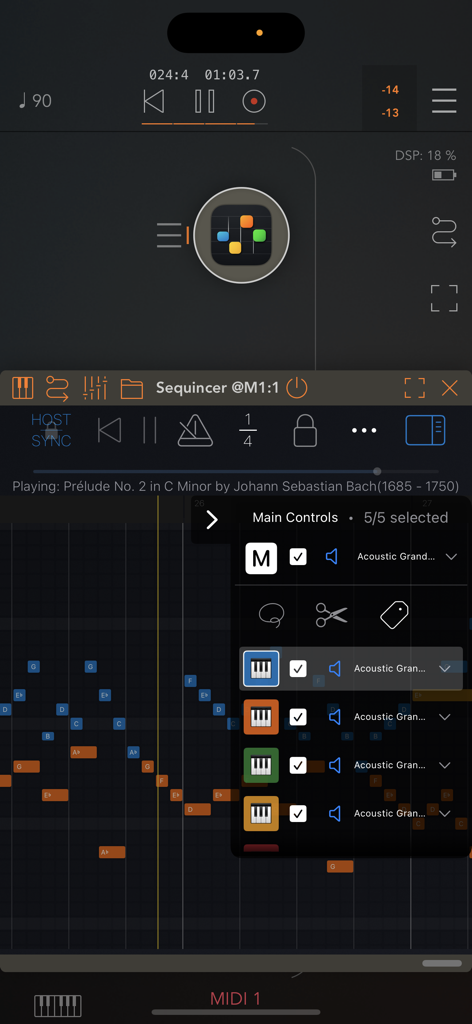
Sequincerアプリのインターフェイス。グリッドベースのMIDIシーケンサーとトラックコントロールメニューが表示されています。

Sequincerアプリのインターフェイス。グリッドベースのMIDIシーケンサーとトラックコントロールメニューが表示されています。

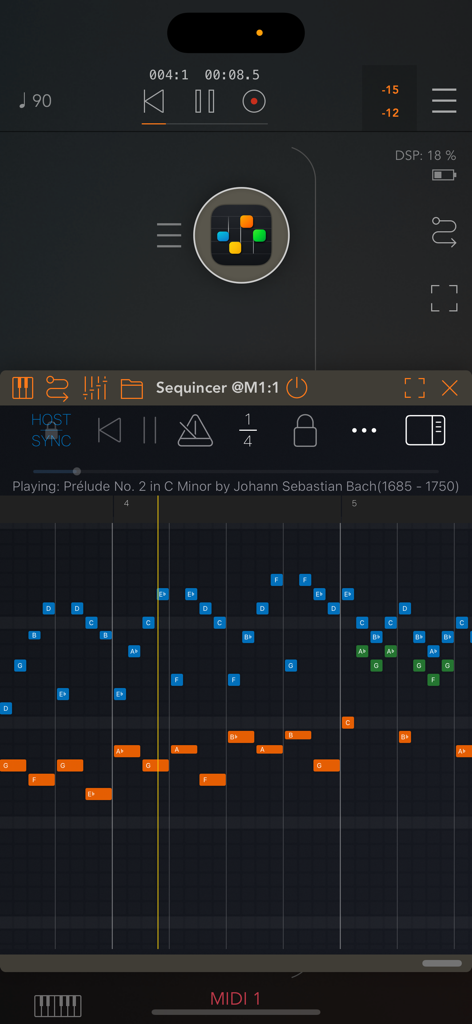
モバイルグリッドベースMIDIシーケンサーのインターフェイス。カラフルなノートブロックとトランスポートコントロールが表示されたピアノロールが表示されています。

モバイルグリッドベースMIDIシーケンサーのインターフェイス。カラフルなノートブロックとトランスポートコントロールが表示されたピアノロールが表示されています。

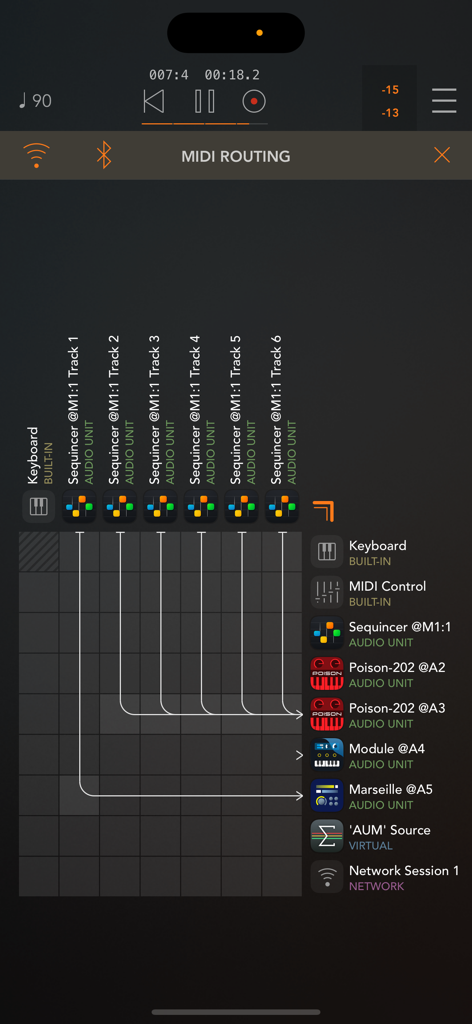
SequincerのMIDIルーティンググリッド。トラックとAUv3インストゥルメント間の接続が表示されています。

SequincerのMIDIルーティンググリッド。トラックとAUv3インストゥルメント間の接続が表示されています。

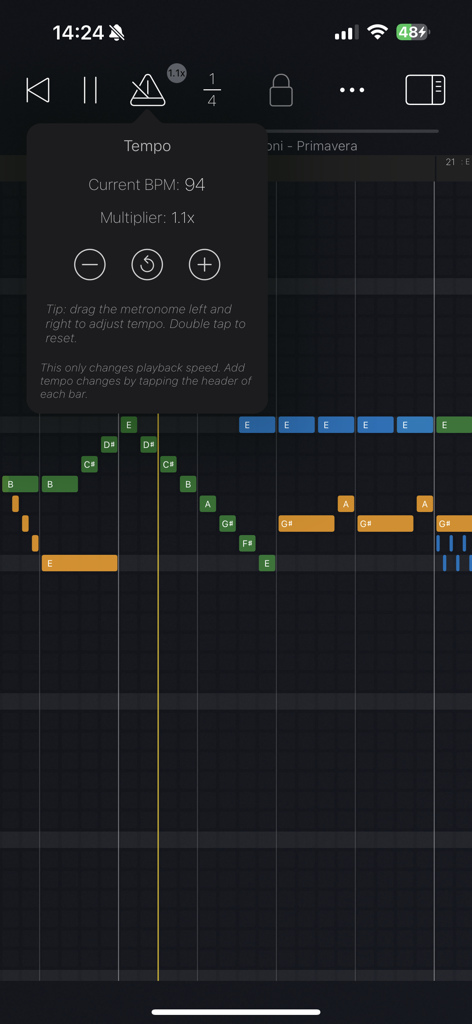
Sequincer MIDIシーケンサーアプリのインターフェイス。テンポコントロールとグリッド上のカラフルな音符が表示されています。

Sequincer MIDIシーケンサーアプリのインターフェイス。テンポコントロールとグリッド上のカラフルな音符が表示されています。

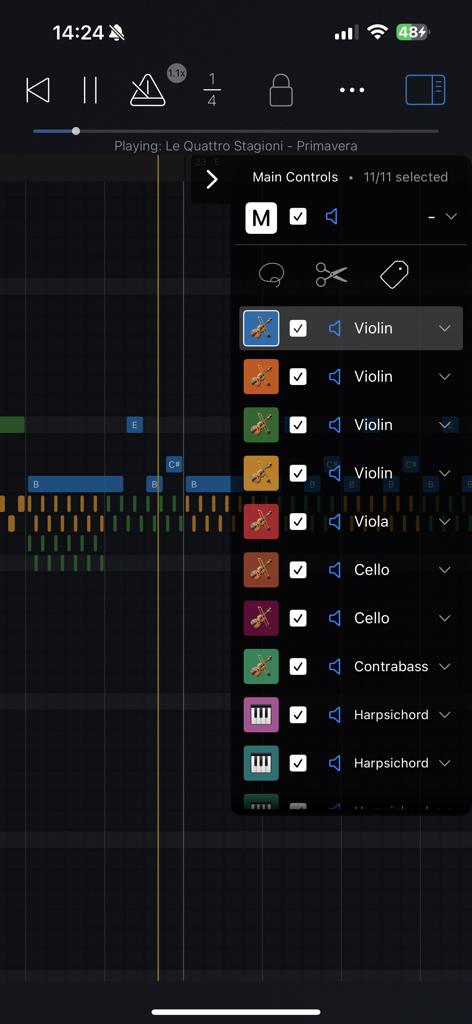
Sequincer MIDIシーケンサーアプリ。ピアノロールグリッド上のオーケストラ楽器のリストが表示されています。

Sequincer MIDIシーケンサーアプリ。ピアノロールグリッド上のオーケストラ楽器のリストが表示されています。

プロフェッショナルMIDIシーケンスの再考

このアプリを際立たせるツール、 400 人のユーザーが選択.

🎼

ハーモニックインテリジェンス

音楽的な意図を持って書きましょう。臨時記号を区別し、カスタムチューニングシステムを探索して、すべてのキーで真のハーモニック精度を実現します。

🔌

シームレスなAUv3ワークフロー

モバイルスタジオ全体に電力を供給します。SequincerをAUMなどのホスト内でプラグインとして使用し、最大64トラックで好みのシンセをトリガーします。

✏️

精密なPencilサポート

iPadを製図板に変えましょう。ホバーしてノートをプレビューし、スクイーズジェスチャーを使用して、直感的でハイスピードな作曲体験を実現します。

アプリについて

について知っておくべきこと Sequincer: MIDI Sequencer.

説明

Sequincer is a powerful grid-based MIDI sequencer for iPhone and iPad which makes it easy to compose music on the go. Just tap the grid to add notes and hit the play button to hear your creation. Notes added by a tap will have the duration of whichever beat division is selected. You can select a wide range of beat divisions by tapping the "1/4" button, or by pinching horizontally to double and halve the current value. You can change a note's duration by tapping on it to shorten it, or by holding and panning to the right to increase it. There are four tiers: a free preview tier, then Loops, Producer, and Composer. The free tier lets you preview the app. The second paid tier, Loops, gives you 4 tracks and 64 beats to compose (16 standard bars). The third tier, Producer, brings this to 16 tracks and 1000 beats, enough for a full-length song. The fourth tier, Composer, allows you to use up to 64 tracks and an even greater number of beats, enough for a complete symphony. In the current 7-note input system, inspired by sheet music, you can add accidentals for any new note by dragging up or down as soon as you create it. A chromatic mode is currently in the works to let you input notes from a 12-tone scale. Velocity, tempo changes and other properties can be edited for each bar in "Structure" mode, by tapping the bar's header or using the edit button. You can write up to 64 simultaneous tracks each with its own instrument, all overlaid on the same piano roll so you can see your full composition at a glance. Each track can be selected, muted, or soloed. • Works as standalone or as a plugin Sequincer is also an AUv3 MIDI processor, so you can use it inside host apps like AUM. Each track can send MIDI to a different synth, making it ideal for layering sounds or building complex arrangements. • Flexible timing and rhythm Create as many bars as you need, and set a custom beat count for each one. Pinch horizontally to zoom in or out on the beat divisions: add quarters, eighths, sixteenths, or even dotted rhythms for compound time. Pinch vertically to zoom in and out of the piano roll. Add tempo change events to speed up or slow down specific parts. • MIDI and MusicXML compatibility Import MIDI files or MusicXML (sheet music). Sequincer currently supports many standard features like tempo changes, dynamics, and jumps. • Write with real notes Each bar can be set to a musical key, so you’re always writing in scale. A C sharp and a D flat might sound the same in equal temperament, but they’re not the same note. If you’re writing a B flat minor chord for example, you need a D flat for the minor third–a C sharp would be an augmented second. This harmonic awareness makes it possible to experiment with other tuning systems such as Pythagorean, Meantone, and more. To add accidentals, drag the note up or down as you place it. • Compatible with Apple Pencil on iPad Hover to hear notes before placing them. Double-tap to quickly switch instruments. Use a squeeze gesture (on Pencil Pro) to open the track palette. It’s a fast and intuitive way to compose, if you’ve got a compatible device. • Available on all your devices Your creations are automatically synced with iCloud so you can start on your iPhone and finish it on your iPad. Happy composing! This app is subject to Apple’s standard EULA: https://www.apple.com/legal/internet-services/itunes/dev/stdeula/

最新バージョン

1.6.0

サイズ

28.6 MB

リリース日

2025年3月12日

妥協のない作曲を始めましょう

iPhoneでのハーモニックスケッチからiPadでの64トラック交響曲まで、プログレードのMIDI精度を今日のクリエイティブワークフローにもたらしましょう。

ダウンロード: App Store

App information, icons, screenshots, and descriptions displayed on this page are sourced from the Apple App Store and are the property of their respective developers. Download estimates and rankings are based on MWM's proprietary models and may not reflect actual figures. This page is provided for informational and analytical purposes only.

Believe this page infringes your intellectual property? File a dispute