Speed Camera Radar Detector

Speed Camera Radar Detector

ダウンロード: App Store
ロゴ: Speed Camera Radar Detector

スピードカメラレーダー探知機:より賢く運転し、高額な交通違反切符を回避

世界中の10万件以上のスピードカメラと赤信号カメラに関するリアルタイムアラートを入手。高度なレーダーモード、バックグラウンド通知、そして究極の運転の安心感のために設計されたハイテクヘッドアップディスプレイ(HUD)を使用して、正確にナビゲートしましょう。

ダウンロード: App Store

開発元

Viacheslav Baidikov

カテゴリ

Navigation

ダウンロード

10K+

ユーザー評価

4.6/5

評価数

100

対応言語

4

コックピット内部

このインターフェースを利用する 10K+ 人のユーザー.

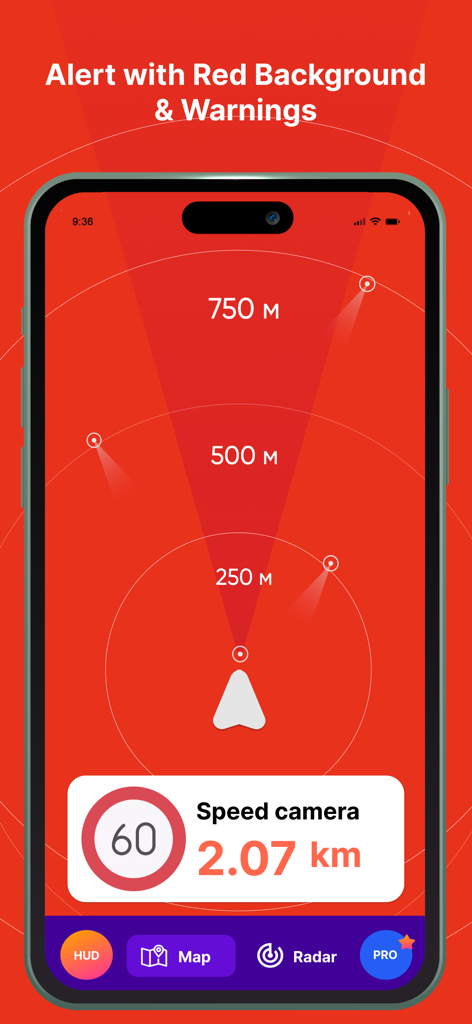
スピードカメラレーダー探知機アプリが、カメラまでの距離警告が表示された赤いアラート画面を表示

スピードカメラレーダー探知機アプリが、カメラまでの距離警告が表示された赤いアラート画面を表示

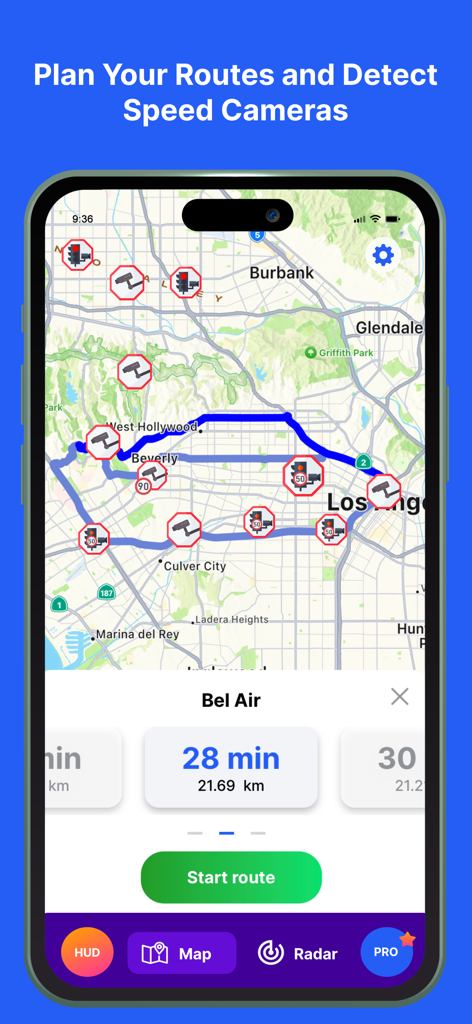
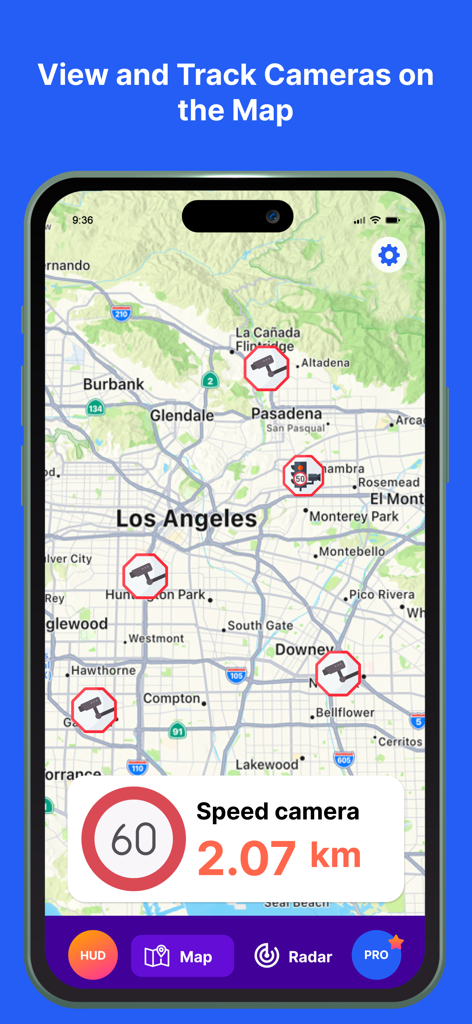
ロサンゼルスの計画ルート上にスピードカメラと赤信号カメラのアイコンが表示されたナビゲーションマップインターフェース

ロサンゼルスの計画ルート上にスピードカメラと赤信号カメラのアイコンが表示されたナビゲーションマップインターフェース

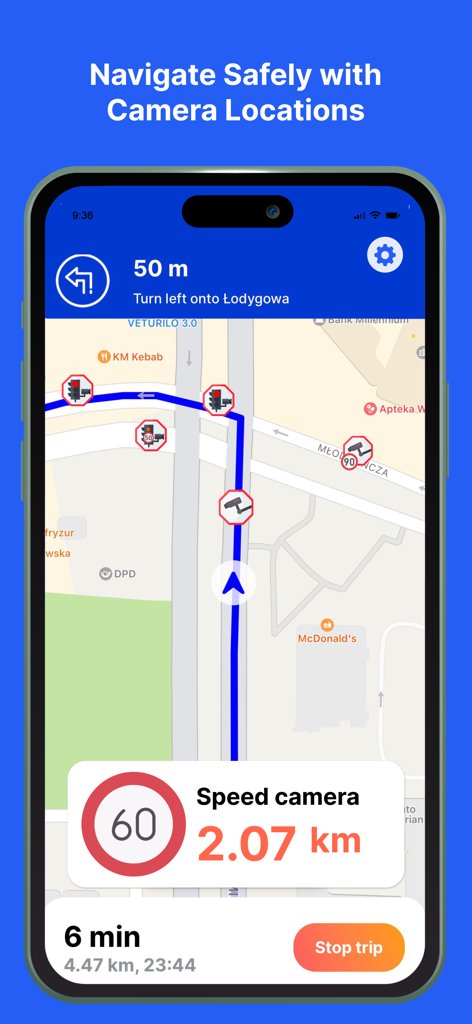
スピードカメラとリアルタイムアラートのアイコンが表示されたGPSナビゲーションマップを表示するスマートフォン画面

スピードカメラとリアルタイムアラートのアイコンが表示されたGPSナビゲーションマップを表示するスマートフォン画面

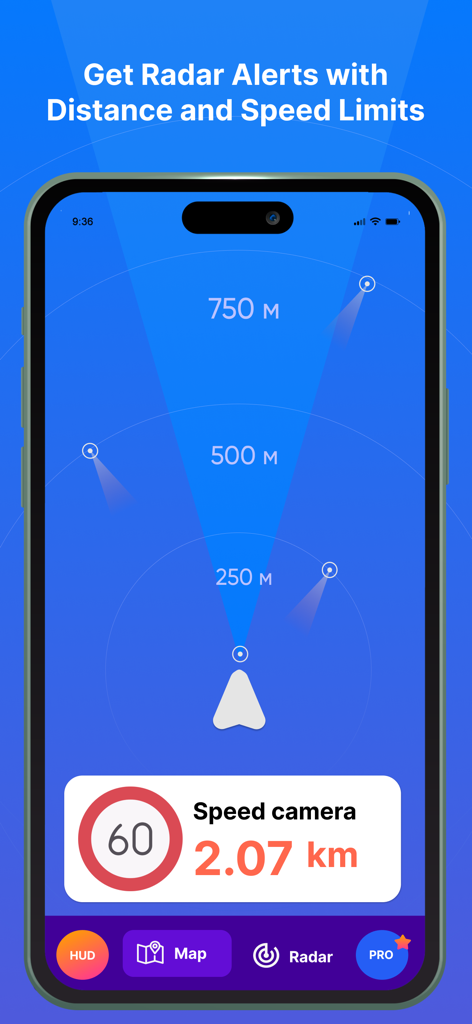
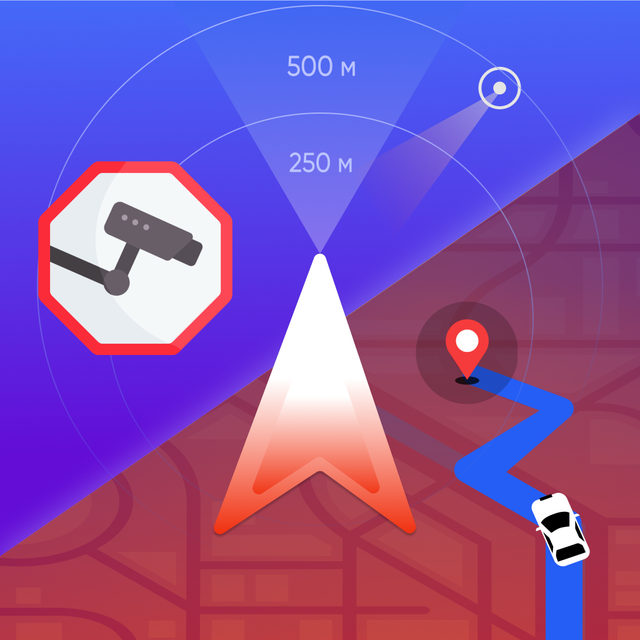
距離アラートと制限速度インジケーターが表示されたレーダーモードのスピードカメラレーダー探知機アプリのインターフェース

距離アラートと制限速度インジケーターが表示されたレーダーモードのスピードカメラレーダー探知機アプリのインターフェース

ロサンゼルスマップ上のスピードカメラと赤信号カメラの位置を表示するモバイルアプリ画面

ロサンゼルスマップ上のスピードカメラと赤信号カメラの位置を表示するモバイルアプリ画面

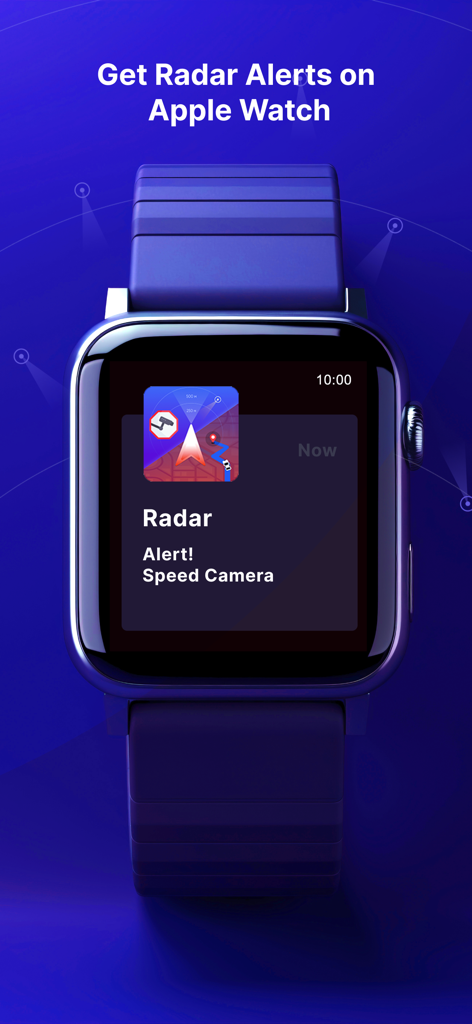
Apple Watchに表示されるスピードカメラレーダーアラート通知

Apple Watchに表示されるスピードカメラレーダーアラート通知

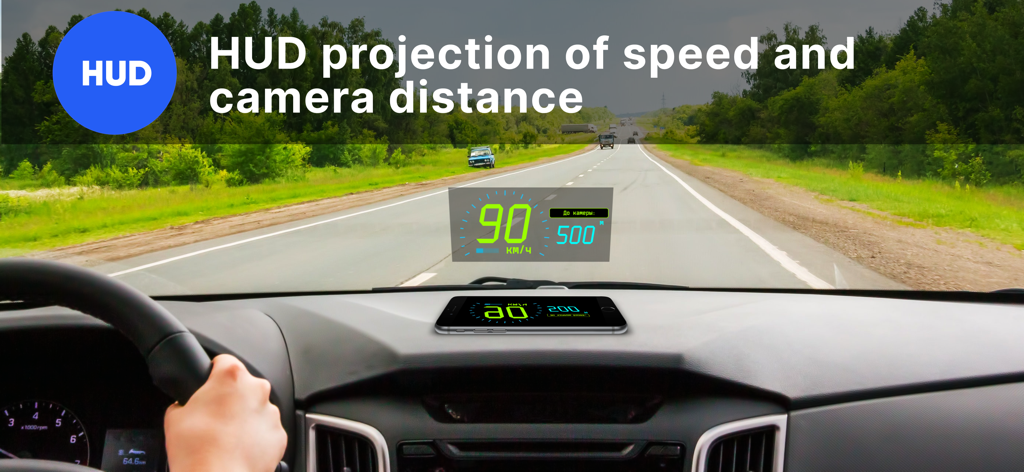
車のフロントガラスに現在の速度と最寄りのスピードカメラまでの距離を投影するヘッドアップディスプレイ

車のフロントガラスに現在の速度と最寄りのスピードカメラまでの距離を投影するヘッドアップディスプレイ

ヘッドアップディスプレイモードのためにスマートフォンをフロントガラスの下に置くための説明画面

ヘッドアップディスプレイモードのためにスマートフォンをフロントガラスの下に置くための説明画面

あらゆるスピードトラップの一歩先を行く

このアプリを際立たせるツール、 10K+ 人のユーザーが選択.

📡

リアルタイムレーダー精度

10万件以上のカメラからなる巨大なデータベースにアクセスし、距離ベースのアラートと進行方向検知で、高額な罰金を回避します。

🌌

高度なHUD視認性

フロントガラスをハイテクコックピットに変えましょう。夜間でもスピードとアラートを投影し、運転に集中できます。

📲

スマートバックグラウンド保護

お気に入りの音楽やポッドキャストと一緒に、レーダーをシームレスに実行しましょう。アプリを開かなくても、重要な音声アラートを受け取れます。

アプリについて

について知っておくべきこと Speed Camera Radar Detector.

説明

Stay safe on the roads and avoid speeding tickets with our advanced GPS Radar Detector app! Designed for drivers in the USA, our app offers real-time alerts for speed cameras, red light cameras, and comprehensive navigation. GLOBAL CAMERA DATABASE: Access a global database of over 100,000 speed cameras and red light cameras, including 8000+ in the USA, ensuring you are covered no matter where you drive. Our app is your ultimate companion for safe, ticket-free driving. Enhance your driving experience with essential features. RADAR MODE (Arrow, Beam): Our radar mode provides timely notifications of approaching speed cameras and red light cameras. You'll receive information on the distance and direction of the camera, helping you stay alert and safe. NAVIGATOR: Find addresses, choose routes, and navigate seamlessly like in Google or Apple Maps. Our navigation system offers step-by-step voice guidance, distance, and estimated arrival time. It also recalculates routes automatically if you deviate from the planned path. BACKGROUND MODE: The app can run in the background, ensuring you remain informed without needing to keep the app open on your screen. NEAREST CAMERA: Get precise information on the distance to the nearest radar, helping you adjust your speed in time. AUDIO ALERTS: Receive sound notifications as you approach speed cameras and red light cameras, allowing you to stay focused on the road. DIRECTION DETECTION: Our app detects the direction from which a speed camera or red light camera is approaching, providing accurate alerts based on your driving direction. HUD (HEAD-UP DISPLAY): Project important information such as speed and distance to the nearest camera onto your car's windshield. This feature is especially useful for nighttime driving. DATABASE UPDATES: Keep your camera database up-to-date with regular updates, ensuring you have the latest information on speed cameras and red light cameras. OFFLINE MODE: The radar works both online and offline, giving you flexibility in various driving conditions. GRAPHIC INSTRUCTIONS: First-time users will find a detailed graphic guide to help them get started with the anti-radar features. Flexible Settings: - Set notifications for cameras at specific distances. - Turn sound alerts on or off based on your preference. Frequently Asked Questions: 1. Why can't I hear the sound alerts? - ensure your phone's sound is turned on. - when connected to your car via Bluetooth, sound alerts may sometimes be quieter. 2. Why is there no information on the nearest camera? - make sure your phone's geolocation services (GPS) are enabled. Download our app now to experience the ultimate in driving safety and convenience. Stay informed, avoid fines, and enjoy peace of mind on the road.

最新バージョン

2.5

サイズ

34.8 MB

リリース日

2024年7月29日

切符なしで運転する準備はできましたか?

リアルタイムアラートと正確なナビゲーションで、高額な罰金や保険料の値上がりを回避している何千人もの賢いドライバーに仲間入りしましょう。今すぐダウンロードして、あらゆる道路で保護されましょう。

ダウンロード: App Store

App information, icons, screenshots, and descriptions displayed on this page are sourced from the Apple App Store and are the property of their respective developers. Download estimates and rankings are based on MWM's proprietary models and may not reflect actual figures. This page is provided for informational and analytical purposes only.

Believe this page infringes your intellectual property? File a dispute