Text Viewer - txt file viewer

Text Viewer - txt file viewer


ダウンロード: App Store
ロゴ: Text Viewer - txt file viewer

Text Viewer - あなたの究極のポータブルTXT小説ライブラリ

邪魔されない読書体験を求める、テクノロジーに精通した読者の選択。クラウドからシームレスに同期し、あらゆるピクセルをカスタマイズし、高度な自動スクロールとiPad最適化ビューで、お気に入りのWeb小説に没頭しましょう。

開発元

kim juyoung

カテゴリ

Books

ダウンロード

590K+

ユーザー評価

4.7/5

評価数

4K+

対応言語

3

あなたの読書を、あなたのやり方で

このインターフェースを利用する 590K+ 人のユーザー.

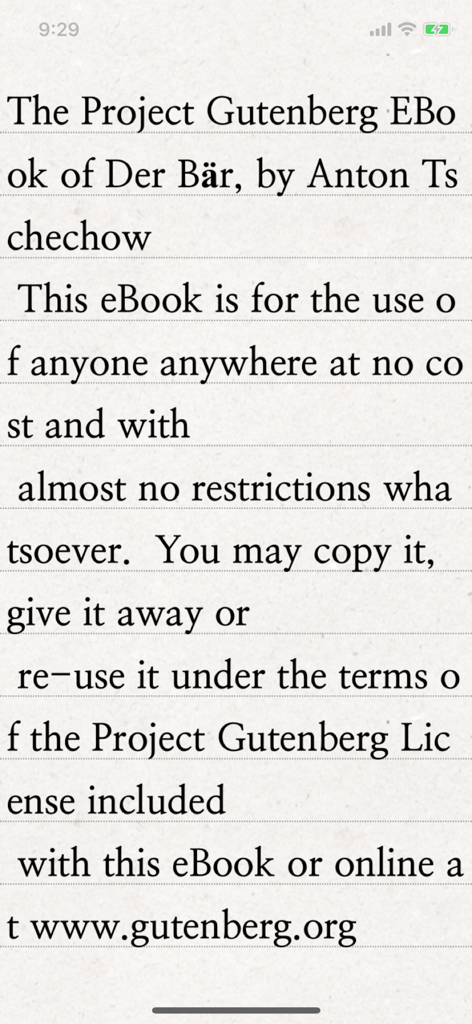
テキストビューアアプリが、テクスチャのある紙の背景にクリアなセリフ体タイポグラフィで、Project Gutenbergからのクラシックな電子書籍を表示しているスマートフォンの画面。

テキストビューアアプリが、テクスチャのある紙の背景にクリアなセリフ体タイポグラフィで、Project Gutenbergからのクラシックな電子書籍を表示しているスマートフォンの画面。

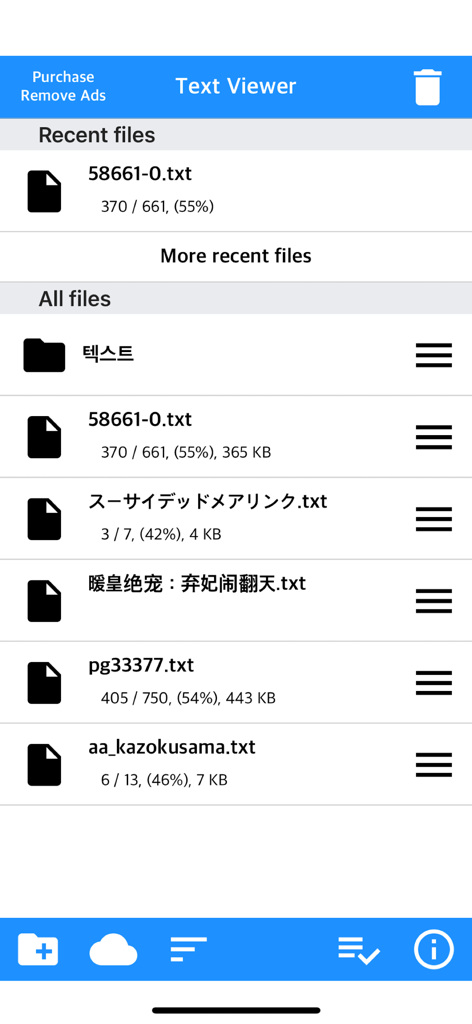
テキストビューアアプリのメインファイル管理画面。読書進捗状況が表示されたTXTファイルのリストが表示される。

テキストビューアアプリのメインファイル管理画面。読書進捗状況が表示されたTXTファイルのリストが表示される。

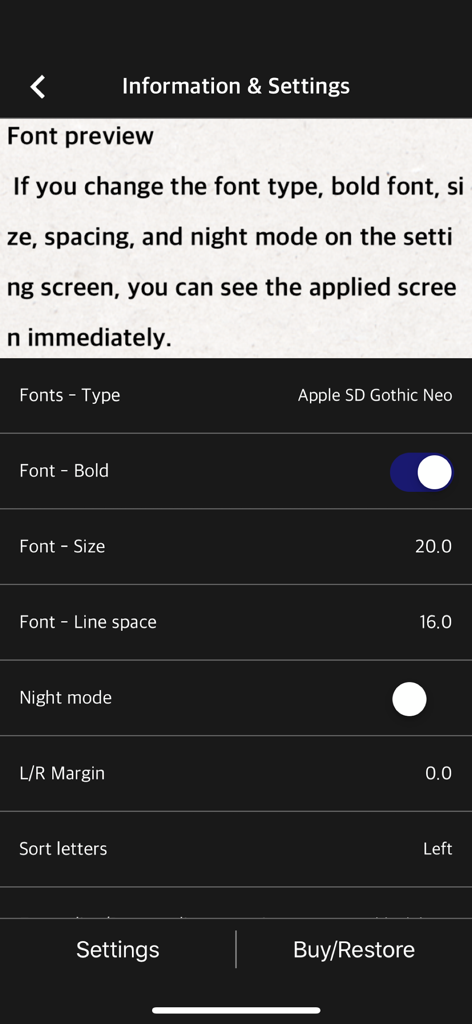
テキストリーダーのフォントタイプ、サイズ、行間隔を調整するためのモバイルアプリ設定画面

テキストリーダーのフォントタイプ、サイズ、行間隔を調整するためのモバイルアプリ設定画面

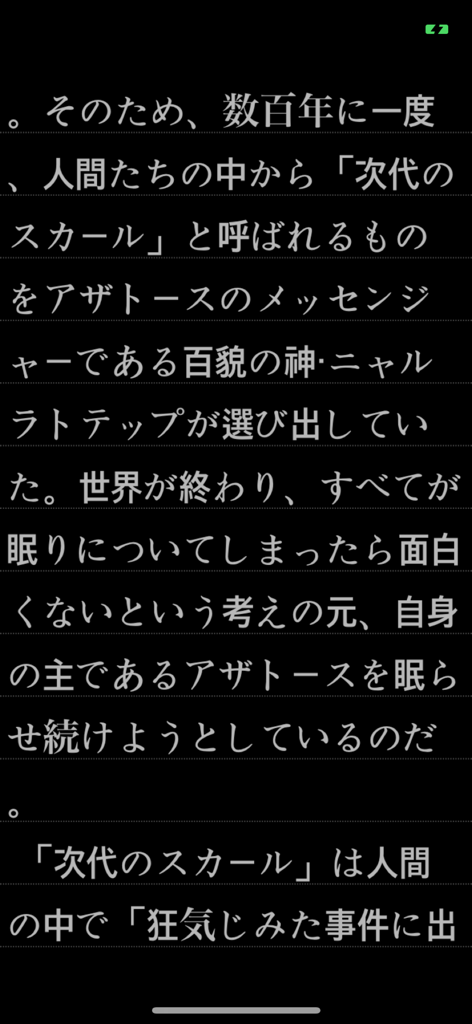
テキストビューアモバイルアプリのダークモードで表示される日本語テキスト

テキストビューアモバイルアプリのダークモードで表示される日本語テキスト

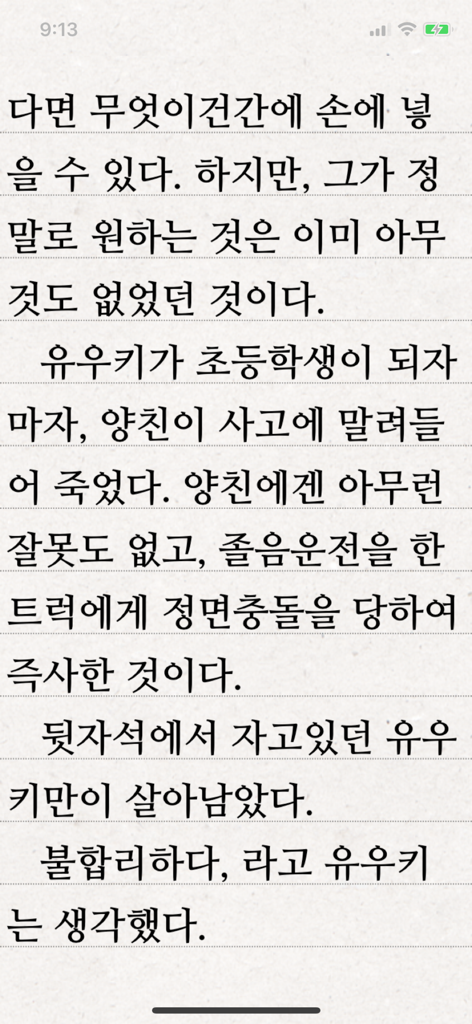
テキストビューアアプリが、線のある背景に韓国語テキストのページを表示している

テキストビューアアプリが、線のある背景に韓国語テキストのページを表示している

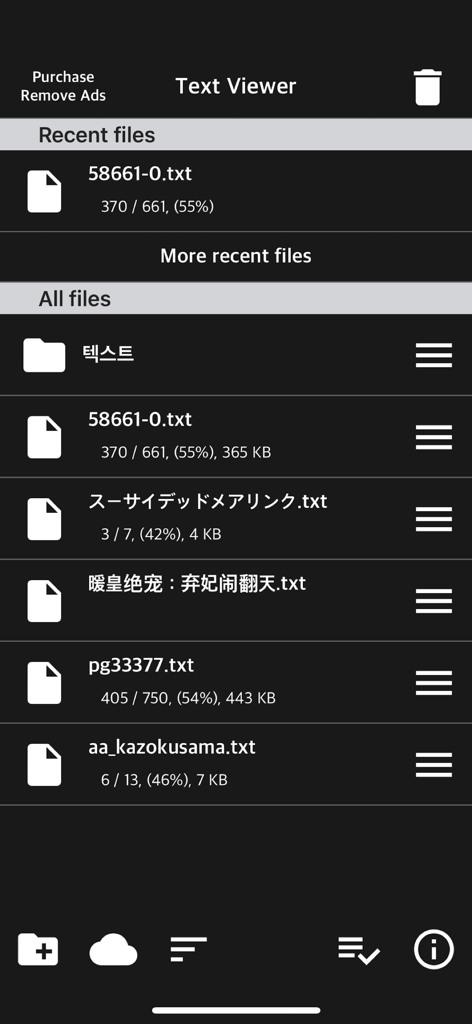
テキストビューアアプリのインターフェース。ダークモードで保存された最近のテキストファイルとテキストファイルのリストが表示される。

テキストビューアアプリのインターフェース。ダークモードで保存された最近のテキストファイルとテキストファイルのリストが表示される。

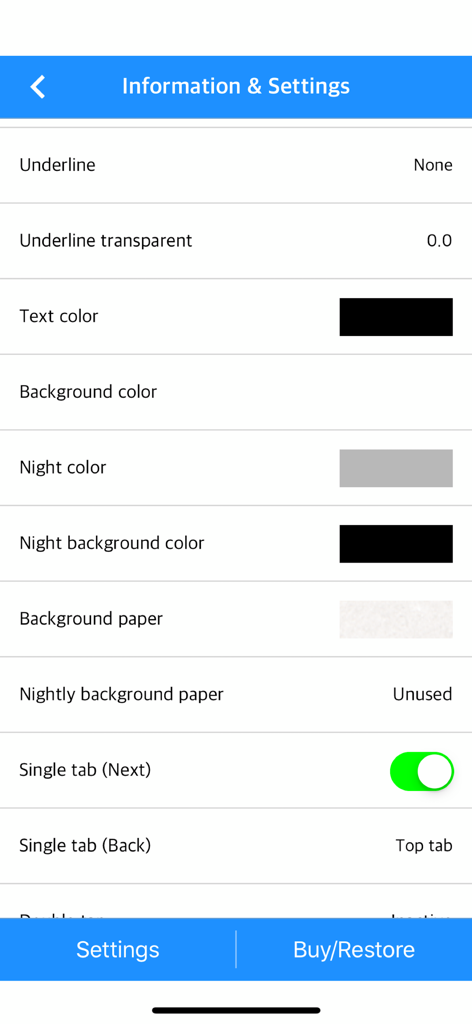
テキストビューアアプリの設定メニュー。テキストと背景色のカスタマイズオプションが表示される。

テキストビューアアプリの設定メニュー。テキストと背景色のカスタマイズオプションが表示される。

あなたの望む読書スタイルで

このアプリを際立たせるツール、 590K+ 人のユーザーが選択.

🎨

完全な視覚的コントロール

フォントの太さ、行間隔、カスタム余白の細かいコントロールで、ハイエンドな電子書籍リーダーを模倣しましょう。垂直モードと水平モードを切り替えて、あなたの完璧なフローを見つけてください。

☁️

あなたのライブラリを、どこへでも

かさばるケーブルは忘れてください。iCloud、Dropbox、FTP、またはPCからモバイルデバイスへの直接Wi-Fi転送で、あなたのプライベートコレクションを瞬時にインポートしましょう。

binge-readingに最適化

独自のファイル分割ツールと自動スクロール機能で、膨大なWeb小説をマスターしましょう。スマートブックマークと「最後に表示した」同期で、あなたの場所を決して失うことはありません。

アプリについて

について知っておくべきこと Text Viewer - txt file viewer.

説明

Simple text based novel viewer app that can view text file on your smart devices. Now, you can read E-book of text-based novel You can directly transfer text file from PC to App under identical Wi-Fi connection. If you are using iCloud app, the text file uploaded to iCloud can be imported into this App. It supports FTP and iTunes. Pages can be switched using tapping, left-right/up-down dragging, or scrolling. Each switching gesture feature can be turned on and off in the settings. It supports automatic scrolling (in-app purchase required). It is compatible with iPhone and iPad, and it can customize view mode as horizontal or vertical in the setting. In addition, it supports various features such as cutting file, and changing font, color, and brightness. Text viewer app is designed for viewing text-based novels (books) easily. It is being continuously improved for facilitation. If you have any questions or suggestions after installing app, please send an email to junhuloveapple@gmail.com, or click ‘send an email’ button located at the top right of your app's settings screen. We will try to response and update quickly. (It may take a day or so to answer if you ask using the comment system of Apple. If you need immediate response, please email us.) ** FEATURES ** - txt file extension - UTF-8 and multilanguage encodings - Writing direction: Function for languages that are read in the left direction (iOS 14+) - Enables to upload using PC web browser with Wi-Fi - File import from cloud apps such as iCloud, Dropbox, OneDrive, Mega, and Box etc. - FTP: search, download - SSHFTP - Secure FTP not supported - Enables to upload file using iTunes file sharing - File copy in the cloud app or mail attachment - Enables to set text size, space, and thickness - Adds page transition animation effects - Locks app and file - phone/tablet - Choose font types - Adjust screen brightness - Upload and search the compressed file including text file - Cut file feature: split file over 2MB into files of fixed size - Left / Right margin settings - Background / text color settings - Horizontal and vertical rotation for phone / tablet  - iPad multitasking screen support - Create / delete / rename of folder - Move / copy / delete of file - Select multiple files - Move the pages by tapping and left-right/up-down dragging - Search and view the text file from compressed file - Align text (left, right, center) - Search - Bookmark - Insert / delete a blank line - Turn off screen option: Automatically turn off screen at designated time when activated - Start view from the last viewed - Vertical scroll feature: User can scroll down the viewport - Next book auto-switching options: If you automatically change the next book switching option in Settings, tabs on the last page will automatically switch to the next book. - Automatic scroll feature (text file): Enable to scroll down automatically / Enable to set scroll down time from 1 second (fast) to 30 second (slow). (In-app purchase required) - Bluetooth keyboard: Supports page switching and screen closing function, direction key (asdw) page switch, ESC key viewer screen close (In-app purchase required) - "Two-page view" support in pad: left-right, right-left page direction also selectable, please adjust page interval to "left and right margin" value. (In-app purchase required, pad only) ** To import file from cloud, you need to install and login the cloud app. ** For the “file share” of iTunes and the “app file share” of ifunbox, the file should be uploaded using Text Viewer. ** Advertising: Text Viewer includes banner ad. When you watch the video advertising (less than 1-minute length), you can use ad-free Text Viewer for 24 hours per every day; or you can use permanent ad-free Text Viewer by in-app purchase.

最新バージョン

1.377

サイズ

103.3 MB

リリース日

2017年11月29日

あなたのライブラリ全体を、あなたの望む通りに

59万人以上のパワフルな読書家やWeb小説愛好家に加わりましょう。iPhoneとiPad向けの最もカスタマイズ可能なテキストビューアをダウンロードして、今すぐ読書を始めましょう。

ダウンロード: App Store

App information, icons, screenshots, and descriptions displayed on this page are sourced from the Apple App Store and are the property of their respective developers. Download estimates and rankings are based on MWM's proprietary models and may not reflect actual figures. This page is provided for informational and analytical purposes only.

Believe this page infringes your intellectual property? File a dispute